 ProMapRanker
Best Futures Charting Software in 2026

Key takeaways
- TradingView suits clean multi-market charting and idea sharing, while Sierra Chart suits serious futures specialists.
- NinjaTrader and TradeStation suit traders who want backtesting and automation beside charting.
- Order flow tools like Bookmap and ATAS suit tape readers, but they need a good real-time data feed.
- Data fees, broker links, and operating system support can matter more than the charting price alone.
- This article is general information only, not financial advice, and futures trading carries risk of loss.
Quick comparison
| Pick | Great for | Pricing starts at | Free tier | |
|---|---|---|---|---|
 TradingView | Clean multi-market charting | Free | Yes | Visit |
 NinjaTrader | Futures automation | Free | Yes | Visit |
 Sierra Chart | Serious futures charting | $26 per month | Free trial | Visit |
 Quantower | Multi-broker charting | Free | Yes | Visit |
 ATAS | Order flow and footprint | Free | Yes | Visit |
 Bookmap | Liquidity heatmap | Free | Yes | Visit |
 MultiCharts | Strategy backtesting | $99 per month | Free trial | Visit |
 MotiveWave | Technical analysis studies | Free | Yes | Visit |
 TradeStation | Multi-asset systematic trading | See website | Free trial | Visit |
The best futures charting software
Good futures charting software should show price, volume, and order flow clearly, connect to a reliable data feed, and stay fast during volatile sessions.
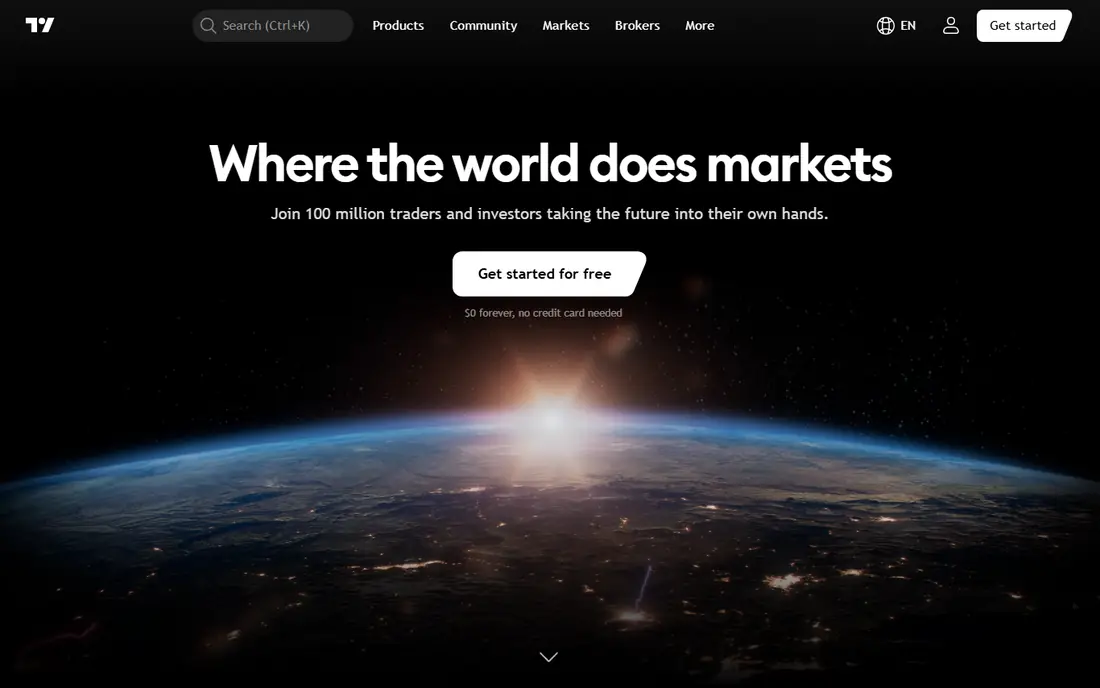
TradingView is the easiest futures charting tool for most traders to start with, since it runs in a browser and on mobile, with desktop apps as well. Charts are clean, indicators are easy to add, and Pine Script lets traders build custom studies and alerts without a complex install. The free Basic plan covers basic charting, while paid plans add more indicators, layouts, and alert capacity.
The limits show up for active futures traders who need deep order flow, a full depth ladder, or advanced bracket orders inside the chart. Real-time data for some futures exchanges also requires a separate data subscription, so the charting price is not the whole cost. For swing traders, learners, and multi-market watchers, TradingView is a strong and friendly starting point.
- Clean web and mobile charts
- Large indicator library
- Easy sharing and alerts
- Advanced futures order tools are thinner
- Real-time exchange data may cost extra

NinjaTrader is built around futures, and it suits active traders who want charting, order flow, backtesting, and automation in one desktop platform. Market Replay lets traders practice on historical sessions, Order Flow tools show volume and profile data, and NinjaScript in C# supports custom indicators and automated strategies. A free plan covers basic charting and simulation, with paid monthly and lifetime options for lower commissions and full features.
The learning curve is steep, and the desktop experience is Windows focused, which matters for Mac users. Data and brokerage links also affect the total cost, so check the exact plan and connection before committing. For a dedicated futures trader who wants one serious platform, NinjaTrader remains a leading choice.
- Futures focused platform
- Order Flow and Market Replay
- NinjaScript automation
- Windows focused desktop experience
- Full feature cost rises with paid plans
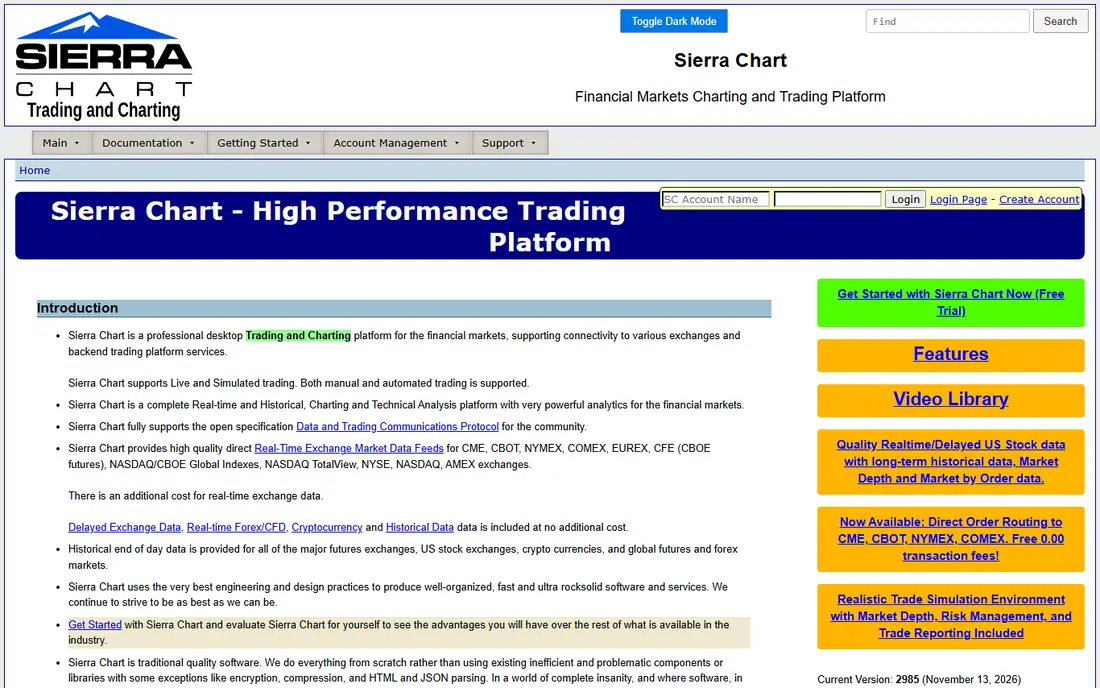
Sierra Chart suits futures traders who prize speed, reliability, and control over a polished look. Its charting engine stays responsive during fast markets, and it offers a wide range of studies, custom tools through its ACSIL system, and spreadsheet based systems for traders who like to build their own logic. Base packages start at $26 per month, with higher packages adding data and integration options.
New users often find the interface dated and the setup demanding, since Sierra Chart assumes the trader knows what studies, data, and routing they need. Denali data and broker links can also add cost beyond the base package. For a professional or serious retail futures trader, that depth is worth the learning effort. For a casual chart watcher, TradingView will feel far easier.
- Fast and reliable charting
- Deep customization
- Strong futures data support
- Dated interface
- Steep learning curve for new users
Quantower suits traders who want a modern charting platform that connects to many brokers and data providers, including CQG, Rithmic, and Interactive Brokers. It covers charting, order flow, volume profile, and strategy tools in a cleaner interface than older desktop platforms, and a limited free edition lets traders test the layout before paying. The paid All-in-One license adds the full feature set.
Connection availability differs by package and broker permission, so a trader should confirm that their broker and feed work with the license they plan to buy. Paid features can also add up for a trader who needs every module. For a trader who values broker choice and a modern workspace, Quantower is a flexible middle ground between TradingView and Sierra Chart.
- Many broker and data connections
- Modern interface
- Order flow and algo tools
- Full features need a paid license
- Setup varies by connection
ATAS suits futures traders who read order flow, with footprint charts that show traded volume at each price level inside each bar. That view helps tape readers see absorption, exhaustion, and aggressive buying or selling more clearly than a plain candlestick chart. A free Start tier lets traders explore the platform, with paid tiers adding data, features, and higher limits.
Real-time futures data requires a paid plan or a separate feed, so the free tier alone is not enough for live trading decisions. The classic version is Windows focused, though a newer cross-platform version exists, so Mac users should check compatibility first. For a trader whose edge comes from order flow, ATAS is one of the clearest tools for that job.
- Footprint and cluster charts
- Order flow tools
- Good for tape reading
- Real-time futures data needs a paid plan
- Windows focused classic version
Bookmap suits traders who want to see liquidity, not just price history. Its heatmap shows resting orders in the book as they build, shift, and get pulled, which helps scalpers and short-term traders judge where large participants may defend a level. A free Digital tier lets traders try the core view, with paid tiers adding global data, more features, and broader connections.
Bookmap is not a full charting replacement for most traders, since it focuses on the book rather than broad technical studies and backtesting. It works best paired with a charting platform like Sierra Chart, NinjaTrader, or TradingView. For a trader who trades off liquidity and short-term order flow, that pairing can be more useful than another indicator on a candlestick chart.
- Real-time order book heatmap
- Liquidity visualization
- Useful beside a charting tool
- Not a full charting replacement
- Data and package costs vary
MultiCharts suits systematic traders who want to build, test, and run strategies with care. Its backtesting, optimization, and portfolio tools are deeper than those on general charting platforms, and PowerLanguage gives strategy builders a clear way to code rules. The Standard plan is listed at $99 per month, with an Advanced plan for traders who need more features.
The price and desktop focus limit its appeal for casual chart watchers, and new users face a learning curve before strategies run reliably. Broker and data adapter availability also varies, so confirm your connection first. For a trader whose main work is testing and running rules-based futures strategies, MultiCharts offers depth that simpler charting tools do not match.
- Strong backtesting and strategy tools
- Many broker and data adapters
- PowerLanguage support
- High monthly price
- Windows desktop focus
MotiveWave suits technical analysts who rely on Elliott Wave, Gann, and detailed pattern studies, with tools that go beyond standard indicators. It runs on Windows, Mac, and Linux, which helps traders who do not use Windows, and a free Community edition lets new users test basic charting. Higher plans add order flow, strategy tools, and more advanced analysis features.
Order flow and full strategy features sit on higher tiers, so a futures tape reader should check the plan that actually includes them. The breadth of studies can also overwhelm a new trader who only needs clean candles and volume. For a pattern and wave focused trader, MotiveWave offers a focused toolkit that general platforms treat as an afterthought.
- Strong Elliott Wave and Gann tools
- Cross-platform support
- Strategy tools on higher plans
- Order flow features need higher plans
- Full cost rises with add-ons
TradeStation suits traders who want futures beside stocks and options in one systematic platform. Its desktop research, charting, and EasyLanguage strategy tools let traders build and test ideas across markets, and its brokerage links support futures trading with commission terms that vary by volume and plan. That multi-asset scope appeals to traders who do not trade futures alone.
Futures focused traders may find NinjaTrader or Sierra Chart more specialized for order flow and futures execution, and TradeStation's depth takes time to learn. Commission and data costs also depend on account and volume, so confirm the full terms before comparing it with a charting-only tool. For a systematic multi-asset trader, TradeStation remains a strong and mature choice.
- EasyLanguage strategy tools
- Multi-asset coverage
- Strong desktop research
- Futures commissions vary by volume
- Platform depth takes time to learn
How we picked these
We compared official pricing pages, platform documentation, and 2026 futures platform guides, and we focused on software that is still sold and supported for futures charting in October 2026. We mixed clean web charting, futures focused desktops, order flow specialists, and strategy platforms, so different trading styles can find a fit. We used published prices only where a vendor lists them, and we marked other tools as quote or account based rather than inventing a price. This article is general information only, not financial advice, and futures trading carries risk of loss.
What to check before you buy
Start with your trading style, since that decides the tool. A swing trader needs clean charts and alerts. A scalper needs a fast ladder, order flow, and a low latency feed. A systematic trader needs backtesting and automation. Write down that style first, then remove any platform that does not serve it, even if the price looks low.
Next, check the full cost and fit: charting license, exchange data fees, broker commissions, and operating system support. Test the platform in simulation during a volatile session, and confirm that your broker and data feed connect cleanly. Finally, set risk rules before live trading, since no charting tool removes market risk, and margin borrowing in futures can magnify losses as well as gains.
Frequently asked questions
What is the best charting platform for futures?
TradingView suits clean multi-market charting, Sierra Chart suits serious futures specialists, and NinjaTrader suits futures traders who want automation. The best choice depends on trading style, data needs, and operating system.
Do I need to pay for futures market data?
Often yes, since real-time exchange data for futures is usually a separate subscription from the charting license. Free plans may use delayed data, so confirm the data fee for each exchange you trade before you rely on a platform for live decisions.
Can I trade futures on TradingView?
TradingView supports trading through supported integrated brokers, but execution, data, and order types depend on the broker and account. Check that your broker, exchange, and order type are supported before you plan a live workflow around it.
Is Sierra Chart good for beginners?
Sierra Chart is powerful, but its dated interface and setup demands make it hard for beginners. New traders often start with TradingView or NinjaTrader simulation, then move to Sierra Chart once they know which studies and data they need.
What is order flow in futures charting?
Order flow shows how trades, volume, and resting orders interact at each price, using tools like footprint charts, volume profile, and book heatmaps. It helps short-term traders read buying and selling pressure, but it still needs a reliable real-time feed to be useful.
Is futures trading risky?
Yes, futures use margin borrowing, which can magnify losses as well as gains, and traders can lose more than their initial margin in adverse moves. This article is general information only, not financial advice, so learn the risks, practice in simulation, and consider professional advice before trading live.
Sources
See where you really rank - block by block
ProMapRanker scans Google Maps across a grid of your service area. Simple monthly plans from $19, white-label on every plan.
Start freeKeep reading
 zscaler alternatives
Best Zscaler Alternatives in 2026
Looking for zscaler alternatives? We compare 9 SASE and zero trust platforms on architecture, data protection, pricing, and fit for your network and team.
Read → zapier alternatives free
Best Zapier Alternatives Free in 2026
Nine automation tools for zapier alternatives free in 2026, all with genuinely free tiers, plus free plan limits, starting prices and upgrade paths explained.
Read → which platform is best for online reputation
Which Platform Is Best for Online Reputation in 2026
Wondering which platform is best for online reputation? We compare 8 review, listing, and response tools for small and multi-location businesses and agencies.
Read →