 ProMapRanker
Best Listing Management Software for Orthodontists in 2026
Direct answer
Yext is my top pick for orthodontists because it pushes practice details to a large network of maps, directories and health-related sites from one record, which suits multi-location practices with several doctors and offices. Pricing is quote-based, so check its pricing page. If you mainly want review requests after appointments, look at GatherUp; if you want to correct and sync core directory data on a tighter budget, look at Moz Local.
I compared these tools from vendor documentation and public sources, not from hands-on tests. I looked at what each one actually does for a practice with one or more offices, how it handles Google Business Profile, and where the limits sit. Below is what I found, with the trade-offs spelled out.
Key takeaways
- Orthodontic practices usually need listing management that handles multiple locations, multiple doctors and appointment-based review requests, not just a single map pin.
- Data accuracy across maps and directories matters because new patients often check a practice's name, address and phone before they call or book.
- Review software should follow Google's review policies: ask every patient, never filter out unhappy ones, and never offer incentives for positive reviews.
- Google Business Profile is the single most important listing for an orthodontist, so any tool you buy should sync with it cleanly.
- Software does not replace a claimed, verified and regularly updated Google Business Profile; it only helps you keep it consistent.
Quick comparison
| Pick | Great for | Pricing starts at | Free tier | |
|---|---|---|---|---|
 Yext | Large multi-location orthodontic groups | See website | Not stated | Visit |
 Moz Local | Fixing core directory data on a budget | See website | Not stated | Visit |
 GatherUp | Review requests after orthodontic appointments | See website | Free trial | Visit |
 Semrush Local | Practices already using Semrush | See website | Not stated | Visit |
 Uberall | Practices with many offices and brands | See website | Not stated | Visit |
 Synup | Mid-size practices wanting listing control | See website | Not stated | Visit |
 Whitespark | Citation building and local search audits | See website | Not stated | Visit |
The best listing management software for orthodontists compared
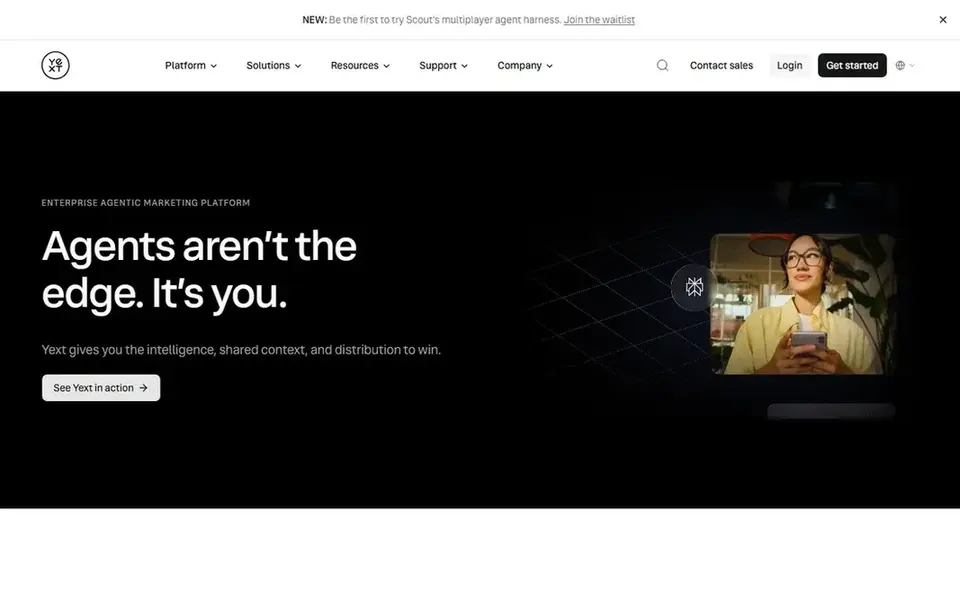
Yext is a listings platform built around a central record of your business facts, which it then distributes to a large network of maps, directories and industry sites. For an orthodontic group with several offices and rotating doctors, that central record is the main draw: you update an address or phone number once and the change flows outward.
For orthodontists, the useful part is handling each office as its own location with its own hours, phone and doctors, while keeping the brand consistent. Yext also covers Google Business Profile data, so opening hours around school terms and holiday closures can be managed in one place. That matters when a parent checks whether your Saturday clinic is open before booking a consultation.
The limit is scale. A single-practice orthodontist will pay for a network and feature set they may not use, and pricing is quote-based, so you need to ask for a quote before comparing. Skip it if you have one office and mainly want review requests.
- Wide network of maps, directories and health sites
- central record for many locations
- structured data for each office
- Quote-based pricing
- more features than a single-office practice needs
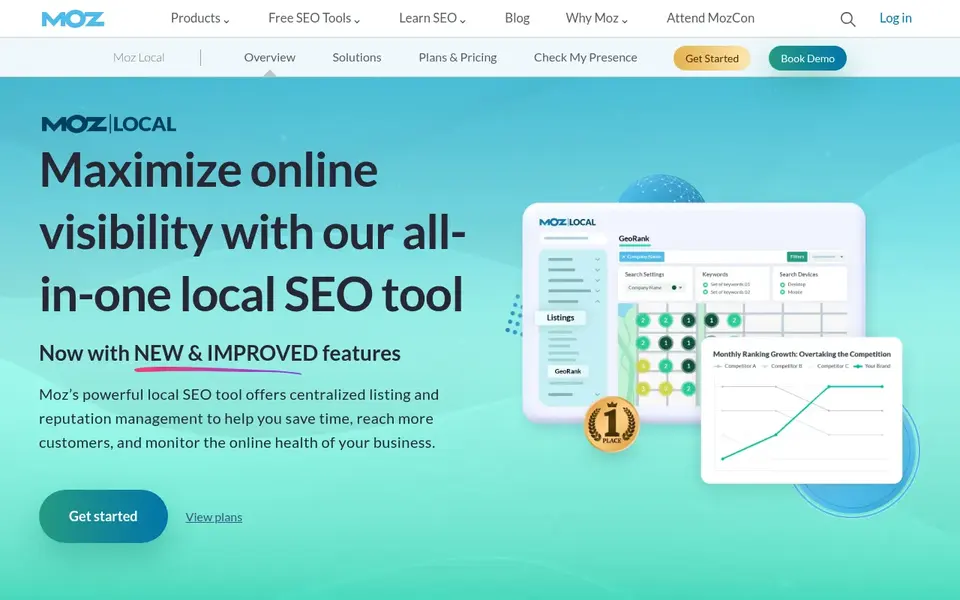
Moz Local is a listings tool aimed at keeping your name, address, phone number and category consistent across the major data aggregators and directories. It is a narrower product than Yext, and that is the point: it does one job, which suits a single-location orthodontic practice that wants the basics right.
In practice, an orthodontist's biggest listing problem is usually inconsistency. One directory lists the old suite number, another lists a fax line as the main phone, and a third still shows a dentist category. Moz Local helps you find and correct those mismatches so patients see the same details everywhere they check.
The limit is reviews. Moz Local is not a review request platform, so if post-appointment review generation is your priority, pair it with something else. Skip it if you need deep multi-location management.
- Focused on data accuracy across major directories
- simple to understand
- pairs with Moz's local tools
- Limited review request workflow
- not built for large multi-location groups
GatherUp is a customer feedback and review request tool. You connect it to your practice management workflow so that after an appointment, a patient receives a request to leave feedback or a review. That timing fits orthodontics well, because the natural moment to ask is after a adjustment visit or a retainer check.
The tool supports requests across multiple review sites, and it gives you a way to see feedback in one place. For an orthodontist, the value is steady, policy-compliant review flow: you ask every patient, you do not screen out unhappy ones, and you do not offer incentives. That keeps you inside Google's review rules while building a visible review base.
The limit is listings. GatherUp does not replace a directory sync tool, so a practice with messy directory data needs a second product. Skip it if your main problem is wrong addresses across directories rather than too few reviews.
- Sends review requests after visits
- supports multiple review sites
- simple customer feedback flow
- Listing sync is secondary
- not a full directory management suite

Semrush Local brings listing management into the wider Semrush platform. If your practice or agency already uses Semrush for keyword research and site audits, adding local listings keeps everything in one account and one bill.
For an orthodontist, the practical benefit is seeing your Google Business Profile performance next to your website data. You can check whether a new page about braces or aligners is pulling in local searches, and whether your listing details match what the site says. That joined-up view is handy for a practice that invests in content.
The limit is fit. If you do not already use Semrush, paying for the full platform just to manage listings is hard to justify for one office. Skip it if you want a standalone, low-cost listing tool.
- Listings management inside a broader SEO toolkit
- useful local audit data
- one login for several jobs
- Best value only if you already pay for Semrush
- overkill for a single office
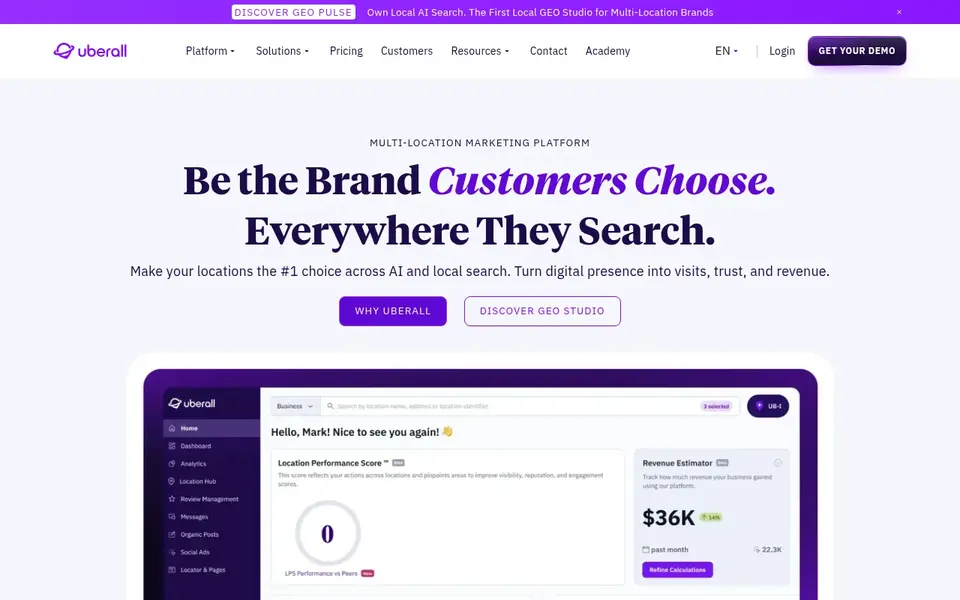
Uberall is a location management platform for businesses with many sites. It covers listings, local landing pages and location-level messaging, which fits an orthodontic group that runs several clinics under one brand and wants each clinic to have its own accurate presence.
For orthodontists, the multi-location angle is the reason to look. Each office can carry its own hours, doctors and contact details, while the group keeps brand control. If your group opens new clinics, having a system that adds a location cleanly saves a scramble of manual directory edits.
The limit is setup effort. Uberall expects you to plan your location data before you go live, and pricing is quote-based. Skip it if you have one or two offices and want something you can set up in an afternoon.
- Handles many locations
- supports listings plus local pages
- built for multi-location operations
- Setup takes planning
- pricing is quote-based
Synup is a listings and local marketing platform that covers directory sync, review monitoring and location dashboards. It sits between the narrow tools and the large enterprise platforms, which suits a practice that has grown past a single office but does not need a full enterprise contract.
For an orthodontist, the review monitoring side is useful because parents often mention scheduling, wait times or bedside manner in reviews. Seeing those comments across sites in one dashboard helps the front desk respond quickly and consistently, which is part of good local reputation management.
The limit is learning curve. The dashboard has a lot of screens, and pricing is quote-based. Skip it if you want the simplest possible tool and only have one location.
- Listings plus review monitoring
- location-level dashboards
- supports multiple directories
- Interface takes time to learn
- quote-based pricing
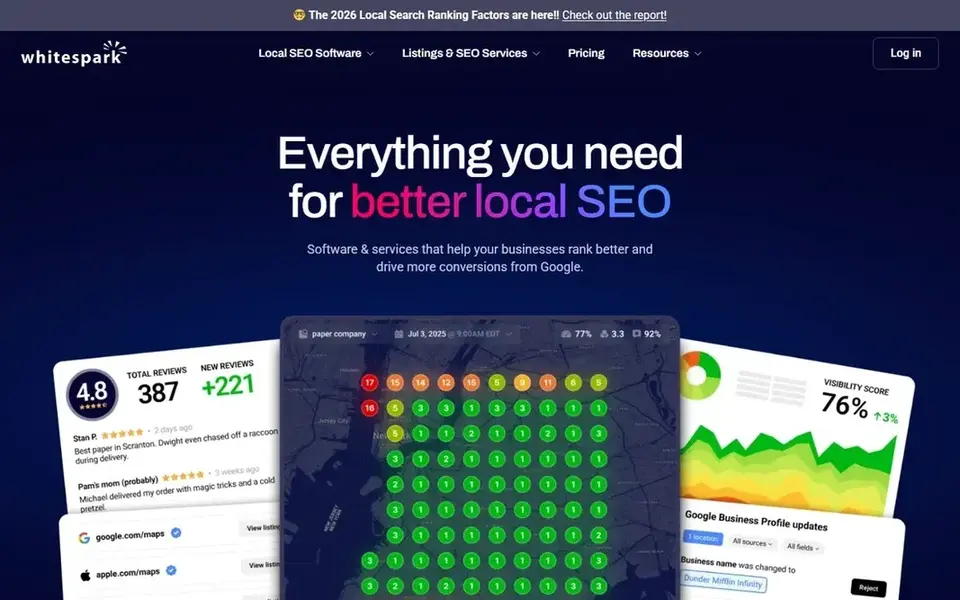
Whitespark is known for citation building and local search research. It helps you find where your practice is listed, where it is missing, and which citations are inconsistent. For an orthodontist, that is useful groundwork before or alongside a listings tool.
The practical use is auditing. You can see which directories list your practice and which do not, then work through the gaps. That is slower than a push-based listings platform, but it gives you a clearer picture of what is actually out there under your practice name.
The limit is automation. Whitespark is not a review platform and much of the citation work is manual. Skip it if you want a single dashboard that pushes updates everywhere without you reviewing each one.
- Strong citation research
- local search audit tools
- useful for finding gaps
- Not a review request platform
- citation work is partly manual
How I chose
I built this list from vendor documentation and public sources, and I did not run hands-on tests of these products. My starting point was the job an orthodontic practice actually needs done: keep name, address, phone and hours correct across maps and directories, manage a Google Business Profile, and collect reviews after appointments without breaking Google's rules. I then checked which tools genuinely cover those jobs and which only appear to.
I weighed fit over feature count. A single-office orthodontist and a ten-location group need different things, so I noted where each tool's scale becomes a drawback. I also checked review practices against Google's guidelines, because review gating and incentives create risk rather than benefit. Where pricing is quote-based, I say so rather than guessing, and I left out any tool I could not confirm exists and operates today.
What to check before you buy
- Confirm the tool syncs with Google Business Profile and lets you manage hours, holiday closures and multiple doctors per office.
- Check whether it handles multiple locations as separate records, since orthodontic groups often run several clinics under one brand.
- Ask how review requests are sent and confirm the tool does not filter patients or offer incentives, which would breach Google's review policies.
- Check which directories and data aggregators are covered, and whether health or medical directories relevant to orthodontics are included.
- Confirm how updates propagate: some tools push changes automatically, others give you a list to fix by hand.
- Ask about pricing structure directly, since several of these vendors quote per location or per feature rather than publishing a rate.
Frequently asked questions
What is the best listing management software for a single orthodontic office?
For one office, a focused tool like Moz Local is often enough, because the main job is keeping your name, address, phone and category consistent across the major directories. Pair it with a review request tool if reviews are a priority. Large platforms like Yext or Uberall add cost and setup work that a single practice rarely needs.
Do orthodontists need listing management software at all?
Not always. If you have one office and your Google Business Profile is claimed and accurate, manual checks may be enough. Software earns its place when you have several locations, frequent staff or address changes, or directory listings that keep drifting out of sync. It saves time and reduces the chance a parent sees the wrong phone number.
How does listing management help with new patient enquiries?
New patients often check a practice's name, address, phone and hours before calling. If those details are wrong on a directory or map, the enquiry can go to another practice. Consistent listings also support your Google Business Profile, which is where many local searches for braces and aligners end up.
Can listing software help me get more Google reviews?
Some tools, such as GatherUp, send review requests after appointments, which is the compliant way to build a review base. The software does not change the rules: ask every patient, never screen out unhappy ones, and never offer rewards for positive reviews. Review gating and incentives risk penalties and are not worth it.
Is it worth paying for a multi-location platform if I plan to open more clinics?
If expansion is likely within a year or two, a platform built for multiple locations can save a painful migration later. If expansion is uncertain, start with a focused tool and move when the second or third office opens. Check the contract terms and per-location pricing before committing.
Sources
See where you really rank - block by block
ProMapRanker scans Google Maps across a grid of your service area. Simple monthly plans from $19, white-label on every plan.
Start freeBrowse all guides
← Best Listing Management Software for Law Firms in 2026Best Local Rank Tracking Tools for Bakeries in 2026 →
 best listing management software for handymen
Best Listing Management Software for Handymen in 2026
A handyman-focused guide to listing management software in 2026, comparing tools for citations, Google Business Profile, reviews and call tracking.
Read → best listing management software for dance studios
Best Listing Management Software for Dance Studios in 2026
A guide to the best listing management software for dance studios in 2026, covering Google Business Profile, maps, reviews and multi-location listings.
Read → best listing management software for carpet cleaners
Best Listing Management Software for Carpet Cleaners in 2026
A practical guide to the best listing management software for carpet cleaners in 2026, covering Google Business Profile, citations and review tools.
Read → local seo for tire shops
Local SEO for Tire Shops
A local SEO guide for tire shops: Google Business Profile setup, reviews, and brand-and-service local SEO for tire retailers.
Read → local seo for appliance repair
Local SEO for Appliance Repair Companies
How appliance repair businesses can rank for near me searches and win same-day service calls.
Read → local business directory listings
Local Business Directory Listings: Which Ones Are Worth Your Time
Not all directories are equal. Learn which local business directory listings actually help and which to skip.
Read →More in Local SEO & Google Maps · All guides A to Z by date · Latest guides