 ProMapRanker
Best Listing Management Software for Law Firms in 2026


Citation accuracy and duplicate cleanup · Pricing starts at: See website
Direct answer
Whitespark is my top pick for law firms because it focuses on accurate citation data and duplicate cleanup, which matters when a firm name, address and phone number must match exactly across every directory. It offers a free trial, so check its pricing page for current terms. Yext suits firms that want direct control over listings at scale, and BrightLocal fits smaller practices that want citation work and review monitoring in one place.
I compared these tools from vendor documentation and public sources rather than hands-on testing. My focus was how each one handles the details that matter to a law practice: exact name and address matching, practice-area categories, attorney names, and multiple office locations. Where a vendor does not publish clear information, I say so rather than guess.
Key takeaways
- Law firms need identical name, address and phone data everywhere, because inconsistent listings confuse both clients and Google.
- Practice-area categories and attorney names are the fields most often wrong on legal directories, so pick software that lets you edit them per location.
- Multi-office firms should look for bulk editing and location groups rather than one-location-at-a-time tools.
- Review features help only if they follow Google's guidelines, which means asking every client honestly and never filtering out negative feedback.
- No tool fixes a wrong address on its own; someone at the firm still has to confirm the data before it is published.
Quick comparison
| Pick | Great for | Pricing starts at | Free tier | |
|---|---|---|---|---|
| Whitespark | Citation accuracy and duplicate cleanup | See website | Free trial | Visit |
 Yext | Direct control over listing data at scale | See website | Not stated | Visit |
 BrightLocal | Small firms wanting citations plus reviews | See website | Not stated | Visit |
 Moz Local | Firms already using Moz SEO tools | See website | Not stated | Visit |
 Semrush Local | Firms already on Semrush for SEO | See website | Not stated | Visit |
 Synup | Multi-office firms with several locations | See website | Not stated | Visit |
 Uberall | Firms with offices in several countries | See website | Not stated | Visit |
The best listing management software for law firms compared
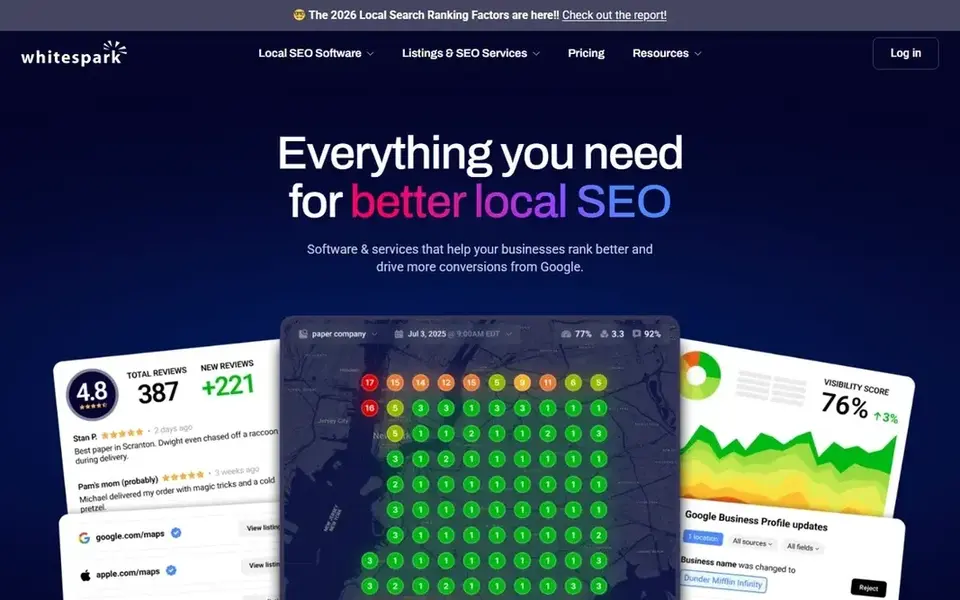
Whitespark is a citation and local SEO toolset built around finding where a business is listed and where the data is wrong. For a law firm, that usually means tracking down old addresses from a previous office, outdated phone numbers, and duplicate listings created by former marketing agencies. The citation finder shows what each directory currently has, so you can compare it with the firm's official details.
The workflow fits legal practices well because you can work one attorney or one office at a time. You submit corrections, then re-check later to confirm the change actually appeared. Its citation list includes legal-specific directories alongside general ones, which matters because a firm's profile on a legal directory often carries more weight with clients than a generic business listing. Duplicate cleanup is the part I would use first for any firm that has moved offices.
The limits are on the social and review side. If you want to publish posts to many platforms from one dashboard, this is not that tool. Firms that mainly want citation accuracy and duplicate removal should start here.
- Strong citation audit and duplicate finder
- legal directory coverage in its citation list
- clear per-location reporting
- Fewer social posting features than all-in-one suites
- not a full review management platform

Yext takes a different approach from citation submission tools. You store the firm's data in Yext once, and it pushes updates to a network of publishers and directories. For a firm with several offices and a steady stream of attorney changes, that central control is the main appeal, because you edit a phone number or address in one place instead of chasing each directory separately.
For law firms, the useful part is field-level control. You can keep the firm name exactly as registered, add practice-area descriptions, and manage hours that differ by office. Yext also handles the structured data that search engines read, which helps when a firm has multiple locations in one city. The trade-off is that the publisher network is not identical in every country, so check coverage for your market before committing.
The main limit is cost and commitment: the data stays live while the subscription runs. Firms that want a simple one-off citation cleanup should look elsewhere.
- Updates flow to many publishers from one profile
- strong structured data handling
- good for firms with many offices
- Publisher relationships vary by country
- ongoing subscription needed to keep data live
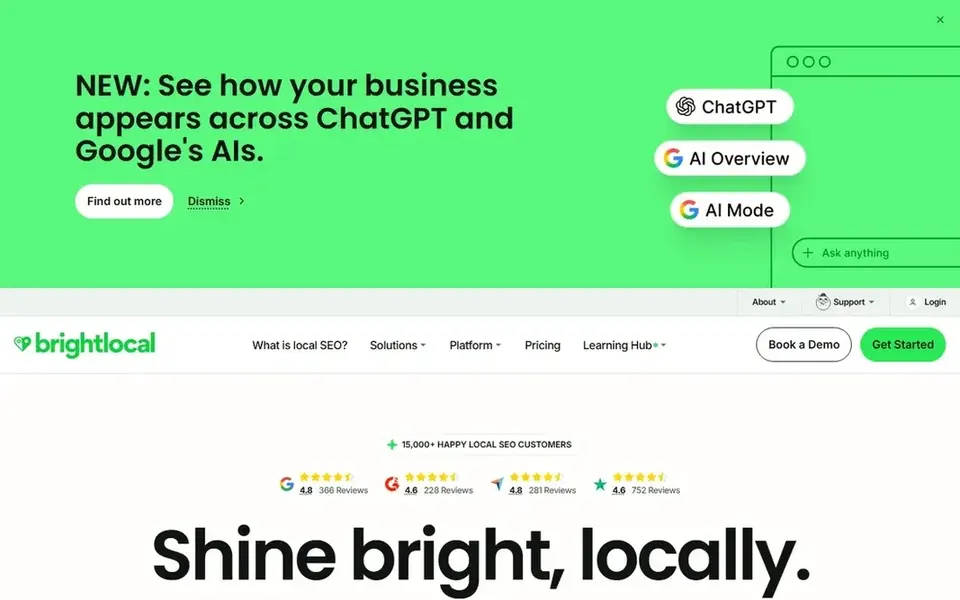
BrightLocal is a local SEO platform that combines citation management, review monitoring and local rank tracking. A solo practitioner or small firm can use it to check that the firm's name, address and phone number match across the main directories, then request reviews from clients after a matter closes. The dashboard is built for people managing several businesses, which suits a firm with two or three offices.
The review side is where it earns its place for law firms. You can send review requests by email or link, and monitor what comes in across platforms. It does not filter or gate reviews, which is the right approach under Google's guidelines. Citation coverage leans toward general directories, so you may still need to claim legal-specific profiles by hand.
Skip it if you need deep legal directory coverage or if you already run a full SEO suite and want listings inside it.
- Citation building and audit in one dashboard
- review monitoring and requests
- local rank tracking included
- Legal-specific directory coverage is limited
- some features are aimed at agencies rather than firms
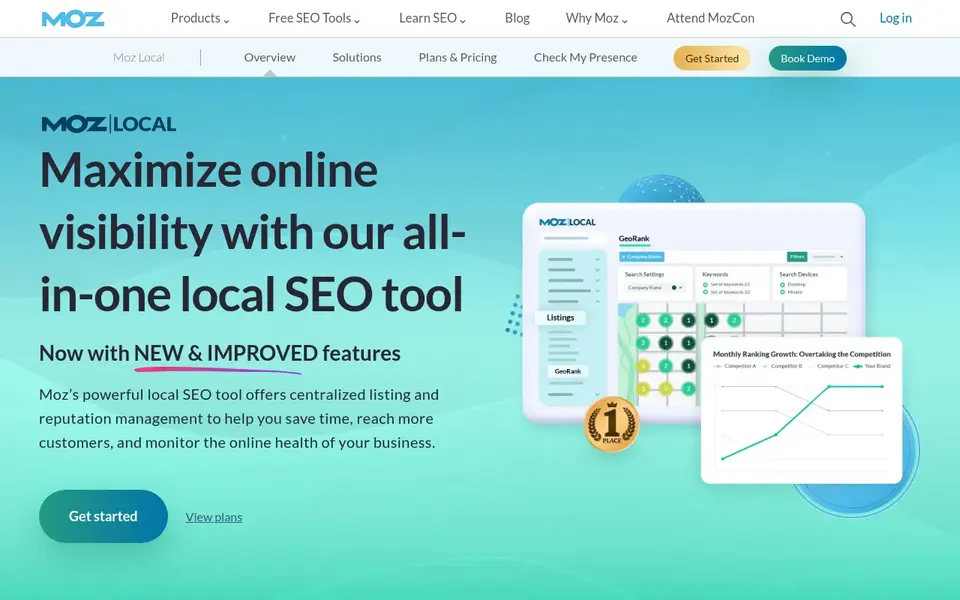
Moz Local distributes business data through major data aggregators, which then feed many smaller directories. For a law firm, that means one submission can correct the firm's details in places you would never update by hand. It also flags duplicate listings, a common problem for firms that have changed names after a partner split or rebrand.
The tool is straightforward: enter the firm's name, address, phone and categories, then let the aggregators carry the data. It is a good fit for a firm that already pays for Moz and wants listings handled in the same account. The limitation is control: because updates travel through aggregators, changes can take time to appear, and you cannot edit every publisher directly.
Firms that need direct publisher relationships or legal-specific directories should compare it with Yext or Whitespark first.
- Simple listing distribution through data aggregators
- duplicate detection
- fits with Moz's other SEO tools
- Aggregator coverage differs by country
- fewer direct publisher edits than Yext

Semrush Local adds listing management and review tools to the wider Semrush platform. A firm already using Semrush for keyword research or competitor analysis can manage its business profiles in the same place, which saves switching between dashboards. For a practice that markets several practice areas, having local rank data next to organic rankings is genuinely useful.
The listing side covers the main directories and lets you correct name, address, phone and hours per location. Review monitoring is included, so you can see new reviews and respond. It is not built around legal directories specifically, so a firm that depends on lawyer-finder sites will still need to handle those profiles separately.
The main reason to skip it is cost if you do not need the rest of the Semrush suite. Firms that only want listings should look at a dedicated tool.
- Listings sit alongside keyword and rank data
- review management included
- one login for SEO and local work
- Listing features are part of a broader paid suite
- legal directory coverage is not the focus
Synup is a listings and reputation platform aimed at businesses with multiple locations. A regional law firm with offices in several cities can group locations, push the same corrected data to all of them, and still keep office-specific hours and phone numbers. That structure matches how firms actually operate, with a main office and satellite locations.
For listing management, Synup covers the core directories and lets you edit fields in bulk. Reviews are collected and monitored in the same place, which helps when a firm wants one view of client feedback across offices. The platform also produces location-level reports you can share with partners.
The limit is setup effort: the more locations you have, the more time it takes to get every profile right. A single-office firm will find it more than it needs.
- Bulk editing across many locations
- review and listing management together
- location groups for reporting
- Setup requires planning across profiles
- smaller publisher network than the largest competitors
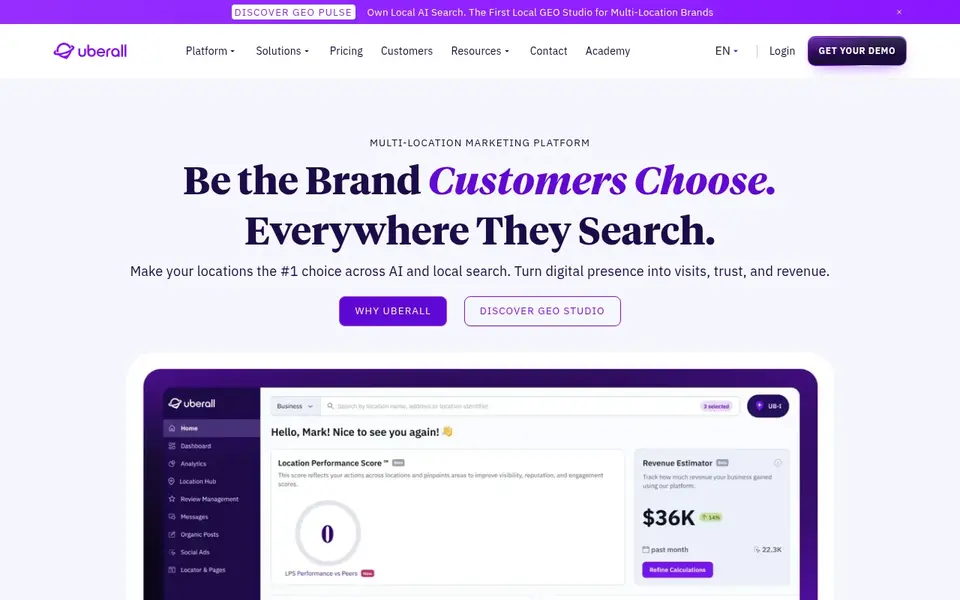
Uberall is a location marketing platform built for businesses operating in multiple countries. A law firm with offices in more than one country, or a firm that serves cross-border clients, can keep location data consistent across markets where directory landscapes differ. It handles listings, reviews and local pages from one dashboard.
For listing management, the value is consistency: the firm's name, address and phone data is stored once and distributed to publishers in each market. That reduces the risk of an old address lingering on a directory in another country. Review tools are included, so client feedback can be monitored across locations.
The main reason to skip it is scale. A single-office firm or a practice in one country will pay for coverage it does not use.
- Strong coverage across international markets
- central control of location data
- review and messaging tools included
- Pricing aimed at larger organizations
- overkill for a single office
How I chose
I built this list from vendor documentation and public sources, not from hands-on testing. I read each vendor's own description of its listing, citation and review features, checked which directories and publishers it says it covers, and looked at how each tool handles multiple locations. I also noted where vendors do not publish clear information, such as free plan availability, and marked those as not stated rather than guessing.
The second filter was fit for a law practice. I looked for tools that let you control the exact firm name, add practice-area categories, manage attorney names and handle more than one office. I dropped tools that only work for retail or restaurant locations, and I avoided anything that encourages review gating or fake reviews, since those practices break Google's guidelines. Where a tool is strong but limited, I say so in its cons.
What to check before you buy
- Confirm the tool lets you edit the firm name exactly as registered, including suffixes like LLP or PC, because abbreviations cause mismatches.
- Check whether practice-area categories can be set per location, since a firm with offices in different cities may emphasize different services.
- Ask how the tool handles attorney names, because staff changes are frequent and stale profiles hurt trust.
- Test duplicate detection on your own firm name first; most firms have at least one old listing from a previous address.
- Confirm the publisher list includes the legal directories your clients actually use, not just general business directories.
- Make sure review features follow Google's guidelines: no filtering, no gating, and no incentives for positive reviews.
Frequently asked questions
What is listing management software for law firms?
It is software that stores a firm's name, address, phone number, hours and categories, then pushes that data to directories and business profiles. For law firms it also needs to handle practice-area categories, attorney names and multiple office locations, because those fields are where listings most often go wrong.
Why does consistent listing data matter for a law firm?
When a firm's details differ across directories, clients may call an old number or visit a former address, and search engines get conflicting signals about which listing is correct. Consistent data across directories and the Google Business Profile makes it easier for people to find and contact the right office.
Can listing software remove bad reviews?
No. Listing software can monitor reviews and help you request them, but it cannot remove negative reviews that follow the platform's policies. The right response is to reply professionally and fix the underlying issue, not to filter or gate reviews, which breaks Google's guidelines.
Do I need a separate tool for each office?
Not necessarily. Tools like Synup and Yext are built for multiple locations and let you group offices while keeping location-specific hours and phone numbers. A single-office firm can use a simpler citation tool and still get accurate data.
How long does it take to fix incorrect listings?
It depends on the directory. Some publishers update within days, while data aggregators can take longer because changes pass through several systems. Plan to re-check your listings a few weeks after submitting corrections, and keep checking the directories your clients use most.
Sources
See where you really rank - block by block
ProMapRanker scans Google Maps across a grid of your service area. Simple monthly plans from $19, white-label on every plan.
Start freeBrowse all guides
← Best Listing Management Software for Handymen in 2026Best Listing Management Software for Orthodontists in 2026 →
 best listing management software for dance studios
Best Listing Management Software for Dance Studios in 2026
A guide to the best listing management software for dance studios in 2026, covering Google Business Profile, maps, reviews and multi-location listings.
Read → best listing management software for carpet cleaners
Best Listing Management Software for Carpet Cleaners in 2026
A practical guide to the best listing management software for carpet cleaners in 2026, covering Google Business Profile, citations and review tools.
Read → best listing management software for bike shops
Best Listing Management Software for Bike Shops in 2026
A bike shop owner's guide to listing management software in 2026. Compare tools for Google Business Profile, citations, reviews and local rankings.
Read → geo grid size local seo
What Grid Size and Spacing Should You Use for Local Rank Tracking?
Learn how to choose the right geo-grid size and point spacing for local rank tracking so your Google Maps data is accurate, useful, and not misleading.
Read → local seo for gutter cleaning companies
Local SEO for Gutter Cleaning Companies
A local SEO guide for gutter cleaning companies: Google Business Profile setup, reviews, and recurring-service local SEO for gutter cleaners.
Read → local seo for tow truck companies
Local SEO for Tow Truck Companies
A local SEO guide for towing companies: 24/7 GBP setup, service-area targeting, and emergency-search visibility.
Read →More in Local SEO & Google Maps · All guides A to Z by date · Latest guides