 ProMapRanker
6 Best Legal Lead Management Software for 2026

Deep CRM and routing for bigger businesses · Pricing starts at: $25 per user/month (billed monthly or each year)
Direct answer
Salesforce Sales Cloud comes first here, mainly for deep CRM and routing for bigger businesses. Listed starting prices: Salesforce Sales Cloud from $25 per user/month, HubSpot CRM from $10 per seat/month and MyCase from $50 per user/month. HubSpot CRM fits free CRM with marketing tools for small teams; MyCase fits intake plus case management in one system. The other 3 tools in the list cover narrower or pricier cases.
Short on time? The summary and table above give the quick view of 6 tools for legal lead management software, and the profiles that follow give the detail behind each entry.
Key takeaways
- Number one here is Salesforce Sales Cloud, a fit for deep CRM and routing for bigger businesses.
- Check the limits for Salesforce Sales Cloud before you commit: Pro Suite jumps to $100 per user and Core to $195, both billed yearly.
- Just one of the 6 tools, HubSpot CRM, has a free plan.
- Lawmatics is the one to check for dedicated legal intake and marketing automation.
Quick comparison
| Pick | Great for | Pricing starts at | Free tier | |
|---|---|---|---|---|
| Salesforce Sales Cloud | Deep CRM and routing for bigger businesses | $25 per user/month (billed monthly or each year) | Free trial (30 days) | Visit |
 HubSpot CRM | Free CRM with marketing tools for small teams | $10 per seat/month | Yes | Visit |
 MyCase | Intake plus case management in one system | $50 per user/month (billed annually) | Free trial (10 days) | Visit |
 Clio Grow | Intake and CRM for businesses on Clio Manage | Quote only | No | Visit |
 Lead Docket | High-volume lead follow-up and source tracking | Quote only | Free trial | Visit |
 Lawmatics | Dedicated legal intake and marketing automation | Quote only | No | Visit |
Legal Lead Management Software profiles
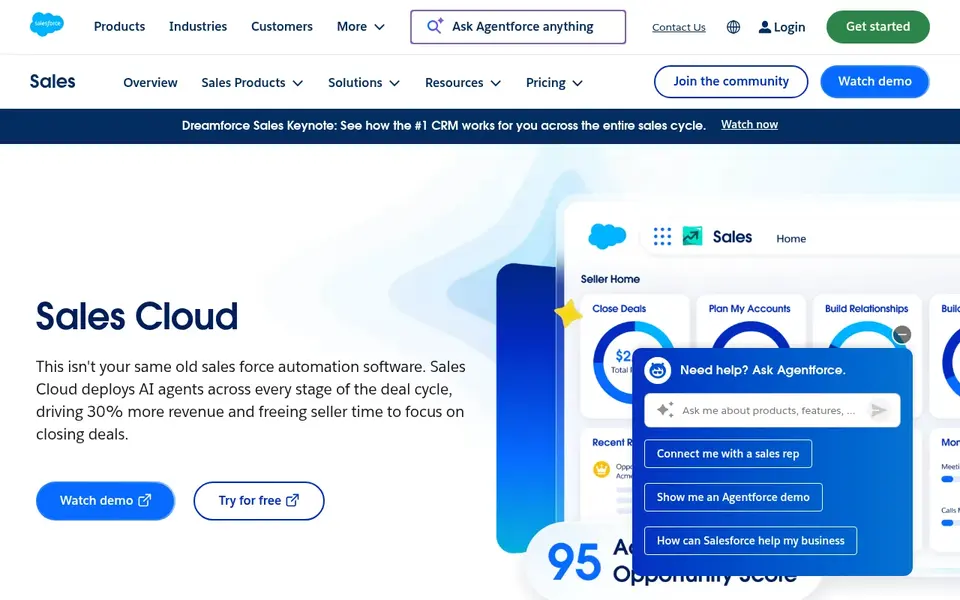
Salesforce Sales Cloud is aimed squarely at deep CRM and routing for larger businesses. Salesforce Sales Cloud starts with Starter Suite at $25 per user per month, billed monthly or annually. It handles leads, accounts, contacts, opportunities, built-in sales flows, lead routing, and email sync.
Drawbacks to consider: Pro Suite jumps to $100 per user and Core to $195, both billed yearly.
The product is the deepest CRM here, with the largest app ecosystem and the most room to shape intake around a firm with multiple offices or practice groups. In practice, the price rises quick. Starter is the only level that can be billed monthly. Salesforce Sales Cloud starts at: $25 per user/month. As for free access: Free trial (30 days).
- Largest app ecosystem and deepest customization
- Email sync at $25
- Bigger rollouts frequently need a consultant

HubSpot CRM is built with free CRM with marketing tools for small teams in mind. HubSpot CRM is a general CRM with a free plan for up to 2 users, including contacts, deal pipelines, live chat, and meeting scheduling. Email sequences, the feature most intake teams want, start on Professional, which costs more per seat and carries a one-time onboarding fee.
Where it is weaker: Free plan caps at 2 users and 1,000 contacts.
In daily use, Sales Hub Starter costs $10 per seat a month and removes HubSpot branding whereas adding simple automation and more pipelines. The free plan caps contacts at 1,000 and has no automation. The limits appear quick for a law firm. More specifically, HubSpot also needs custom fields and workflows to mirror legal intake steps, since it was not aimed at law firms. The starting price for HubSpot CRM: $10 per seat/month. Free access exists with HubSpot CRM.
- Starter removes branding and brings straightforward automation
- Free plan for up to 2 users with pipelines and live chat
- Email sequences start on Professional, which costs more per seat and carries an onboarding fee
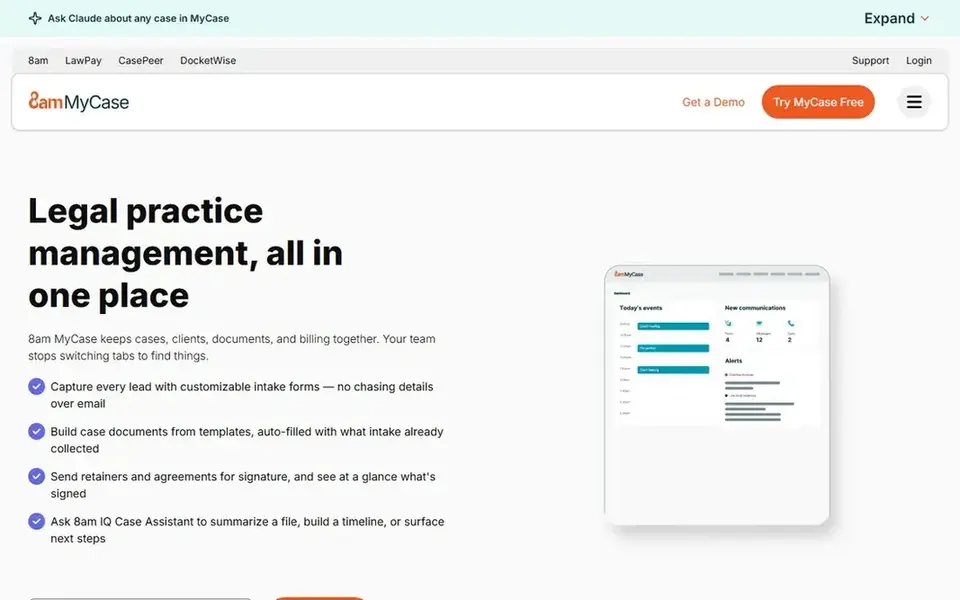
MyCase is built with intake plus case management in one system in mind. MyCase is a practice management system with intake built in from the Pro tier. On top of that, MyCase Accounting is a separate $39 per user a month add-on on Pro and Advanced, with no free plan, only a 10-day trial.
Points against: workflows need Pro at $100 per user.
As for the details, Pro at $100 layers on intake, eSignature, workflows. Two-way texting, whereas Advanced at $130 brings AI case tools and an open API. In practice, client intake, unlimited eSignature, document automation, and workflows all sit on Pro, so a firm buying MyCase for lead management must budget $100 per user, not $50. MyCase starts at: $50 per user/month. On free options: Free trial (10 days).
- Trust accounting at $50
- Pro brings intake, eSignature, workflows
- MyCase Accounting costs an additional $39 per user a month

Clio Grow is a good fit for intake and CRM for businesses on Clio Manage. It brings online intake forms, e-signature, appointment booking, automatic follow-up, and a lead pipeline to businesses that run Clio Manage. Grow AI, which answers calls and chats, is billed per outcome instead of per seat, so ask how those charges are counted before you switch it on.
Honest limits: Grow brings most value inside the Clio suite.
In practice, when a lead signs, the matter moves into Manage without retyping contact details, which cuts duplicate entry and lost notes. Also, Clio publishes a $49 per user a month starting price for Manage Starter, but that level does not bundle Grow. Clio publishes no standalone Grow price. As for the details, Grow fits businesses already committed to Clio. Clio Grow sells by quote instead of a published price. Clio Grow has no free plan.
- Feeds leads straight into Clio Manage without retyping
- Includes intake forms, e-signature, booking
- Clio publishes no standalone Grow price, so budgeting needs a sales quote
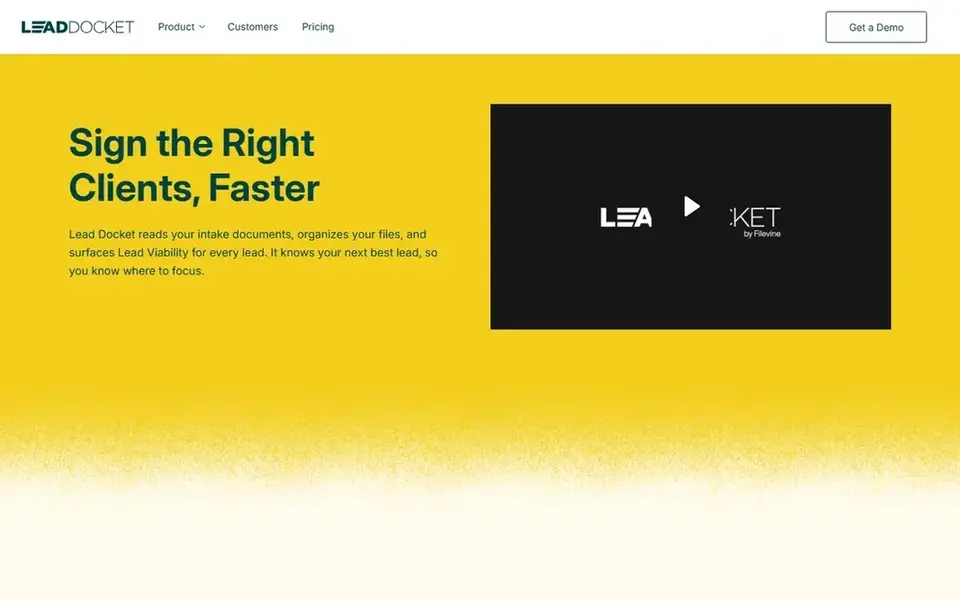
Lead Docket serves high-volume lead follow-up and source tracking. A solo firm pays the same flat rate as a 10-person team, so the value grows with headcount. On top of that, Lead Docket does one job: it tracks leads from first contact to signed case.
Trade-offs to know: intake only, so it does not replace a practice management system.
As for the details, Lead Docket suits high-volume businesses that lose results in slow follow-up. It is less handy for a small firm with a light inquiry flow, where a general CRM at $14 per user may include the same ground for less. There is no list price for Lead Docket, so a quote is the way in. Free options: Free trial.
- Follow-up reminders
- Solid lead scoring, distribution
- Flat firm rate makes it expensive for a solo firm
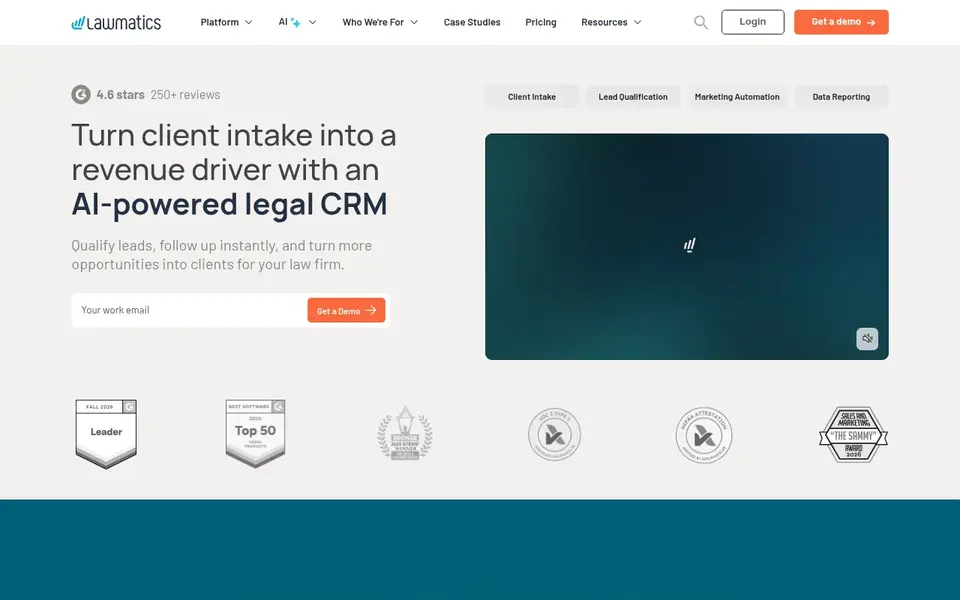
Where Lawmatics fits: dedicated legal intake and marketing automation. Premium brings unlimited automations, 10,000 contacts, and custom reporting, whereas source tracking presents which channels bring signed cases.
Trade-offs to know: No published prices and a 3-user minimum on Essential and Premium.
Essential caps contacts at 500 and automations at 10, which can feel tight for a busy practice. There is no fixed entry price for Lawmatics; pricing comes through a quote. Lawmatics has no free plan.
- AI tools qualify leads and keep conversations going
- Designed for law businesses with intake forms and automation
- Essential caps contacts at 500 and automations at 10
How the list was put together
The comparison looks at four things: starting price, free access, how well the feature set matches legal lead management software, and the main limit of each tool. Where a price is missing, the vendor does not list one publicly or ties it to a quote. Always confirm before budgeting. Order on the page follows fit for the typical buyer first, then price transparency and free access. Your own requirements should decide the final pick.
Before you commit
- Confirm the entry price on the vendor page. For Clio Grow, Lead Docket and Lawmatics that means a quote rather than a fixed price.
- Test the free plan from HubSpot CRM against your real workload before relying on it.
- Use real work to test the free trial from Salesforce Sales Cloud, MyCase and Lead Docket, rather than a demo project.
- Before choosing Salesforce Sales Cloud, weigh its main limit: Pro Suite jumps to $100 per user and Core to $195, both billed yearly.
- Confirm you can export your data from Salesforce Sales Cloud, so leaving later does not mean losing records.
- Let daily users try Lead Docket on real work; their feedback beats any feature checklist.
Frequently asked questions
What is the cheapest option for legal lead management software in this list?
On published monthly entry prices, HubSpot CRM is the lowest here at $10 per seat/month. Entry price is only part of the cost, because seats, add-ons and billing terms can change the total.
What is the best legal lead management software for a small firm?
This list starts with Salesforce Sales Cloud, which fits deep CRM and routing for larger businesses. For other needs, HubSpot CRM is aimed at free CRM with marketing tools for small teams, and MyCase at intake plus case management in one system. Check each tool's price and main limit first.
How are the tools for legal lead management software ordered?
The order follows typical fit for legal lead management software, with Salesforce Sales Cloud first and Lawmatics last, then price clarity and free access. It is editorial judgement, not a score, so another team could rank the tools differently.
Is Salesforce Sales Cloud the right pick for everyone comparing legal lead management software?
No single tool suits every team. Salesforce Sales Cloud comes first because it fits deep CRM and routing for larger firms, while HubSpot CRM suits free CRM with marketing tools for small teams and MyCase suits intake plus case management in one system. Match the tool to your own size, budget and workflow before deciding.
Which options for legal lead management software have a free plan?
HubSpot CRM is the only tool in this list with a free plan. Free plans usually cap users, projects or features, so check the limits on the vendor page. Several others offer a trial instead.
Sources
See where you really rank - block by block
ProMapRanker scans Google Maps across a grid of your service area. Simple monthly plans from $19, white-label on every plan.
Start freeBrowse all guides
← 6 Best ESignature Software for 2026Online Contract Management Software in 2026: Top 6 Compared →
 best esignature software for recruitment teams
6 Best ESignature Software for Recruitment Teams in 2026
Best eSignature software for recruitment teams in 2026: 6 contenders with entry costs and free tiers. Every pick includes one clear drawback. Easy to scan.
Read → best contract negotiation software
Best Contract Negotiation Software in 2026
6 options for the best contract negotiation software, with entry costs, free tiers and the buyer each one serves. Each pick lists its main limit. Choose faster.
Read → best contract management software for startups
Best Contract Management Software for Startups in 2026
Best contract management software for startups: 6 contenders ranked by fit, with entry costs and free tiers. Caveats come with every verdict. No filler.
Read → best crm for small companies
Best CRM for Small Companies in 2026
Compare the best CRM for small companies in 2026, with pricing, free plans and fit for service businesses, so a small team can pick a system it will use.
Read → which coaching platform is best for companies
Best Coaching Platforms for Companies in 2026
Find which coaching platform is best for companies in 2026, with leadership, executive and team coaching options for firms of every size, compared here.
Read → best free crm alternatives to salesforce
Best Free CRM Alternatives to Salesforce in 2026
Compare the best free crm alternatives to salesforce for small teams in 2026, with free plan limits, paid upgrades and honest trade-offs to check today.
Read →More in Sales & CRM · All guides A to Z by date · Latest guides