 ProMapRanker
Best CRM for Small Companies in 2026

Key takeaways
- A free CRM is a real option for a team of two or three people, but seat limits and missing automation are usually what force an upgrade.
- For a small service business, the best pick is often the simplest one that staff will update every day, not the one with the longest feature list.
- Per-seat prices look small on their own, so always multiply by your team size and check what calling, automation and reporting cost on top.
- Pipeline clarity, contact history and follow-up reminders matter more for most small companies than advanced forecasting or complex customization.
Quick comparison
| Pick | Great for | Pricing starts at | Free tier | |
|---|---|---|---|---|
 HubSpot | Small teams that want to start free | Free | Yes | Visit |
 Zoho CRM | Low-cost, feature-rich CRM | $14 per user per month | Yes | Visit |
 Pipedrive | Sales teams that live in a pipeline | $14 per seat per month | Free trial (14 days) | Visit |
 Freshsales | Small sales teams that call customers | Free | Yes | Visit |
 monday CRM | Teams that want a visual workspace | $12 per seat per month | Yes | Visit |
 Salesforce Starter | Small companies planning to scale | $25 per user per month | Free trial | Visit |
 Capsule | Simple, tidy contact management | $18 per user per month | Yes | Visit |
 Insightly | Service firms that deliver projects | $29 per user per month | Free trial (14 days) | Visit |
 Close | Call-heavy inside sales teams | $9 per user per month | Free trial (14 days) | Visit |
 Bigin | Very small teams on a tight budget | $7 per user per month | Yes | Visit |
The best CRM for small companies
We compared official pricing pages, plan limits and public feature descriptions for ten systems that small companies can run without a large IT team.
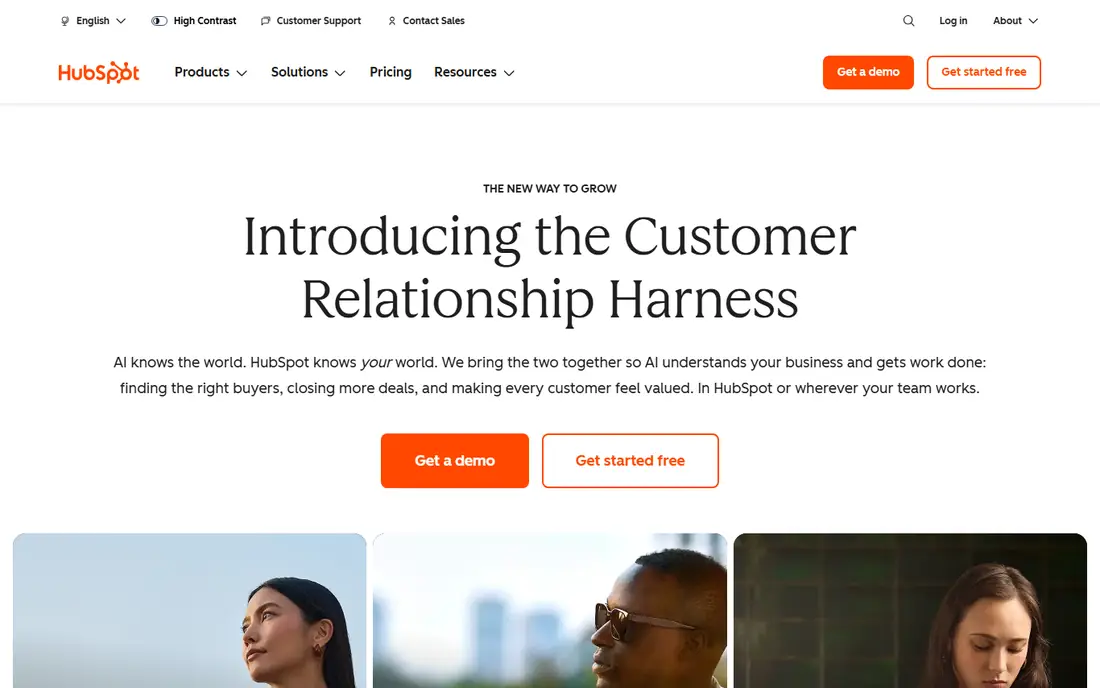
HubSpot is the easiest starting point on this list for a company that is not sure it needs a CRM at all. The free tier covers contacts, companies, deals, tasks and basic email tracking, which is enough to replace a shared spreadsheet and stop leads from going missing.
The catch is the price ladder. Starter plans are modest, but Professional plans cost far more per seat and can carry an onboarding fee, so a team should check the tier it will actually need in a year, not just the free tier it starts on. If marketing automation and service tools matter later, HubSpot keeps those in the same system, which is a genuine advantage. If the team only needs sales tracking, a cheaper specialist tool may do the same job for less.
- Free CRM with contacts, deals and tasks
- Wide integration range
- Clear upgrade path as the team grows
- Paid tiers jump sharply in price
- Some useful automation sits on higher plans
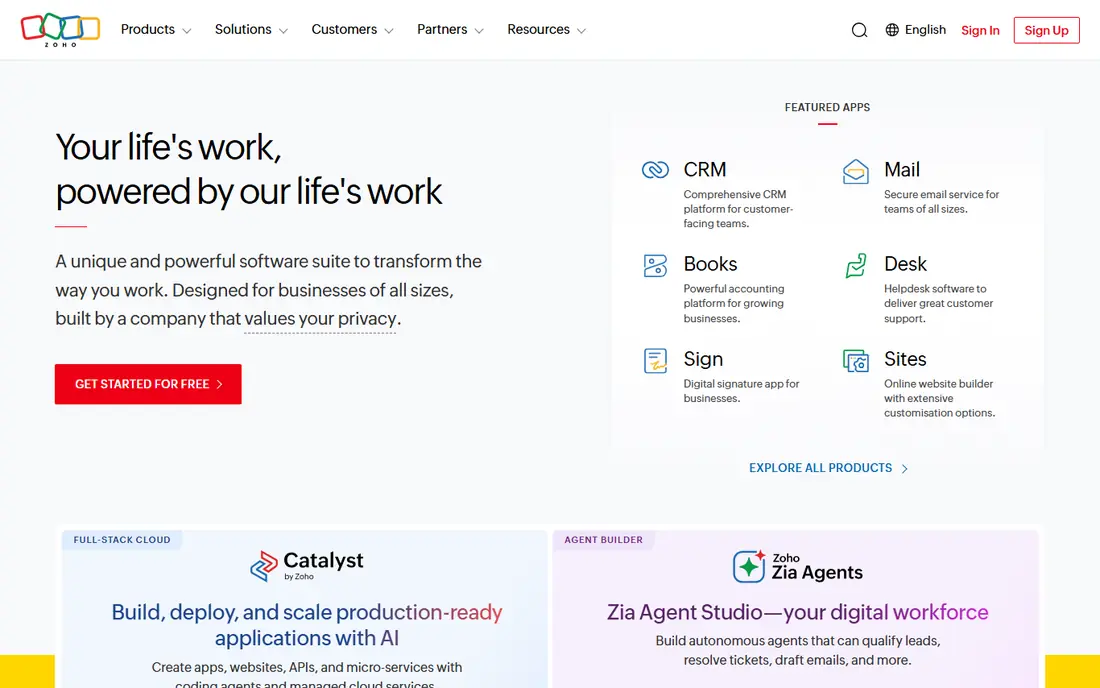
Zoho CRM gives a small company a lot of tool for the money. Standard starts at $14 per user per month on annual billing, and Professional at $23 adds process controls, inventory features and deeper reporting. The free plan for up to three users is a workable trial of the real product, though it caps records and leaves out some paid features.
We like Zoho most for service businesses that already use other Zoho apps, since contacts, mail and documents can sit in one account family. The trade-off is setup time. Zoho has many settings, and a team that wants a CRM running in an afternoon may find the first week slower than with Pipedrive or Capsule.
- Free plan for up to three users
- Broad automation and customization at modest prices
- Large app ecosystem
- Setup can feel involved
- Support quality varies by plan and region
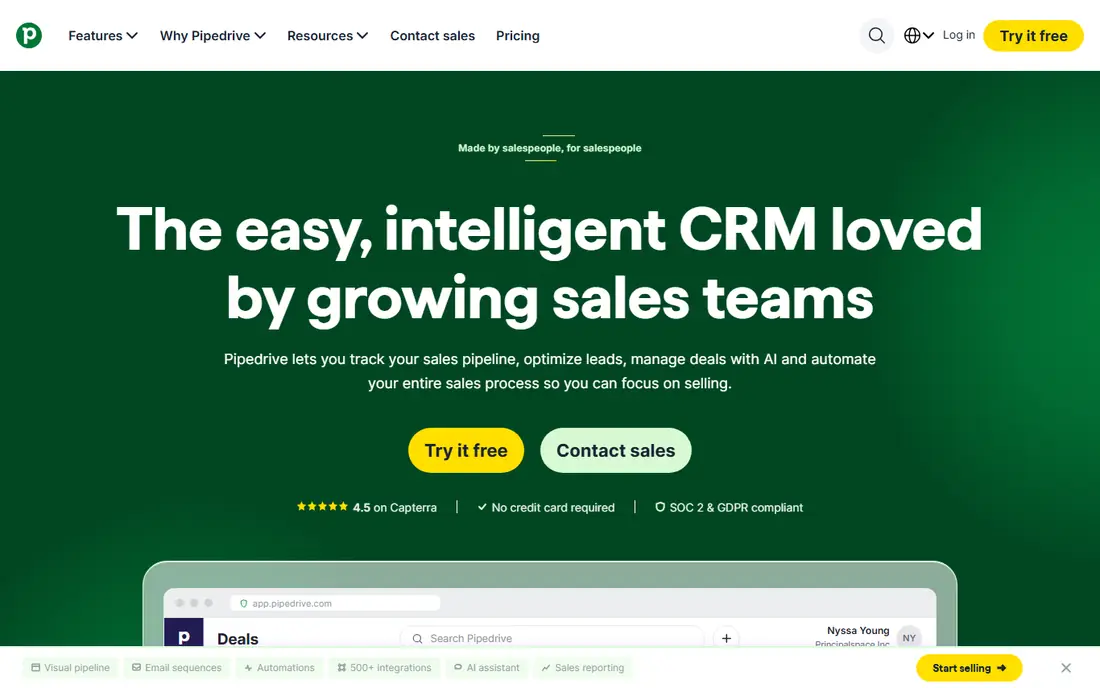
Pipedrive is built around one idea: a deal should move visibly from stage to stage, with a next activity attached at every step. That focus makes it a strong pick for small companies with a repeatable sales process, such as agencies, trades firms with quoted work, and business-to-business service providers. Reps see what is open, what is overdue and what needs a call today.
The entry tier, Lite at $14 per seat per month on annual billing, covers pipelines and activities but leaves out full email sync and automation, which arrive on Growth at $39. That gap matters, so budget for Growth if email follow-up is central to the way the team sells. Add-ons for lead capture, documents and campaigns are also billed separately on lower tiers, so check the full monthly total before committing.
- Clear visual pipelines
- Strong activity and follow-up reminders
- Large integration marketplace
- No free plan
- Email sync and automation start above the cheapest tier
- Add-ons can add up
Freshsales suits a small team that spends much of its day on the phone. The built-in phone, email and chat sit inside the deal record, so a rep does not need a separate dialer to log a conversation. The free plan covers up to three users with core contact and deal management, which makes it a fair way to test the product with a real pipeline.
Pricing on annual billing runs from Growth at $9 per user per month to Pro at $39 and Enterprise at $59. That jump from Growth to Pro is the key decision point, because sequences, multiple pipelines and deeper insights sit on Pro. A team that only needs one pipeline and basic follow-up will be happy on Growth. A team that runs several service lines or repeat outreach should price the comparison at Pro from the start.
- Free plan for up to three users
- Built-in phone and email
- Clean, modern interface
- Growth to Pro is a large price jump
- Reporting is thinner than on larger platforms
- Calling credits cost extra
monday CRM works well for small companies that think in boards rather than in forms. Deals, contacts and activities sit on customizable boards, and a manager can change a stage, add a column or build a dashboard without asking a developer. That flexibility helps service businesses whose sales process does not match a standard pipeline, such as firms that sell a project, then deliver it in phases.
Basic starts at $12 per seat per month on annual billing, with Standard at $17 and Pro at $28, and paid plans require at least three seats. Automation and integration actions are capped by tier, so a team that plans heavy automation should check those limits against its real volume. For a small team that values a clear visual view over deep sales automation, monday CRM is a comfortable middle ground.
- Highly visual boards and dashboards
- Easy to reshape stages and fields
- Broad integrations
- Minimum of three seats on paid plans
- Automation limits vary sharply by tier
- Can feel more like project software than a sales CRM
Salesforce Starter Suite, at $25 per user per month, is the most accessible way into the Salesforce platform. It bundles sales, service and marketing basics in one package, which suits a small company that expects to add departments, territories or complex reporting later.
The honest catch is effort. Salesforce rewards a team that invests time in setup, data hygiene and training, and it can feel heavy for a three-person firm that only needs a pipeline and a contact list. If growth, multi-team use or deep customization is on the horizon, that effort pays off. If the need is simple and immediate, a lighter CRM on this list will get the team moving faster and cheaper.
- Huge ecosystem and app marketplace
- Strong reporting and customization
- Room to grow into larger editions
- Higher learning curve
- Setup often needs more time
- Costs rise fast on higher editions
Capsule is a good pick for a small company that wants a CRM to stay out of the way. Contacts, opportunities, tasks and communication history are easy to find, and the design does not bury simple jobs under menus. The free plan covers up to two users and 250 contacts, which suits a solo owner or a two-person firm testing whether a CRM helps at all.
Paid tiers start at Starter at $18 per user per month, with Growth at $36 adding multiple pipelines, workflow automations and project boards. That Growth tier is the realistic level for a service business selling more than one thing in more than one way. Capsule is not the right choice for heavy marketing automation, which would need a separate tool, but for sales tracking and follow-up it stays calm and usable.
- Free plan for up to two users
- Clean interface
- Project boards on higher tiers
- Straightforward pricing
- Free plan caps contacts at 250
- Multiple pipelines need the Growth tier
- Marketing automation is limited
Insightly stands out for small service companies because it does not stop at the closed deal. An opportunity can turn into a project with tasks and milestones, so the team that sold the work and the team that delivers it share one record.
CRM pricing on annual billing starts at Plus at $29 per user per month, with Professional at $49 and Enterprise at $99. Workflow automation is not on Plus, so Professional is the realistic tier for a team that wants automated assignment and stage actions. Marketing and service modules are sold separately, so a buyer should price only the modules it will actually use and avoid paying for the whole platform at once.
- Links deals to project delivery
- Solid reporting and dashboards
- Strong email integrations
- No free plan
- Workflow automation starts on Professional
- Marketing and service are separate modules
Close is a phone-first CRM, and that focus shows in daily use. A rep can call, text and email from the lead record, and the conversation is logged without switching tools. For a small company running outbound sales or high-volume follow-up, that saves a surprising amount of time across a week of calls.
Solo starts at $9 per user per month on annual billing for one user, while teams should start their comparison at Essentials at $35, since Solo is limited to a single user. Growth at $99 adds workflows, bulk email and the power dialer, and Scale at $139 adds a predictive dialer and tighter permissions. Calling minutes and phone numbers are usage-billed on top of seats, so a dialing team should budget for that variable cost as well.
- Calling, SMS and email built into the lead record
- Fast setup for outbound teams
- Power dialer on Growth
- No free plan
- Calling and SMS usage billed on top of seats
- Workflows and power dialer need Growth
Bigin, from Zoho, is the budget end of this list done properly. It covers contacts, pipelines, activities and basic automation in a clean interface, without the setup weight of a full enterprise CRM. Express starts at $7 per user per month, which makes it one of the cheapest paid CRMs a small company can run for a whole team.
The limits are plain: lower tiers cap pipelines and automations, and a team with a complex sales process will outgrow Bigin sooner than it would outgrow Zoho CRM or Pipedrive. For a small service business with one or two pipelines and a short sales cycle, that simplicity is a strength rather than a weakness. Start here if budget is tight and the process is simple, and move up only when a specific limit starts to block real work.
- Very low entry price
- Simple pipelines and activities
- Free plan for a single user
- Fewer advanced features than full Zoho CRM
- Limited pipelines on lower tiers
- Best for simple sales processes
How we picked these
We compared official pricing pages, plan limits and public feature descriptions for CRM products that are live in October 2026 and aimed at small teams. We favored systems with a free plan or a low entry price, a clear pipeline view, contact and deal tracking, and a setup a small team can complete without hiring a consultant. We left out enterprise-only platforms and tools that have stopped being sold, and we noted where a headline price leaves out automation, calling or a second pipeline.
What to check before you pay
Start with your sales process, not with a feature list. Write down the stages a deal passes through, who owns each stage, and what follow-up happens at each step. A CRM that matches that process on day one will get used. A CRM that needs the process to change around it will sit empty, however good its feature list looks.
Next, run a trial with real data. Import a sample of contacts, move ten real deals through the pipeline, send a few emails and log a few calls. Check the mobile app if reps work away from a desk, and check how hard it is to export data if you ever leave. Finally, price the whole team for a year at the tier you will actually need, including add-ons, calling costs and any onboarding fee, and compare that total rather than the starting price alone.
Frequently asked questions
What is the best CRM for small companies?
The best CRM for small companies is the one the team updates daily. HubSpot and Zoho CRM suit teams that want a free start, Pipedrive suits pipeline-led sales, and Capsule or Bigin suit teams that want a simple, low-cost system. Match the tool to your sales process and team size first, then compare price.
What is the best CRM for small service business use?
For a small service business, look for contact history, pipeline tracking, follow-up reminders and, if you deliver projects, a link from deal to delivery. Insightly fits firms that sell and then deliver a project, Freshsales fits firms that sell by phone, and monday CRM fits firms that want a visual workspace for sales and delivery together.
Is there a best CRM small company teams can start for free?
Yes. HubSpot, Zoho CRM, Freshsales, monday CRM, Capsule and Bigin all offer a free plan or a free starting tier, though user and record limits differ. A free plan works well for one to three people. Larger teams, or teams that need automation and multiple pipelines, usually need a paid tier.
How much should a small company pay for a CRM?
A small team can start free and often pays between $7 and $39 per user per month on a basic or mid-tier plan. Multiply that rate by your seat count, then add calling, automation and add-on costs. A team of five on a $29 plan pays $145 per month before any extras, so the tier decision matters more than the headline rate.
Does a small company need Salesforce?
A small company does not need Salesforce unless it plans to scale across teams, needs deep customization, or wants the largest app ecosystem. Salesforce Starter at $25 per user per month is a reasonable entry point for that kind of growth. For a simple pipeline, a lighter tool will be faster to set up and cheaper to run.
Sources
- https://www.hubspot.com/pricing
- https://www.zoho.com/crm/pricing.html
- https://www.pipedrive.com/pricing
- https://www.freshsales.com/pricing
- https://www.monday.com/pricing
- https://www.salesforce.com/pricing
- https://www.capsulecrm.com/pricing
- https://www.insightly.com/pricing
- https://www.close.com/pricing
- https://www.zoho.com/bigin/pricing.html
See where you really rank - block by block
ProMapRanker scans Google Maps across a grid of your service area. Simple monthly plans from $19, white-label on every plan.
Start freeKeep reading
 zoho inventory alternatives
6 Alternatives to Zoho Inventory, Compared on Price and Fit
Zoho Inventory alternatives: 6 tools compared on price, free plans and fit. Katana leads the list for manufacturers. Fit and flaws are laid out for each entry.
Read → zoho crm alternatives
Best Zoho CRM Alternatives (2026)
Need Zoho CRM alternatives? We compare 7 tools on cost, free access and who each suits. Every pick gets a straight assessment. Built for quick decisions.
Read → zelle alternatives
Best Zelle Alternatives in 2026
Compare the best Zelle alternatives for sending money to friends, paying sellers and moving funds abroad, with honest notes on fees, speed and safety in 2026.
Read →