 ProMapRanker
6 Best ESignature Software for 2026

Teams that want straightforward, unlimited signing · Pricing starts at: $15 per month (billed annually)
Direct answer
Dropbox Sign comes first here, mainly for teams that want straightforward, unlimited signing. Listed starting prices: Dropbox Sign from $15 per month, Zoho Sign from $10 per user/month and PandaDoc from $19 per user/month. Look at Zoho Sign for teams already running on Zoho apps, and at PandaDoc for teams that send proposals and quotes along with signatures. The remaining 3 options are covered below with prices and limits.
Short on time? The summary and table above give the quick view of 6 tools for eSignature software, and the profiles that follow give the detail behind each entry.
Key takeaways
- Dropbox Sign takes the first slot, best suited to teams that want straightforward, unlimited signing.
- For small teams that want a free plan and simple signing, SignWell is worth a look.
- Zoho Sign has the lowest monthly starting price in this list: $10 per user/month.
- A free plan is available from 5 of the 6 tools: Dropbox Sign, Zoho Sign, PandaDoc, Xodo Sign, SignWell.
- Before buying Zoho Sign, weigh this: standard plan caps sending at 25 envelopes per user a month.
Quick comparison
| Pick | Great for | Pricing starts at | Free tier | |
|---|---|---|---|---|
| Dropbox Sign | Teams that want straightforward, unlimited signing | $15 per month (billed annually) | Yes | Visit |
 Zoho Sign | Teams already running on Zoho apps | $10 per user/month (billed yearly) | Yes | Visit |
 PandaDoc | Teams that send proposals and quotes plus signatures | $19 per user/month (billed annually) | Yes | Visit |
 DocuSign | Teams that require the most recognized signature brand | $10 a month (billed yearly) | Free trial | Visit |
 Xodo Sign | Teams that want unlimited signing affordably | $10 per user/month (billed yearly) | Yes | Visit |
 SignWell | Small teams that want a free plan and straightforward signing | $10 a month (billed yearly) | Yes | Visit |
The 6 tools in detail
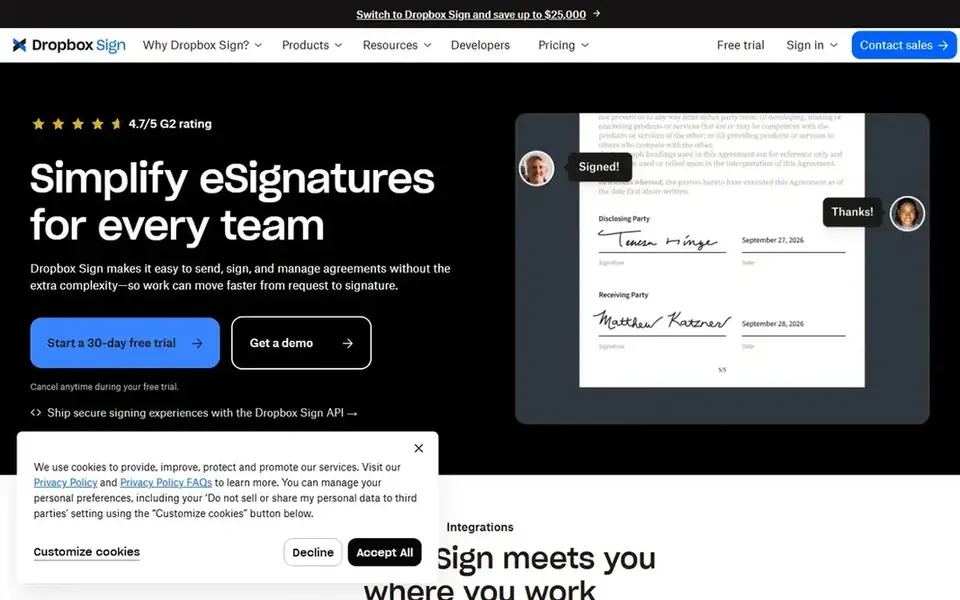
For teams that want straightforward, unlimited signing, Dropbox Sign is a natural candidate. The Essentials plan at $15 a month billed yearly provides unlimited signing requests, five templates and a free plan that spans 3 documents per month. So a team never has to count envelopes.
It links to Dropbox and Google Drive, which fits teams that already store documents there. More specifically, the limit is depth. Dropbox Sign provides fewer workflow and approval tools than DocuSign or PandaDoc, and the free plan includes only 3 documents per month. From a buyer's view, a team that needs complicated routing or document creation should look elsewhere, whereas a team that wants straightforward unlimited signing will find it a solid fit. Dropbox Sign starts at: $15 per month. Free access exists with Dropbox Sign.
Points against: fewer workflow tools than DocuSign.
- Unlimited signing on every plan
- Clean interface with no envelope math
- No free plan beyond 3 documents per month
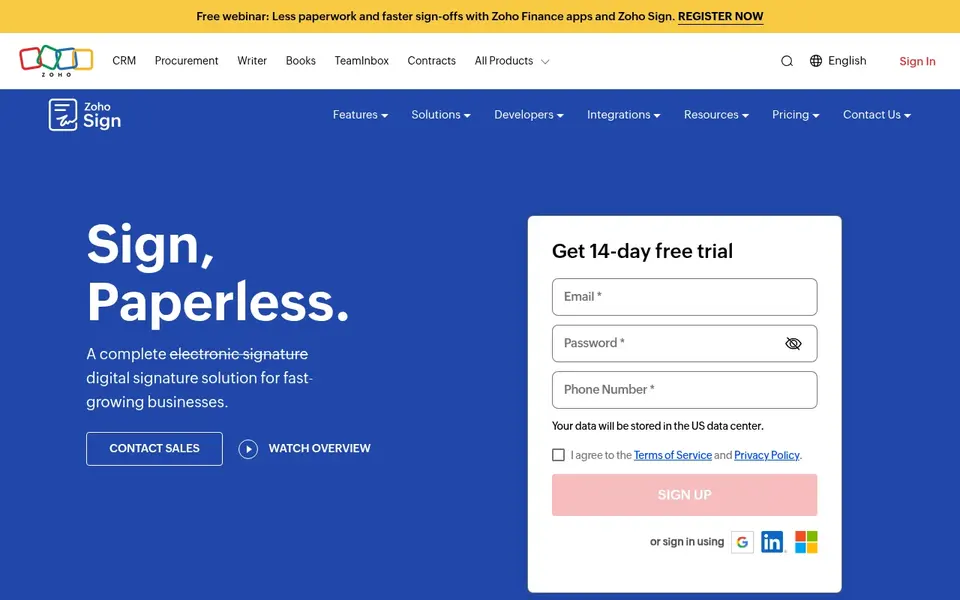
Zoho Sign works best for teams already running on Zoho apps. A Zoho shop should pick it first, whereas other teams should compare the volume limits. A team that sends more than 25 envelopes per user per month must step up to Professional.
Limits to weigh: Standard plan caps sending at 25 envelopes per user a month.
A team that does not use Zoho apps gets less value from the integrations. More specifically, the pricing is honest: a free plan includes 5 documents per month for one user, Standard at $10 per user a month billed yearly raises that to 25 envelopes per user a month, and Professional at $16 per user a month removes the cap entirely. Zoho Sign pricing: $10 per user/month. A free plan is available with Zoho Sign.
- Free plan for light use
- Deep integration with Zoho CRM
- Less handy outside the Zoho suite
PandaDoc works best for teams that send proposals and quotes plus signatures. PandaDoc handles more than signing: it builds proposals, quotes and contracts, then collects the signature and the payment in the same flow.
Watch-outs: proposals tools add little for teams that only need signing.
For a small team that sends proposals to win work, the document tools are the reason to pick PandaDoc over a signing-only tool. PandaDoc pricing: $19 per user/month. PandaDoc has a free plan.
- E-signature and payments in one login
- Documents
- The Starter plan costs $19 per user a month
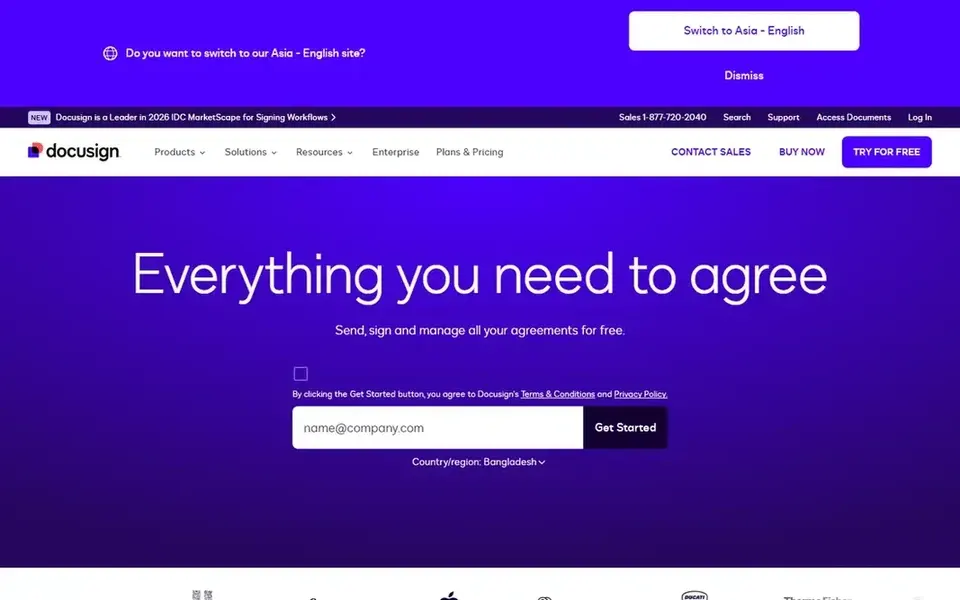
DocuSign is a good fit for teams that require the most recognized signature brand. The Personal plan at $10 a month billed yearly spans a solo user sending up to 5 envelopes per month, with templates, reminders and an audit trail. The lower levels cap how many documents a team can send, so a team should count its monthly sending volume before it commits.
What to check first: Standard costs $25 per user a month.
Teams step up to Standard at $25 per user a month billed yearly for collaboration features and 100 envelopes per user a year. On top of that, the main limit is the envelope math. DocuSign pricing: $10 per month. Free access: Free trial.
- Reminders and a full audit trail
- Templates
- Envelope limits on lower levels
Xodo Sign targets teams that want unlimited signing affordably. The drawback is brand recognition. On top of that, a team that sends documents to clients who expect a familiar brand should weigh that, whereas a team that values unlimited signing at a low price will find it a solid fit.
Limits to weigh: Smaller brand than DocuSign, so signers may not recognize it.
For a small team that wants unlimited signing without paying DocuSign prices, it is a solid fit. Signers may not know the Xodo name the way they know DocuSign, and the integration list is shorter than the big names. Xodo Sign starts at: $10 per user/month. Free access exists with Xodo Sign.
- Unlimited signing at $10 per user a month
- Ample free plan for light use
- Fewer integrations than the big names
In short, SignWell is for small teams that want a free plan and straightforward signing. The limit is the free level and the per-sender pricing. The interface is plain and fast to learn, with templates, reminders and an audit trail that handle the basics without a ramp-up time.
The main drawbacks: higher levels are per sender, not per team.
In daily use, a solo user or a small team with one sender will find it a solid fit. Meanwhile, a bigger team should compare per-user pricing elsewhere. Price to start with SignWell: $10 per month. A free plan is available with SignWell.
- Free plan for light use
- Straightforward interface with templates and audit trails
- The free plan handles only 3 documents per month
How the list was put together
ProMapRanker looked at what each vendor publishes: pricing, plan limits, feature coverage for eSignature software and stated drawbacks. No hands-on testing is claimed. Figures are shown as the vendors publish them. Billing terms, seat minimums and add-ons can change the real cost. Order on the page follows fit for the typical buyer first, then price transparency and free access. Your own requirements should decide the final pick.
A buyer's checklist
- Check the vendor page for the current price: Zoho Sign starts at $10 per user/month here, and seats or billing terms can move it.
- Check what the free option really includes: Dropbox Sign, Zoho Sign, PandaDoc and others offer a free plan, and usage caps differ.
- Take the trial from DocuSign and push a live task through it before you pay.
- Before choosing Dropbox Sign, weigh its main limit: no free plan beyond 3 documents per month.
- Look at which plan of DocuSign unlocks the features you need; entry tiers are often cut down.
- Check how data leaves Zoho Sign: formats, limits and whether exports are available on every plan.
Frequently asked questions
How are the tools for eSignature software ordered?
Dropbox Sign sits first and SignWell last because the order follows typical fit for eSignature software, then price clarity and free access. It is a judgement call, so read each profile for fit and limits.
Can I try these options before paying?
Often, yes. Dropbox Sign, Zoho Sign, PandaDoc and others have a free plan and DocuSign offers a free trial. Use your own data and a real task during the test, and check what the free tier or trial limits before you rely on it.
How plenty of documents can I send on a free plan?
Zoho Sign free includes 5 documents per month, Xodo Sign free includes 5 documents per month, Dropbox Sign free includes 3 documents per month, and SignWell free handles 3 documents per month. PandaDoc also gives you a free eSign plan for light use.
What is the cheapest option for eSignature software in this list?
On published monthly entry prices, Zoho Sign is the lowest here at $10 per user/month. Entry price is only part of the cost, because seats, add-ons and billing terms can change the total.
Is Dropbox Sign the right pick for everyone comparing eSignature software?
No single tool suits every team. Dropbox Sign comes first because it fits teams that want simple, unlimited signing, while Zoho Sign suits teams already running on Zoho apps and PandaDoc suits teams that send proposals and quotes as well as signatures. Match the tool to your own size, budget and workflow before deciding.
Sources
See where you really rank - block by block
ProMapRanker scans Google Maps across a grid of your service area. Simple monthly plans from $19, white-label on every plan.
Start freeBrowse all guides
← 6 Best ESignature Software for Recruitment Teams in 20266 Best Legal Lead Management Software for 2026 →
 best contract negotiation software
Best Contract Negotiation Software in 2026
6 options for the best contract negotiation software, with entry costs, free tiers and the buyer each one serves. Each pick lists its main limit. Choose faster.
Read → best contract management software for startups
Best Contract Management Software for Startups in 2026
Best contract management software for startups: 6 contenders ranked by fit, with entry costs and free tiers. Caveats come with every verdict. No filler.
Read → best cold outreach software
Best Cold Outreach Software (2026)
Weighing the best cold outreach software? We lined up 6 products by cost, free access and fit. Caveats come with every verdict. Budget notes included.
Read → best lead generation companies for contractors
Best Lead Generation Companies for Contractors in 2026
Compare the best lead generation companies for contractors, with shared and exclusive leads, pricing models, and honest trade-offs before you buy in detail.
Read → dubsado alternatives
Dubsado Alternatives in 2026
Compare the best dubsado alternatives for proposals, contracts, payments, and client workflows, with pricing checked for freelancers in 2026 use here.
Read → best commission software
Best Commission Software in 2026
Compare the best commission software for sales teams in 2026, with pricing, plan tools, payout tracking and audit trails checked side by side for buyers.
Read →More in Sales & CRM · All guides A to Z by date · Latest guides