 ProMapRanker
Best IP Phone system: 2026 Prices and Picks

Small companies that want low entry cost · Pricing starts at: $15 per user per month (billed yearly)
Direct answer
Nextiva is the first pick on this list for small companies that want low entry cost. Listed starting prices: Nextiva from $15 per user per month, Ooma from $19.95 per user a month and Dialpad from $15 per user per month. Ooma fits small offices that want a toll-free number included; Dialpad fits teams that want AI call summaries on the entry plan. Prices, free plans and limits for all 6 tools follow.
Choosing IP phone system usually comes down to price, fit and limits. This ProMapRanker guide sets 6 tools side by side on those three points, with the facts kept short and checkable.
Key takeaways
- Top of the list is Nextiva, which targets small firms that want low entry cost.
- Nextiva, Vonage and the 4 others all need a premium plan or a trial, since no free plan is listed.
- The main caution on Dialpad: CRM integrations and 24/7 support are not in Standard.
- The cheapest monthly starting price in the list is $15 per user per month, offered by Nextiva.
Quick comparison
| Pick | Great for | Pricing starts at | Free tier | |
|---|---|---|---|---|
| Nextiva | Small companies that want low entry cost | $15 per user per month (billed yearly) | No | Visit |
 Ooma | Small offices that want a toll-free number included | $19.95 per user a month | Free trial (30 days) | Visit |
 Dialpad | Teams that want AI call summaries on the entry plan | $15 per user per month (billed annually) | Free trial (14 days) | Visit |
 Zoom Phone | Teams already using Zoom Workplace | $16 per user a month (billed annually) | Free trial | Visit |
 RingCentral | Teams that want a full phone, video, and messaging suite | $19.99 per user per month (billed annually) | Free trial (14 days) | Visit |
 Vonage | Teams that want app-first calling | $19.99 per line per month | No | Visit |
The 6 tools in detail
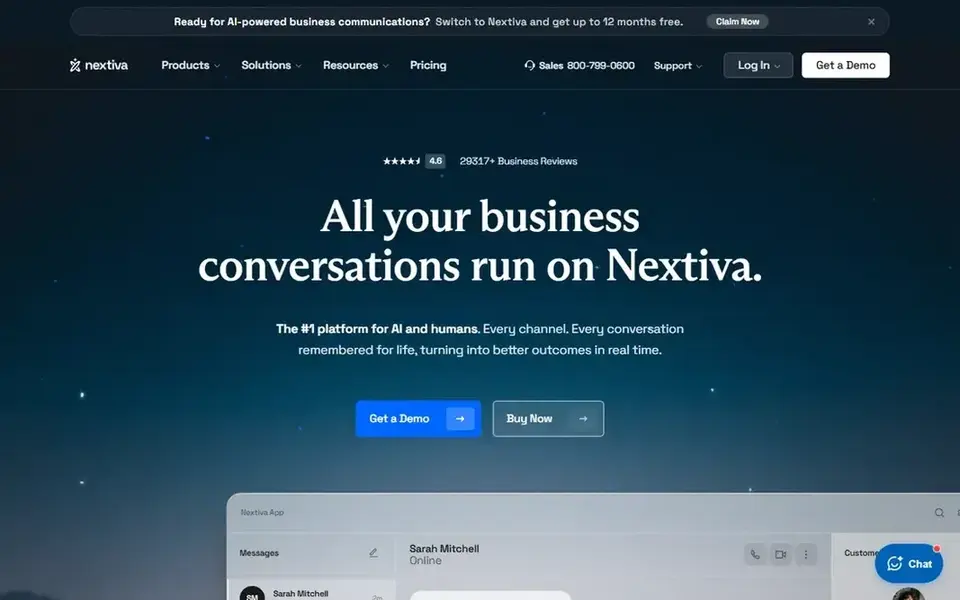
Nextiva makes the most sense for small companies that want low entry cost. Annual Core pricing applies only to new small-business customers with 1 to 100 employees on a 12-month minimum term, and CRM integrations are listed a Worth adding: core contains unlimited US and Canada calling, 100 SMS per user a month, video meetings, call routing, team chat, and a mobile app. Choose Nextiva if you want the lowest published entry price with a full Core feature set.
Trade-offs to know: online fax are not in Core.
From a buyer's view, there is no free plan and no free trial for the core phone service. A 30-day money-back guarantee is listed for new accounts. Engage is $25 per user a month billed yearly, and Scale is $75 per user a month billed yearly. Entry price for Nextiva: $15 per user per month. Nextiva has no free plan.
- Team chat
- Call routing
- CRM integrations are listed as extras on all plans
For small offices that want a toll-free number included, Ooma is a natural candidate. Pro is $24.95 per user a month, and Pro Plus is $29.95. For everyday use, one limit: Essentials has no text messaging, no desktop app calling, and no video meetings.
In daily use, CRM integration, call queuing, and hot desking need Pro Plus at $29.95 per user a month. Text messaging starts on Pro at $24.95 per user a month, capped at 250 a month. On cost, Ooma starts like this: $19.95 per user per month. On free options: Free trial (30 days).
Downsides: no desktop app calling, no video meetings.
- One free toll-free number
- Essentials contains unlimited calling in the US, Canada, Mexico
- A one-time $29.95 activation fee is shown at checkout
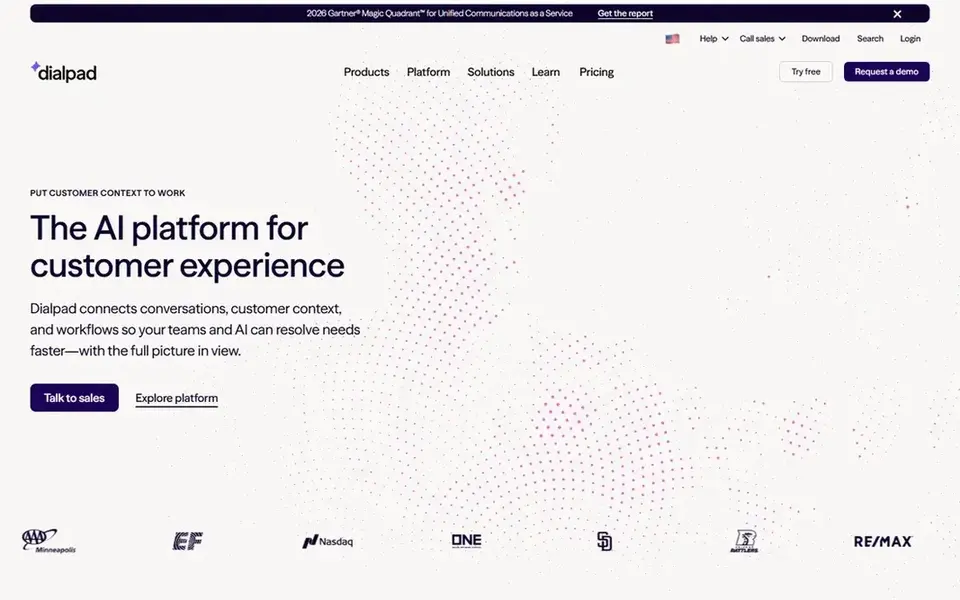
Pick Dialpad if this describes you: teams that want AI call summaries on the entry plan. Dialpad opens at $15 per user a month billed yearly on Dialpad Connect Standard, or $27 per user a month on monthly billing. In daily use, one limit: CRM integrations and 24/7 support are not in Standard.
What to check first: Pro has a 3-user minimum.
A 14-day trial is offered, and there is no free plan. From a buyer's view, enterprise is quote only and needs a 100-user minimum. On top of that, Pro is $25 per user a month billed yearly, or $35 on monthly billing, with a 3-user minimum. The starting price for Dialpad: $15 per user per month. On free options: Free trial (14 days).
- Video meetings
- Voicemail transcription
- CRM integrations and 24/7 support are not in Standard
For teams already using Zoom Workplace, Zoom Phone is a natural candidate. International calling is metered. Pro Plus is $20.50 per user a month billed yearly for longer meetings and more participants, and Business Plus is $24.50 for single sign-on and ma Zoom Phone opens at $16 per user a month billed yearly, or $18 per user a month on monthly billing, for US and Canada Unlimited Phone plus Workplace Basic.
Limits to weigh: Base meetings are restricted to 40 minutes and 100 participants.
The base bundle bundles unlimited US and Canada calling, SMS and MMS, call recording, post-call summaries, voicemail prioritization. A domestic phone number, with a 99.999 percent uptime service level agreement listed. Beyond that, one limit: base meetings are restricted to 40 minutes and 100 participants, and domestic online fax is restricted to 50 pages a month. Starting cost for Zoom Phone: $16 per user per month. Trial and free access: Free trial.
- Base bundle contains unlimited US and Canada calling
- A 99.999 percent uptime service level agreement
- Domestic online fax is restricted to 50 pages a month
RingCentral
Great for: Teams that want a full phone, video, and messaging suite
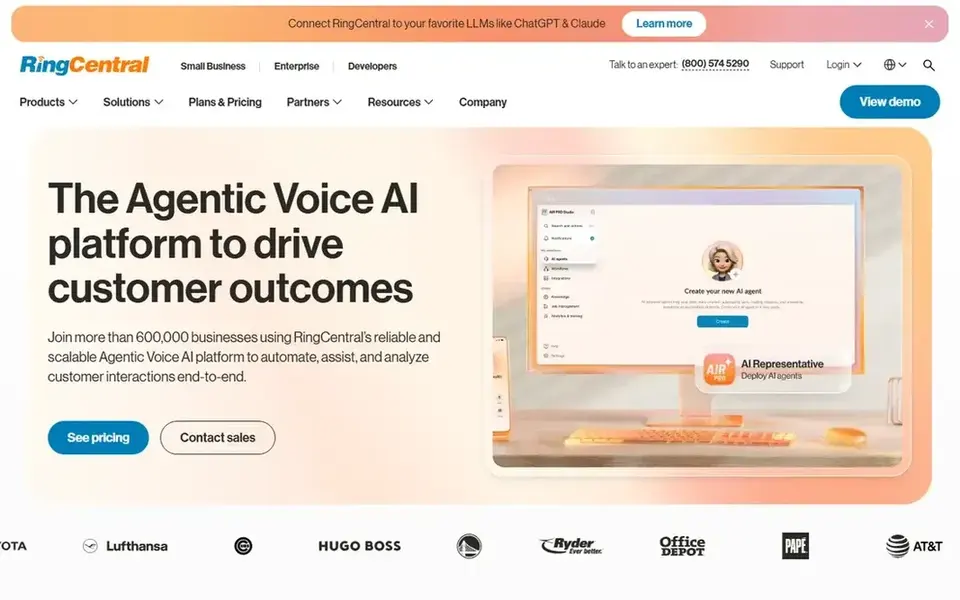
RingCentral works best for teams that want a full phone, video, and messaging suite. RingCentral opens at $19.99 per user a month billed yearly on Essentials, or $29.99 per user a month on monthly billing. In practice, one limit: Essentials is restricted to up to 20 users only, and it has no video meetings.
Also, premium is $34.99 per user a month billed yearly, and Ultimate is $49.99. Standard brings video meetings for up to 100 participants. Worth adding: automatic call recording, single sign-on, multi-site admin, hot desking, live analytics, and Salesforce and Zendesk integrations need Premium. Worth adding: a 14-day trial is offered, and there is no free plan. RingCentral cost at the entry level: $19.99 per user per month. Free options: Free trial (14 days).
Trade-offs to know: Essentials is restricted to up to 20 users only and has no video meetings.
- Business phone or toll-free numbers, voicemail-to-text
- Essentials comes with unlimited calls within the US and Canada
- 24/7 support and CRM integrations are held for higher plans
For teams that want app-first calling, Vonage is a natural candidate. Vonage opens at $19.99 per line a month on Mobile, plus taxes and fees, with a promotion at $13.99 per line a month for a new 1-year contract. Also, premium is $29.99 per line a month, and Advanced is $39.99.
As for the details, mobile, Premium, and Advanced all list unlimited calling in the continental US and Canada. Per-extension prices fall only as team size grows, to $17.99 and $14.99 per extension on Mobile. On cost, Vonage starts like this: $19.99 per line per month. Vonage has no permanent free option.
Downsides: annual contracts carry early termination fees up to the total price of the service contract.
- Advanced all list unlimited calling in the continental US and Canada
- Per-extension prices fall as team size grows
- Mobile is app-only with no desk phone support
How we chose
Pricing pages, product documentation and feature lists were the main sources, and every entry carries at least one honest drawback. Treat prices as a snapshot: vendors change plans often, so check the vendor site for the figure that applies today. Tools are placed by general fit for IP phone system, with price clarity and free access as tie-breakers. A different team can reasonably rank them differently.
What to confirm before you sign up
- Confirm the entry price on the vendor page: Nextiva starts at $15 per user per month, but seat counts and billing terms change the total.
- Use real work to test the free trial from Ooma, Dialpad, Zoom Phone and RingCentral, rather than a demo project.
- Before choosing Nextiva, weigh its main limit: call recording, a toll-free number, and online fax are not in Core.
- Ask whether Vonage integrates with your current software, and whether that comes standard or as an add-on.
- Check whether the features you need in Ooma sit on the entry plan or only on higher tiers.
Frequently asked questions
What do the cheapest IP phone plans leave out?
The cheapest plans leave out features that plenty of teams need. On top of that, check the missing features before you pick on price alone.
Do these tools publish their prices?
Yes. Every tool from Nextiva to Vonage shows a starting price, though seats, add-ons and billing terms still change the final cost.
Which IP phone system is best for a team already using Zoom?
This list starts with Nextiva, which fits small companies that want low entry cost. For other needs, Ooma is aimed at small offices that want a toll-free number included, and Dialpad at teams that want AI call summaries on the entry plan. Check each tool's price and main limit first.
Does any tool for IP phone system here have a free plan?
A permanent free plan is not offered by Nextiva, Vonage or the other tools here. Ooma, Dialpad, Zoom Phone, RingCentral offer a trial. Plan a short evaluation period instead.
Which IP phone system is a good match for a small business?
Nextiva is the pick this page puts first, mainly for small firms that want low entry cost. If your situation differs, Ooma suits small offices that want a toll-free number included, and Dialpad suits teams that want AI call summaries on the entry plan. Compare price and limits before you decide.
What is the cheapest option for IP phone system in this list?
On published monthly entry prices, Nextiva is the lowest here at $15 per user per month. Entry price is only part of the cost, because seats, add-ons and billing terms can change the total. All 6 picks in this IP phone system comparison list a starting price, free plan details and the main limits on their cards above.
Sources
See where you really rank - block by block
ProMapRanker scans Google Maps across a grid of your service area. Simple monthly plans from $19, white-label on every plan.
Start freeBrowse all guides
← Best Employee Scheduling Software for Call Centers (2026)Best Project Management Software for Customer Success Teams (2026) →
 best customer success software for real estate agents
5 Best Customer Success Software for Real Estate Agents for 2026
Compare 5 best customer success software for real estate agents, with prices, free plans and who each fits. Every entry states what it lacks. Quick to scan.
Read → best chatbot software for financial institutions
5 Best Chatbot Software for Financial Institutions for 2026
5 products for the best chatbot software for financial institutions, ranked by fit, with starting costs and free tiers. Short verdicts, no fluff. Facts only.
Read → best chatbot software for ecommerce returns
Chatbot Software for Ecommerce Returns: Best Picks of 2026
Best chatbot software for ecommerce returns: 6 contenders ranked by fit, with entry costs and free tiers. Prices and drawbacks included. Jump to the table.
Read → best ai chatbot app
Best AI Chatbot App in 2026: 8 Apps Compared
Compare the best ai chatbot app options, including ChatGPT, Claude, Gemini, and free rivals, on price, strengths, and the job each one does best in 2026.
Read → best phone service plans
Best Phone Service Plans in 2026
Compare the best phone service plans for one line, two lines, and families, with 8 current carriers, entry prices, networks, and plan notes for buyers.
Read → best iphone cleaner app
Best iPhone Cleaner App in 2026
Looking for the best iPhone cleaner app? We compared 8 current apps for photos, contacts, videos and storage, with prices and honest limits. Updated for 2026.
Read →More in Customer Support & Phone · All guides A to Z by date · Latest guides