 ProMapRanker
Best AI Chatbot App in 2026: 8 Apps Compared

Key takeaways
- ChatGPT is the best all-round chatbot app for most people, with the broadest mix of writing, images, voice, and research in one place.
- Claude is the better pick for long writing and careful reasoning, while Gemini is the natural pick for Google users and Perplexity is best for cited research.
- DeepSeek offers a genuinely free option with no paid consumer tier, which makes it worth trying if cost is the main barrier.
- Most paid plans start at $20 per month or less, so pick by the job you do daily rather than by the model name alone.
Quick comparison
| Pick | Great for | Pricing starts at | Free tier | |
|---|---|---|---|---|
 ChatGPT ChatGPT | Everyday writing, ideas, images, and voice | Free | Yes | Visit |
 Claude Claude | Long writing, document analysis, and reasoning | Free | Yes | Visit |
 Gemini Gemini | Google users and very long documents | Free | Yes | Visit |
 Perplexity Perplexity | Research with cited sources | Free | Yes | Visit |
 DeepSeek DeepSeek | Free help with math, logic, and coding | Free | Yes | Visit |
 Grok Grok | Live topics and X users | Free | Yes | Visit |
 Microsoft Copilot Microsoft Copilot | Microsoft 365 and Windows users | Free | Yes | Visit |
 Poe Poe | Trying many chatbot models in one app | Free | Yes | Visit |
The best ai chatbot app
Chatbots now differ less in whether they can answer a question and more in how far the free tier goes, what extra tools are included, and how well they fit your existing apps. The eight apps below cover the major labs, a research specialist, a free alternative, and a multi-model app, so you can choose by daily use rather than hype.
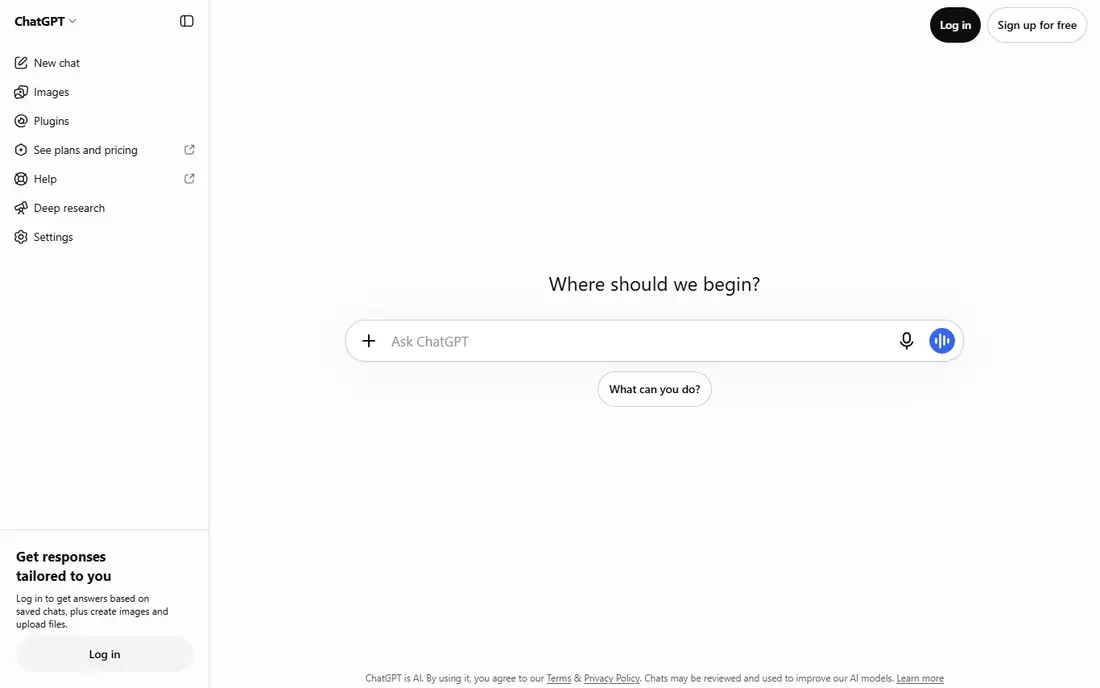
ChatGPT remains the default chatbot app for a simple reason, which is that it does the most jobs well in one place. You can draft an email, brainstorm ideas, generate an image, talk by voice, research a topic, and organize work in projects without switching apps. The free plan now includes unlimited text chats, which makes it easy to try before paying, and the Go plan at $8 per month adds more image and voice capacity for regular users.
The Plus plan at $20 per month is the sweet spot for daily users who want stronger models and more research capacity, while Pro plans at $100, $200, or higher suit heavy professional use. The catch is that ChatGPT prioritizes breadth over depth, so long-form writers may still prefer Claude for finished prose. For most people, though, ChatGPT is the app to install first.
- Broadest all-round feature set
- Free plan includes unlimited text chats
- Image, voice, and deep research tools on paid plans
- Paid plans rise steeply at the top end
- Writing depth can lag Claude on long documents
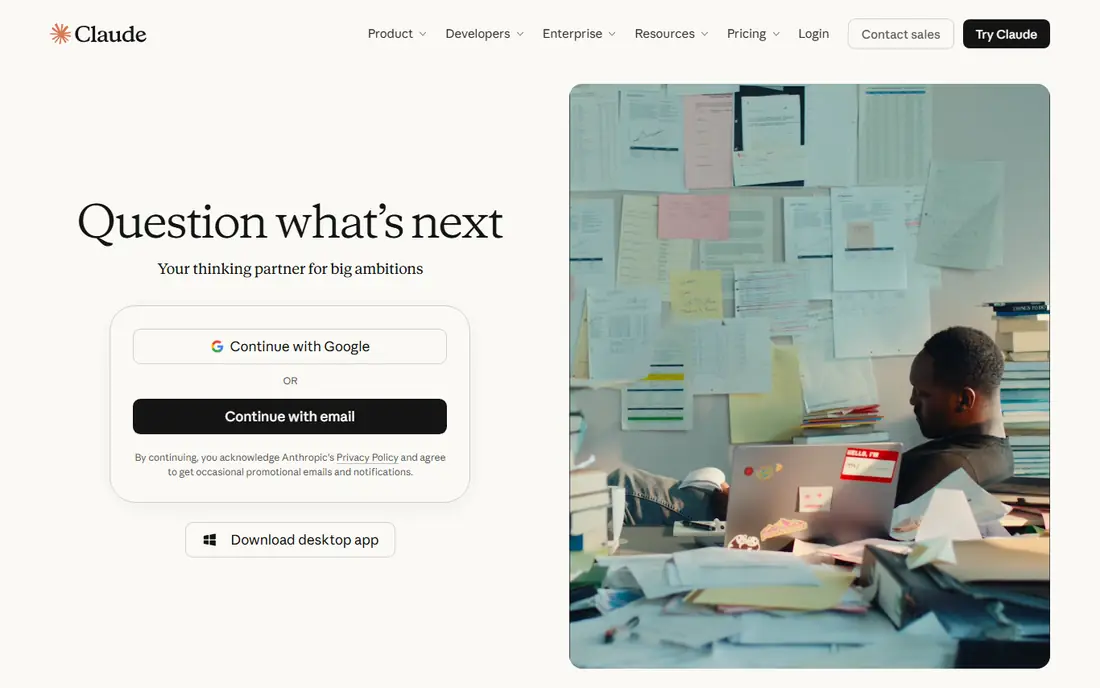
Claude is the chatbot writers and analysts tend to keep open alongside ChatGPT, because its strength is sustained, careful work. It handles long documents, multi-step reasoning, and detailed style instructions well, and its output often needs less rewriting for tone and structure. If your main chatbot job is turning research into a report, editing a long draft, or working through code, Claude will feel more focused.
Pricing is straightforward, with a free plan for lighter use and Pro at $20 per month, or $17 per month billed annually. The trade-off is media: Claude does not match ChatGPT or Gemini for image generation and voice, so it is not the best single app if those features matter daily. For writing and thinking work, it is our pick over ChatGPT.
- Natural prose quality for long work
- Strong document and code handling
- Projects keep long context in one place
- Weaker image and voice features than ChatGPT or Gemini
- Free plan has usage limits
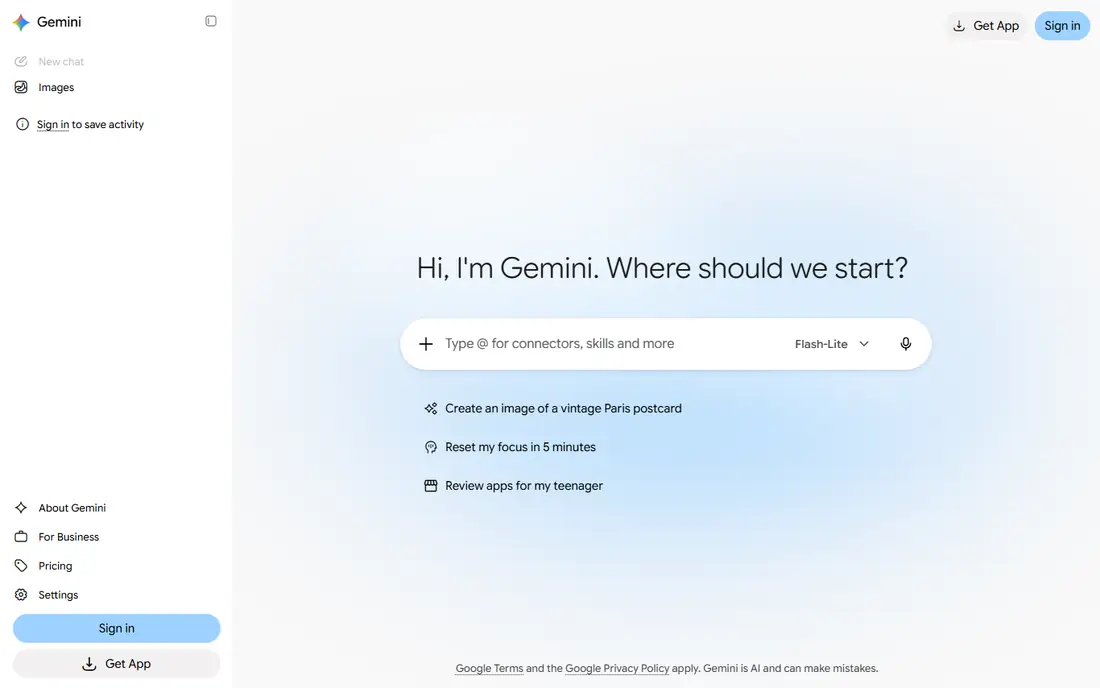
Gemini is the obvious pick if you already live in Google apps. It connects naturally to Gmail, Docs, Drive, and Search workflows, and its free plan includes image generation and editing, deep research, and live voice chat, which is more generous than many rivals. For students and Google users who want one assistant across phone, browser, and workspace, Gemini removes a lot of friction.
Paid plans start with Google AI Plus at $4.99 per month, which doubles free usage in Google's description, followed by Pro at $19.99 per month and Ultra plans at $99.99 to $199.99 per month for the heaviest video and model access. The catch is that limits and history are tied to your Google account, and privacy-conscious users should review what data Google retains. If you are already a Google user, Gemini is hard to beat for value.
- Deep Google Workspace and search integration
- Free plan includes image generation and voice
- Handles very long documents
- Usage limits are tied to a Google account
- Best features sit behind paid Google AI plans
Perplexity is different from the general chatbots because it is built for research first. Answers come with sources, which makes it easier to verify a claim, follow up on a topic, or separate a solid answer from a guess. For journalists, students, analysts, and anyone who needs to check facts rather than just draft text, that citation habit is a real advantage.
The free plan covers everyday research, while Pro at $20 per month adds more advanced research capacity and model choice. Perplexity is not the best tool for a long essay or a novel chapter, and its writing can feel more functional than Claude. Use it as your research app, and keep ChatGPT or Claude for drafting, and you will get the best of both.
- Answers include sources you can check
- Strong for unfamiliar topics and fact checking
- Fast research workflow
- Less suited to long creative writing than Claude
- Paid plan is $20 per month for heavier research
DeepSeek is the best answer when cost is the deciding factor. It has no paid consumer tier, so you get a capable chatbot for writing, math, logic, and coding without a monthly subscription. For students, experimenters, and users in regions where $20 per month is a real barrier, that free access matters more than any premium feature.
The trade-offs are capacity and ecosystem. DeepSeek can throttle with server busy messages during peak hours, and it does not offer the app integrations, voice, image, and workspace features of the larger labs. If you need a reliable daily work tool, a paid plan elsewhere may be worth it. If you need a capable free chatbot, DeepSeek is the first one to try.
- No paid consumer tier, so the core app is free
- Strong for math, logic, and coding tasks
- Simple chat interface
- Can show server busy warnings at peak times
- Smaller ecosystem of apps and integrations
Grok, from xAI, suits users who follow live events and social discussion closely. Its connection to X gives it a different view of breaking topics and trending conversation than a chatbot trained only on static data, and its tone is less filtered than some rivals, which some users prefer for open-ended discussion. If you already use X daily, Grok fits naturally into that habit.
We list the starting price as See website because reported paid pricing for Grok has varied, with some comparisons listing $10 per month and others $30 to $40 per month depending on plan and bundling. Check the current Grok or X Premium page before paying. For general writing and research, ChatGPT, Claude, or Perplexity are safer picks, but for live topics Grok has a distinct edge.
- Strong on current events and live discussion
- X integration for users already on that platform
- Free tier for trying it
- Paid pricing varies by plan and region, so check the current page
- Less filtered responses may not suit all workplaces
Microsoft Copilot is the chatbot to pick if your work lives in Microsoft 365. On paid Microsoft 365 plans, it can help draft documents, summarize emails, analyze spreadsheets, and prepare meeting notes inside the apps you already use, which saves more time than a separate chat window. The free web and Windows versions also cover everyday questions and drafting for casual users.
The catch is that the full value depends on paying for Microsoft 365, with plans starting around $9.99 per month for personal use in recent comparisons, and business pricing varying by plan. As a standalone chatbot for creative writing or research, Copilot is less distinctive than ChatGPT or Claude. As an office assistant for Microsoft users, it is the most practical choice.
- Works inside Word, Excel, Outlook, and Teams on paid plans
- Free web and Windows access
- Useful for office documents
- Best features require a Microsoft 365 subscription
- Less strong as a standalone creative chatbot
Poe solves a different problem, which is that no single model is best for every task. It lets you chat with models from several labs in one app, compare answers side by side, and switch models when one handles a task better. For curious users, researchers, and people who already pay for two chatbots out of habit, that flexibility can replace multiple subscriptions.
The pricing model needs attention. Poe usage is metered in points, with different models costing different amounts, and paid plans range widely, from around $5 to $250 per month in recent comparisons, so we list the starting price as See website. If you use one chatbot heavily every day, a direct subscription is usually simpler and cheaper. If you like to compare models, Poe is worth trying on its free tier first.
- Access to many models from different labs in one place
- Good for comparing answers
- Free tier for testing
- Usage is metered by points per model, not unlimited
- Paid pricing varies widely by plan
How we picked these
We compared official pricing pages and recent October 2026 comparisons for chatbot apps that are actively available on web and mobile, with a real free tier or trial. We favored apps with distinct strengths, such as writing, research, Google integration, Microsoft integration, free access, and multi-model choice, rather than listing eight similar general chatbots. Where paid pricing varied by region or bundle, we wrote See website rather than publishing a figure that could mislead.
How to choose the right chatbot app
Start with the job you do most in a chatbot. If that job is general everyday help, pick ChatGPT. If it is long writing or document work, pick Claude. If it is research you must verify, pick Perplexity. If you live in Google or Microsoft apps, pick the chatbot that lives inside those apps. That one decision matters more than small differences in model quality.
Then test the free tier for a week on real tasks, not demo prompts. Note where you hit limits, whether the answers need heavy editing, and whether image, voice, or file features matter to you in practice. Most users only need one paid chatbot, if any, and a free second app for a specialist job. Pay for the plan that removes the limit you actually hit, not the top plan with features you never open.
Frequently asked questions
What is the best ai chatbot app for most people?
ChatGPT is the best all-round choice for most people, thanks to its free plan, broad features, and mix of writing, image, voice, and research tools. Claude is better for long writing, Gemini is better for Google users, and Perplexity is better for cited research. Start with ChatGPT free, then add a specialist only if a specific job is weak.
What are the best ai chat apps that are free?
ChatGPT, Claude, Gemini, Perplexity, DeepSeek, Grok, Copilot, and Poe all offer free tiers, with DeepSeek standing out because it has no paid consumer tier. Free tiers differ in usage limits, model access, and media features, so the best free app depends on whether you need writing, research, images, or voice most. Try two free apps on the same task to compare.
What is the best chatbot app for research?
Perplexity is the best research-first chatbot, since its answers include sources you can open and check. ChatGPT and Gemini also offer deep research tools on paid plans, and Claude handles long document analysis well. For any important claim, open the source itself rather than trusting the chatbot summary alone.
What is the best ai chatbot platform for business use?
For business use, the answer depends on your existing stack, with Microsoft Copilot suiting Microsoft 365 teams and Claude Team or ChatGPT Business suiting teams that need shared workspaces and controls. Smaller teams can often start with a single paid individual plan and shared prompts. Check data retention, admin controls, and pricing per seat before rolling out to a whole team.
Is Grok or ChatGPT better?
ChatGPT is better as a general all-round app, with broader features and a more predictable free and paid structure. Grok is better for live topics and X users who want less filtered discussion of current events. Most users will get more daily value from ChatGPT, with Grok as a second app for live topics.
Can I use an AI chatbot app for texting and everyday chat?
Yes, all of these apps work as everyday chat companions on mobile, and several offer voice chat for hands-free use. For casual conversation, the free tiers of ChatGPT, Gemini, or DeepSeek are enough for most users. For work, writing, or research, the paid plan or specialist app that matches the task will save more time.
Sources
- https://aipricecompare.org/best/best-ai-chatbot.html
- https://chatsmith.io/blogs/ai-guide/best-ai-chatbot-00302
- https://hokai.io/guides/best-ai-chatbots-2026
- https://www.chatgpt.com
- https://www.claude.com
- https://gemini.google.com
- https://www.perplexity.ai
- https://www.deepseek.com
- https://www.grok.com
- https://www.copilot.microsoft.com
- https://www.poe.com
See where you really rank - block by block
ProMapRanker scans Google Maps across a grid of your service area. Simple monthly plans from $19, white-label on every plan.
Start freeKeep reading
 zoom alternatives
Best Zoom Alternatives in 2026
Compare Zoom alternatives in 2026, with free meeting limits and prices, so you can pick the best alternative to Zoom for your team, class, or community.
Read → which software is best for remote work
Which Software Is Best for Remote Work in 2026
Answering which software is best for remote work, we compare Slack, Zoom, Asana, Notion, Teams and more, with pricing and honest tradeoffs in 2026 now.
Read → which ai tool is best for content writing
Which AI Tool Is Best for Content Writing in 2026
Wondering which ai tool is best for content writing? We compare ChatGPT, Claude, Jasper, Grammarly, and more on price, quality, and best use in 2026 now.
Read →