 ProMapRanker
Best Project Management Software for Customer Success Teams (2026)

Spreadsheet-style account plans and health scores · Pricing starts at: $9 per user/month (billed annually)
Direct answer
Our first pick is Smartsheet, best for spreadsheet-style account plans and health scores. Listed starting prices: Smartsheet from $9 per user/month, Teamwork from $9.99 per user/month and Asana from $10.99 per user/month. Look at Teamwork for client work with time tracking and invoicing, and at Asana for structured onboarding playbooks with timelines. The other 4 tools in the list cover narrower or pricier cases.
ProMapRanker put together this guide to project management software for customer success teams for readers who want a clear shortlist without reading every vendor page. It compares 7 tools on starting price, free plans, who each one suits and where each one falls short.
Key takeaways
- This list starts with Smartsheet, which is built for spreadsheet-style account plans and health scores.
- Wrike suits cross-team delivery with approvals and proofing.
- What to know about Smartsheet first: the interface feels like a spreadsheet, which some teams find cold.
- Only 5 of the 7 tools have a free plan (Smartsheet, Asana, Airtable, Notion, Wrike), so check the caps.
- Starting prices begin at $9 per user/month with Smartsheet.
Quick comparison
| Pick | Great for | Pricing starts at | Free tier | |
|---|---|---|---|---|
| Smartsheet | Spreadsheet-style account plans and health scores | $9 per user/month (billed annually) | Yes | Visit |
 Teamwork | Client work with time tracking and invoicing | $9.99 per user/month (billed yearly) | Free trial (30 days) | Visit |
 Asana | Structured onboarding playbooks with timelines | $10.99 per user/month (billed yearly) | Yes | Visit |
 Basecamp | Straightforward shared projects with clients included | $15 per user/month | Free trial (30 days) | Visit |
 Airtable | Account data as an adaptable, linked database | $20 per user/month (billed yearly) | Yes | Visit |
 Notion | A shared success hub of docs, wikis, and tasks | $10 per user/month (billed yearly) | Yes | Visit |
 Wrike | Cross-team delivery with approvals and proofing | $10 per user/month (billed yearly) | Yes | Visit |
Project Management Software for Customer Success Teams, one by one
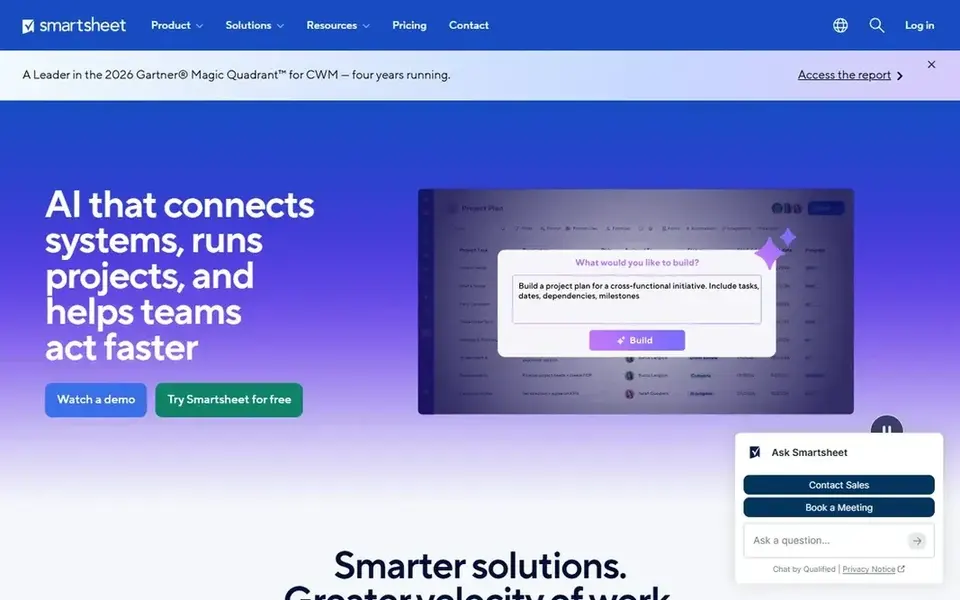
Smartsheet was built for spreadsheet-style account plans and health scores. Dashboards roll numerous account sheets into one leadership view.
Also, Smartsheet fits success teams that think in tables and want their account data to stay structured and sortable. The starting price for Smartsheet: $9 per user/month. Free access exists with Smartsheet.
Drawbacks to consider: automations are restricted on Pro.
- Grid, card
- Gantt views on the same data
- The interface feels like a spreadsheet, which some teams find cold
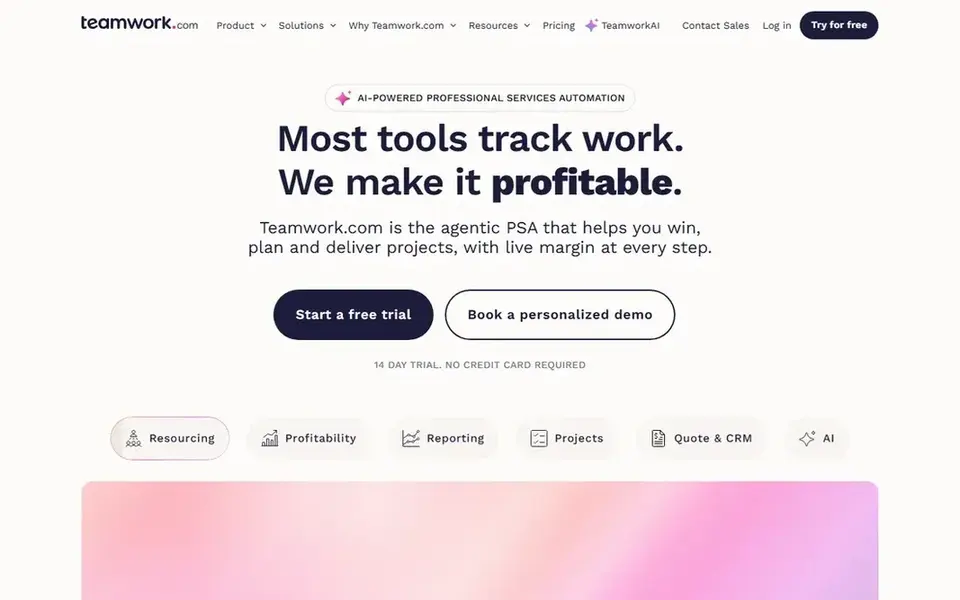
Think of Teamwork for client work with time tracking and invoicing. Teamwork is aimed at teams that deliver client work, and customer success onboarding is exactly that kind of work. There is no permanent free plan, only a 30-day trial, which is a real difference from most tools here.
On top of that, time tracking sits inside the project. So a team can see how much effort each onboarding or renewal actually takes, and invoicing follows from the same data. For everyday use, Teamwork also provides a separate desk and chat product, but the core project tool is the one success teams need. Teamwork starts at: $9.99 per user/month. Free options: Free trial (30 days).
Limits to weigh: the interface is less visual than monday.com or Asana.
- Client-facing project views
- Time tracking, milestones
- No permanent free plan
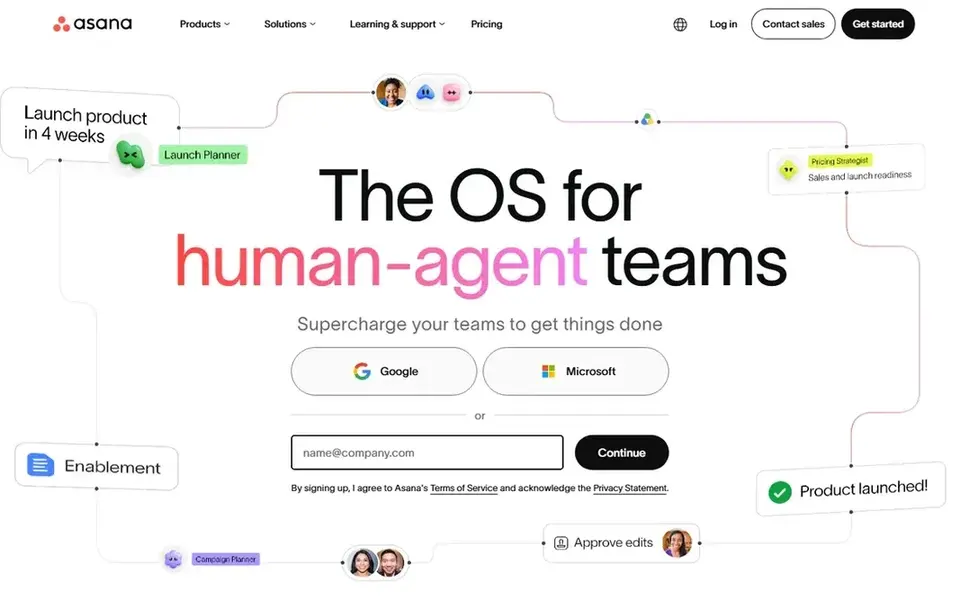
Asana serves structured onboarding playbooks with timelines. Also, advanced at $24.99 layers on goals, workload, approvals, proofing, and advanced reporting, whereas Enterprise layers on single sign-on, data controls, and audit logs. Beyond that, the free plan spans up to 10 collaborators with unlimited tasks, projects, and messages, which suits a small success team.
Beyond that, starter at $10.99 per user a month on annual billing brings timeline and Gantt views, project templates, forms, and workflow automation. So a new account moves from signature to first value with the same steps, owners, and dates each time. On cost, Asana starts like this: $10.99 per user/month. Asana offers a free plan.
- Workflow automation
- Portfolios track plenty of accounts at once
- Advanced reporting and approvals need Advanced at $24.99 per user
Choose Basecamp for simple shared projects with clients included. It suits success teams that want a calm shared space with clients and are happy to track health and renewals elsewhere.
Downsides: No Gantt charts, workload views, or advanced reporting.
Entry price for Basecamp: $15 per user/month. Trial and free access: Free trial (30 days).
- Clients join at no cost
- Calm structure with message boards, to-dos, schedules
- $15 per user layers on up quick
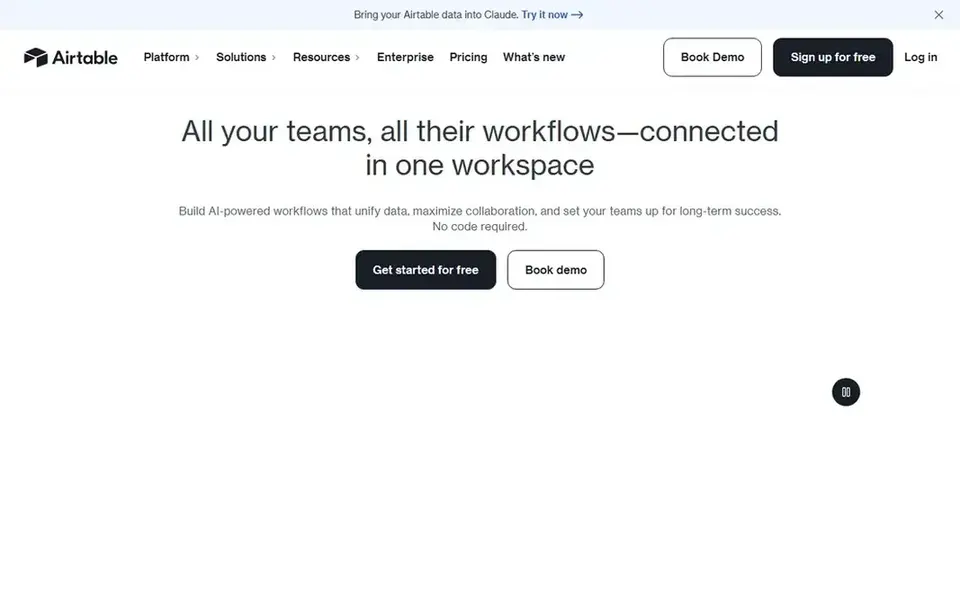
Airtable targets account data as an adaptable, linked database. Airtable treats a customer success book of business as a database, and that shape suits teams that juggle accounts, contacts, contracts, and renewals. More specifically, the Team plan at $20 per user a month on annual billing layers on 50,000 records per base, 25,000 automation runs, and Gantt and timeline views.
For everyday use, Airtable fits success teams that want their account data structured, linked, and simple to filter. The free plan includes up to 5 creators with unlimited bases, which is enough to build the system. More specifically, business at $45 layers on 125,000 records, advanced sync, and single sign-on, whereas Enterprise Scale is custom priced. Price to start with Airtable: $20 per user/month. Free access exists with Airtable.
Honest limits: automations are restricted on lower tiers.
- Plenty of views on the same data
- Linked tables link accounts, contacts, renewals
- Team at $20 per user is expensive for a large success team
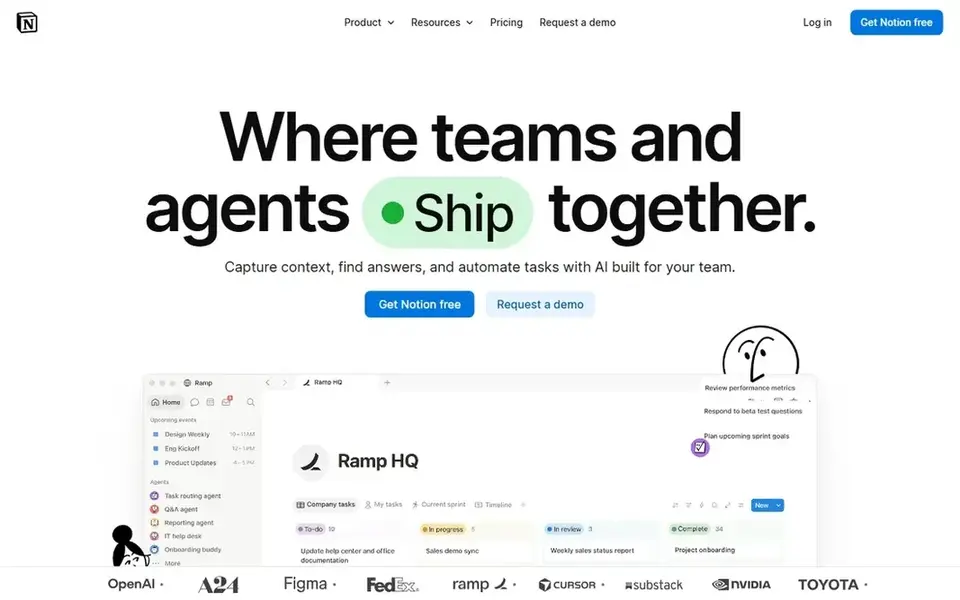
In short, Notion is for a shared success hub of docs, wikis, and tasks. Beyond that, a team can build a success hub that holds onboarding playbooks, account pages, meeting notes. A task database in one place, with linked views that display each customer success manager only their own accounts.
Watch-outs: databases need setup care.
Databases need care to stay tidy as the account list grows. Plus at $10 per user a month on annual billing layers on unlimited file uploads, 30-day version history, and more guests, whereas Business at $20 layers on single sign-on, private team spaces, and advanced analytics. Notion has no built-in time tracking, Gantt charts, or workload management. So teams that require those add a second tool or accept a lighter setup. The starting price for Notion: $10 per user/month. You can start on Notion without paying.
- Docs, databases
- Tasks in one adaptable workspace
- No native time tracking or advanced project reporting
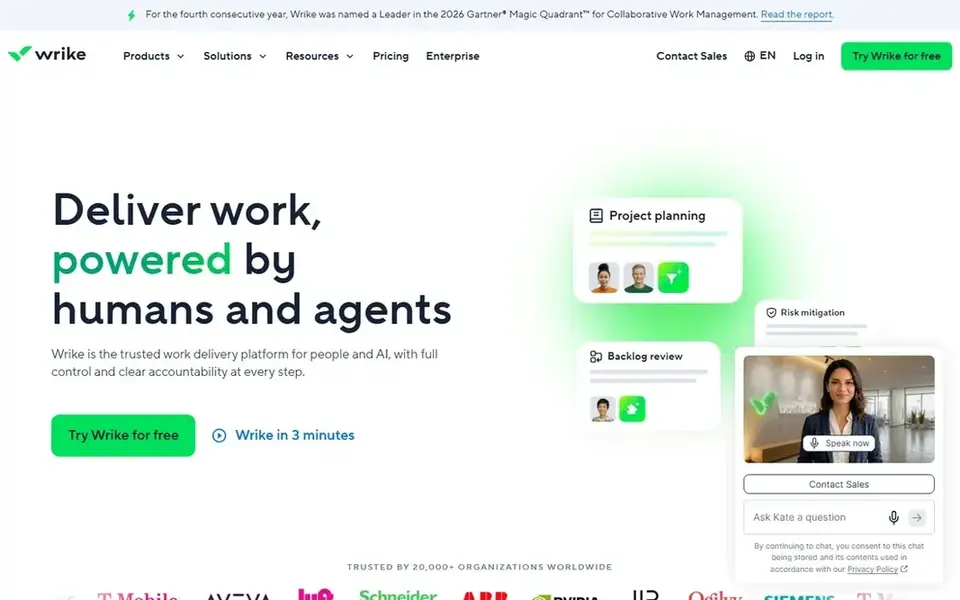
Think of Wrike for cross-team delivery with approvals and proofing. A sales handover form can produce an onboarding project automatically, and approvals route a renewal proposal or a success plan to the right person without a chain of messages.
Trade-offs to know: The interface is dense.
Wrike cost at the entry level: $10 per user/month. Wrike has a free plan.
- Approvals and proofing built in
- Request forms route work from sales and support
- The ramp-up time is steeper than more straightforward boards
How we compared the tools
ProMapRanker used vendor pricing pages and product documentation as the base, then compared plans, free access and documented limits for 7 tools. Seat minimums, billing terms and add-ons can move the real cost, so the starting prices here are a guide and not a quote. The order reflects how well each tool fits the most common buying scenario for project management software for customer success teams, then price clarity, then free plan access. It is a starting point, not a verdict.
What to confirm before you sign up
- Check the vendor page for the current price: Smartsheet starts at $9 per user/month here, and seats or billing terms can move it.
- Read the fine print on the free plans from Smartsheet, Asana, Airtable and others; seat, project and feature caps differ.
- Use real work to test the free trial from Teamwork and Basecamp, rather than a demo project.
- Read the limits listed for Smartsheet first: the interface feels like a spreadsheet, which some teams find cold.
- Ask the daily users to test Teamwork on a live task before you roll it out to everyone.
- Confirm minimum seats and billing terms with Notion before you commit to an annual plan.
Frequently asked questions
Does Asana work for customer success?
Yes, Asana does well for customer success, since its templates, timelines, and portfolios match the shape of onboarding and account management. Asana has no built-in health scoring, so teams track health with custom fields.
How are the tools for project management software for customer success teams ordered?
Smartsheet sits first and Wrike last because the order follows typical fit for project management software for customer success teams, then price clarity and free access. It is a judgement call, so read each profile for fit and limits.
Is Smartsheet the right pick for everyone comparing project management software for customer success teams?
No single tool suits every team. Smartsheet comes first because it fits spreadsheet-style account plans and health scores, while Teamwork suits client work with time tracking and invoicing and Asana suits structured onboarding playbooks with timelines. Match the tool to your own size, budget and workflow before deciding.
Which options for project management software for customer success teams have a free plan?
Smartsheet, Asana, Airtable, Notion and Wrike offer a free plan in this list. Free plans usually cap users, projects or features, so check the limits on the vendor page. Several others offer a trial instead.
Can I try these tools before paying?
Often, yes. Smartsheet, Asana, Airtable and others have a free plan and Teamwork and Basecamp offer a free trial. Use your own data and a real task during the test, and check what the free tier or trial limits before you rely on it.
Sources
See where you really rank - block by block
ProMapRanker scans Google Maps across a grid of your service area. Simple monthly plans from $19, white-label on every plan.
Start freeBrowse all guides
← Best IP Phone system: 2026 Prices and PicksTrain Ticket Booking App: 7 Options Compared in 2026 →
 best employee scheduling software for call centers
Best Employee Scheduling Software for Call Centers (2026)
7 best employee scheduling software for call centers, with entry costs, free tiers and the buyer each one serves. Plain-spoken summaries throughout. Facts only.
Read → best customer success software for real estate agents
5 Best Customer Success Software for Real Estate Agents for 2026
Compare 5 best customer success software for real estate agents, with prices, free plans and who each fits. Every entry states what it lacks. Quick to scan.
Read → best chatbot software for financial institutions
5 Best Chatbot Software for Financial Institutions for 2026
5 products for the best chatbot software for financial institutions, ranked by fit, with starting costs and free tiers. Short verdicts, no fluff. Facts only.
Read → best answering service for lawyers
Best Answering Service for Lawyers in 2026
We compared the best answering services for lawyers, including attorney answering services for law firms, covering 24/7 intake, pricing and integrations.
Read → best legal answering service
Best Legal Answering Service in 2026
Compare the best legal answering service options in 2026, with Smith.ai, Ruby, Answering Legal, and more, plus pricing, intake, and 24/7 coverage for firms.
Read → samsung messages alternatives
Best Samsung Messages Alternatives in 2026
Compare samsung messages alternatives for RCS, SMS, and private chats, with free apps, desktop sync, and picks for Android and cross-platform use today.
Read →More in Customer Support & Phone · All guides A to Z by date · Latest guides