 ProMapRanker
Best Employee Scheduling Software for Call Centers (2026)

Multi-site centers with labor rules · Pricing starts at: $5 per user/month (billed yearly)
Direct answer
Deputy comes first here, mainly for multi-site centers with labor rules. Listed starting prices: Deputy from $5 per user/month, Sling from $1.70 per user/month and 7shifts from $39.99 per location/month. Alternatives: Sling for small centers that want free scheduling, and Shiftboard for large centers with complicated shift rules. Prices, free plans and limits for all 7 tools follow.
Short on time? The summary and table above give the quick view of 7 employee scheduling software for call centers, and the profiles that follow give the detail behind each entry.
Key takeaways
- Number one here is Deputy, a fit for multi-site centers with labor rules.
- Sling, 7shifts, Connecteam, Homebase: these are the 4 tools out of 7 that offer a free plan.
- For centers that want flat per-location pricing, Homebase is worth a look.
- Starting prices begin at $1.70 per user/month with Sling.
- Check the limits for Deputy before you commit: $30 minimum monthly spend on monthly plans.
Quick comparison
| Pick | Great for | Pricing starts at | Free tier | |
|---|---|---|---|---|
| Deputy | Multi-site centers with labor rules | $5 per user/month (billed yearly) | Free trial (14 days) | Visit |
 Sling | Small centers that want free scheduling | $1.70 per user/month (billed yearly) | Yes | Visit |
 Shiftboard | Large centers with complicated shift rules | Quote only | No | Visit |
 7shifts | Per-location pricing with a free level | $39.99 per location/month (billed annually) | Yes | Visit |
 Connecteam | Mobile-first teams with chat and tasks | $29 a month per hub (billed yearly) | Yes | Visit |
 When I Work | Single-site call centers on a budget | $2.50 per user/month (billed per month) | Free trial (14 days) | Visit |
 Homebase | Centers that want flat per-location pricing | $30 per location/month (billed per month) | Yes | Visit |
7 employee scheduling software for call centers in detail
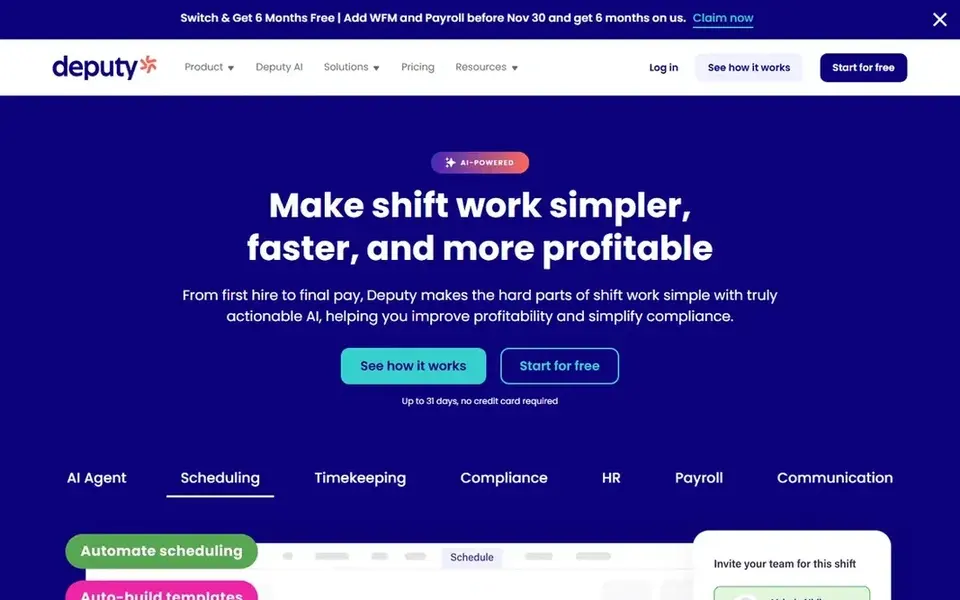
Pick Deputy if this describes you: multi-site centers with labor rules. Core brings auto scheduling, demand forecasting, wage and labor budgets and timesheet auto approval, which is the level most call centers will need when queues vary by hour.
Watch-outs: $30 minimum monthly spend on monthly plans.
One limit: every manager and admin counts as a user, so contain supervisors in your headcount. What you pay to start with Deputy: $5 per user/month. As for free access: Free trial (14 days).
- Auto scheduling and demand forecasting on Core
- Labor law compliance tools built in
- Managers and admins count as users
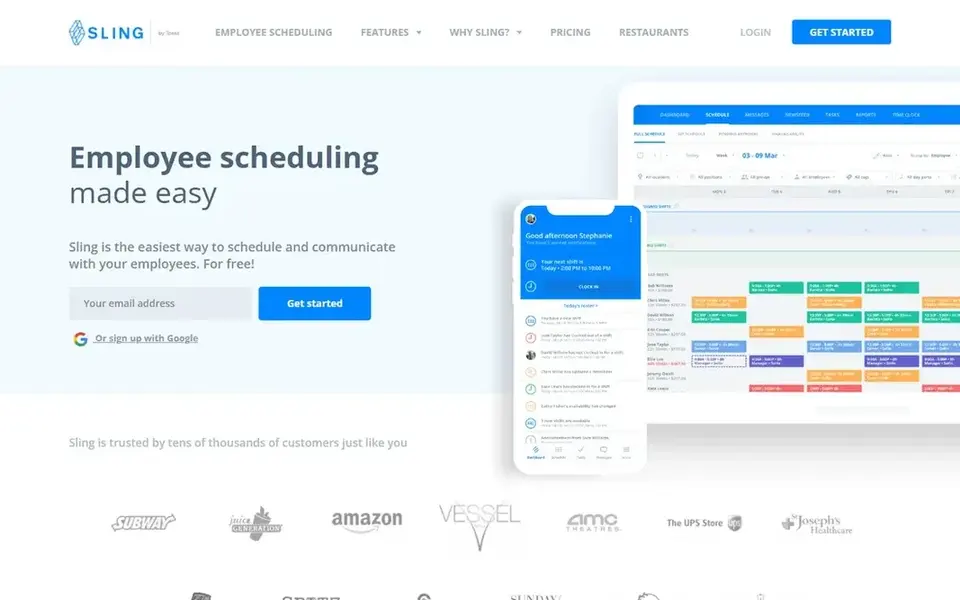
Think of Sling for small centers that want free scheduling. Choose Sling when your center has 30 or fewer agents and you want scheduling at no cost. One limit: the free plan has no time tracking, so centers that require clock-ins must move to Premium.
Points against: Auto-assigning shifts needs Business at $4 per user a month.
Also, premium costs $2 per user a month billed monthly, or $1.70 billed yearly, and adds mobile time tracking, labor cost management and overtime tracking. In practice, Sling, now Sling by Toast, provides free shift scheduling for up to 30 users, including time-off requests, open shifts, shift templates and private messaging. In practice, skip it when you need auto scheduling on the entry plan, which When I Work comes with at $2.50 per user a month. Starting cost for Sling: $1.70 per user/month. You can start on Sling without paying.
- Free plan spans up to 30 users
- Premium brings time tracking at $2 per user a month billed monthly
- Kiosk clock-in is not on Premium
In short, Shiftboard is for large centers with complicated shift rules. One limit: the vendor site lists no price, so this article records quote only, and buyers should expect implementation and support charges beyond the subscription.
Shiftboard does not show a fixed starting price, so you request a quote. Shiftboard has no free tier.
Where it is weaker: No listed price on the vendor site, so you must request a quote.
- Made for complicated scheduling with shift differentials
- Demand planning forecasts staffing needs
- Implementation carries an additional charge on top of the subscription
7shifts was built for per-location pricing with a free level. Choose 7shifts when per-location pricing fits a busy single site.
Where it falls short: payroll add-on costs $39.99 plus $6 per employee.
In practice, Pro costs $79.99 per location a month billed yearly, or $89.99 billed monthly, for up to 60 employees, and brings time-off accruals, labor complianc 7shifts starts at: $39.99 per location/month. 7shifts includes a free tier.
- Free Comp plan for 1 location and up to 15 employees
- Per-location pricing does not rise with headcount
- Labor compliance and time-off accruals need Pro at $79.99 per location a month
Connecteam makes the most sense for mobile-first teams with chat and tasks. Entry-level costs $29 a month per hub billed yearly, or $35 billed monthly, for the first 30 users, with $0.80 per additional user a month on Operations.
The main drawbacks: Each hub is billed separately, so the full bundle costs three times the base price.
The Small Business plan is free for up to 10 users across all hubs, with limits of 1 time clock and 1 job schedule. One limit: scheduling lives in the Operations hub, so a center that also wants chat and HR pays for three hubs, or $87 per month on Basic annual billing From a buyer's view, expert costs $99 a month per hub billed yearly, or $119 billed monthly, and layers on auto-assign open shifts, API access and up to 12 schedules. Connecteam starts at: $29 per month per hub. Connecteam offers a free plan.
- Flat base price includes the first 30 users per hub
- Free Small Business plan for up to 10 users
- Free plan lets only 1 time clock and 1 job schedule
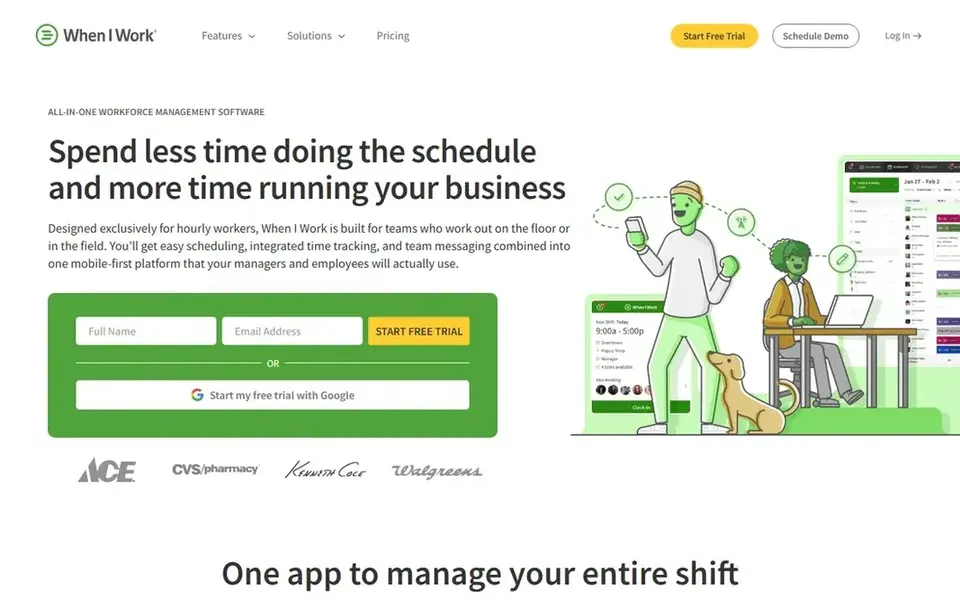
When I Work makes the most sense for single-site call centers on a budget. When I Work lists Essentials at $2.50 per user a month for scheduling, team messaging and a time clock, with Pro at $5 and Premium at $8 per user a month. In daily use, a 25-agent center on Essentials costs $62.50 per month before any time tracking add-on.
The same center on Pro costs $125 per month. Pro layers on scheduling rules, role permissions and labor sharing across locations, whereas Premium layers on API access, webhooks and SAML single sign-on. From a buyer's view, managers can build multi-week schedules and approve swaps from the mobile app. One limit: the vendor page has shown time tracking both as included and as an add-on, so confirm what your plan comes with before you register. Choose When I Work when you want the cheapest path to auto scheduling. On cost, When I Work starts like this: $2.50 per user/month. As for free access: Free trial (14 days).
Points against: Time tracking is a separate add-on on some plan views.
- Auto scheduling on every plan
- Lowest entry price in this list
- Only a 14-day trial
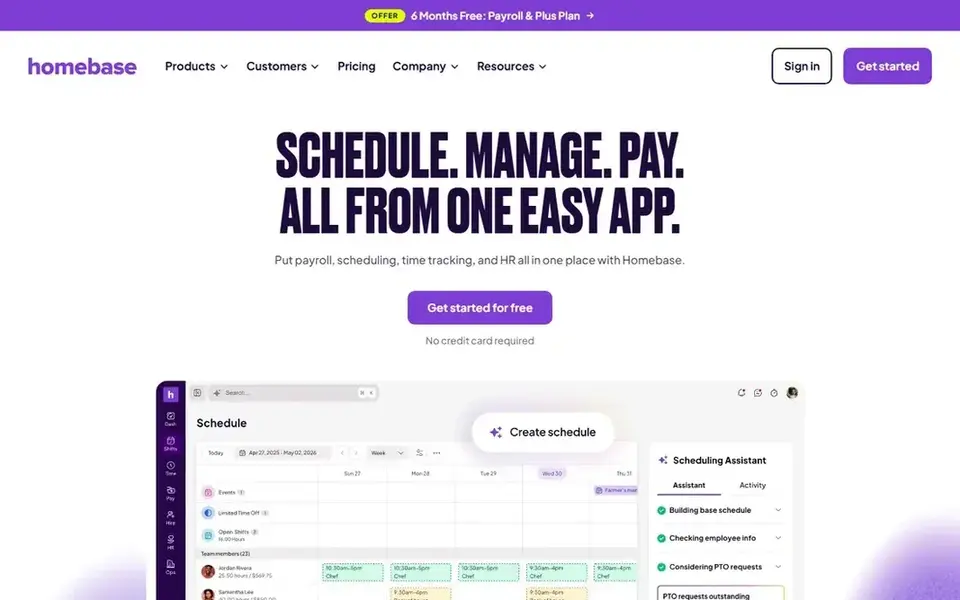
Homebase is aimed squarely at centers that want flat per-location pricing. Essentials costs $30 per location a month billed monthly, or $24 billed yearly, and layers on advanced scheduling, GPS time tracking and late arrival alerts. Worth adding: all-in-One costs $120 per location a month billed monthly, or $96 billed yearly, and brings onboarding, labor cost tools and HR help.
What to check first: Per-location billing multiplies across sites.
One limit: each address counts as a separate location, so five sites cost five times the single-site price. Also, entry-level is free for 1 location and up to 10 employees, with entry-level scheduling, time tracking and team messaging. Also, plus costs $70 per location a month billed monthly, or $56 billed yearly, and layers on an AI scheduling assistant, time-off controls and departments. Beyond that, Homebase prices scheduling per location, not per employee. On cost, Homebase starts like this: $30 per location/month. Homebase includes a free tier.
- Unlimited employees on every higher plan
- Free Basic plan for 1 location and up to 10 employees
- Payroll is a separate add-on at $49 plus $6 per employee
How the list was put together
Selection started from tools commonly considered for employee scheduling software for call centers, then narrowed to 7 that have clear pricing information or a clear quote process. Figures are shown as the vendors publish them. Billing terms, seat minimums and add-ons can change the real cost. The ranking is editorial: typical fit first, then clear pricing, then free access. If your needs are unusual, read the profiles rather than relying on position.
Pre-purchase checklist
- Get a written quote from Shiftboard; the list shows no starting price for them.
- Check what the free option really includes: Sling, 7shifts, Connecteam and Homebase offer a free plan, and usage caps differ.
- Use real work to test the free trial from Deputy and When I Work, rather than a demo project.
- Before choosing Deputy, weigh its main limit: $30 minimum monthly spend on monthly plans.
- Confirm you can export your data from Homebase, so leaving later does not mean losing records.
- Ask whether Shiftboard integrates with your current software, and whether that comes standard or as an add-on.
Frequently asked questions
Can I try these tools before paying?
Often, yes. Sling, 7shifts, Connecteam and Homebase have a free plan and Deputy and When I Work offer a free trial. Use your own data and a real task during the test, and check what the free tier or trial limits before you rely on it.
Do these tools publish their prices?
Not all of them. Shiftboard publishes no starting price, so expect a quote request for it. The rest, Deputy included, show a starting price, though seats and billing terms still change the final cost.
Which options for employee scheduling software for call centers have a free plan?
Sling, 7shifts, Connecteam and Homebase offer a free plan in this list. Free plans usually cap users, projects or features, so check the limits on the vendor page. Several others offer a trial instead.
Is Deputy the right pick for everyone comparing employee scheduling software for call centers?
No single tool suits every team. Deputy comes first because it fits multi-site centers with labor rules, while Sling suits small centers that want free scheduling and Shiftboard suits large centers with complex shift rules. Match the tool to your own size, budget and workflow before deciding.
How much does employee scheduling software for call centers cost?
Entry prices in this list run from $0 on free levels to $2.50 per user a month for When I Work Essentials, $5 per user a month for Deputy Lite billed yearly, and $30 per location a month for Homebase Essentials.
Sources
See where you really rank - block by block
ProMapRanker scans Google Maps across a grid of your service area. Simple monthly plans from $19, white-label on every plan.
Start freeBrowse all guides
← 5 Best Customer Success Software for Real Estate Agents for 2026Best IP Phone system: 2026 Prices and Picks →
 best chatbot software for financial institutions
5 Best Chatbot Software for Financial Institutions for 2026
5 products for the best chatbot software for financial institutions, ranked by fit, with starting costs and free tiers. Short verdicts, no fluff. Facts only.
Read → best chatbot software for ecommerce returns
Chatbot Software for Ecommerce Returns: Best Picks of 2026
Best chatbot software for ecommerce returns: 6 contenders ranked by fit, with entry costs and free tiers. Prices and drawbacks included. Jump to the table.
Read → best chatbot platforms for whatsapp automation
6 Best Chatbot Platforms for WhatsApp Automation Options for 2026
6 products for the best chatbot platforms for WhatsApp automation, ranked by fit, with starting costs and free tiers. Real limits included. Refreshed for 2026.
Read → best cell phone service deals
Best Cell Phone Service Deals in 2026
Compare the best cell phone service deals in 2026, from low-cost prepaid plans to major carrier family plans, with prices, perks, and honest trade-offs.
Read → best ai for customer service
Best AI for Customer Service in 2026
Looking for the best ai for customer service? We compare 8 AI support tools on pricing, resolutions, channels and handoffs to help your team choose well.
Read → best phone tracker app free
Best Phone Tracker App Free in 2026
Best phone tracker app free picks for families and lost phones, with consent based location sharing, parental controls, prices and clear privacy notes.
Read →More in Customer Support & Phone · All guides A to Z by date · Latest guides