 ProMapRanker
5 Best Enterprise Tools for AI Project Management in 2026

A single AI workspace for operations · Pricing starts at: $9 per seat per month
Direct answer
Monday.com is the first pick on this list for a single AI workspace for operations. Listed starting prices: Monday.com from $9 per seat per month, Asana from $10.99 per user a month and ClickUp from $9 per user per month. Microsoft Project is the stronger choice for resource tracking and delivery planning, while Jira suits AI-orchestrated planning and tracking at scale. The remaining 2 options are covered below with prices and limits.
Choosing enterprise tools for AI project management usually comes down to price, fit and limits. This ProMapRanker guide sets 5 tools side by side on those three points, with the facts kept short and checkable.
Key takeaways
- This list starts with Monday.com, which is built for a single AI workspace for operations.
- The lowest published monthly entry price here is $9 per seat per month, from Monday.com.
- ClickUp fits consolidating tasks, docs, goals, and chat.
- Only 3 of the 5 tools have a free plan (Monday.com, Asana, ClickUp), so check the caps.
Quick comparison
| Pick | Great for | Pricing starts at | Free tier | |
|---|---|---|---|---|
| Monday.com | A single AI workspace for operations | $9 per seat per month | Yes | Visit |
 Microsoft Project | Resource tracking and delivery planning | See website | Not stated | Visit |
 Jira | AI-orchestrated planning and tracking at scale | See website | Not stated | Visit |
 Asana | Workflows shared by human and agent teams | $10.99 per user a month | Yes | Visit |
 ClickUp | Consolidating tasks, docs, goals, and chat | $9 per user per month | Yes | Visit |
Enterprise Tools for AI Project Management compared in detail
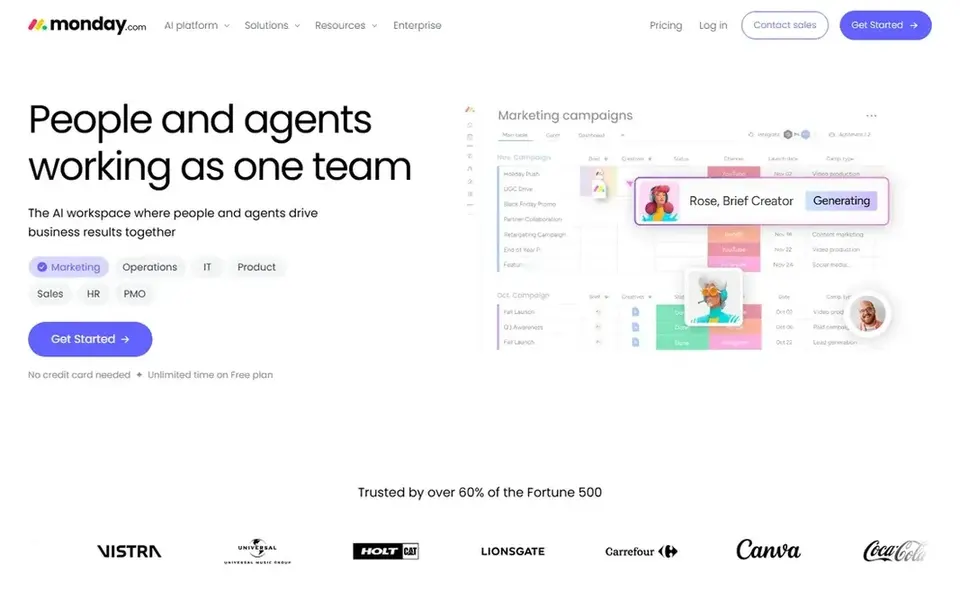
Monday.com was built for a single AI workspace for operations. It suits organizations that want an adaptable, visual workspace spanning projects and continuing operations instead of a single rigid methodology.
As for the details, when you need deep, formal project controls or tightly governed enterprise execution, a more specialized system may serve you better. On cost, Monday.com starts like this: $9 per seat per month. Monday.com has a free plan.
Where it is weaker: Large setups can sprawl.
- AI agents work alongside people
- Adaptable workspace for numerous workflows
- Adaptability needs governance discipline
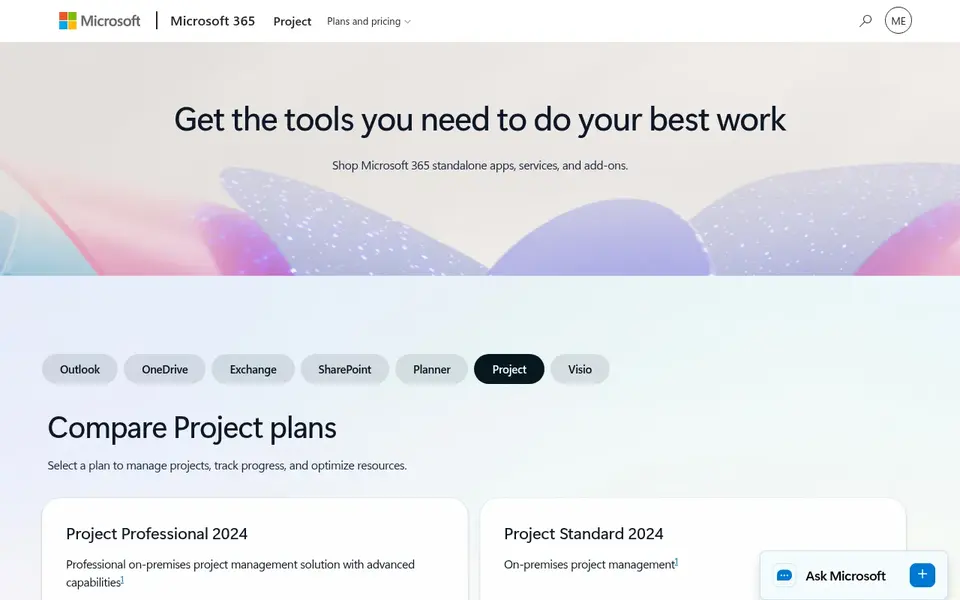
Microsoft Project serves resource tracking and delivery planning. The planning depth can feel complicated for teams that primarily need light task coordination, and the experience is most cohesive inside Microsoft ecosystems.
Trade-offs to know: Best value inside Microsoft environments.
As for the details, Microsoft Project is presented as project management software for tracking resources and delivering results, with plans compared on the vendor site. Microsoft Project shows no starting price here, so confirm the cost on the vendor site. Trial and free access: Not stated.
- Solid project and resource tracking
- Suits Microsoft-centered organizations
- Planning depth can feel complicated
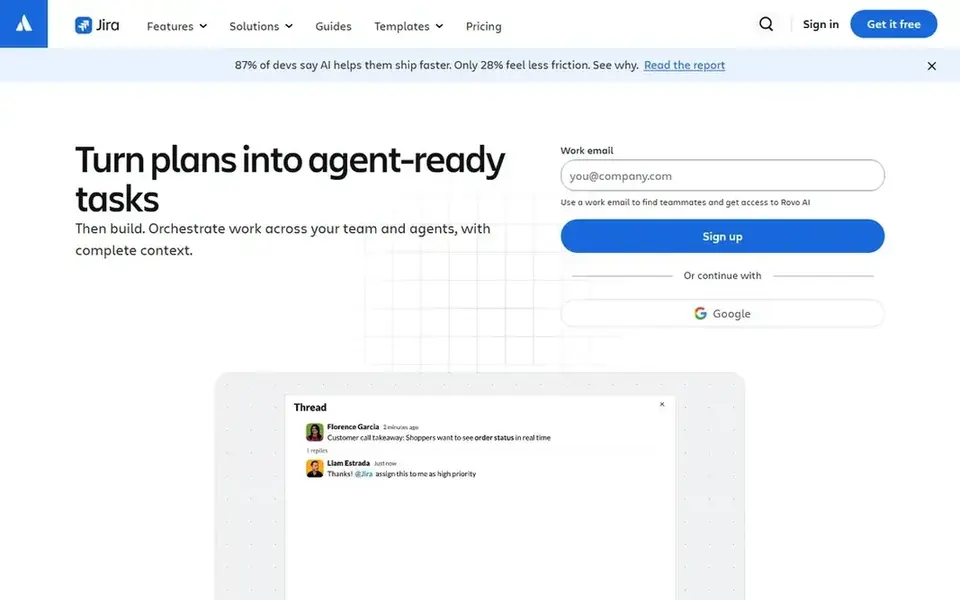
Jira targets AI-orchestrated planning and tracking at scale. The depth that makes Jira capable can also make it demanding to set up and maintain, and lighter teams may find it more structure than they need.
Watch-outs: May feel heavy for small teams.
Jira shows no starting price here, so confirm the cost on the vendor site. On free options: Not stated.
- Solid fit for scaled project delivery
- AI agents that plan and track work
- Configuration can grow complicated
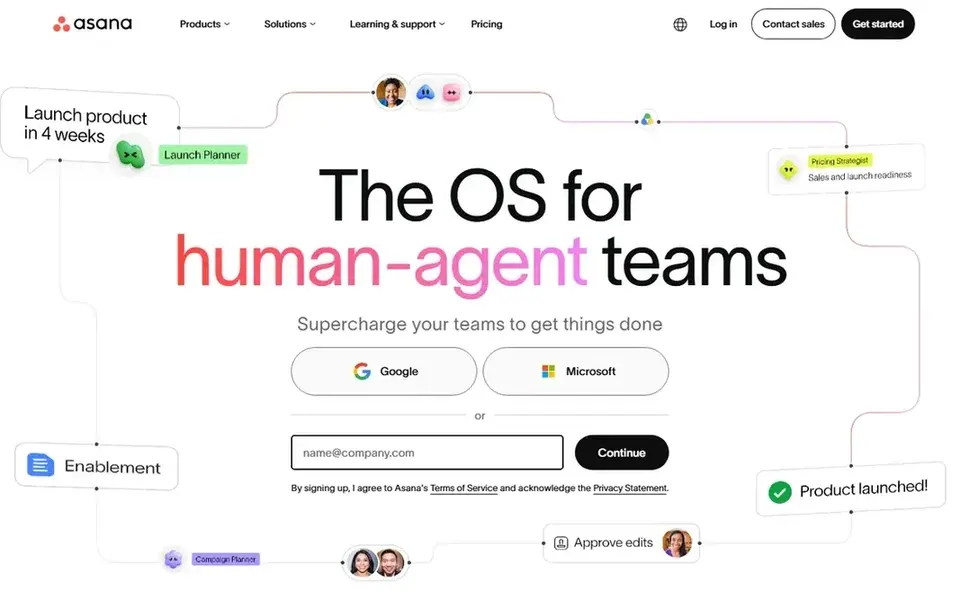
Asana serves workflows shared by human and agent teams. Asana describes itself as work and project management for human-agent teams, letting people and AI agents plan, automate, and execute critical workflows together.
Points against: Advanced needs may need extras.
Entry price for Asana: $10.99 per user per month. You can start on Asana without paying.
- Built for people and AI agents
- Clear workflow automation
- Large portfolios can get busy
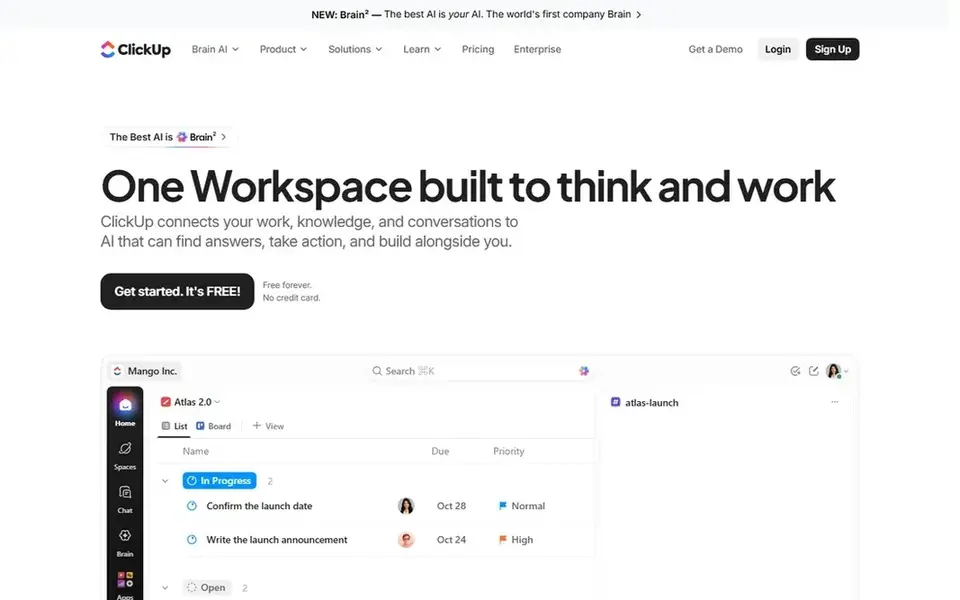
Choose ClickUp for consolidating tasks, docs, goals, and chat. The breadth of features can overwhelm teams without a clear rollout plan, and setup effort is real.
Trade-offs to know: Plenty of features need careful setup.
On cost, ClickUp starts like this: $9 per user per month. Free access exists with ClickUp.
- Tasks, docs, goals
- Aims to replace scattered tools
- Breadth can overwhelm new users
Selection criteria
The comparison looks at four things: starting price, free access, how well the feature set matches enterprise tools for AI project management, and the main limit of each tool. Figures are shown as the vendors publish them. Billing terms, seat minimums and add-ons can change the real cost. Position on the page reflects fit for a typical buyer first, with price clarity and free access breaking ties. Treat it as a guide, not a ruling.
Questions to settle before buying
- Confirm the entry price on the vendor page. For Microsoft Project and Jira that means a quote rather than a fixed price.
- Check what the free option really includes: Monday.com, Asana and ClickUp offer a free plan, and usage caps differ.
- Before choosing Monday.com, weigh its main limit: adaptability needs governance discipline.
- Check whether Asana bills monthly or annually, and what cancelling early costs.
- Check whether the features you need in Microsoft Project sit on the entry plan or only on higher tiers.
Frequently asked questions
How are the tools for enterprise tools for AI project management ordered?
The order follows typical fit for enterprise tools for AI project management, with Monday.com first and ClickUp last, then price clarity and free access. It is editorial judgement, not a score, so another team could rank the tools differently.
Can I try these tools before paying?
Often, yes. Monday.com, Asana and ClickUp have a free plan. Use your own data and a real task during the test, and check what the free tier or trial limits before you rely on it.
What is the cheapest option for enterprise tools for AI project management in this list?
On published monthly entry prices, Monday.com is the lowest here at $9 per seat per month. Entry price is only part of the cost, because seats, add-ons and billing terms can change the total. Each of the 5 options in this enterprise tools for AI project management guide has its own card above with the price, free plan and limits.
Is Microsoft Project a solid fit for AI project management?
Microsoft Project is presented around resource tracking and delivery planning, and it suits organizations already working in Microsoft tools. If your priority is agent-assisted collaboration across numerous teams, compare it with the broader work management products here.
Do these tools publish their prices?
Not all of them. Microsoft Project and Jira publish no starting price, so expect a quote request for those. The rest, Monday.com included, show a starting price, though seats and billing terms still change the final cost.
Sources
See where you really rank - block by block
ProMapRanker scans Google Maps across a grid of your service area. Simple monthly plans from $19, white-label on every plan.
Start freeBrowse all guides
← 6 Best AI Note-Taking Software for Therapists in 2026Best Platforms for Creating AI Workflows in 2026 →
 google gemini meeting notes alternatives
Best Google Gemini Meeting Notes Alternatives in 2026
5 Google Gemini Meeting Notes alternatives, compared on pricing, free plans and best-fit use. Concise write-ups of every option. Last reviewed November 2026.
Read → best cloud-based ai workflow platforms
6 Best Cloud-Based AI Workflow Platforms for 2026
Shortlisting the best Cloud-Based AI workflow platforms? 6 products compared on cost, free access and ideal buyer. Real limits included. See which fits.
Read → best ai software testing tools for remote teams
5 Best AI Software Testing Tools for Remote Teams in 2026
Searching for the best AI software testing tools for remote teams? Here are 5 options with prices and free plans. Plain-spoken summaries throughout. No filler.
Read → pipefy alternatives
Pipefy Alternatives in 2026: 9 Tools Compared
Compare pipefy alternatives for workflow and process management, from monday.com and Asana to ClickUp, Process Street, Kissflow, and more tools compared here.
Read → best apps for adhd
Best Apps for ADHD in 2026: 8 Apps Compared
Best apps for ADHD in 2026 compared: Todoist, Tiimo, Forest, Focusmate and more for focus, time management, planning and daily routines. Check terms now.
Read → best planner app for adhd
Best Planner App for ADHD in 2026
We compared the best planner app for ADHD options, from visual timelines to task breakers, so you can find an ADHD planner app that truly fits your needs.
Read →More in Project Management & Productivity · All guides A to Z by date · Latest guides