 ProMapRanker
Best Apps for ADHD in 2026: 8 Apps Compared

Key takeaways
- No single app covers every ADHD challenge, so pick one for the problem that causes the most trouble, such as starting, planning or distraction.
- Goblin Tools is the best free starting point for breaking a large task into small steps.
- Tiimo and Structured make time visible, which helps with time blindness and daily routines.
- Focusmate adds a real person to a work session, which helps when timers alone do not work.
- These apps are productivity tools, not medical treatment. Talk to a clinician about diagnosis and treatment options.
Quick comparison
| Pick | Great for | Pricing starts at | Free tier | |
|---|---|---|---|---|
 Goblin Tools Goblin Tools | Breaking tasks down | Free | Yes | Visit |
 Todoist Todoist | Capturing tasks fast | Free | Yes | Visit |
 Tiimo Tiimo | Visual daily planning | Free | Yes | Visit |
 Focusmate Focusmate | Body doubling sessions | Free | Yes | Visit |
 Forest Forest | Staying off your phone | See website | Yes | Visit |
 Finch Finch | Gentle routines and self care | Free | Yes | Visit |
 TickTick TickTick | Tasks plus Pomodoro timer | Free | Yes | Visit |
 Structured Structured | Visual time blocking | Free | Yes | Visit |
The best apps for ADHD
We compared the best apps for ADHD on task capture, visual planning, focus support, reminders and free tiers. The eight below cover different ADHD challenges, so you can pick by the problem you face most often.
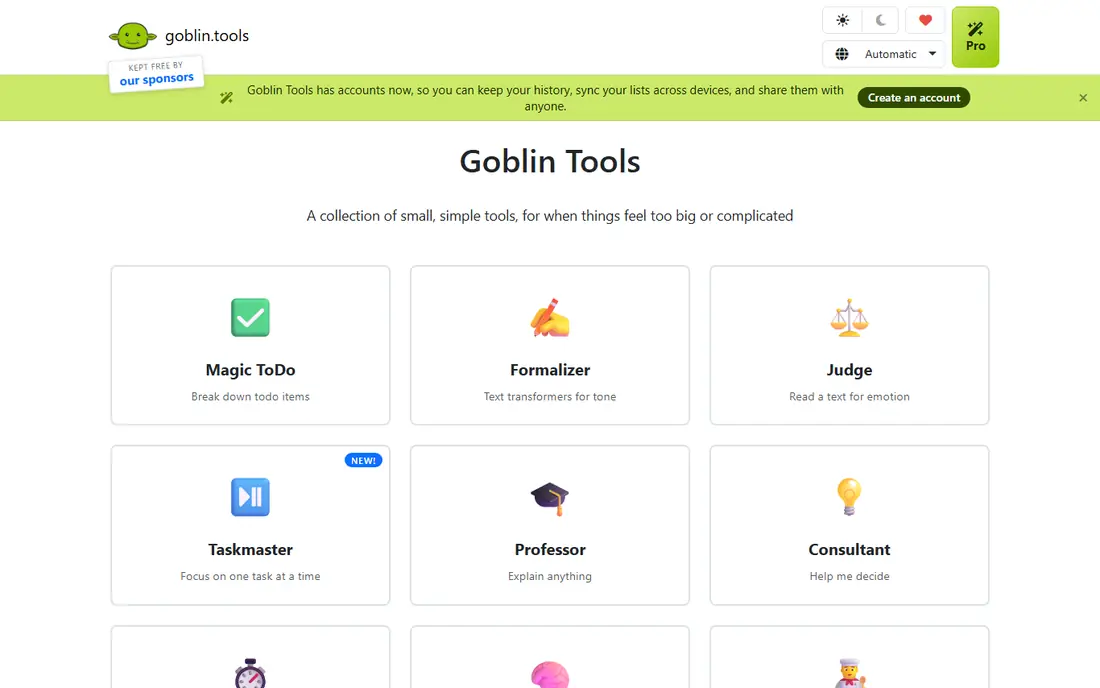
Goblin Tools is the simplest tool on this list, and for many people with ADHD it is the most useful. You type a vague task, such as sorting out car insurance, and Magic ToDo breaks it into concrete steps. You can ask for more or fewer steps, which helps when a task feels too large to start.
The limit is that Goblin Tools does not remind you or track progress. It hands you a clear first step and then waits. Use it at the moment you feel stuck, copy the steps into your task app, and start with the smallest step. That pairing, Goblin Tools for breakdown plus Todoist or TickTick for tracking, works better than either tool alone.
- Magic ToDo breaks vague tasks into steps
- Website is free with no account needed
- Simple, low pressure design
- No reminders or task tracking
- Steps do not sync to your main task list by default
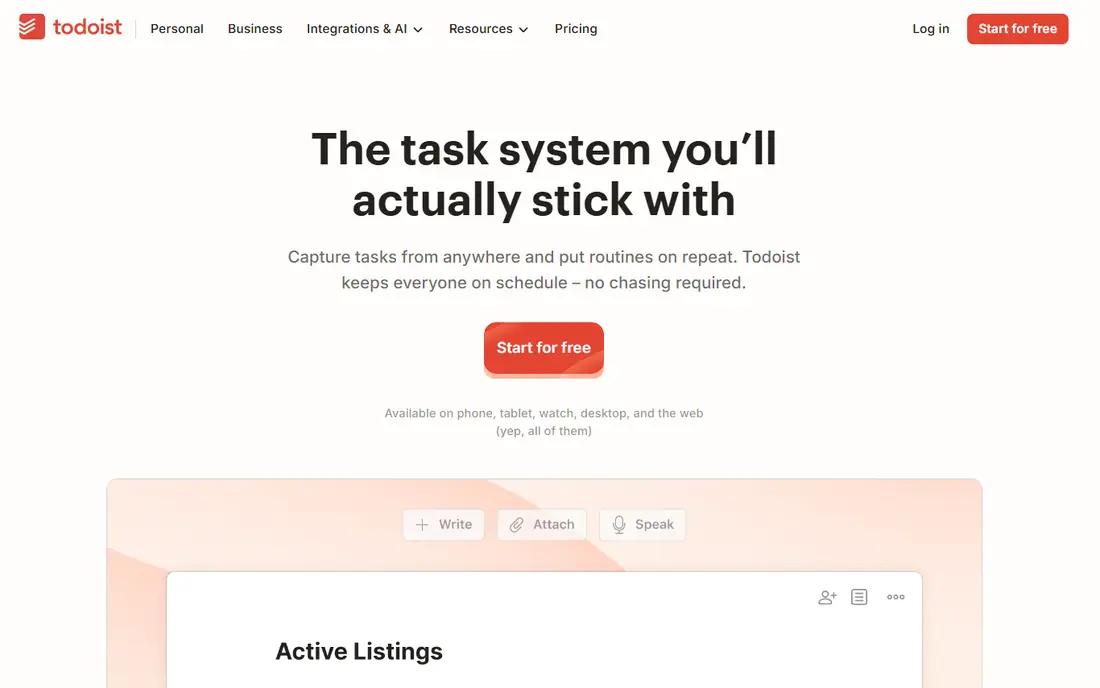
Todoist is best when the problem is forgetting. You can capture a task in seconds using plain language, such as a due date written as tomorrow at 9am, and it appears in the right list. That low friction capture matters, because a task that takes a minute to enter is a task that may never be entered at all.
The free plan covers basic projects and reminders, which is enough for many users. Paid plans add more projects, filters and reminders, but the core value is already in the free tier. Todoist suits people who need a reliable inbox for tasks, and who will check it once or twice a day rather than building a complex system.
- Fast natural language task entry
- Works on web, phone and desktop
- Reminders on the free plan
- Free plan limits projects and filters
- No visual timeline without extra setup
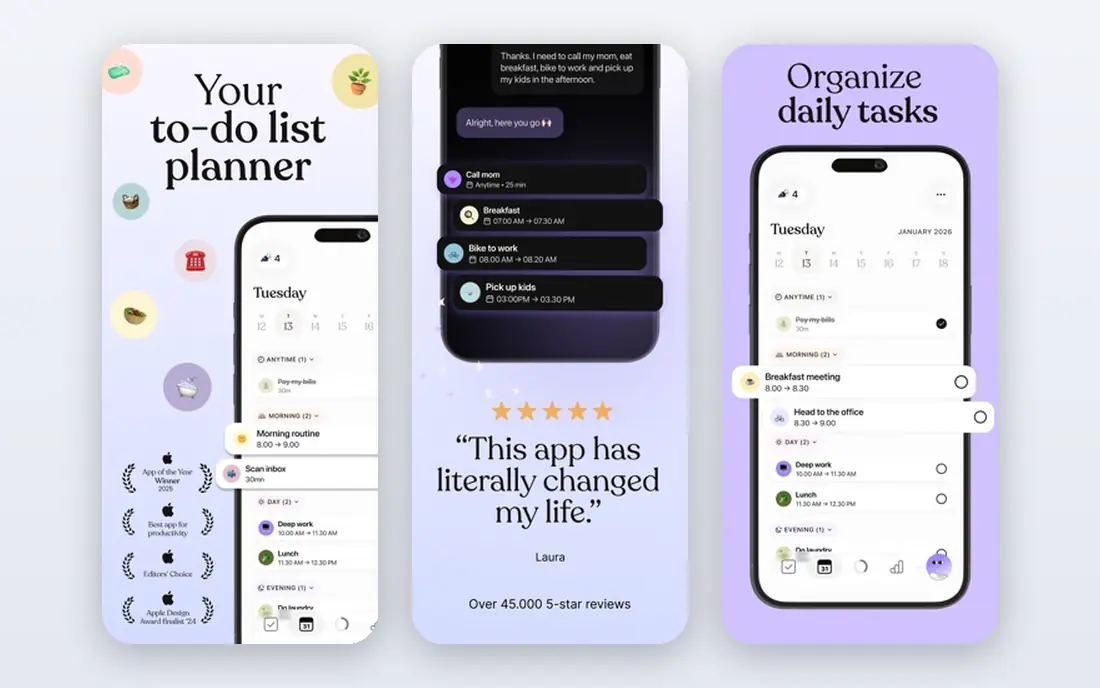
Tiimo makes time visible. Instead of a list of tasks with no sense of duration, you see your day as colored blocks on a timeline, with a focus timer for each block. That visual layout helps with time blindness, because you can see how long a task should take and what comes next without doing mental math.
The free version covers basic planning and the focus timer, with a trial for the paid features. Paid pricing varies by app store and region, so check the price in your store before you subscribe. Tiimo is best for people whose main struggle is seeing the day as a whole, rather than remembering single tasks.
- Visual timeline shows the day as blocks
- Focus timer built in
- Routines and checklists
- Paid price varies by store and region
- Some AI features need the paid plan
Focusmate pairs you with another person for a timed video work session. You state your goal at the start, work quietly together, and check in at the end. This body doubling effect helps many people with ADHD start and stay on a task, because another person is present even if they are working on something different.
The free plan includes a limited number of sessions each week, which is enough to test whether body doubling helps you. Unlimited sessions need a paid plan. Focusmate suits people who can start when someone else is working alongside them, and who are comfortable on video for a focused session.
- Live video work sessions with another person
- 25, 50 or 75 minute sessions
- Free sessions each week
- Sessions need scheduling
- Video format may not suit everyone
- Unlimited sessions need a paid plan
Forest turns focus into a visible result. You plant a virtual tree, start a timer, and the tree grows while you stay off your phone. Leaving the app early harms the tree, which gives a gentle consequence that many people find more motivating than a plain timer. Some versions also support planting with friends, which adds social accountability.
Forest does not plan your day or break down tasks, so it works best as a focus layer on top of a planner such as Todoist or Tiimo. Pricing varies by platform and region, so check the app store listing for your device. Use Forest when phone distraction is the main barrier, not when planning is the problem.
- Focus timer grows a virtual tree
- Leaving the app harms the tree
- App blocking on some plans
- Price varies by platform
- Full features need the paid version
- Timer alone does not plan tasks
Finch takes a gentler approach to routines. You care for a virtual pet by completing small goals, checking in on mood, and building simple habits. The tone is supportive rather than punishing, which matters for people who have tried strict habit apps and given up after missing a day.
Finch is not a task manager, so it will not replace Todoist for work projects. Its strength is daily self care and small routines, such as drinking water, taking a walk, or preparing for the next day. Use Finch when you need a low pressure way to build routines, and pair it with a planner for larger tasks.
- Virtual pet grows as you complete small goals
- Gentle, guilt free design
- Routine and habit tracking
- Not a full task manager
- Paid features add more content
- Pet theme may not suit everyone
TickTick combines several ADHD tools in one place. You get task lists, a calendar view, habit tracking and a built in Pomodoro timer, so you can pick a task and start a timed focus session without switching apps. That single app flow reduces the friction that often breaks a work session before it starts.
The free plan covers the core features, with limits on some lists and habits. The interface can feel busy when you first open it, because it shows tasks, calendar and habits together. TickTick suits people who want one app for tasks and focus sessions, and who like timed work intervals.
- Task lists, calendar view and Pomodoro timer in one app
- Habit tracking
- Natural language entry
- Free plan has limits on lists and habits
- Interface can feel busy at first
Structured shows your whole day as one visual schedule. You add tasks to time blocks, see them in order, and check them off as you go. That single timeline helps when a task list feels abstract, because you can see when each task fits and how much of the day is already planned.
Structured is not a project manager, so large multi step projects still need a tool such as Todoist. The paid price is shown in the app store, so check it before you upgrade. Use Structured when you need to see the day laid out in time, and when a simple timeline is easier to follow than a set of separate lists.
- Day shown as a single visual schedule
- Tasks and calendar in one timeline
- Simple to use
- Paid price is set in the app store
- Android availability is more limited than iOS in some reports
- No deep project management
How we picked these
We compared official feature pages, free plan terms and app store listings for apps commonly recommended for ADHD, plus public reviews of how each app handles planning, focus and routines. We kept only apps that work in October 2026, that address a specific ADHD related challenge, and that offer a free tier or trial. We did not claim hands on testing that did not happen, and we did not treat any app as a substitute for clinical care.
How to build a system that actually sticks
Start with one problem, not one app for everything. If starting is hard, begin with Goblin Tools. If forgetting is hard, begin with Todoist. If time feels invisible, begin with Tiimo or Structured. If distraction is hard, begin with Forest. Adding one tool at a time keeps the system simple enough to use on a bad day, which is when you need it most.
Next, link the tools with a simple daily habit. Each morning, pick three tasks, break the hardest one into steps, and put them on a timeline or in a focus session. Each evening, move unfinished tasks to the next day without guilt. A system that survives a missed day is better than a perfect system that collapses after one failure.
Finally, review the system every two weeks. If an app is not opened, it is not the right app, no matter how popular it is. Swap it for a simpler option, or drop it and keep the one tool you actually use. The best ADHD system is the one you return to, not the one with the most features.
Frequently asked questions
What is the best app for ADHD overall?
There is no single best app, because ADHD affects planning, memory, focus and routines in different ways. Todoist is a strong general pick for task capture, Tiimo is strong for visual planning, and Focusmate is strong for accountability. Start with the problem that causes the most trouble, and pick the app built for that problem.
What are the best free apps for ADHD?
Goblin Tools is free on the web and is excellent for breaking tasks down. Todoist, Tiimo, TickTick, Structured and Finch all offer useful free tiers, and Focusmate offers free sessions each week. Forest offers a core timer free on some platforms, with paid features for blocking and extras.
What is the best app for ADHD time management?
Tiimo and Structured are the strongest picks for time management, because both show the day as a visual timeline rather than a plain list. TickTick also helps, because it combines tasks with a Pomodoro timer and calendar view. A visual schedule helps with time blindness by showing how long tasks take and what comes next.
Do ADHD apps replace treatment?
No. These apps are productivity and routine tools, not medical treatment. They can support planning, focus and habits, but they do not diagnose or treat ADHD. If ADHD symptoms affect work, school or daily life, talk to a clinician about assessment and treatment options, and use apps as a support alongside professional care.
What app helps with ADHD task paralysis?
Goblin Tools helps most directly with task paralysis, because Magic ToDo breaks a vague, overwhelming task into small, concrete steps. Starting with the smallest step, even a two minute step, often makes the next step easier. Pairing Goblin Tools with a task app such as Todoist keeps the steps visible after you break them down.
Is Focusmate good for ADHD?
Focusmate works well for many people with ADHD, because body doubling adds social accountability to a work session. You state a goal, work alongside another person on video, and check in at the end. It suits people who start more easily with another person present, and who are comfortable with scheduled video sessions.
Sources
See where you really rank - block by block
ProMapRanker scans Google Maps across a grid of your service area. Simple monthly plans from $19, white-label on every plan.
Start freeKeep reading
 zendesk alternatives
Best Zendesk Alternatives in 2026
Compare the best Zendesk alternatives in 2026, from budget help desks to AI-first support tools, with current pricing, free plans, and honest trade-offs.
Read → wordpress alternatives
Best WordPress Alternatives in 2026
Looking for the best WordPress alternatives? We compare 8 free and paid options for blogs, business sites, stores, and developer-led projects in 2026.
Read → which real estate company has the best training
Best Real Estate Company Training in 2026
Compare which real estate company has the best training, from Keller Williams and eXp to Compass and Coldwell Banker, by program, mentor, and fit in 2026.
Read →