 ProMapRanker
6 Best AI Note-Taking Software for Therapists in 2026

Transcribing meetings across video systems · Pricing starts at: $10 per seat a month, billed yearly
Direct answer
If you need transcribing meetings across video systems, Fireflies.ai is the first tool to look at here. Listed starting prices: Fireflies.ai from $10 per seat a month, billed yearly, BluePrint AI from $0.99 per session and Fellow from $7 per user a month. Look at BluePrint AI for documentation support alongside any EHR, and at Fellow for regulated teams needing secure meeting notes. Prices, free plans and limits for all 6 tools follow.
This ProMapRanker guide covers 6 AI Note-Taking software for therapists. Each profile lists a starting price, free plan details, strengths and drawbacks, so you can drop poor fits quickly.
Key takeaways
- This list starts with Fireflies.ai, which is built for transcribing meetings across video products.
- 4 of 6 tools offer a free plan: Fireflies.ai, Fellow, Upheal, Otter.ai.
- For live transcription and meeting insights, Otter.ai is worth a look.
- Check the limits for Zoom AI Companion before you commit: tied to the Zoom ecosystem.
Quick comparison
| Pick | Great for | Pricing starts at | Free tier | |
|---|---|---|---|---|
| Fireflies.ai | Transcribing meetings across video systems | $10 per seat a month, billed yearly | Yes | Visit |
 BluePrint AI | Documentation support alongside any EHR | $0.99 per session | Free trial | Visit |
 Fellow | Regulated teams needing secure meeting notes | $7 per user a month | Yes | Visit |
 Zoom AI Companion | Notes inside Zoom-based sessions | See website | Not stated | Visit |
 Upheal | Therapy notes plus EHR and billing | $1 per session | Yes | Visit |
 Otter.ai | Live transcription and meeting insights | $8.33 per user a month | Yes | Visit |
The full AI Note-Taking software for therapists list
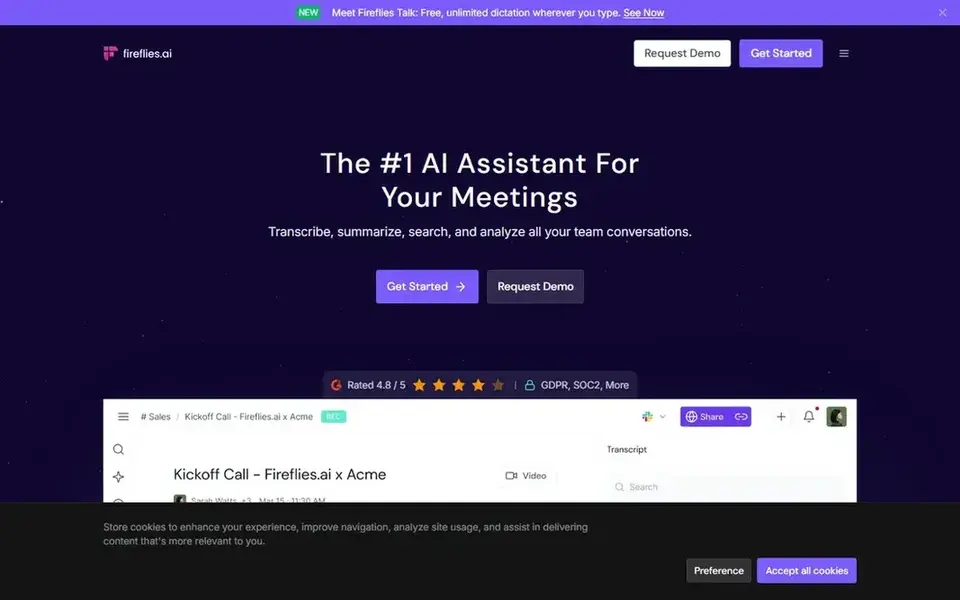
Fireflies.ai was built for transcribing meetings across video products. It suits therapists and practice teams who already run meetings on mixed video tools and want consistent transcripts and summaries without changing products.
Upsides: Generative AI summaries for meetings.
Trade-offs to know: Summary quality relies on clear audio. It is a general meeting assistant, so it does not understand therapy note conventions or clinical workflows out of the box. What you pay to start with Fireflies.ai: $10 per seat per month, billed annually. Fireflies.ai has a free plan.
- Transcripts and smart summaries
- Webex and more
- General-purpose instead of clinical
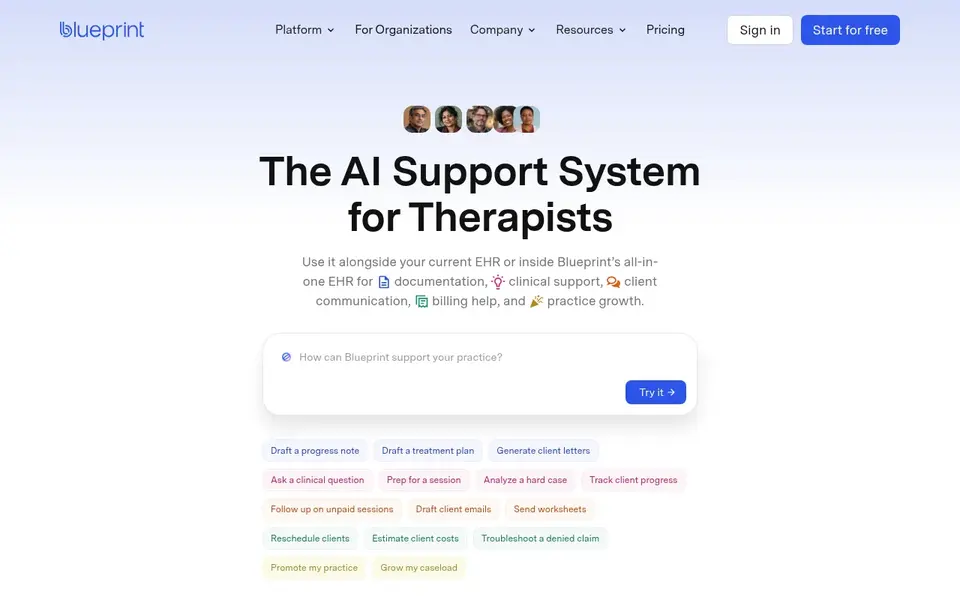
BluePrint AI was built for documentation support alongside any EHR. It fits practices that want adaptability: you can add assistance first and consider a fuller system later, without forcing an immediate system change.
BluePrint AI starts at: $0.99 per session. Trial and free access: Free trial.
Points against: Clinical care support still needs clinician review.
- AI support for documentation and admin
- Works with your current EHR
- Overlaps with EHR features if you switch
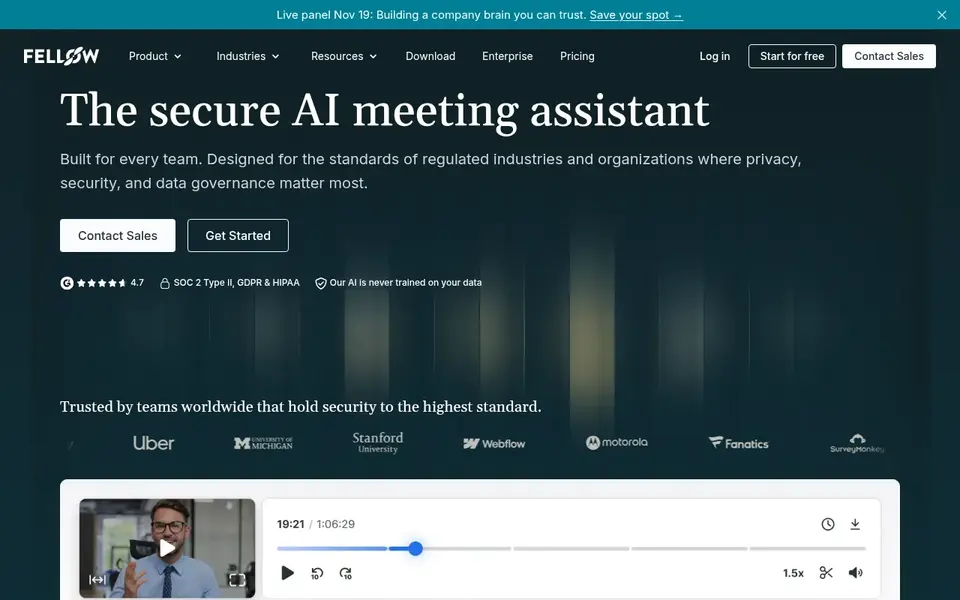
Where Fellow fits: regulated teams needing secure meeting notes. Fellow is a secure AI meeting assistant for enterprise and regulated teams, recording, transcribing, and summarizing meetings with automatic action items.
Where it is weaker: Not therapy-specific.
The starting price for Fellow: $7 per user per month. Fellow offers a free plan.
- Enterprise security and compliance controls
- Records, transcribes
- Made for team meetings instead of clinical notes

Zoom AI Companion is aimed squarely at notes inside Zoom-based sessions. Pick Zoom AI Companion when simplicity inside Zoom outweighs specialized note formatting. As for the details, Zoom AI Companion sits within Zoom's collaboration product, which spans video meetings, chat, phone, webinars, whiteboard, and events.
For therapists who already run sessions or practice meetings on Zoom, it provides a low-friction way to get summaries and meeting support without adding another vendor to the stack. It is a general collaboration feature, not a clinical documentation system, so it will not produce therapy-formatted notes on its own. Zoom AI Companion shows no starting price here, so confirm the cost on the vendor site. Trial and free access: Not stated.
Drawbacks to consider: Tied to the Zoom ecosystem.
- Summaries and meeting support
- No separate meeting tool to adopt
- General collaboration focus, not clinical notes

Upheal is a good fit for therapy notes plus EHR and billing. If you already have an EHR you are happy with and only want transcription, a general assistant may be more straightforward.
Downsides: Practice features may overlap with tools you already use.
As for the details, pick Upheal when clinical notes and practice administration should live together. What you pay to start with Upheal: $1 per session. A free plan is available with Upheal.
- Designed specifically for therapists
- AI progress notes aimed at therapy sessions
- Less suited to non-clinical meeting use
Otter.ai is built with live transcription and meeting insights in mind. It fits practitioners who want a familiar, straightforward way to capture conversations and review key points afterward, particularly for admin calls, consultations.
Team discussions instead of formal clinical records. The starting price for Otter.ai: $8.33 per user per month. You can start on Otter.ai without paying.
Where it falls short: Insights are general instead of therapy-specific.
- Live chat during meetings
- Automatic summaries and action items
- Not made for clinical documentation
Pre-purchase checklist
- Ask Zoom AI Companion for a written quote, since no starting price is shown.
- Read the fine print on the free plans from Fireflies.ai, Fellow, Upheal and Otter.ai; seat, project and feature caps differ.
- Run a trial of BluePrint AI with real work before paying for a year; your own workflow is the best test.
- Before choosing Fireflies.ai, weigh its main limit: general-purpose instead of clinical.
- Check whether the features you need in BluePrint AI sit on the entry plan or only on higher tiers.
- Test how quickly Otter.ai answers a pre-sales question; it hints at how support will feel later.
Frequently asked questions
Do these tools publish their prices?
Not all of them. Zoom AI Companion publishes no starting price, so expect a quote request for it. The rest, Fireflies.ai included, show a starting price, though seats and billing terms still change the final cost.
Do these tools replace clinical judgment when writing notes?
Treat the output as a draft that saves typing time, and verify accuracy, tone, and completeness against your own recollection of the session.
Can I try these tools before paying?
Often, yes. Fireflies.ai, Fellow, Upheal and Otter.ai have a free plan and BluePrint AI offers a free trial. Use your own data and a real task during the test, and check what the free tier or trial limits before you rely on it.
What should I check about privacy before recording sessions?
Review the vendor's security and compliance documentation, how data is stored and retained, and whether your data is used for AI training.
How are the tools for AI Note-Taking software for therapists ordered?
Fireflies.ai sits first and Otter.ai last because the order follows typical fit for AI Note-Taking software for therapists, then price clarity and free access. It is a judgement call, so read each profile for fit and limits.
Is Fireflies.ai the right pick for everyone comparing AI Note-Taking software for therapists?
No single tool suits every team. Fireflies.ai comes first because it fits transcribing meetings across video platforms, while BluePrint AI suits documentation support alongside any EHR and Fellow suits regulated teams needing secure meeting notes. Match the tool to your own size, budget and workflow before deciding.
Sources
See where you really rank - block by block
ProMapRanker scans Google Maps across a grid of your service area. Simple monthly plans from $19, white-label on every plan.
Start freeBrowse all guides
← Best Google Gemini Meeting Notes Alternatives in 20265 Best Enterprise Tools for AI Project Management in 2026 →
 best cloud-based ai workflow platforms
6 Best Cloud-Based AI Workflow Platforms for 2026
Shortlisting the best Cloud-Based AI workflow platforms? 6 products compared on cost, free access and ideal buyer. Real limits included. See which fits.
Read → best ai software testing tools for remote teams
5 Best AI Software Testing Tools for Remote Teams in 2026
Searching for the best AI software testing tools for remote teams? Here are 5 options with prices and free plans. Plain-spoken summaries throughout. No filler.
Read → best ai remote desktop software
5 Best AI Remote Desktop Software for 2026
Best AI remote desktop software in 2026: 5 contenders with entry costs and free tiers. Strengths and gaps are listed per tool. Last reviewed November 2026.
Read → free scheduling tools alternatives to calendly
Free Scheduling Tools Alternatives to Calendly in 2026
Looking for free scheduling tools alternatives to Calendly? We compare nine tools with a genuine free tier, from solo booking to team appointments in 2026.
Read → best edr tool
Best EDR Tools in 2026
The best EDR tool for your business in 2026? We compared 10 endpoint detection and response platforms on price, trials, managed options and fit for teams.
Read → doodle alternatives
Doodle Alternatives in 2026: 9 Tools Compared
Find the best Doodle alternatives for group polls, booking links, and team scheduling, with free plans, starting prices, and the use each tool suits best.
Read →More in Project Management & Productivity · All guides A to Z by date · Latest guides