 ProMapRanker
Free Scheduling Tools Alternatives to Calendly in 2026

Key takeaways
- Every tool in this list has a genuine free tier, and Calendly itself is not listed, because this article covers alternatives only.
- Cal.com and TidyCal offer the most generous free solo booking, with unlimited event types or unlimited bookings in reported terms.
- Setmore is the strongest free choice for a small team, because its free plan covers up to four users.
- Free tiers differ on video links, reminders, payments and branding, so check those limits before you switch.
Quick comparison
| Pick | Great for | Pricing starts at | Free tier | |
|---|---|---|---|---|
 Cal.com | Free solo booking with control | Free | Yes | Visit |
 Setmore | Free small team appointments | Free | Yes | Visit |
 Zoho Bookings | Free booking in Zoho setup | Free | Yes | Visit |
 TidyCal | Free solo booking with payments | Free | Yes | Visit |
 YouCanBookMe | Free simple booking page | Free | Yes | Visit |
 SimplyBook.me | Free service business booking | Free | Yes | Visit |
 Square Appointments | Free appointments with Square | Free | Yes | Visit |
 Doodle | Free group scheduling polls | Free | Yes | Visit |
 HubSpot Meetings | Free meetings in HubSpot CRM | Free | Yes | Visit |
The best free scheduling tools alternatives to Calendly
Calendly itself is not listed here, because this article covers alternatives to Calendly only, and every tool below has a genuine free tier. We compared official pricing pages and widely reported 2026 scheduling comparisons, and we focused on tools that let you take bookings at no cost, not just on a trial. Paid prices are listed as entry points where they could be confirmed, and as Free where the free tier is the main offer.
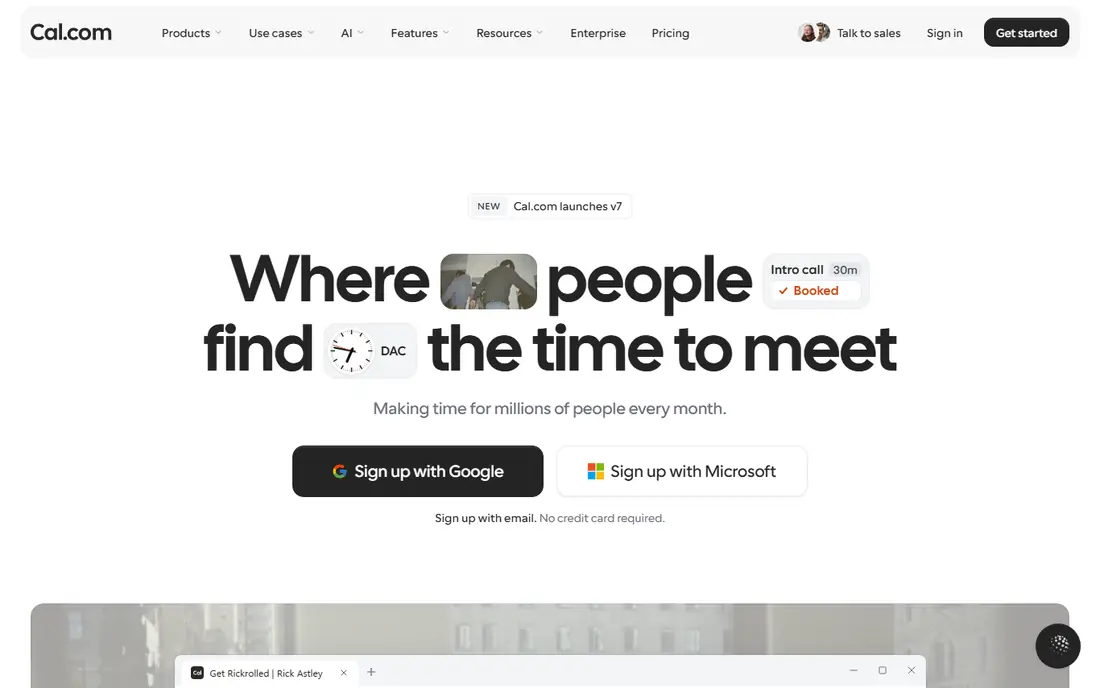
Cal.com is the strongest free solo alternative to Calendly, because its free plan covers one user with unlimited event types in reported terms, rather than one event type. That difference matters if you offer several meeting lengths, such as a 15-minute intro, a 30-minute call and a 60-minute consultation. Its calendar integrations, video options and payment links cover the core booking workflow without a paid plan.
The limit is team use. Round-robin, collective meetings and routing need a Teams plan, reported at 12 dollars per user per month billed yearly in some comparisons and higher in others, so confirm the current Teams price before budgeting. Cal.com has also changed its open-source approach in 2026, with a community edition now called Cal.diy, so check which version fits your setup if self-hosting matters to you.
- Free plan for one user with unlimited event types in reported terms
- Calendar and video integrations
- Open approach with self-hosting history
- Team features need a paid plan
- Setup can feel technical
- Some newer tiers changed after its open-source shift
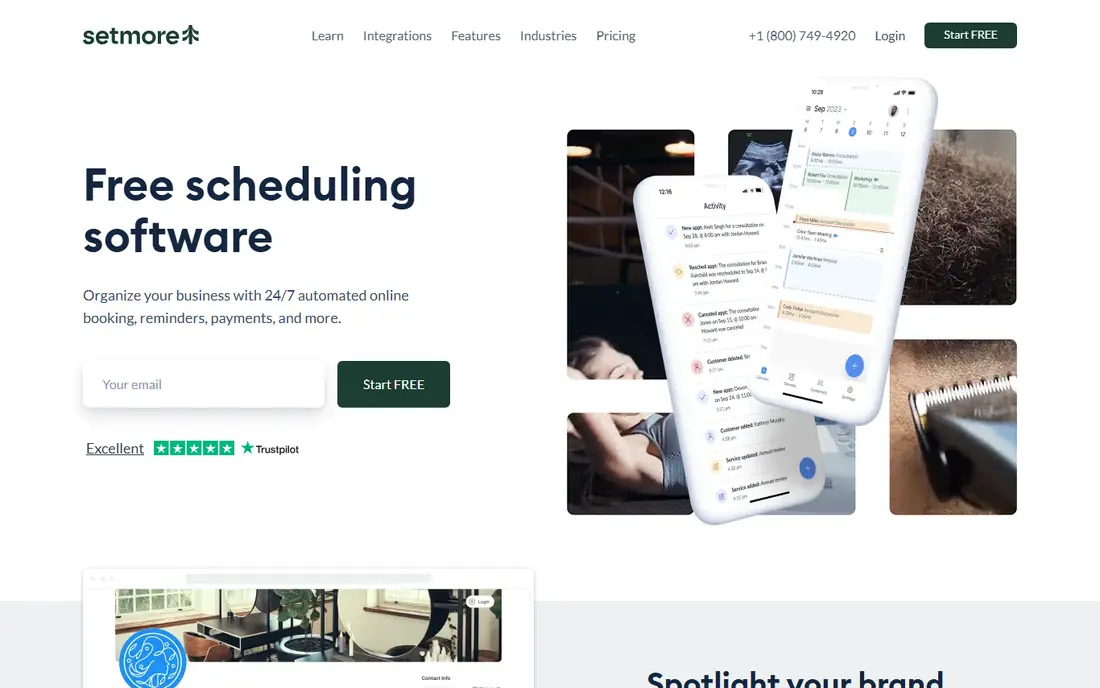
Setmore is the best free choice for a small team, because its free plan covers up to four users with unlimited appointments in reported terms. That is far more generous than a one-user free plan, and it suits a small salon, clinic or consultancy with several staff calendars. Its booking page, mobile apps and payment links through Square and Stripe cover the core appointment workflow at no cost.
The free limits are clear. Two-way calendar sync, SMS reminders, recurring appointments and branding removal need Pro, reported at 5 dollars per user per month billed yearly. If your team relies on SMS reminders or two-way sync to avoid double bookings, budget for Pro, but for email-based booking, the free plan can run a small business.
- Free plan for up to four users
- Unlimited appointments in reported terms
- Booking page and apps
- Two-way calendar sync and SMS reminders need Pro
- Recurring appointments need Pro
- Branding stays on free
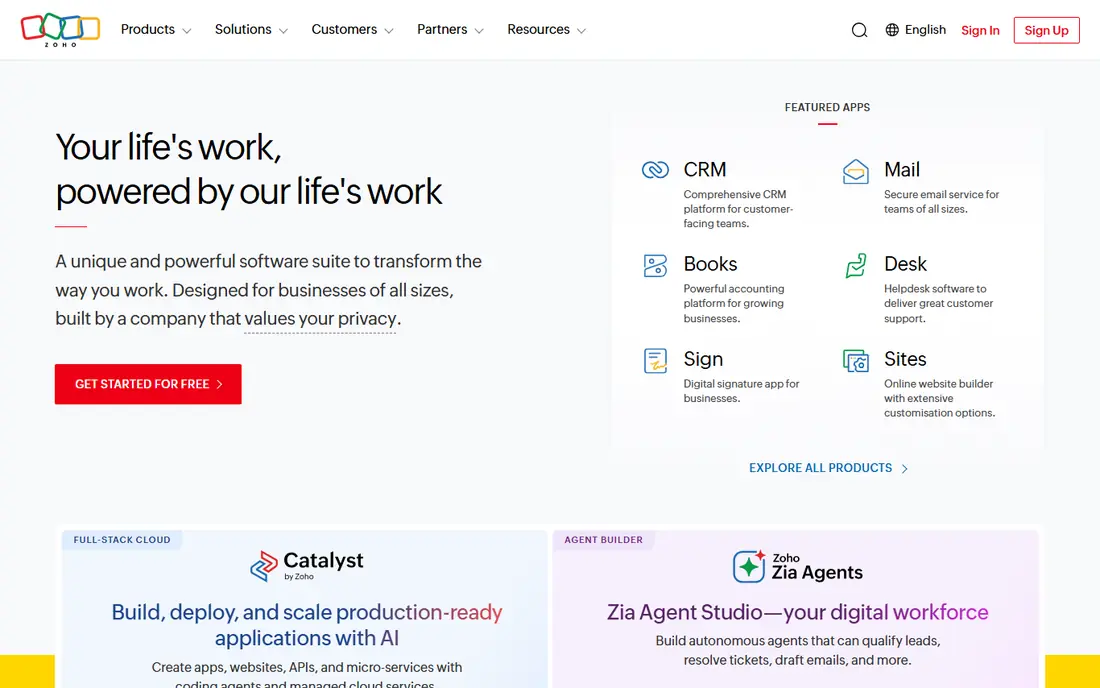
Zoho Bookings offers a free plan for one user, with booking pages, calendar sync and payment links, which makes it a practical free alternative for a solo consultant or a small Zoho user. Its strength grows if you already use Zoho CRM, Zoho Mail or other Zoho apps, because bookings can sit alongside customer records without a separate integration. That single-system view can save time for a small team.
The limit is team scaling. Paid plans are priced per user, reported at 6 dollars per user per month billed yearly in recent comparisons, so a team of several bookers will pay more than on Setmore free. Zoho Bookings also works best inside the Zoho ecosystem, so a team that does not use Zoho may find Cal.com or Setmore simpler for booking alone.
- Free plan for one user
- Works with Zoho apps and Google and Outlook calendars
- Payment links
- Paid plans are per user
- Some features need higher tiers
- Setup is best inside the Zoho ecosystem
TidyCal is a strong free solo choice for coaches, tutors and consultants who sell sessions. Its free plan offers unlimited bookings on one calendar in reported terms, with paid bookings, packages and subscriptions, which is unusual for a free tier. A solo tutor who sells single lessons or lesson packs can therefore run paid bookings without a monthly subscription.
The free limits need attention. Free cannot auto-generate Zoom, Meet or Teams links, so you paste one fixed video link for bookings, and CSV export of bookings needs a paid plan. Stripe payments on free also carry a 1 percent platform fee in reported terms. Lifetime options, reported at 29 dollars once for Individual and 79 dollars once for Agency, can remove some of those limits without a monthly bill.
- Free plan with unlimited bookings in reported terms
- Paid bookings and packages
- Low-cost lifetime options
- Free cannot auto-generate video links
- CSV export needs a paid plan
- 1 percent platform fee on free Stripe payments in reported terms
YouCanBookMe offers a free-forever plan with one calendar connection and one booking page, which suits a solo host who needs a simple, reliable link. Its paid plans start at about 8.10 dollars per month billed yearly in reported terms, and it supports group sessions in the same slot, which can help a tutor or coach who books several people at once. The interface is straightforward, and setup is fast.
The limits are SMS and scale. SMS reminders carry an extra charge on every plan, and the free plan covers only one calendar, so a host with several calendars will need to pay. YouCanBookMe also lacks packages and classes in reported terms, so a service business that sells bundles may prefer SimplyBook.me or Setmore.
- Free plan with one calendar and one booking page
- Group sessions in the same slot
- Clear paid ladder
- SMS reminders cost extra on every plan
- Only one calendar on free
- No packages or classes in reported terms
SimplyBook.me is built for service businesses, with configurable booking features, provider capacity and payment options that suit salons, clinics and studios. Its free plan lets a small service business test online booking without a monthly cost, and its paid Basic plan starts at 11.90 dollars per month billed yearly in reported terms. That structure suits a business that needs service-specific settings, such as duration, provider and location.
The free limit is volume. The free plan caps bookings in reported terms, with 50 bookings cited in recent comparisons, so a busy business will outgrow it quickly. Premium custom features also sit on paid tiers, and the setup can feel detailed because there are many options to configure. Test the free plan with your real services before paying.
- Free plan for service businesses
- Configurable booking features
- Payment and social booking options
- Free plan caps bookings in reported terms
- Premium features need paid tiers
- Setup can feel detailed
Square Appointments offers a free plan per location, with appointment booking linked to Square checkout, staff calendars and customer records. That link is its main strength: a business that already takes payments through Square can book, charge and track clients in one system, without a separate booking tool. Its free plan can run a small service business, especially one with a single location.
The limit is scaling and system fit. Plus, reported at 49 dollars per location per month, is dearer than per-user plans for a multi-location business, and payment processing fees apply on top. Square Appointments also works best inside the Square system, so a business that does not use Square for payments may find Setmore or Zoho Bookings simpler.
- Free plan per location
- Appointments linked to Square checkout
- Staff and service management
- Paid Plus plan is per location and dearer
- Processing fees apply
- Best inside the Square system
Doodle solves a different scheduling problem from the rest of this list. Instead of a booking link, it lets you propose several times, invite participants to mark availability, and pick the slot that works for most people. Its free tier covers basic polls, which suits team meetings, group calls and events with many attendees. For group coordination, Doodle is faster than sending a booking link to each person.
The limit is one-on-one booking. Individual booking pages, which match Calendly use, need a paid plan, reported at about 6.95 dollars per user per month in some comparisons and higher in others, so confirm the current price. Doodle also carries ads on the free tier in reported terms, and it is not a full appointment system with payments and staff calendars.
- Free group polls with no booking setup
- Easy for finding a time with many people
- Simple interface
- One-on-one booking pages need a paid plan
- Free polls carry ads in reported terms
- Not a full appointment system
HubSpot Meetings offers free meeting links inside the HubSpot CRM, with one meeting link in reported free terms and automatic contact updates when a meeting is booked. That CRM link is its main strength: a sales or support team that already uses HubSpot can book meetings without a separate tool, and booked contacts flow into the CRM without manual entry. For a HubSpot user, that integration can outweigh a dedicated scheduler.
The limit is scope outside HubSpot. Advanced routing, round-robin and team scheduling need paid HubSpot tiers, and its booking features are simpler than Cal.com or Setmore for a service business. If you do not use HubSpot CRM, a dedicated free scheduler will give you more booking control at no cost.
- Free meeting links inside HubSpot CRM
- Contacts update automatically
- Useful for sales and support teams
- Best inside HubSpot
- Advanced routing needs paid tiers
- Booking features are simpler than dedicated tools
How we picked these
We compared official pricing pages and widely reported 2026 scheduling comparisons, and we chose tools with a genuine free tier that is live in October 2026. We excluded Calendly itself, and we excluded tools with only a trial and no permanent free plan, such as Acuity Scheduling and SavvyCal in recent comparisons. Where paid prices varied across comparisons, we used reported figures and noted that the vendor page should be checked before purchase.
How to choose a free scheduling tool
Start with the booking type you actually need. A solo consultant needs event types and video links, a small team needs staff calendars, a service business needs provider and payment settings, and a group coordinator needs polls. A free tool that fits your booking type is worth more than a free tool with a longer feature list in another area.
Check the free limits that affect daily use
Test video link creation, reminders, calendar sync, payments and branding on the free plan before you switch. A free plan that cannot auto-generate video links, or that caps bookings, can cause daily friction even if it costs nothing. Check whether reminders are email only, whether sync is one-way or two-way, and whether your branding stays on the page.
Test with real invitees, not just yourself
Send a test link to a colleague, book at a busy time, reschedule, and cancel, and check what emails each person receives. That test reveals time zone handling, buffer times and confirmation wording that a solo setup check can miss. If the tool will be used by clients, that client view matters more than the host view.
Plan the paid step before you need it
Note the paid price, the per-user or per-location model, and what the paid tier adds, so a growth step does not surprise you. A free plan that scales to a cheap paid tier, such as Setmore Pro or TidyCal lifetime, can be cheaper long term than a free plan whose paid tier is per seat at a higher rate. Keep your booking data exportable, so you can move if the paid terms change.
Frequently asked questions
What is the best free scheduling tool alternative to Calendly?
Cal.com is the strongest free solo alternative, because its free plan covers unlimited event types for one user in reported terms. Setmore is the strongest free team alternative, because its free plan covers up to four users. The best choice depends on whether you book alone or as a team.
Is there a free tool like Calendly with unlimited bookings?
TidyCal free offers unlimited bookings on one calendar in reported terms, though it cannot auto-generate video links on free. Setmore free offers unlimited appointments for up to four users in reported terms, though two-way sync and SMS need Pro. Check both limits before choosing.
Can I use a free scheduling tool for a business?
Yes, if the free limits fit your volume and workflow. Setmore free, Square Appointments free and SimplyBook.me free can run a small service business, while Cal.com free and TidyCal free suit solo consultants. Test reminders, payments and calendar sync on the free plan before relying on it for client bookings.
Do free scheduling tools include video links?
Some do, some do not. Cal.com free includes video options in reported terms, while TidyCal free requires you to paste a fixed video link. Check video link creation on the free plan, because it affects every booking, and confirm whether Zoom, Meet or Teams links are auto-generated or pasted by hand.
How do I move from Calendly to a free alternative?
Export your event types, booking links and client list from Calendly, then rebuild the event types in the new tool and test each link before sharing it. Update links on your website, email signature and social profiles, and keep Calendly active for a short overlap period so old links still work while clients switch.
Sources
See where you really rank - block by block
ProMapRanker scans Google Maps across a grid of your service area. Simple monthly plans from $19, white-label on every plan.
Start freeKeep reading
 zscaler alternatives
Best Zscaler Alternatives in 2026
Looking for zscaler alternatives? We compare 9 SASE and zero trust platforms on architecture, data protection, pricing, and fit for your network and team.
Read → zapier alternatives free
Best Zapier Alternatives Free in 2026
Nine automation tools for zapier alternatives free in 2026, all with genuinely free tiers, plus free plan limits, starting prices and upgrade paths explained.
Read → which platform is best for online reputation
Which Platform Is Best for Online Reputation in 2026
Wondering which platform is best for online reputation? We compare 8 review, listing, and response tools for small and multi-location businesses and agencies.
Read →