 ProMapRanker
Best Contact Center Knowledge Base Software (2026)

Small to mid-sized support teams · Pricing starts at: $19 per user/month (billed annually)
Direct answer
For small to mid-sized support teams, Freshdesk is where this list starts. Listed starting prices: Freshdesk from $19 per user/month, HubSpot Service Hub from $15 per user/month and Zoho Desk from $7 per user/month. For a different need, HubSpot Service Hub covers teams already using HubSpot CRM and Zoho Desk covers budget teams on email and forms. The full list of 6 tools follows, with prices and free plan facts.
ProMapRanker compared 6 tools for contact center knowledge base software. The goal is a practical shortlist: published prices, free plan facts, best-fit use cases and honest limits for every entry.
Key takeaways
- Freshdesk takes the first slot, best suited to small to mid-sized support teams.
- Zoho Desk is the lowest-priced starter here at $7 per user/month.
- Only 3 of the 6 tools have a free plan (HubSpot Service Hub, Zoho Desk, Guru), so check the caps.
- Intercom fits chat-led teams using AI answers.
- Before buying HubSpot Service Hub, weigh this: professional costs $90 per seat a month plus a $1,500 one-time onboarding fee.
Quick comparison
| Pick | Great for | Pricing starts at | Free tier | |
|---|---|---|---|---|
| Freshdesk | Small to mid-sized support teams | $19 per user/month (billed annually) | Free trial (14 days) | Visit |
 HubSpot Service Hub | Teams already using HubSpot CRM | $15 per user/month (billed yearly) | Yes | Visit |
 Zoho Desk | Budget teams on email and forms | $7 per user/month (billed yearly) | Yes | Visit |
 Zendesk Guide | Large omnichannel contact centers | $55 per user/month (billed yearly) | Free trial (14 days) | Visit |
 Guru | Internal agent knowledge and verification | $10 per user/month (billed yearly) | Yes | Visit |
 Intercom | Chat-led teams using AI answers | $29 per user/month (billed yearly) | Free trial (14 days) | Visit |
Tool-by-tool breakdown
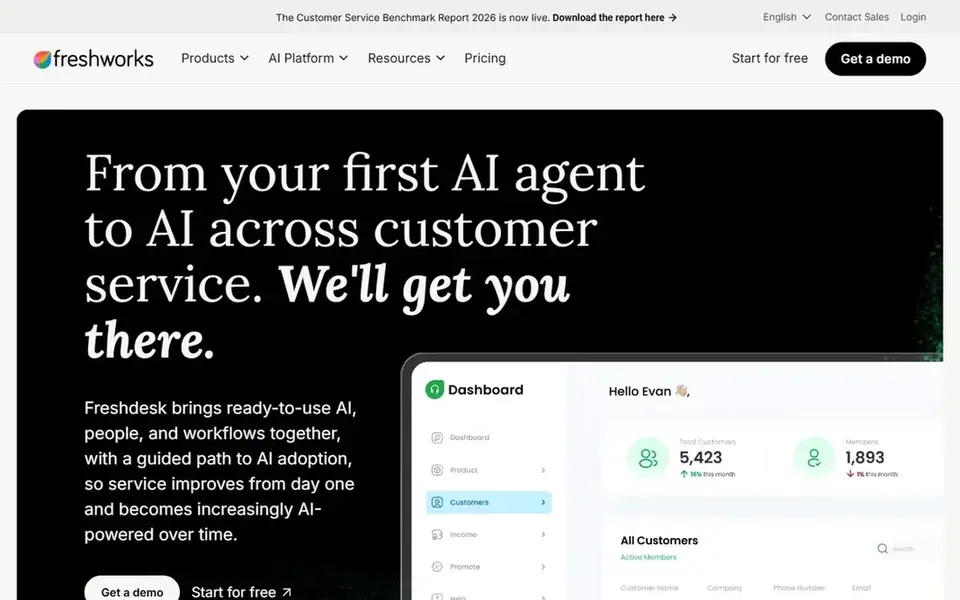
Freshdesk is designed for small to mid-sized support teams. Freshdesk is Freshworks support product, and its knowledge base is built into the same workspace agents use for tickets. On top of that, growth opens at $19 per agent a month on annual billing, Pro is $55, and Enterprise is $89.
Freddy AI Copilot is $29 per agent a month on eligible plans, and AI agent sessions cost additional after the included allowance. Beyond that, a team can publish articles, run a customer portal, and link articles to tickets. The starting price for Freshdesk: $19 per user/month. On free options: Free trial (14 days).
What to check first: omnichannel chat and phone sit in Freshdesk Omni.
- Ticketing in one product
- Knowledge base, portal
- Freddy AI Copilot costs $29 per agent a month additional
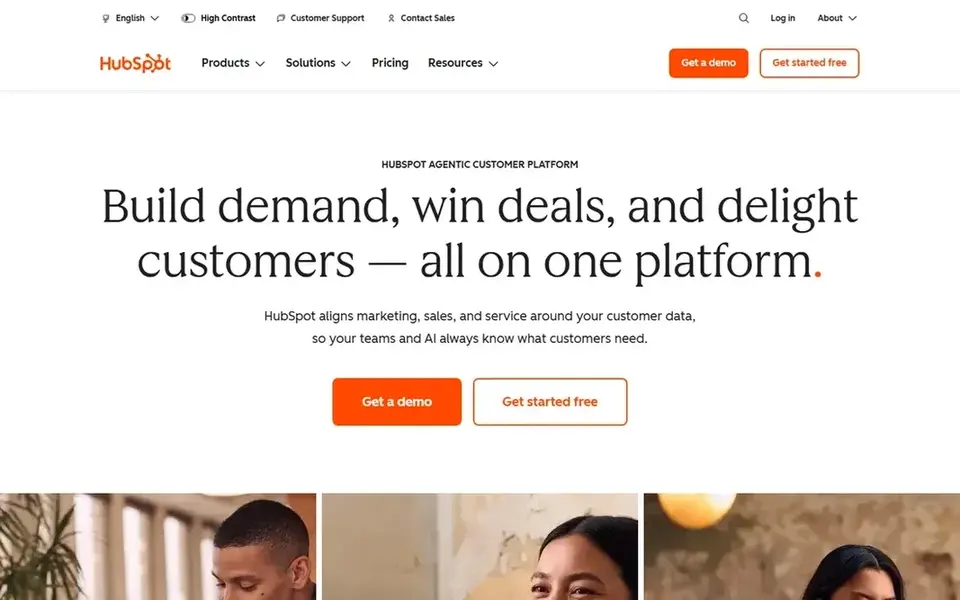
Think of HubSpot Service Hub for teams already using HubSpot CRM. Starter begins at $15 per seat a month on annual billing and brings straightforward automation, several ticket pipelines, and 1 knowledge base with up to 2,000 articles. Worth adding: the step to Professional is steep.
On top of that, free tools bundle a help desk workspace, knowledge base, and live chat for up to 2 users. More specifically, professional brings conditional SLAs, the customer portal, and the Breeze customer agent, which costs $0.50 per resolved conversation. Worth adding: a team that needs SLAs, routing, and AI answers should budget for Professional and the onboarding fee in year one. Price to start with HubSpot Service Hub: $15 per user/month. A free plan is available with HubSpot Service Hub.
Honest limits: Professional is sold from 5 seats.
- CRM share one customer record
- Knowledge base, tickets
- Professional costs $90 per seat a month plus a $1,500 one-time onboarding fee
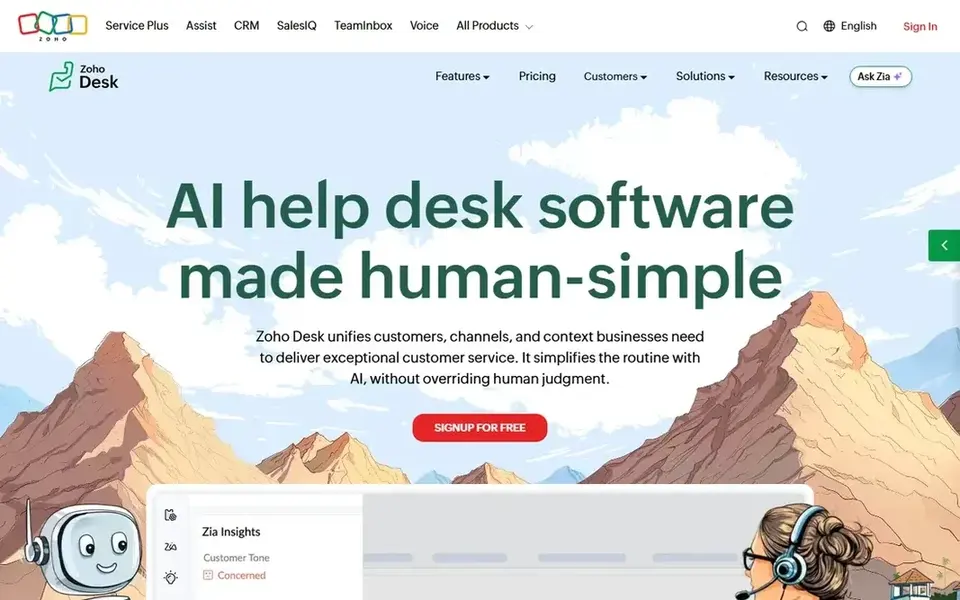
Zoho Desk makes the most sense for budget teams on email and forms. The Free edition spans up to 3 agents, Express costs $7 per agent a month on annual billing, and Enterprise is $40. The knowledge base, ticketing, email, and web forms are part of the same product, and the free edition has no end date.
The caps matter more than the headline price. Live chat starts on Standard, and Zia AI and Blueprints start on Professional. The Free edition handles 1 department and entry-level email ticketing, with no public help center or workflows. Starting cost for Zoho Desk: $7 per user/month. You can start on Zoho Desk without paying.
Downsides: live chat and advanced AI sit on higher levels.
- The lowest entry price in this guide
- Express starts at $7 per agent a month
- Express caps at 5 agents and 1 department
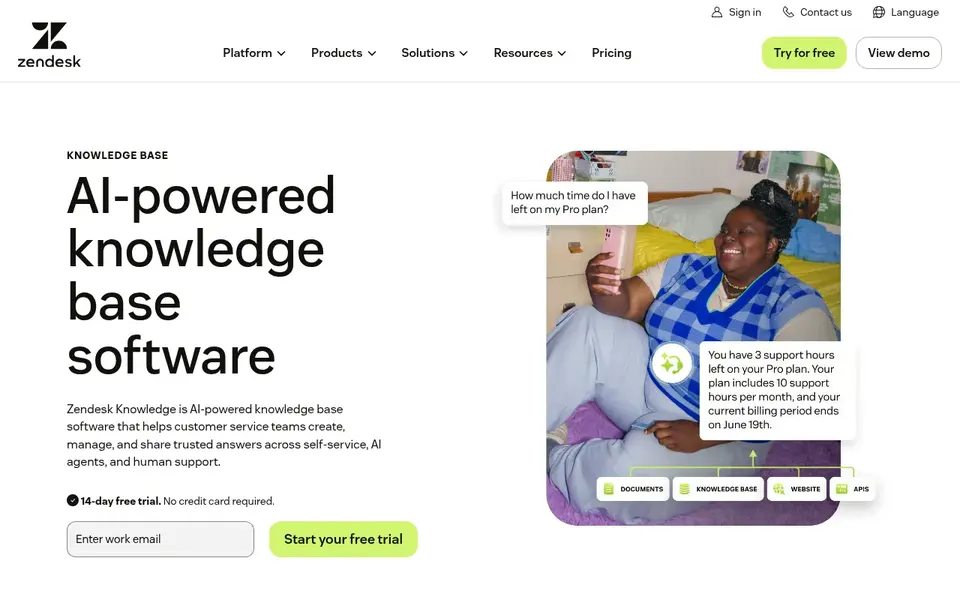
In short, Zendesk Guide is for large omnichannel contact centers. Additional AI resolutions cost $1.50 per resolution on a committed plan or $2.00 on a pay-as-you-go basis. From a buyer's view, the Suite Team plan opens at $55 per agent a month on annual billing and contains Guide, Support, messaging, live chat, and telephony, with 5 automatic resolutions per agent a month included.
More specifically, a small team that only needs articles will find the Suite bigger than it needs. A team that leans on AI answers should model resolution volume bef Worth adding: the trade-off is cost and complexity. What you pay to start with Zendesk Guide: $55 per user/month. On free options: Free trial (14 days).
Points against: AI resolutions cost additional beyond the included allowance.
- Knowledge base sits inside Zendesk Suite with ticketing, messaging, voice
- AI search and AI agents can draw on the same articles
- The full Suite is heavy and expensive for a knowledge base alone
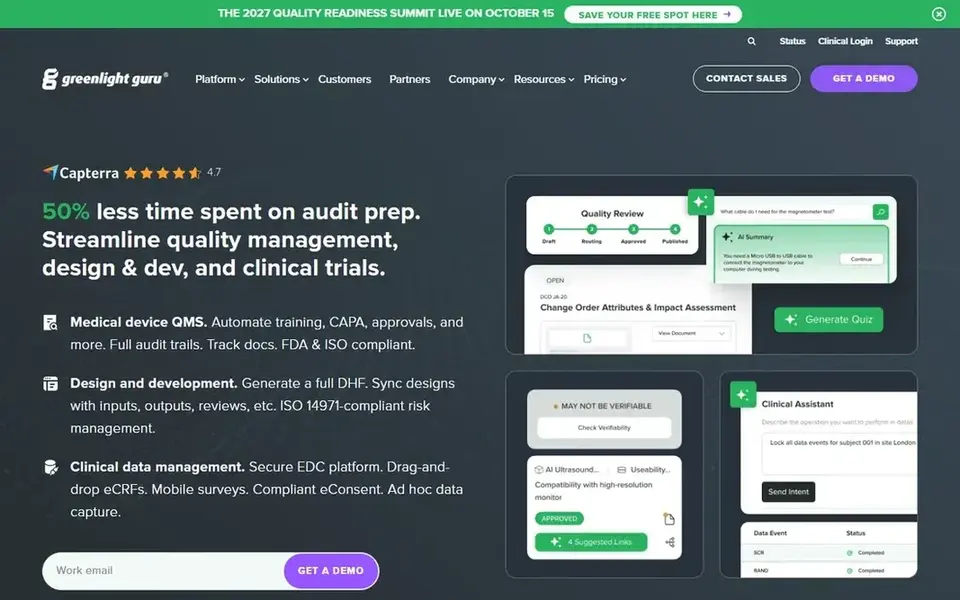
Guru is built with internal agent knowledge and verification in mind. Cards surface in Slack, Microsoft Teams, and the browser extension.
So an agent can check a procedure without leaving the ticket they are working on. On top of that, starter opens at $10 per user a month on annual billing, with free use for up to 3 users, and Builder is $20 per user a month. Price to start with Guru: $10 per user/month. You can start on Guru without paying.
Where it falls short: not a public help center.
- The browser
- Short verified knowledge cards surface inside Slack, Teams
- Guru is designed for internal knowledge
Intercom works best for chat-led teams using AI answers. Essential begins at $29 per seat a month on annual billing, Advanced is $85, and Expert is $132. Intercom, now branded Fin, is built around chat and AI answers, and its Articles product is the knowledge base that feeds that flow.
The main drawbacks: only a 14-day trial.
Copilot is $29 per agent per month additional, and Advanced lifts a 5-seat team from $145 to $425 a month before AI. From a buyer's view, Fin costs $0.99 per outcome, charged a maximum of once per conversation, with a 50-outcome monthly minimum. So the floor for AI is $49.50 a month even on Intercom starts at: $29 per user/month. Free options: Free trial (14 days).
- Articles feed Fin AI Agent straight in Messenger
- Public help center included on every plan
- Fin costs $0.99 per outcome on top of seats
Questions to settle before buying
- Confirm the entry price on the vendor page: Zoho Desk starts at $7 per user/month, but seat counts and billing terms change the total.
- Read the fine print on the free plans from HubSpot Service Hub, Zoho Desk and Guru; seat, project and feature caps differ.
- Run a trial of Freshdesk, Zendesk Guide and Intercom with real work before paying for a year; your own workflow is the best test.
- Before choosing Freshdesk, weigh its main limit: Freddy AI Copilot costs $29 per agent per month extra.
- Confirm that HubSpot Service Hub connects to the apps your team already uses, on the plan you would actually buy.
- Make sure Guru lets you export your data in a format another tool can read.
Frequently asked questions
How are the tools for contact center knowledge base software ordered?
Freshdesk sits first and Intercom last because the order follows typical fit for contact center knowledge base software, then price clarity and free access. It is a judgement call, so read each profile for fit and limits.
What is contact center knowledge base software?
Contact center knowledge base software is a system for writing, organizing, and finding support answers that agents and customers use during service. It holds articles, procedures, and FAQs, and it links to tickets, chat, and voice so the same answer appears in self-service and in the agent workspace.
What is the cheapest option for contact center knowledge base software in this list?
On published monthly entry prices, Zoho Desk is the lowest here at $7 per user/month. Entry price is only part of the cost, because seats, add-ons and billing terms can change the total. Each of the 6 options in this contact center knowledge base software guide has its own card above with the price, free plan and limits.
Which options for contact center knowledge base software have a free plan?
HubSpot Service Hub, Zoho Desk and Guru offer a free plan in this list. Free plans usually cap users, projects or features, so check the limits on the vendor page. Several others offer a trial instead.
Do these tools publish their prices?
Yes. Every tool from Freshdesk to Intercom shows a starting price, though seats, add-ons and billing terms still change the final cost.
Can AI answer customers from the knowledge base?
Zendesk AI agents, Intercom Fin, HubSpot customer agent, and Freshdesk Freddy AI all draw on articles to draft or deliver answers. In practice, the cost model differs by vendor, so check the included allowance and the price per additional resolution before you turn AI on.
Sources
See where you really rank - block by block
ProMapRanker scans Google Maps across a grid of your service area. Simple monthly plans from $19, white-label on every plan.
Start freeBrowse all guides
← Train Ticket Booking App: 7 Options Compared in 2026Best Contact Center Quality Automation Tools (2026) →
 best project management software for customer success teams
Best Project Management Software for Customer Success Teams (2026)
Best project management software for customer success teams: 7 tools compared on price, free plans and fit. Caveats come with every verdict. Prices included.
Read → best ip phone system
Best IP Phone system: 2026 Prices and Picks
Best IP phone system in 2026: 6 tools with starting prices, free plans and limits. Weak spots flagged for every entry. A comparison table is included.
Read → best employee scheduling software for call centers
Best Employee Scheduling Software for Call Centers (2026)
7 best employee scheduling software for call centers, with entry costs, free tiers and the buyer each one serves. Plain-spoken summaries throughout. Facts only.
Read → best ai customer support agents software
9 Strong AI Customer Support Agents Software Options in 2026
Need the best AI customer support agents software? We compare 9 tools on cost, free access and who each suits. Concise write-ups of every option. Choose faster.
Read → best inbound call tracking software
Inbound Call Tracking Software in 2026
Weighing the best inbound call tracking software? We lined up 7 products by cost, free access and fit. Each pick lists its main limit. Read the profiles.
Read → customer service call center best practices
Customer Service Call Center Best Practices in 2026
Apply customer service call center best practices with tools for routing, coaching, and quality checks in 2026, with pricing and fit for teams of all sizes.
Read →More in Customer Support & Phone · All guides A to Z by date · Latest guides