 ProMapRanker
Best Call Recording Tools for User Research (2026)
Direct answer
For revenue teams analyzing customer calls, Gong is where this list starts. Listed starting prices: Grain from $19 per seat/month, Fireflies.ai from $10 per seat a month, billed annually and Otter.ai from $8.33 per user per month. Alternatives: Microsoft Teams for organizations already on Microsoft, and Grain for small teams wanting summaries and coaching. All 6 tools are compared below on price, free plan and limits.
Choosing call recording tools for user research usually comes down to price, fit and limits. This ProMapRanker guide sets 6 tools side by side on those three points, with the facts kept short and checkable.
Key takeaways
- This list starts with Gong, which is built for revenue teams analyzing customer calls.
- Otter.ai is the one to check for live transcription and action items.
- A free plan is available from 3 of the 6 tools: Grain, Fireflies.ai, Otter.ai.
- Starting prices begin at $8.33 per user per month with Otter.ai.
- Zoom comes with a trade-off: research-specific analysis is limited.
Quick comparison
| Pick | Great for | Pricing starts at | Free tier | |
|---|---|---|---|---|
 Gong | Revenue teams analyzing customer calls | See website | Not stated | Visit |
 Microsoft Teams | Organizations already on Microsoft | See website | Not stated | Visit |
 Grain | Small teams wanting summaries and coaching | $19 per seat/month | Yes | Visit |
 Zoom | Recording sessions inside the meeting app | See website | Not stated | Visit |
 Fireflies.ai | Transcripts and summaries across products | $10 per seat a month, billed annually | Yes | Visit |
 Otter.ai | Live transcription and action items | $8.33 per user per month | Yes | Visit |
Call Recording Tools for User Research compared in detail
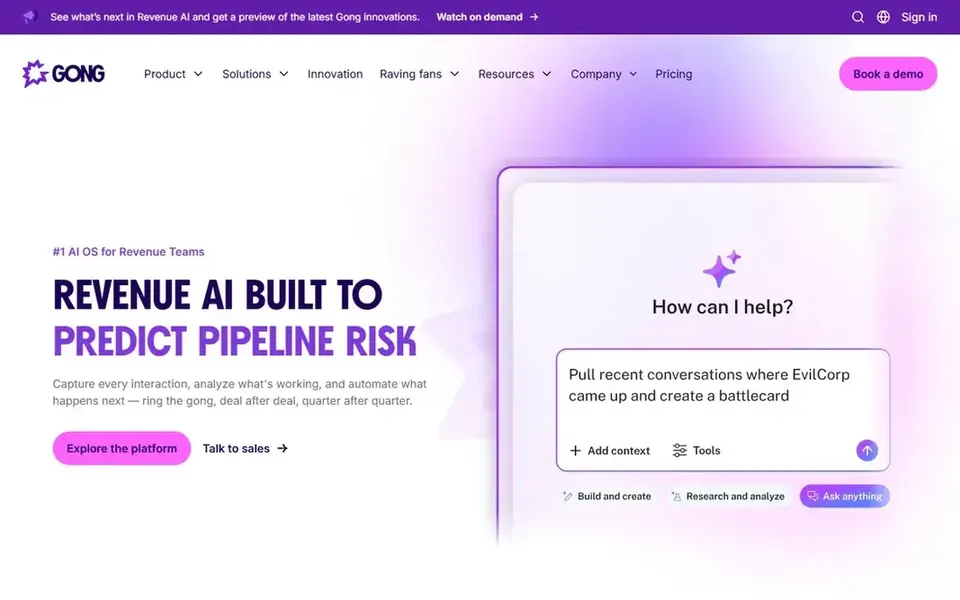
Gong is aimed squarely at revenue teams analyzing customer calls. Consider a meeting product or transcription tool when the goal is neutral capture rather than commercial insight.
Trade-offs to know: Not made for moderated research studies.
Moderated sessions with consent scripts and structured probes are not its core design. More specifically, Gong is oriented toward revenue outcomes, so its framing and workflows may not match academic or product discovery research. This comparison lists no price for Gong; ask the vendor. Free options: Not stated.
- Purpose-built applications
- Built around conversation analysis
- Concentrated on go-to-market use cases
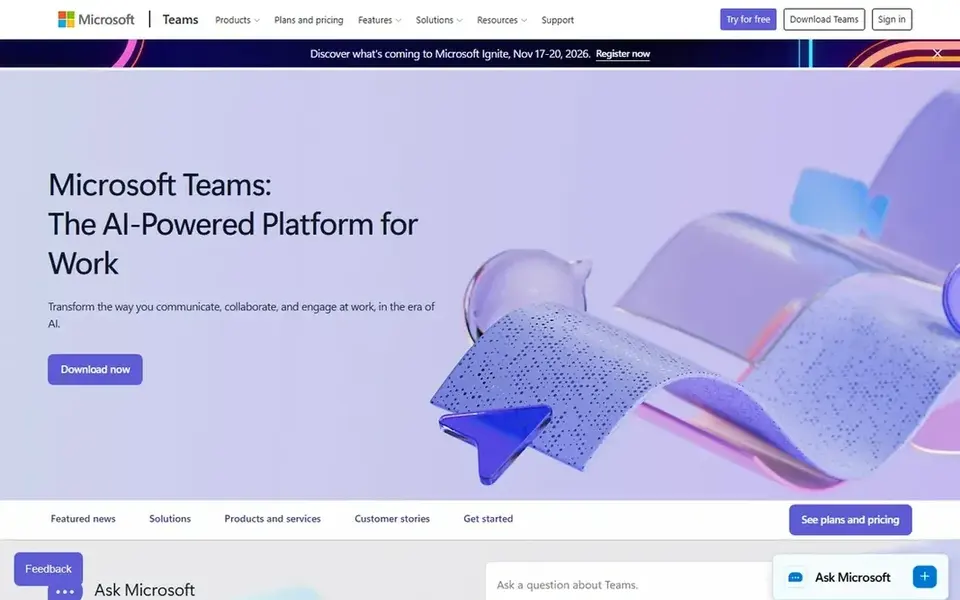
Microsoft Teams is aimed squarely at organizations already on Microsoft. Reviewing recordings for themes means exporting or working with separate tools.
Where it falls short: Less suited to outside research participants.
Pick something else when your participants sit outside the Microsoft environment or when you need research-specific tagging. Microsoft Teams does not show a starting price in this comparison, so check the vendor site for current pricing. Free access: Not stated.
- Calls and files in one place
- Recording available in meetings
- Analysis features are general purpose
Grain works best for small teams wanting summaries and coaching. Smaller research or product teams can capture calls and get shareable summaries without a heavy setup.
Highlights: Accurate meeting summaries.
The account and coaching framing leans toward customer-facing teams, and large research programs may outgrow the summary-first approach. The coaching suggestions can also help moderators review their own interview technique. The starting price for Grain: $19 per seat/month. You can start on Grain without paying.
Downsides: Coaching angle may not fit research.
- Straightforward product for expanding teams
- Account insights and coaching suggestions
- Less depth for large research programs
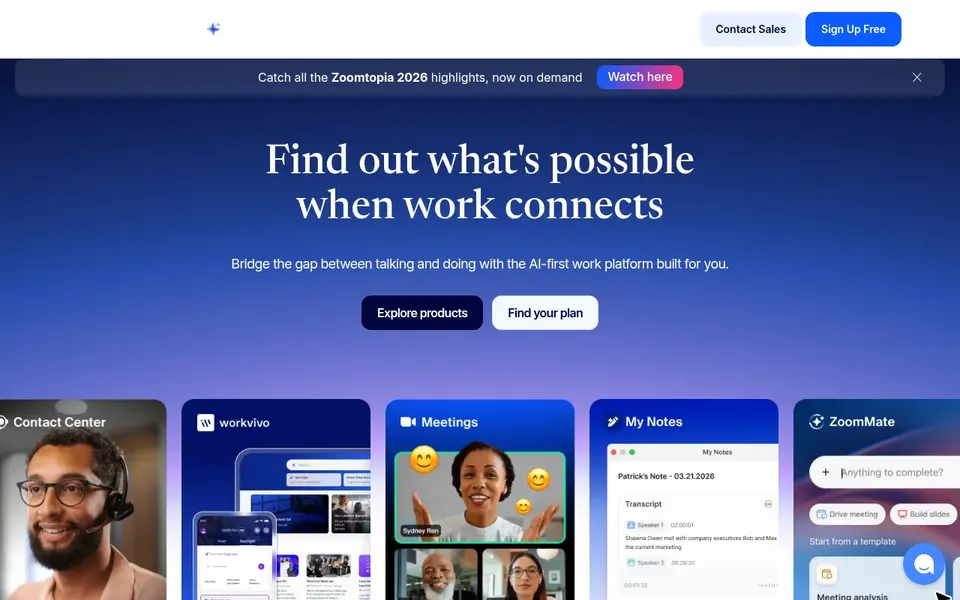
Zoom targets recording sessions inside the meeting app. For user research, that means the recording sits alongside the meeting itself, which keeps setup straightforward for moderators and participants alike.
Points against: Research-specific analysis is restricted.
From a buyer's view, Zoom is a meeting product first, so deep qualitative coding and research repositories are not its focus. Zoom does not show a starting price in this comparison, so check the vendor site for current pricing. On free options: Not stated.
- Recording and transcripts in one system
- Wide collaboration feature set
- Consent steps are managed by the host
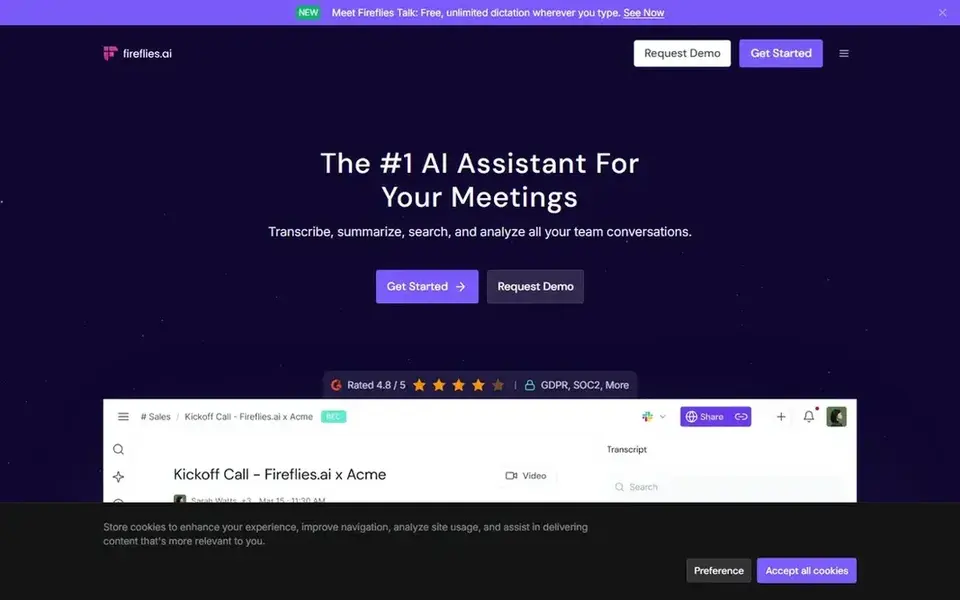
Fireflies.ai targets transcripts and summaries across systems. Fireflies.ai uses generative AI to bring note taking to meetings, generating transcripts and smart summaries for Zoom, Google Meet, Microsoft Teams, Webex and multiple other systems.
Drawbacks to consider: Summary quality needs human review.
That cross-platform reach helps research teams that cannot standardize on one meeting app, since sessions can be captured wherever they happen. Entry price for Fireflies.ai: $10 per seat per month, billed annually. A free plan is available with Fireflies.ai.
- Creates transcripts and summaries
- Works with multiple meeting systems
- Brings a bot to meetings
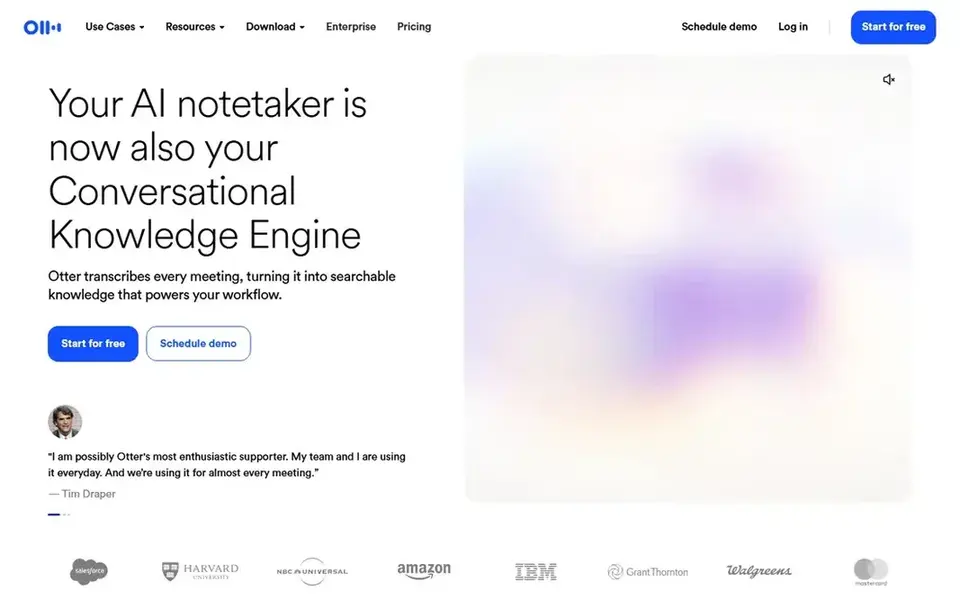
Otter.ai was built for live transcription and action items. The product is built for meeting notes instead of qualitative coding across studies.
In daily use, for research, live transcription is handy during interviews when a note taker wants to follow along, and summaries help share findings with stakeholders afterward. The starting price for Otter.ai: $8.33 per user per month. Otter.ai includes a free tier.
Limits to weigh: Research coding is not its focus.
- Automatic summaries and insights
- Live transcription
- Accuracy varies with audio quality
How these tools were picked
We compared the tools on published pricing, free plan or trial availability, feature coverage for call recording tools for user research, and the limits each vendor documents. Where a vendor does not publish a price, the entry says quote. Where a price depends on seats or billing term, the entry says so. Tools are placed by general fit for call recording tools for user research, with price clarity and free access as tie-breakers. A different team can reasonably rank them differently.
Things to verify first
- Confirm the entry price on the vendor page. For Gong, Microsoft Teams and Zoom that means a quote rather than a fixed price.
- Check what the free option really includes: Grain, Fireflies.ai and Otter.ai offer a free plan, and usage caps differ.
- Read the limits listed for Gong first: centred on go-to-market use cases.
- Check whether the features you need in Gong sit on the entry plan or only on higher tiers.
- Check the support hours and onboarding help Zoom offers; smaller vendors vary a lot here.
Frequently asked questions
Can I use a general meeting platform for research recording?
Yes. Zoom and Microsoft Teams both record meetings and keep files near the conversation, which is commonly enough for interviews and usability walkthroughs.
Which options for call recording tools for user research have a free plan?
On this list, Grain, Fireflies.ai and Otter.ai include a free plan. Caps on seats, usage or features are common, so test the free plan against your real workload.
What is the cheapest option for call recording tools for user research in this list?
On published monthly entry prices, Otter.ai is the lowest here at $8.33 per user per month. Entry price is only part of the cost, because seats, add-ons and billing terms can change the total. All 6 picks in this call recording tools for user research comparison list a starting price, free plan details and the main limits on their cards above.
Can I try these tools before paying?
Often, yes. Grain, Fireflies.ai and Otter.ai have a free plan. Use your own data and a real task during the test, and check what the free tier or trial limits before you rely on it.
Is Gong the right pick for everyone comparing call recording tools for user research?
No single tool suits every team. Gong comes first because it fits revenue teams analyzing customer calls, while Microsoft Teams suits organizations already on Microsoft and Grain suits small teams wanting summaries and coaching. Match the tool to your own size, budget and workflow before deciding.
Sources
See where you really rank - block by block
ProMapRanker scans Google Maps across a grid of your service area. Simple monthly plans from $19, white-label on every plan.
Start freeBrowse all guides
← Top 5 ASR Transcription Software, Compared on Price (2026)Best Tools for Reservation Management in Voice AI in 2026 →
 best ai video generation software for marketers
6 Best AI Video Generation Software for Marketers in 2026
Best AI video generation software for marketers, compared. 6 tools with published prices, free plans and limits. Concise write-ups of every option. No filler.
Read → best ai video creation software for mobile
Best AI Video Creation Software for Mobile (2026)
Best AI video creation software for mobile in 2026: 6 contenders with entry costs and free tiers. Short, factual notes on every option. Prices checked.
Read → aiarty video enhancer alternatives
Best Aiarty Video Enhancer Alternatives in 2026
5 tools for Aiarty Video Enhancer alternatives, compared on pricing, free plans and best-fit use. Short, factual notes on every option. Skim the table first.
Read → free alternatives to grok video generation
Free Alternatives to Grok Video Generation in 2026
Free alternatives to Grok video generation compared, from Google Flow and Kling AI to PixVerse and Wan 2.2, with free credits, limits and watermarks in 2026.
Read → best free editing software
Best Free Editing Software in 2026
Best free editing software compared for 2026, with no watermark options, 4K export, mobile apps and pro tools from ten free video editors for every level.
Read → best video calling apps
Best Video Calling Apps in 2026
Best video calling apps compared: Zoom, Google Meet, Teams, FaceTime, WhatsApp and more, with free plans, limits and the right pick for each use in 2026.
Read →More in Video, Audio & Podcasts · All guides A to Z by date · Latest guides