 ProMapRanker
Best Video Calling Apps in 2026

Key takeaways
- Zoom remains the default for standalone meetings, with strong reliability and webinar options, but group calls on the free plan end at 40 minutes.
- Google Meet and Microsoft Teams have the most generous free group plans, at 60 minutes for up to 100 people, and both come with the office suite many teams already pay for.
- FaceTime, WhatsApp and Signal are the best free choices for personal calls, with no meeting setup and no per user price.
- Webex and GoTo Meeting suit larger or more formal meetings, with strong security and room system options.
- Jitsi Meet and Whereby are useful when you want a browser based call without a heavy install or a long signup flow.
Quick comparison
| Pick | Great for | Pricing starts at | Free tier | |
|---|---|---|---|---|
 Zoom | Standalone meetings | See website | Yes | Visit |
 Google Meet | Simple browser meetings | $7 per user per month | Yes | Visit |
 Microsoft Teams | Microsoft 365 teams | $4 per user per month | Yes | Visit |
 Webex | Secure enterprise meetings | Free | Yes | Visit |
 FaceTime | Apple device calls | Free | Yes | Visit |
 WhatsApp | Personal calls worldwide | Free | Yes | Visit |
 Signal | Private personal calls | Free | Yes | Visit |
 GoTo Meeting | Simple business meetings | $12 per organizer per month | Free trial (14 days) | Visit |
 Jitsi Meet | Browser calls without signup | Free | Yes | Visit |
 Whereby | Embedded browser rooms | $8.99 per month | Yes | Visit |
The best video calling apps
Video calling apps differ more in limits and setup than in basic video quality. We compared free plan limits, meeting size, ease of joining, security options and price, and we kept only apps that are live in October 2026.
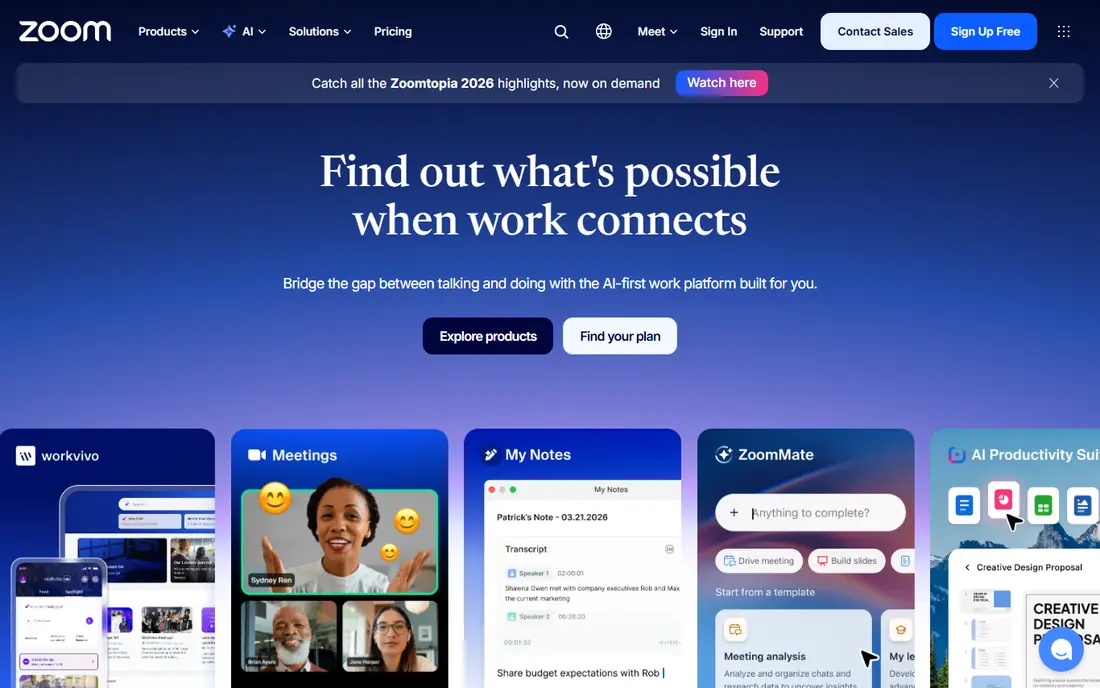
Zoom is still the tool most people know how to join. Meetings, webinars, phone and room systems sit in one platform, and guests can join from a browser or app without a steep learning curve. Reliability on weaker connections is a real strength for mixed teams.
The free plan covers group meetings up to 40 minutes for up to 100 people, with one to one calls lasting longer. Paid plans remove that limit and add cloud recording, AI summaries and larger meetings. Check the current vendor pricing page before buying, since Zoom prices have changed over time.
- Strong reliability
- Webinars and rooms
- Wide device support
- Free group meetings end at 40 minutes
- Paid prices vary by plan
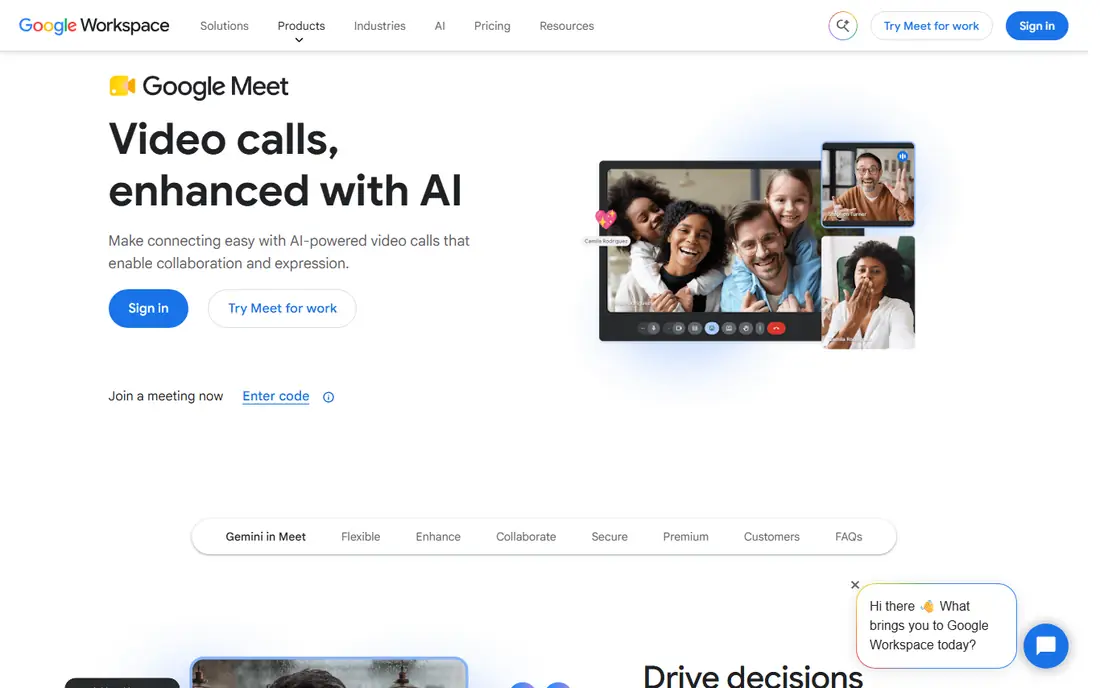
Google Meet wins on low friction. Links open in a browser, Gmail and Google Calendar integration is direct, and live captions and noise cancellation work well. The free tier allows 60 minute group meetings for up to 100 people, which beats Zoom for free group calls.
Paid Workspace plans start at $7 per user per month for Business Starter and add larger meetings, recording and admin controls. Teams already on Google Workspace should use Meet first and buy a standalone tool only if webinars or rooms demand it.
- No install needed
- 60 minute free group meetings
- Gmail and Calendar links
- No real webinar product
- Larger meetings need Workspace plans
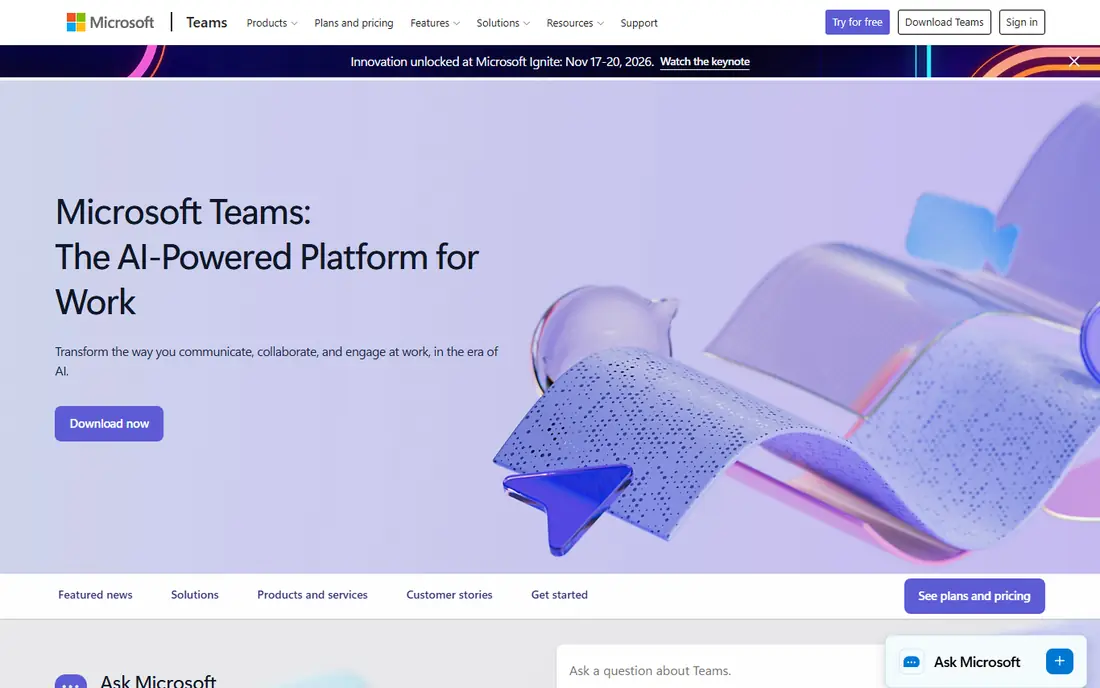
Microsoft Teams suits firms already on Microsoft 365, since video sits beside chat, files, Planner boards and Outlook calendar work. The free version covers 60 minute group meetings for up to 100 people, with unlimited chat history. Teams Essentials starts at $4 per user per month, and Business plans bundle Teams with Office apps.
The interface is heavier than Meet, and guests outside a tenant can face awkward joins. For internal Microsoft shops, though, Teams is usually the cheapest route, since the cost is already in the office suite.
- 60 minute free group meetings
- Chat, files and calendar in one hub
- 365 integration
- Interface can feel heavy
- Guests can hit awkward join flows
Webex, from Cisco, is a long standing choice for secure, large scale meetings. The free plan covers unlimited meetings up to 40 minutes for up to 100 people, with screen sharing, whiteboards and noise cancellation. Paid plans add larger meetings, cloud recording and enterprise security controls.
The interface and setup feel more complex than Meet for a simple call, and some features go unused by small teams. For firms with compliance needs, Cisco rooms, or multinational meetings, Webex is a strong shortlist pick.
- Strong security options
- Room system support
- Free plan for short meetings
- Setup can feel complex
- Paid plans need a sales check for full pricing
FaceTime is the simplest video call for Apple households. Calls start from Contacts or Messages, video quality is strong on Apple devices, and SharePlay lets people watch or listen together on a call. There is no per user price and no meeting setup to learn.
The limit is platform. Hosts need an Apple device, though guests can join a FaceTime link from a browser on other devices in recent versions. For personal calls inside an Apple family, FaceTime is the obvious pick.
- Free for Apple users
- Simple one tap calls
- SharePlay for shared media
- Apple devices only for hosts
- Fewer business meeting controls
WhatsApp is the best personal video calling app for many families, since the people you want to call already have it. Group video calls, voice calls and messages sit in one app, and calls are free over an internet connection. That reach matters for international families.
The trade is control. WhatsApp is tied to a phone number and lacks meeting features such as waiting rooms, breakout rooms and webinar tools. For personal calls, that simplicity is a strength, but for business meetings, Meet or Zoom fit better.
- Free
- Huge global user base
- Group video calls and voice calls
- Tied to a phone number
- Fewer meeting controls than Zoom or Meet
Signal suits people who want private calls without ads or tracking. Voice and video calls, group calls and messages use end to end encryption by design, and the nonprofit model means no ad business sits behind the app. For sensitive personal calls, that design is a real advantage.
The user base is smaller than WhatsApp, so you may need to invite contacts to install it first. Signal also lacks business meeting tools, so it is a personal call pick, not a webinar platform.
- Free
- Strong privacy design
- Group calls with no ads or tracking
- Smaller user base than WhatsApp
- Fewer business features
GoTo Meeting is a straightforward business meeting tool with screen sharing, drawing tools and meeting controls that are easy to learn. Per organizer pricing at $12 per organizer per month can be cheaper than per user pricing when few people host meetings. That model suits firms where a handful of staff run most calls.
There is no free plan, only a trial, so test it against Meet or Teams before paying. Firms where many staff host meetings should also price the full host count, since per organizer costs add up.
- Simple meeting setup
- Per organizer pricing
- Screen sharing and drawing tools
- No free plan
- Per organizer model needs care for many hosts
Jitsi Meet lets you start a browser based video call without installing an app or, in many cases, creating an account. That makes it useful for a quick call, a classroom link, or a community group that does not want a signup wall. The open source code also lets firms self host it.
Performance can vary with server load on the public service, and admin controls are thinner than Zoom or Webex. For casual calls and self hosted setups, Jitsi Meet is still a strong free choice.
- Free and open source
- Browser based
- No account needed for many calls
- Performance varies with server load
- Fewer admin controls than paid tools
Whereby offers browser based video rooms that guests join from a link, with no install needed. That simplicity suits small teams, coaches and clinics that want a branded room link for clients. Embedding options also help firms put video inside their own product or site.
The ecosystem is smaller than Zoom or Meet, and lower plans limit meeting size. For simple, browser first calls, Whereby is a clean alternative to a heavy meeting suite.
- Browser rooms with a simple link
- Embedding options
- Easy guest joins
- Smaller ecosystem
- Meeting size limits on lower plans
How we picked these
We compared official pricing pages, product docs and app store listings, and we kept only apps that are live in October 2026 and that offer real video calling. We checked free plan limits, meeting size, join ease, security options and price, and we used See website where vendor pricing was unclear or had changed recently. We did not claim hands-on testing, and we did not list Skype, which was discontinued in 2025.
How to choose the right video calling app
Start with who you call. Personal calls need reach and simplicity, so WhatsApp, FaceTime or Signal will win. Business meetings need scheduling, recording and guest controls, so Meet, Teams, Zoom or Webex will fit better. A tool that is perfect for family calls can frustrate a client meeting, and the reverse is also true.
Next, check the free limit that will hit you first. For most small teams, that limit is meeting length: 40 minutes on Zoom and Webex free plans, 60 minutes on Meet and Teams free plans. If your meetings run over an hour, a paid plan or a different free tool is needed.
Finally, use the suite you already pay for. If your email is Google Workspace, Meet costs little extra. If your email is Microsoft 365, Teams costs little extra. Buying Zoom on top of a suite you already pay for only makes sense when webinars, rooms or reliability demand it.
Frequently asked questions
What is the best video calling app?
Zoom is best for standalone meetings, Google Meet is best for simple browser meetings, and Microsoft Teams is best inside Microsoft 365. For personal calls, WhatsApp and FaceTime lead on reach and simplicity. The best app depends on who you call and how long meetings run.
What is the best app for video calling for free?
Google Meet and Microsoft Teams offer the most generous free group plans, at 60 minutes for up to 100 people. Zoom and Webex free plans cover 40 minute group meetings. FaceTime, WhatsApp, Signal and Jitsi Meet are free for personal calls with no meeting price.
What is the best video calling app for group calls?
Zoom, Google Meet, Microsoft Teams and Webex all support large group calls, with paid plans raising limits to 300 people and beyond. For family groups, WhatsApp and FaceTime are simpler. Check the free plan limit before relying on a free tier for a large group.
What are the best video chat tools for business?
Meet, Teams, Zoom, Webex and GoTo Meeting are the strongest business tools here, with scheduling, recording and admin controls. Whereby suits small teams that want a simple browser room. Choose the tool that matches your office suite and your meeting size.
Is Skype still a good video calling app in 2026?
No. Skype was discontinued in 2025, so we did not list it. Teams, Zoom, Meet and WhatsApp cover the personal and business uses Skype once served, and existing Skype users should move contacts and meeting links to one of those tools.
Sources
See where you really rank - block by block
ProMapRanker scans Google Maps across a grid of your service area. Simple monthly plans from $19, white-label on every plan.
Start freeKeep reading
 zscaler alternatives
Best Zscaler Alternatives in 2026
Looking for zscaler alternatives? We compare 9 SASE and zero trust platforms on architecture, data protection, pricing, and fit for your network and team.
Read → zapier alternatives free
Best Zapier Alternatives Free in 2026
Nine automation tools for zapier alternatives free in 2026, all with genuinely free tiers, plus free plan limits, starting prices and upgrade paths explained.
Read → which platform is best for online reputation
Which Platform Is Best for Online Reputation in 2026
Wondering which platform is best for online reputation? We compare 8 review, listing, and response tools for small and multi-location businesses and agencies.
Read →