 ProMapRanker
Best AI Video Creation Software for Mobile (2026)


Prompt and script to video · Pricing starts at: $4 per seat/mo, billed yearly
Direct answer
InVideo AI comes first here, mainly for prompt and script to video. Listed starting prices: InVideo AI from $4 per seat/mo, billed yearly, Pika from $10 a month and Luma Dream Machine from $30 per month. Pika fits Generative video, image and audio; Luma Dream Machine fits AI video and image generation. All 6 tools are compared below on price, free plan and limits.
ProMapRanker compared 6 tools for AI video creation software for mobile. The goal is a practical shortlist: published prices, free plan facts, best-fit use cases and honest limits for every entry.
Key takeaways
- Top of the list is InVideo AI, which targets prompt and script to video.
- Starting prices begin at $4 per seat/mo, billed annually with InVideo AI.
- The main caution on InVideo AI: less suited to frame-level manual editing.
- Free plans exist at 4 of 6 tools (Pika, CapCut, Synthesia, Descript).
- Descript is the one to check for text-based video and audio editing.
Quick comparison
| Pick | Great for | Pricing starts at | Free tier | |
|---|---|---|---|---|
| InVideo AI | Prompt and script to video | $4 per seat/mo, billed yearly | Not stated | Visit |
 Pika | Generative video, image and audio | $10 a month | Yes | Visit |
 Luma Dream Machine | AI video and image generation | $30 per month | No | Visit |
 CapCut | All-around mobile editing with AI | See website | Yes | Visit |
 Synthesia | Business and training videos | $19 per month | Yes | Visit |
 Descript | Text-based video and audio editing | $16 per person a month | Yes | Visit |
Tool-by-tool breakdown
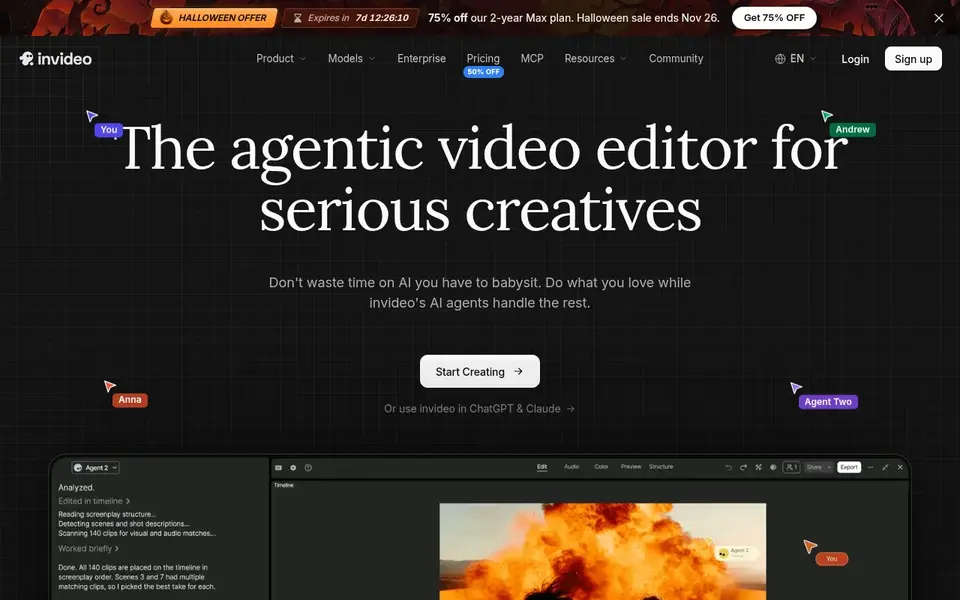
Think of InVideo AI for prompt and script to video. InVideo AI presents itself as an editor for creating videos without limits, with an agent-driven approach to building and editing content.
Mobile users who publish often and prefer describing what they want over assembling clips by hand will find the workflow appealing. Starting cost for InVideo AI: $4 per seat/mo, billed annually. Free plan details: Not stated.
Downsides: Generated results may need review.
- Produce videos from prompts
- Made for quick output
- Less suited to frame-level manual editing

Where Pika fits: Generative video, image and audio. Pika describes itself as a creative system for AI video, images and audio, with multiple generation models available in one place.
More specifically, if you need dependable cuts, captions and templates for social posts, CapCut is the more direct choice. Generation results can vary between attempts, and the product is not centered on precise timeline editing. What you pay to start with Pika: $10 per month. You can start on Pika without paying.
Drawbacks to consider: Generated clips can be unpredictable.
- Images and audio
- Spans video
- Less centred on traditional timeline editing

In short, Luma Dream Machine is for AI video and image generation. It is a generation system instead of a complete editing environment, so finishing work for example captions and trimming happens in another app.
What Luma Dream Machine does well: Image creation tools.
For everyday use, pick CapCut or Descript when the central job is editing recorded material. Starting cost for Luma Dream Machine: $30 per month. There is no free plan with Luma Dream Machine. Trade-offs to know: Generated output needs curation.
- Creative agents for workflows
- Video generation models
- Not a full mobile editing suite
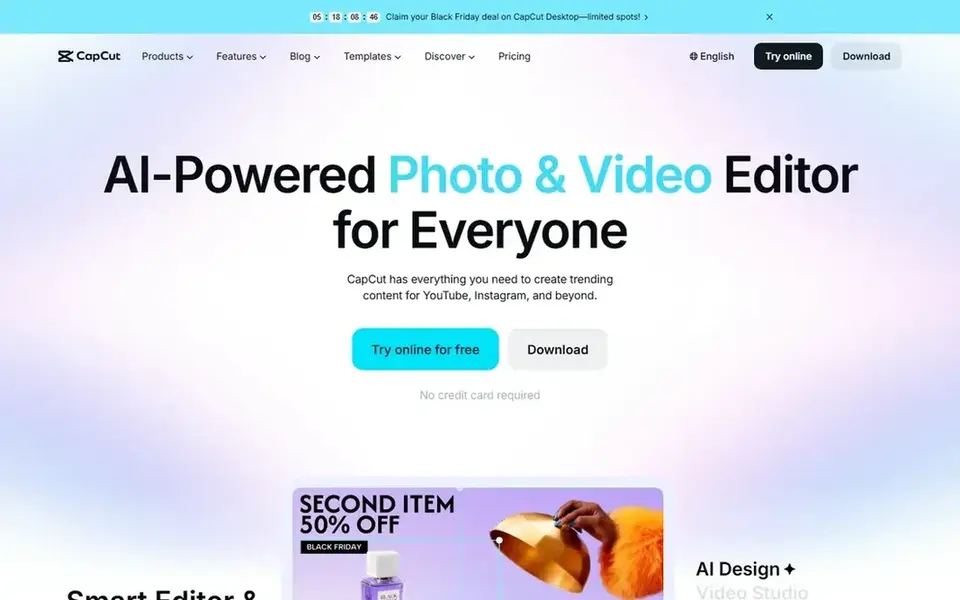
CapCut serves all-around mobile editing with AI. If your priority is generating footage from a prompt instead of editing existing clips, a generative tool for example Pika or Luma Dream Machine may fit better.
Where it falls short: Feature depth can overwhelm beginners.
What works well: Smart templates and effects. Pricing for CapCut is not stated here, so ask the vendor for current figures. You can start on CapCut without paying.
- AI-powered editing tools
- Desktop and online
- Advanced output may need a desktop pass

Synthesia makes the most sense for business and training videos. Synthesia is an AI video product targeted at business use, helping teams communicate, train and upskill.
On top of that, for entertainment-style content, CapCut or Pika is a better match. The starting price for Synthesia: $19 per month. Synthesia offers a free plan.
Upsides: Supports plenty of languages.
The main drawbacks: Presenter style may not suit entertainment.
- Positioned for business communication
- AI presenter videos
- Not a general short-form editor
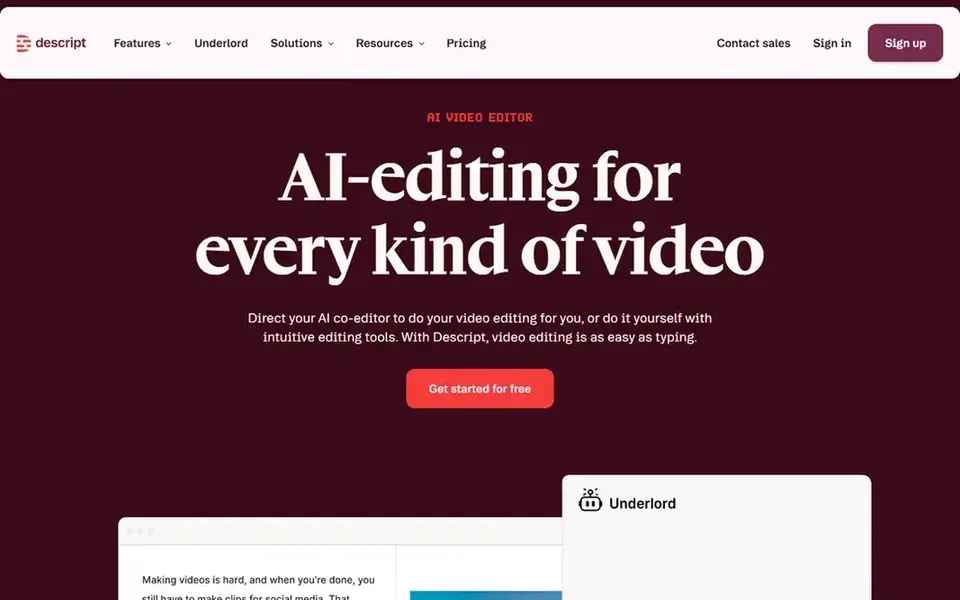
Descript works best for text-based video and audio editing. Choose Pika or Luma Dream Machine when you need generated visuals instead of spoken-word editing.
Where it is weaker: Less concentrated on generative clips.
- Record
- Transcribe and publish in one tool
- Text-first workflow takes adjustment
Questions to settle before buying
- Ask CapCut for a written quote, since no starting price is shown.
- Look at free plan limits closely: Pika, CapCut, Synthesia and Descript have one, and the caps decide whether it is usable for real work.
- Read the limits listed for InVideo AI first: less suited to frame-level manual editing.
- Check the integration list for CapCut against the tools you run today, and note which ones need a higher plan.
- The entry price of InVideo AI is only the starting point; model the full cost with seats and extras.
Frequently asked questions
Which options for AI video creation software for mobile have a free plan?
Pika, CapCut, Synthesia and Descript offer a free plan in this list. Free plans usually cap users, projects or features, so check the limits on the vendor page.
Is InVideo AI the right pick for everyone comparing AI video creation software for mobile?
No single tool suits every team. InVideo AI comes first because it fits prompt and script to video, while Pika suits Generative video, image and audio and Luma Dream Machine suits AI video and image generation. Match the tool to your own size, budget and workflow before deciding.
Can I produce video clips from text on mobile?
Pika and Luma Dream Machine focus on generating video and images from prompts. Both can be used for concept work on a phone.
Do these tools publish their prices?
Not all of them. CapCut publishes no starting price, so expect a quote request for it. The rest, InVideo AI included, show a starting price, though seats and billing terms still change the final cost.
How are the tools for AI video creation software for mobile ordered?
The order follows typical fit for AI video creation software for mobile, with InVideo AI first and Descript last, then price clarity and free access. It is editorial judgement, not a score, so another team could rank the tools differently.
Do I need editing skills to use AI video tools?
Plenty of tools cut the manual work, with InVideo AI building videos from prompts and Descript letting you edit by changing text.
Sources
See where you really rank - block by block
ProMapRanker scans Google Maps across a grid of your service area. Simple monthly plans from $19, white-label on every plan.
Start freeBrowse all guides
← Best Aiarty Video Enhancer Alternatives in 20266 Best AI Video Generation Software for Marketers in 2026 →
 best ai video software for online learning
Best AI Video Software for Online Learning (2026)
Compare 6 picks for the best AI video software for online learning, with prices, free plans and who each fits. Notes on cost and gaps for each tool. No hype.
Read → best ai video interpolation tools
AI Video Interpolation Tools: 6 Options Compared in 2026
Searching for the best AI video interpolation tools? Here are 6 options with prices and free plans. Each entry gets a plain verdict. Read before you buy.
Read → current best ai image to video tools march
6 Best Current Best AI Image to Video Tools March Options for 2026
Weighing current best AI image to video tools march? We lined up 6 products by cost, free access and fit. Strengths and weak spots are spelled out. Facts only.
Read → m4ufree alternatives
M4UFree Alternatives in 2026
Looking for M4UFree alternatives in 2026? Compare 8 legal free streaming services with large catalogs, live channels, and no subscription fee for free viewing.
Read → best video enhancer app
Best Video Enhancer App in 2026
Looking for the best video enhancer app? We compared nine upscalers on quality, speed, price, free trials, and which ones handle old footage best overall.
Read → best ocr software for invoices
Best OCR Software for Invoices in 2026
Compare the best OCR software for invoices in 2026, from simple invoice capture to enterprise AP automation, with pricing and honest limits for teams.
Read →More in Video, Audio & Podcasts · All guides A to Z by date · Latest guides