 ProMapRanker
Best AI Video Software for Online Learning (2026)

Text-based editing of lesson recordings · Pricing starts at: $16 per person a month
Direct answer
Descript is the first pick on this list for text-based editing of lesson recordings. Listed starting prices: Descript from $16 per person a month, HeyGen from $29 a month and Synthesia from $19 a month. Vimeo is better for hosting and sharing course videos, and HeyGen is better for personal avatar videos without refilming. Prices, free plans and limits for all 6 tools follow.
ProMapRanker put together this guide to AI video software for online learning for readers who want a clear shortlist without reading every vendor page. It compares 6 tools on starting price, free plans, who each one suits and where each one falls short.
Key takeaways
- Descript is the opening pick, best for text-based editing of lesson recordings.
- Descript has the lowest monthly starting price in this list: $16 per person per month.
- Synthesia fits structured AI avatar training videos.
- One limit worth knowing about Vimeo: not a video creation tool.
Quick comparison
| Pick | Great for | Pricing starts at | Free tier | |
|---|---|---|---|---|
| Descript | Text-based editing of lesson recordings | $16 per person a month | Yes | Visit |
 Vimeo | Hosting and sharing course videos | See website | Yes | Visit |
 HeyGen | Personal avatar videos without refilming | $29 a month | Yes | Visit |
 Adobe Premiere Pro | Professional editing of course footage | See website | Not stated | Visit |
 Canva | Design-led lesson visuals and straightforward videos | See website | Not stated | Visit |
 Synthesia | Structured AI avatar training videos | $19 a month | Yes | Visit |
Tool-by-tool breakdown
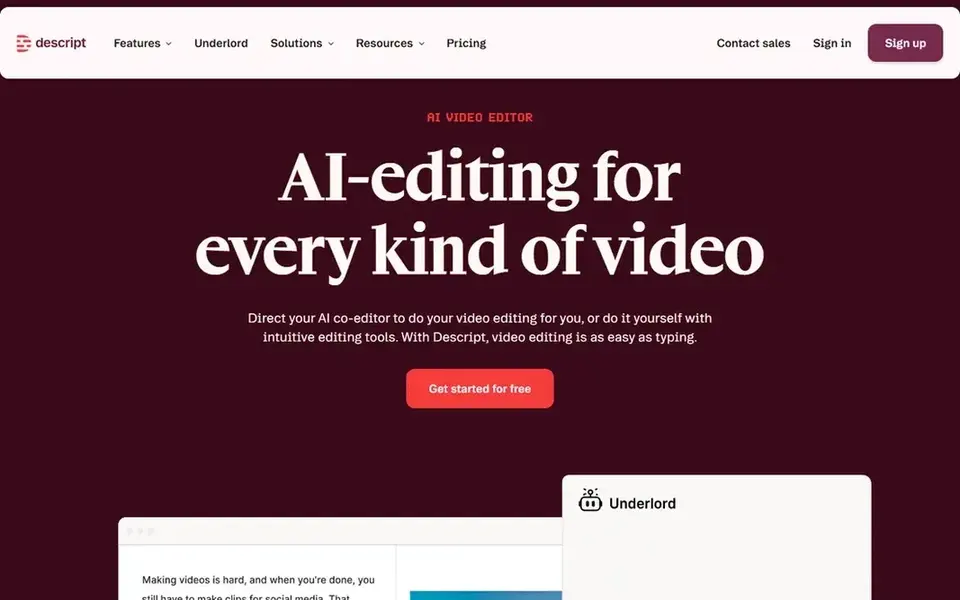
Descript is a good fit for text-based editing of lesson recordings. If you have to create a presenter-led video from a script alone, a dedicated AI video product is the better starting point. On top of that, Descript is not primarily an avatar or AI presenter generator.
Limits to weigh: Not an avatar-first generator.
So it will not replace tools aimed at synthetic presenters. For everyday use, for online learning, this is valuable when you already have recorded lectures, interviews, or screen sessions and want to remove mistakes, tighten pacing, and produce refined lessons without deep timeline expertise. Worth adding: choose Descript when editing existing footage is the core task. Also, Descript is an AI video and audio editor that makes editing as simple as editing text, letting you record, transcribe, edit, and publish in one place. Descript cost at the entry level: $16 per person per month. Descript has a free plan.
- Useful for lecture cleanup
- Publish in one tool
- Ramp-up time for advanced edits
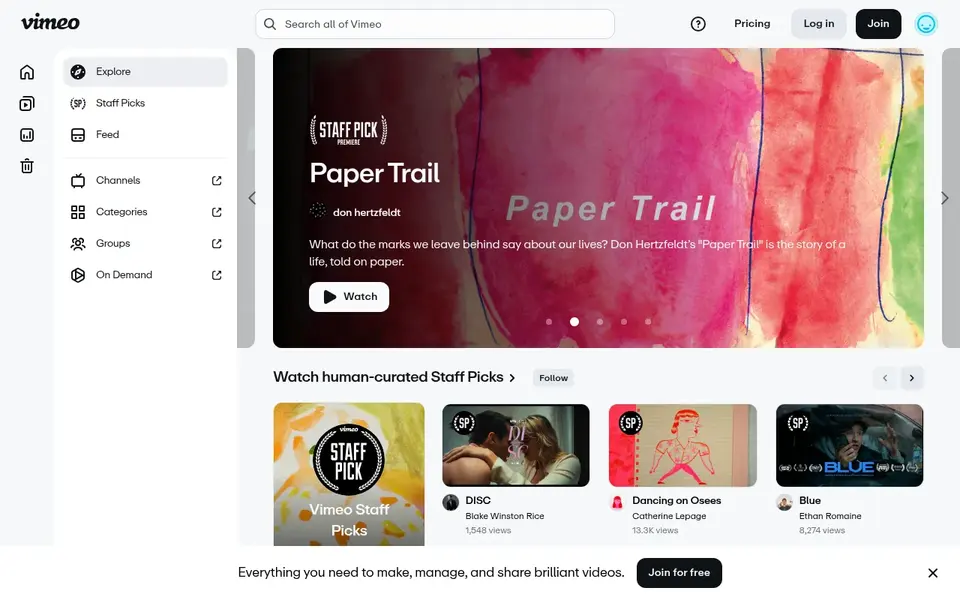
Pick Vimeo if this describes you: hosting and sharing course videos. If you still have to produce lessons, start with a creation tool and treat Vimeo as the delivery step. For everyday use, in an online learning workflow, it functions as a hosting and distribution layer for finished lessons, trailers, or supplementary course content.
In practice, Vimeo does not produce or edit videos, so it cannot replace an AI generator or an editor in your production stack. Beyond that, Vimeo is a video system for watching and sharing films, shorts, documentaries, and more in HD. Pricing for Vimeo is not stated here, so ask the vendor for current figures. You can start on Vimeo without paying.
Points against: Not a video creation tool.
- Clean viewing experience
- Handy for publishing finished lessons
- Needs finished content

HeyGen targets personal avatar videos without refilming. For online learning, this fits instructors who record frequent short updates, welcome messages, or modular explanations and want a consistent on-screen presence.
It is a practical choice when your face and voice are part of the teaching style. HeyGen pricing: $29 per month. HeyGen offers a free plan.
Trade-offs to know: Personal avatar setup takes effort.
- Personal avatar from your face and voice
- Clear
- Not a full production editor
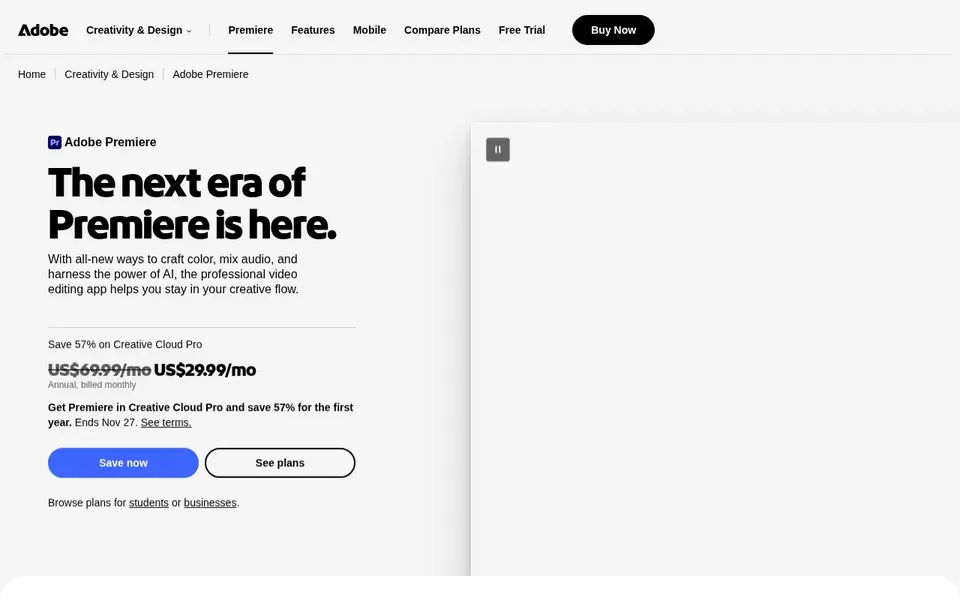
Think of Adobe Premiere Pro for professional editing of course footage. Adobe Premiere Pro is professional video editing and postproduction software for editing and trimming video, adding effects, mixing audio, and more. In practice, Premiere Pro is not an AI avatar generator.
What to check first: Needs more hands-on time.
Highlights: Deep editing and postproduction controls.
Its depth includes a ramp-up time and more practical time than template-based tools. More specifically, for fast script-to-video modules, a more straightforward AI product will be quicker. Beyond that, in online learning, it suits production teams and experienced instructors who require precise control over recorded lessons, multi-camera lectures, or refined course trailers. It is the choice when the video itself is the product and quality demands a full editing environment. This comparison lists no price for Adobe Premiere Pro; ask the vendor. Trial and free access: Not stated.
- Deals with complicated multi-clip projects
- Effects
- Steeper ramp-up time
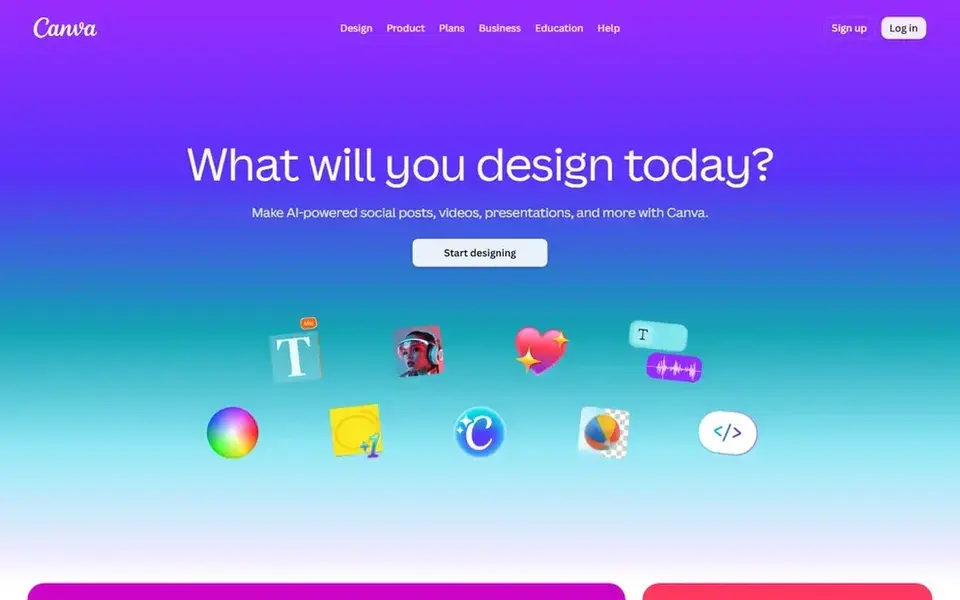
Pick Canva if this describes you: design-led lesson visuals and straightforward videos. Choose Canva when visual consistency and quick supporting assets are the goal.
Watch-outs: Best for shorter, visual content.
For everyday use, Canva is a visual suite for creating social media posts, presentations, posters, videos, logos, and more. Beyond that, for online learning, it is useful for building lesson slides, explainer visuals, and short video content that supports a course, notably when you want a consistent look without a design team. This comparison lists no price for Canva; ask the vendor. Free access: Not stated.
- All-in-one visual design suite
- Accessible for non-designers
- Not a deep video editor

Pick Synthesia if this describes you: structured AI avatar training videos. Synthesia is an AI video system pitched at business communication, training, and upskilling. Its documented focus on avatar-based video and multilingual output makes it a natural fit for online courses that require consistent presenters and translated versions.
The main drawbacks: Less suited to live-action footage.
Also, since Synthesia centers on AI avatars and scripted delivery, it is less handy when your course relies on live-action demonstrations or practical footage. Choose Synthesia when consistency and language coverage matter more than cinematic adaptability. Synthesia cost at the entry level: $19 per month. You can start on Synthesia without paying.
- Aimed at business communication
- Avatar-led video creation
- Avatar realism may feel formal
What went into this list
Each tool was reviewed on what its vendor publishes: price, plan limits, core features and stated drawbacks. We did not run hands-on tests. Seat minimums, billing terms and add-ons can move the real cost, so the starting prices here are a guide and not a quote. The order reflects how well each tool fits the most common buying scenario for AI video software for online learning, then price clarity, then free plan access. It is a starting point, not a verdict.
A buyer's checklist
- Confirm the entry price on the vendor page. For Vimeo, Adobe Premiere Pro and Canva that means a quote rather than a fixed price.
- Check what the free option really includes: Descript, Vimeo, HeyGen and Synthesia offer a free plan, and usage caps differ.
- Read the limits listed for Descript first: not an avatar-first generator.
- Add up seats, add-ons and usage charges for HeyGen before comparing it with cheaper entries.
- Check whether Canva bills monthly or annually, and what cancelling early costs.
Frequently asked questions
Can I try these tools before paying?
Often, yes. Descript, Vimeo, HeyGen and Synthesia have a free plan. Use your own data and a real task during the test, and check what the free tier or trial limits before you rely on it.
How are the tools for AI video software for online learning ordered?
Descript sits first and Synthesia last because the order follows typical fit for AI video software for online learning, then price clarity and free access. It is a judgement call, so read each profile for fit and limits.
Do these tools publish their prices?
Not all of them. Vimeo, Adobe Premiere Pro and Canva publish no starting price, so expect a quote request for those. The rest, Descript included, show a starting price, though seats and billing terms still change the final cost.
Which options for AI video software for online learning have a free plan?
Descript, Vimeo, HeyGen and Synthesia offer a free plan in this list. Free plans usually cap users, projects or features, so check the limits on the vendor page.
Which AI video tool is a good match for avatar-led online lessons?
For most readers this guide would start with Descript, built for text-based editing of lesson recordings. Vimeo is the alternative for hosting and sharing course videos, and HeyGen for personal avatar videos without refilming. The right answer depends on budget and workflow.
Sources
See where you really rank - block by block
ProMapRanker scans Google Maps across a grid of your service area. Simple monthly plans from $19, white-label on every plan.
Start freeBrowse all guides
← AI Video Interpolation Tools: 6 Options Compared in 2026Best Aiarty Video Enhancer Alternatives in 2026 →
 current best ai image to video tools march
6 Best Current Best AI Image to Video Tools March Options for 2026
Weighing current best AI image to video tools march? We lined up 6 products by cost, free access and fit. Strengths and weak spots are spelled out. Facts only.
Read → best ai translator tool for video editing
AI Translator Tool for Video Editing in 2026: Top 6 Compared
Best AI translator tool for video editing: 6 contenders ranked by fit, with entry costs and free tiers. Plain-spoken summaries throughout. Straight answers.
Read → best ai tools for podcasters
AI Tools for Podcasters: 7 Options Compared in 2026
Shortlisting the best AI tools for podcasters? 7 products compared on cost, free access and ideal buyer. The weak spots sit next to the strengths. No filler.
Read → best soccer app
Best Soccer App in 2026: 9 Apps Compared
We compare the best soccer app options for live scores, stats, news and video, from FotMob and Sofascore to OneFootball and LiveScore for fans in 2026.
Read → best ai animation tool
Best AI Animation Tool in 2026
Compare the best AI animation tool options in 2026, from Runway and Kling to Pika, Luma and Google Veo, with pricing, credits and best uses for creators.
Read → best video marketing platforms
Top 8 Video Marketing Platforms for 2026, Compared
Compare 8 best video marketing platforms, with prices, free plans and who each fits. Notes on cost and gaps for each tool. Last reviewed November 2026.
Read →More in Video, Audio & Podcasts · All guides A to Z by date · Latest guides