 ProMapRanker
AI Translator Tool for Video Editing in 2026: Top 6 Compared

Dedicated dubbing with multi-speaker lip sync · Pricing starts at: 39 dollars a month
Direct answer
Rask AI leads the list, best for dedicated dubbing with multi-speaker lip sync. Descript is the stronger choice for transcript editing with caption translation, while Wondershare Virbo suits avatar video with one-click translation. All 6 tools are compared below on price, free plan and limits.
ProMapRanker put together this guide to AI translator tool for video editing for readers who want a clear shortlist without reading every vendor page. It compares 6 tools on starting price, free plans, who each one suits and where each one falls short.
Key takeaways
- Rask AI takes the first slot, best suited to dedicated dubbing with multi-speaker lip sync.
- Wondershare Virbo comes with a trade-off: the vendor pricing page returned a 404 error.
- Descript, VEED, HeyGen: these are the 3 tools out of 6 that offer a free plan.
- Dubverse is the one to check for cheap dubbing into Indian and global languages.
Quick comparison
| Pick | Great for | Pricing starts at | Free tier | |
|---|---|---|---|---|
| Rask AI | Dedicated dubbing with multi-speaker lip sync | 39 dollars a month | Free trial | Visit |
 Descript | Transcript editing with caption translation | 24 dollars per person per month | Yes | Visit |
 Wondershare Virbo | Avatar video with one-click translation | 19.90 dollars per month | Free trial | Visit |
 VEED | Editing and translation in one browser editor | 25 dollars per user per month | Yes | Visit |
 HeyGen | Most buyers wanting dubbing with lip sync | 29 dollars per month | Yes | Visit |
 Dubverse | Cheap dubbing into Indian and global languages | 18 dollars a month | Free trial (2 days) | Visit |
Tool-by-tool breakdown
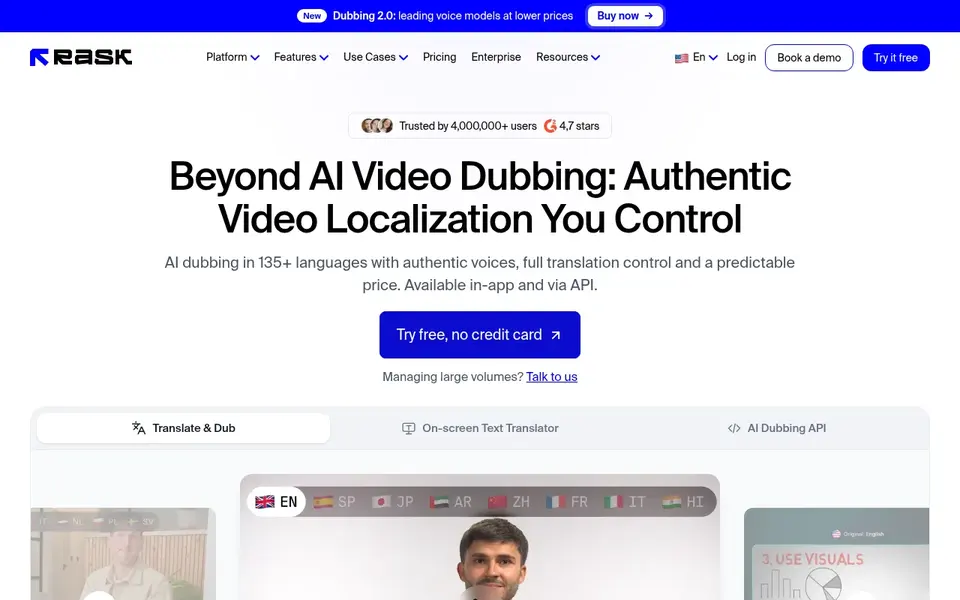
Choose Rask AI for dedicated dubbing with multi-speaker lip sync. The Creator plan hands 25 minutes per month, with voice cloning in 57 languages and an editor for fine-tuning the translated script.
Honest limits: only a 3-minute trial.
From a buyer's view, creator Pro hands 100 minutes and brings multi-speaker lip sync, voice control. A team workspace for up to three members. The starting price for Rask AI: 39 dollars per month. On free options: Free trial.
- Brand glossary on Business
- Multi-speaker lip sync on Creator Pro
- No permanent free plan
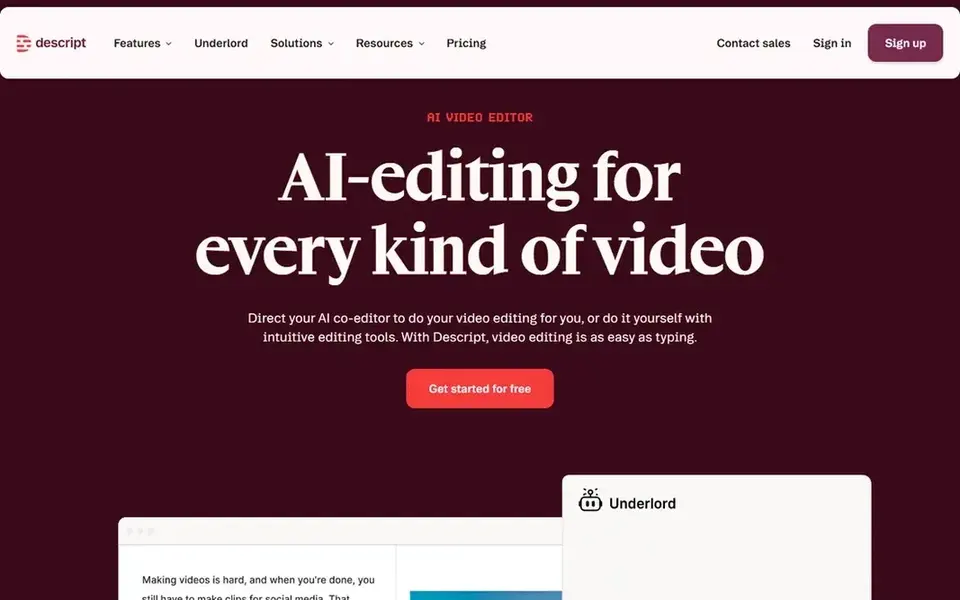
In short, Descript is for transcript editing with caption translation. Correcting a mistranslated line is a text edit instead of a re-cut. As for the details, the Hobbyist plan provides 10 media hours per month, 400 AI credits per month, and 1080p export without a watermark.
For everyday use, business provides 40 media hours and 1,500 AI credits. It layers on translation and dubbing in 30 plus languages with proofreading. From a buyer's view, buy Descript when your workflow starts from a transcript and you have to review every translated word. Price to start with Descript: 24 dollars per person per month. Free access exists with Descript.
The main drawbacks: Hobbyist cannot buy top-ups.
- Edit video by editing its transcript
- Caption translation in 61 languages
- Dubbing is Business only
Wondershare Virbo was built for avatar video with one-click translation. Wondershare Virbo is an AI avatar video generator from Wondershare, and its translation feature converts a finished clip into other languages in one step.
In daily use, one credit includes about one minute of video. Wondershare Virbo starts at: 19.90 dollars per month. On free options: Free trial.
Where it falls short: New signups were reported stopped on 30 June 2025.
- Apps for Windows, Mac, iOS, Android
- One-click video translation with AI avatar creation
- The vendor pricing page returned a 404 error
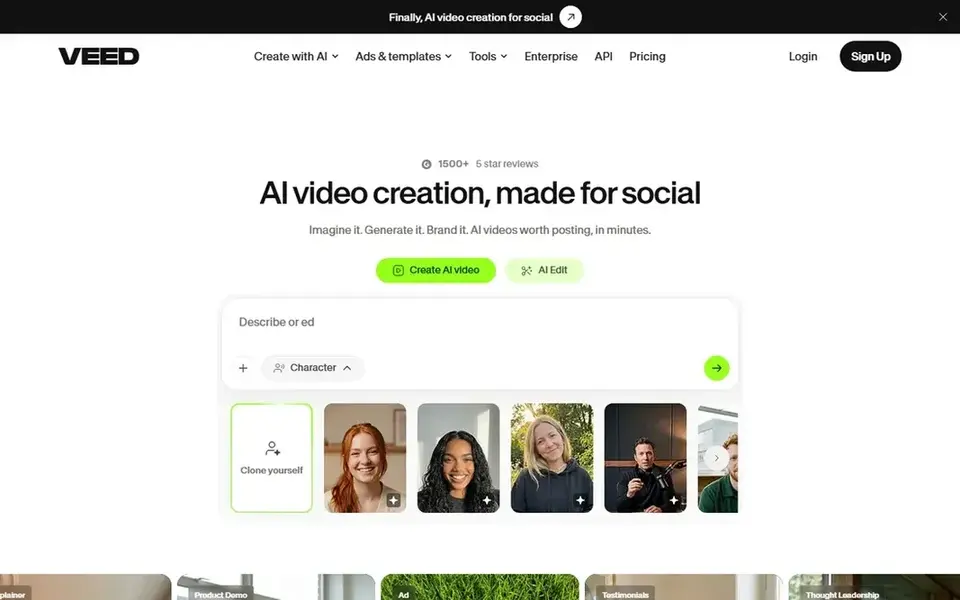
Pick VEED if this describes you: editing and translation in one browser editor. VEED is a browser-based video editor that treats translation as part of the edit. On top of that, the Creator plan provides 500 AI credits per month and 1080p export without a watermark.
Drawbacks to consider: Translation minutes do not roll over.
From a buyer's view, the free plan exports with a watermark at 720p and caps exports at 10 minutes. Pro hands 2,500 AI credits per month and 4K export. Starting cost for VEED: 25 dollars per user per month. Free access exists with VEED.
- Full browser editor with subtitles, dubbing
- Translation in one timeline
- Per-seat pricing multiplies the bill for teams
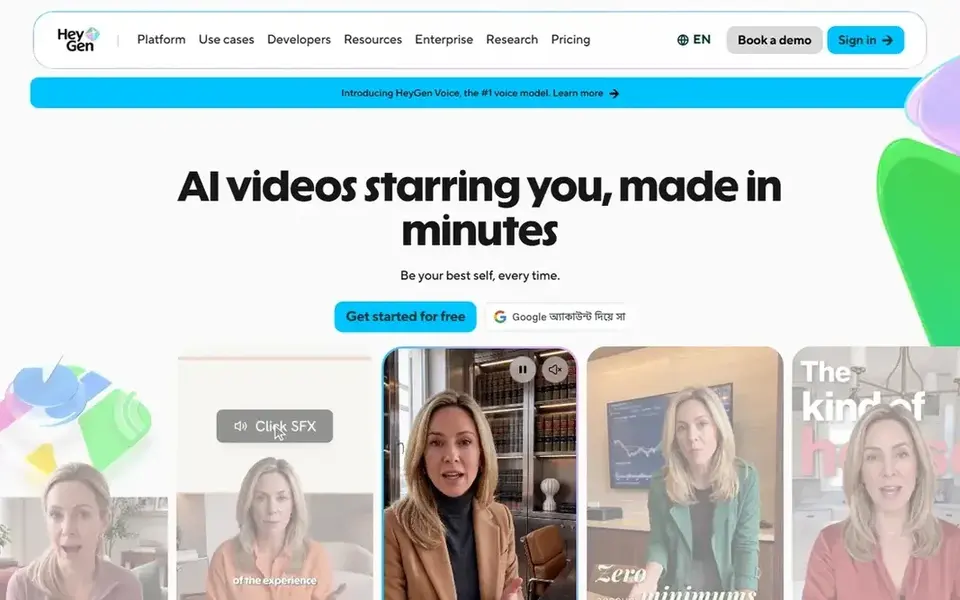
Choose HeyGen for most buyers wanting dubbing with lip sync. HeyGen spans the full dubbing job in one place. The Creator plan gives 600 credits per month, videos up to 30 minutes, 1080p export, voice cloning, and translation into 175 languages and dialects.
What to check first: Creator cannot buy additional credit packs.
Pro starts at 49 dollars per month for 1,000 credits and brings 4K export and the capacity to edit and proofread translation scripts. The free plan provides three videos per month up to one minute each with a watermark. On cost, HeyGen starts like this: 29 dollars per month. Free access exists with HeyGen.
- Voice cloning and lip sync on Creator
- Script proofreading on Pro
- Credit burn varies by model
Dubverse is a good fit for cheap dubbing into Indian and global languages. Supreme hands the same 50 credits plus voice cloning, priority processing, and GPT-4 translations. Buy Dubverse when you dub short videos into Indian languages and your monthly volume stays under about 12 dubbed minutes.
Where it is weaker: Voice cloning is Supreme only.
For everyday use, credits work on a straightforward rate: dubbing costs 4 credits per minute, subtitling costs 1 credit per minute, and AI voice generation costs 2 credits per minute, so 50 credits handle 12.5 dubbed minutes. Dubverse is an AI dubbing and subtitling system with its most solid leads to South Asian languages, in 60 plus languages. The Pro plan provides 50 credits per month, premium speakers, quick processing, and translations powered by GPT-3.5. Enterprise is custom priced and layers on lip sync, multi-speaker support, and human review. Dubverse starts at: 18 dollars per month. As for free access: Free trial (2 days).
- Capable coverage of Indian languages
- No watermark on premium plans
- Only 50 credits per month on Pro
AI Translator Tool for Video Editing cost breakdown
Take a 10-minute video translated into two languages, or 20 minutes of translated output. On Rask AI Creator at 39 dollars per month for 25 minutes, that one project suits inside the monthly allowance, and the effective rate is about 1.56 dollars per translated minute. Beyond that, on HeyGen Creator at 29 dollars per month for 600 credits, the same project also suits for most models.
The credit burn per minute varies by model. On Dubverse Pro at 18 dollars per month for 50 credits, dubbing costs 4 credits per minute, so 20 dubbed minutes need 80 credits and exceed the monthly allowance. Worth adding: HeyGen Creator at 29 dollars per month still includes the work for most models within its 600 credits.
For everyday use, Dubverse would need 320 credits against a 50-credit allowance. Beyond that, the monthly price tells you almost nothing on its own. Always price your real monthly volume, in translated minutes, before you compare monthly prices.
Understanding AI translator tool for video editing
An AI translator tool for video editing turns a finished video into one or more other languages without re-recording it. The best tools translate the spoken words, rebuild the audio with a cloned or stock voice, match it to the speaker's lips, and translate the on-screen subtitles. In practice, some tools here are dedicated dubbing systems, whereas others are video editors that added translation as one feature among numerous.
In daily use, a dedicated dubbing tool like HeyGen or Rask AI opens from a finished video and returns a translated version with a cloned voice and lip sync.
What to look for in AI translator tool for video editing
Check five things before you pay. From a buyer's view, second, lip sync: confirm whether it is included, how much quota it consumes, and whether it works for your target language.
How we built this list
For each of the 6 tools we noted price, free plan or trial, fit for AI translator tool for video editing and the main limit, using vendor pages and documentation. Figures are shown as the vendors publish them. Billing terms, seat minimums and add-ons can change the real cost. We ordered the tools by general fit, then by how clearly pricing is shown, then by free access. A buyer with unusual needs may reorder them.
Things to verify first
- Confirm the entry price on the vendor page for Rask AI and the others: seat counts and billing terms change the total.
- Check what the free option really includes: Descript, VEED and HeyGen offer a free plan, and usage caps differ.
- Use real work to test the free trial from Rask AI, Wondershare Virbo and Dubverse, rather than a demo project.
- Before choosing Rask AI, weigh its main limit: no permanent free plan, only a 3-minute trial.
- Confirm that HeyGen connects to the apps your team already uses, on the plan you would actually buy.
- Work out what Dubverse costs with your real seat count, add-ons and usage, not just the entry price.
Frequently asked questions
Which options for AI translator tool for video editing have a free plan?
Descript, VEED and HeyGen offer a free plan in this list. Free plans usually cap users, projects or features, so check the limits on the vendor page. Several others offer a trial instead.
How are the tools for AI translator tool for video editing ordered?
Rask AI sits first and Dubverse last because the order follows typical fit for AI translator tool for video editing, then price clarity and free access. It is a judgement call, so read each profile for fit and limits.
Which AI translator tool has the best lip sync?
This list starts with Rask AI, which fits dedicated dubbing with multi-speaker lip sync. For other needs, Descript is aimed at transcript editing with caption translation, and Wondershare Virbo at avatar video with one-click translation. Check each tool's price and main limit first.
Can I try these tools before paying?
Often, yes. Descript, VEED and HeyGen have a free plan and Rask AI, Wondershare Virbo and Dubverse offer a free trial. Use your own data and a real task during the test, and check what the free tier or trial limits before you rely on it.
Do these tools publish their prices?
Yes. Every tool from Rask AI to Dubverse shows a starting price, though seats, add-ons and billing terms still change the final cost.
Sources
See where you really rank - block by block
ProMapRanker scans Google Maps across a grid of your service area. Simple monthly plans from $19, white-label on every plan.
Start freeBrowse all guides
← AI Tools for Podcasters: 7 Options Compared in 20266 Best Current Best AI Image to Video Tools March Options for 2026 →
 best ai tool to generate video from text
AI Tool to Generate Video from Text in 2026: Top 5 Compared
Weighing the best AI tool to generate video from text? We lined up 5 products by cost, free access and fit. Plain-spoken summaries throughout. Details below.
Read → best ai tool to create video from text
AI Tool to Create Video from Text: Best Picks of 2026
Comparing the best AI tool to create video from text? 7 contenders, each with entry cost, free tier and best-fit buyer. Plain-spoken summaries throughout.
Read → best ai generated video tools for marketers
AI Generated Video Tools for Marketers: Best Picks of 2026
Best AI generated video tools for marketers: 6 contenders ranked by fit, with entry costs and free tiers. The catches are listed up front. Prices included.
Read → best ai lip sync video tools comparison
Best AI Lip Sync Video Tools Comparison in 2026
Compare the best ai lip sync video tools in 2026, from HeyGen and Synthesia to Hedra and D-ID, on accuracy, languages, pricing, and real use cases for creators.
Read → twilio alternatives user location jo
Best Twilio Alternatives for Jordan in 2026
Compare 8 Twilio alternatives for messaging and voice in Jordan, with global coverage, verification options, sender rules and pricing notes for Jordan senders.
Read → best entity management software
Best Entity Management Software in 2026
Best entity management software compared in 2026: 8 tools for corporate records, filings, deadlines and org charts, with prices, services and honest limits.
Read →More in Video, Audio & Podcasts · All guides A to Z by date · Latest guides