 ProMapRanker
Best AI Lip Sync Video Tools Comparison in 2026

Key takeaways
- HeyGen leads for realistic avatars and multilingual video, while Synthesia leads for corporate training with governance and SCORM export.
- Hedra suits creative character work from a single photo, and D-ID offers the cheapest entry point for simple talking photos.
- Pure lip sync accuracy matters most for dubbing, while avatar quality, voice choice, and editing tools matter more for presenter videos.
- Credit and per-minute pricing differ widely, so compare cost per finished minute, not only the monthly plan price.
Quick comparison
| Pick | Great for | Pricing starts at | Free tier | |
|---|---|---|---|---|
 HeyGen | Realistic avatars and dubbing | $29 per month | Yes | Visit |
 Synthesia | Corporate training videos | $29 per month | Yes | Visit |
 Hedra | Creative character animation | See website | Yes | Visit |
 D-ID | Cheap talking photo videos | $5.90 per month | Free trial | Visit |
 Vidnoz AI | Free daily talking videos | Free | Yes | Visit |
 Colossyan | Interactive training videos | See website | Yes | Visit |
 Elai.io | Slide decks turned into video | $29 per month | Yes | Visit |
 Magic Hour | All-round lip sync and dubbing | $10 per month | Yes | Visit |
 Sync Labs | Developer lip sync accuracy | $5 per month | Yes | Visit |
 Runway | Performance capture and VFX | $12 per month | Yes | Visit |
The best AI lip sync video tools
Lip sync tools fall into two groups. Some re-sync lip movement in an existing video to new audio, which suits dubbing and localization. Others animate a photo or an avatar from audio, which suits presenter videos, training, and social content. We compared these tools on lip accuracy, voice and language support, avatar quality, editing workflow, and pricing. Prices are vendor list prices, and many tools bill by credits or minutes, so check the current allowance before you buy. Use these tools only with content you have rights to, and never to impersonate a real person without consent.
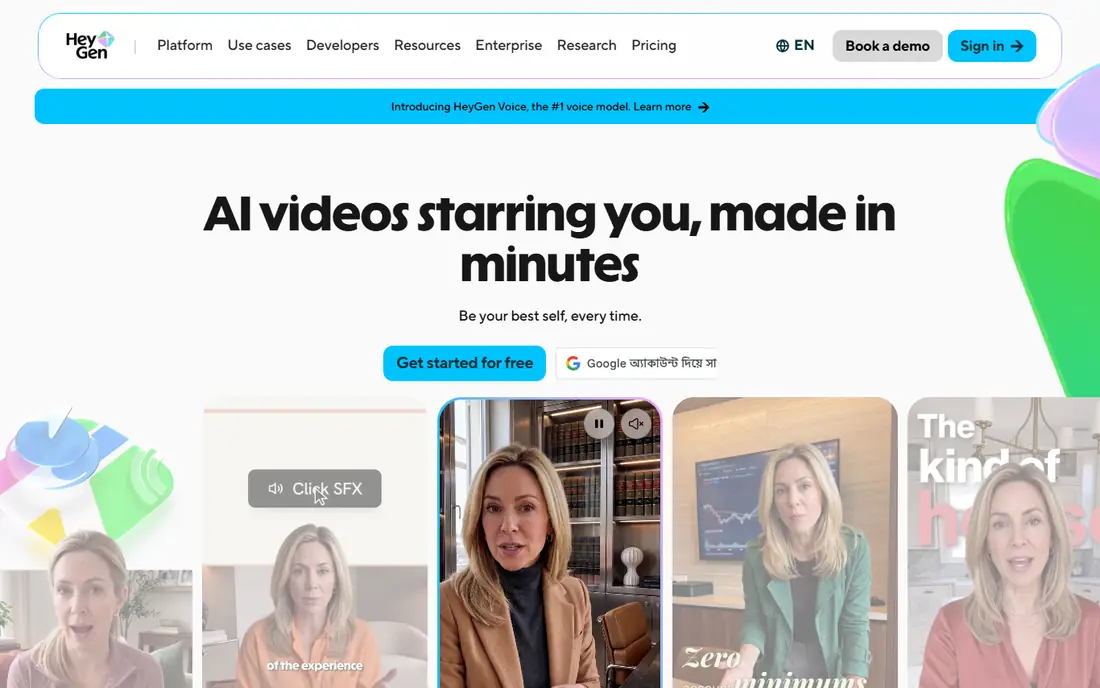
HeyGen is our pick for most teams that need realistic presenter videos at scale. Its avatars look natural in motion, language support is broad, and video translation can re-sync lips to a dubbed voice, which helps localization teams. Custom avatars, built from video footage with consent, let a company use a consistent presenter across many videos without filming each time.
The cost is the main catch. The Creator plan starts at a monthly price that casual creators may find steep, and credit use per finished minute varies by avatar model, so the monthly allowance does not translate simply to minutes. Test the free tier first, and calculate cost per finished minute for your model before you commit.
- Realistic avatars with broad language support
- Video translation and dubbing
- Strong avatar customization
- Monthly plan price is high for casual use
- Credit use per minute varies by model
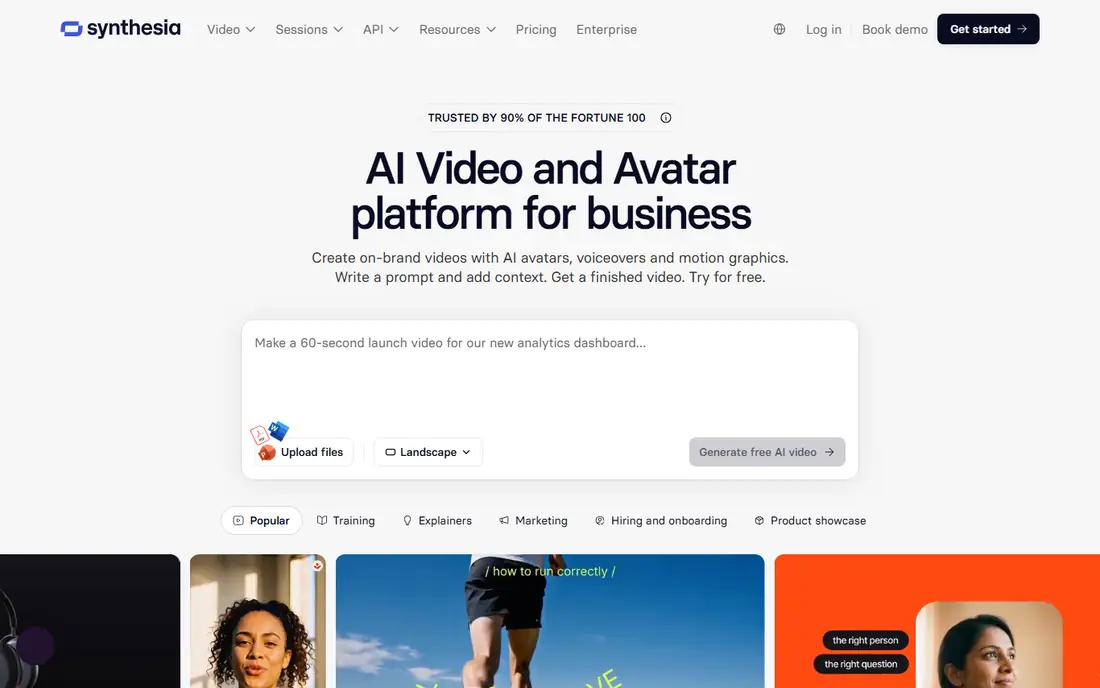
Synthesia suits corporate training and learning teams. It offers many avatars and languages, exports to learning platforms through SCORM, and provides brand and governance controls that larger companies require. Updating a training video means editing text and regenerating, rather than re-filming a presenter, which saves time when policies change.
The formal avatar style suits training better than social ads, and long courses can use many minutes fast. For a company producing regular training, the time saved on filming often justifies the cost, but social creators should test whether the style fits their audience.
- Large avatar and language range
- SCORM export for learning platforms
- Strong governance and brand controls
- Avatar videos can feel formal for social content
- Per-minute pricing adds up for long courses
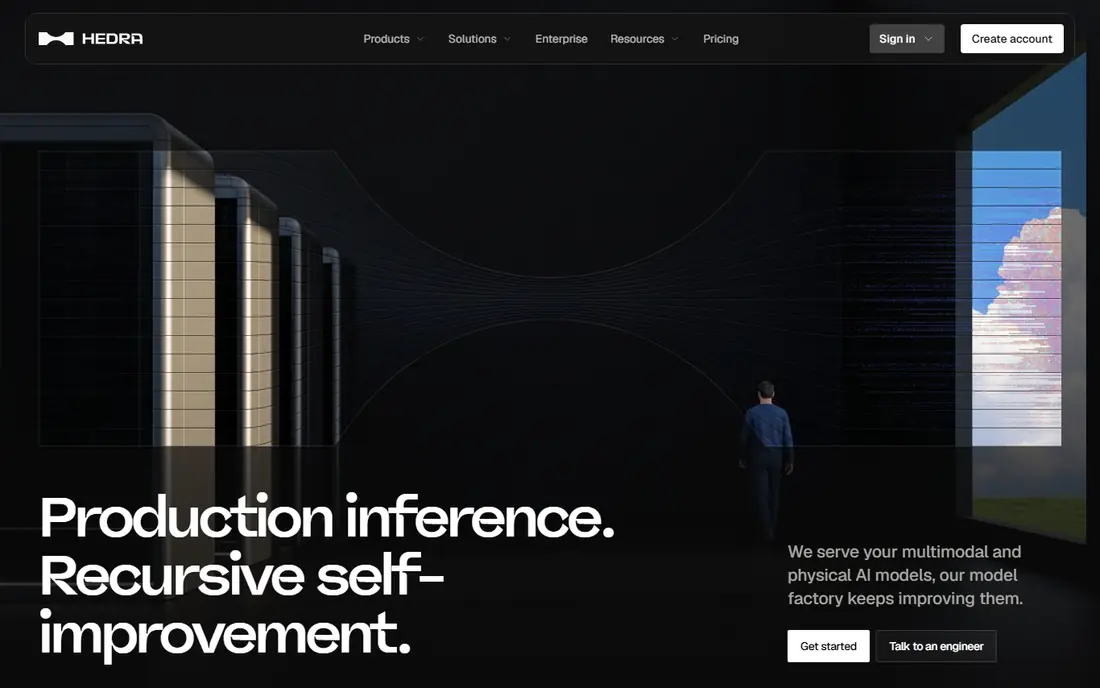
Hedra is the creative pick on this list. Upload a portrait, add audio or text-to-speech, and Hedra animates an expressive character with lip sync, head movement, and emotion that suits social videos, storytelling, and character content. Generation is fast, and the character model handles stylized portraits as well as photos.
Hedra is less suited to formal training, where Synthesia governance and SCORM export matter more. The free tier is limited and watermarked, so finished work needs a paid plan. For creators who want character videos with personality, Hedra is the first tool to test.
- Expressive character animation from a photo and audio
- Strong for creative and social character work
- Fast generation
- Less suited to formal corporate training
- Free tier is limited and watermarked
D-ID offers the cheapest paid entry point for talking photo videos. Upload a portrait, add text or audio, and generate a short talking-head clip in minutes, with an API for developers building agents and interactive avatars. For a small business that needs a simple spokesperson clip, D-ID keeps costs low.
Realism on longer clips lags HeyGen and Synthesia, with less natural head movement and expression over time. The free option is a trial rather than a permanent free tier, so budget for the paid plan if you plan regular use. D-ID fits short clips and simple use cases best.
- Low entry price
- Simple photo-to-video workflow
- API for developers and agents
- Avatar realism lags the leaders on longer clips
- Free option is a trial, not a permanent free tier
Vidnoz AI suits creators who want to test talking videos without paying upfront. It offers a recurring free daily allowance, many avatars and templates, and a simple text-to-video flow that needs no filming. For a first talking video, a social test, or a low-budget project, Vidnoz removes the cost barrier.
Free videos carry a watermark, and clean, longer exports need a paid plan. Avatar realism also sits below HeyGen for close-up presenter work. Use Vidnoz to learn the workflow and test an idea, then move to a paid leader when quality and branding matter.
- Recurring free daily allowance
- Many avatars and templates
- Simple text-to-video workflow
- Free videos are watermarked
- Paid plans needed for clean exports and longer videos
Colossyan targets learning teams that need more than a linear video. Branching scenarios, quizzes, and SCORM export turn a presenter video into an interactive course, and avatars can be built from a photo or video recording. For compliance training and onboarding, that interactivity is a real advantage over a plain video file.
The entry price is higher than simpler tools, and the formal style suits training rather than social content. Colossyan fits companies that already run a learning platform and want interactive courses, not creators making short social clips.
- Interactive branching and quizzes for training
- SCORM export
- Avatar videos from text
- Higher entry price than simpler tools
- Less suited to social or creative character work
Elai.io solves a specific problem: turning a slide deck into a presenter video without filming. Import slides or a document, add a script, pick an avatar, and generate a video where the avatar presents each slide. That workflow suits internal updates, course lessons, and product explainers built from existing decks.
The avatar range is smaller than the leaders, and long decks use many minutes. For a team with a library of decks to convert, Elai.io saves filming time, but for original presenter content, HeyGen or Synthesia give more avatar choice.
- Converts slides and documents into presenter video
- Simple editor for text-based video
- API available
- Avatar range is smaller than HeyGen or Synthesia
- Per-minute costs add up for long decks
Magic Hour is a useful all-round workspace for creators who need lip sync alongside other video tools. It combines lip sync with face swap and talking photos, offers a free tier for quick tests, and provides developer tools for teams building lip sync into their own products. For dubbing a short clip or animating a photo, it covers the job without a second tool.
Quality depends heavily on source footage, with clear front-facing video giving far better results than profile shots or fast movement. The broad tool set also means less depth than a specialist such as Synthesia for training. Test Magic Hour on your own footage before you rely on it for a client project.
- Lip sync plus face swap and talking photos in one workspace
- Free tier with no signup for quick tests
- Developer tools
- Lip sync quality varies by source footage
- Workspace covers many tools, so focus is thinner than specialists
Sync Labs, also known as Sync, is built for developers who need accurate lip sync inside their own products. Its diffusion-based model, from the team behind earlier lip sync research, focuses on matching mouth movement to audio closely, and the API workflow fits teams that generate video at scale. The entry price is low for a developer tool.
Non-technical users will find less guidance than in HeyGen or Synthesia, since Sync Labs is API-first rather than a full avatar studio. If you need a polished presenter video with no code, pick a studio tool instead, but if you build video features, Sync Labs deserves a test.
- Diffusion-based lip sync built for accuracy
- API-first workflow
- Low entry price for developers
- Developer focus means less hand-holding for non-technical users
- No full avatar studio
Runway suits creative teams that need lip sync inside a larger visual effects workflow. Its performance capture tools animate stylized characters from an actor performance, and the wider suite covers video generation, editing, and effects. For a short film, a music video, or a stylized ad, Runway gives creative control that presenter tools do not offer.
Lip sync here is one feature among many, not a dedicated dubbing service, and credit costs vary by model. Teams that only need to dub a presenter video will find HeyGen or Synthesia simpler, but teams building stylized character work will value Runway range.
- Performance capture for stylized characters
- Strong video generation and effects tools
- Creative control
- Lip sync is part of a larger VFX suite, not a standalone dubbing tool
- Credit costs vary by model
How we picked these
We compared official pricing pages, feature documentation, and public lip sync comparisons from 2026. We required each tool to generate lip-synced video from audio or text in October 2026, and we favored tools with clear pricing, language support, and a real workflow for either dubbing or avatar video. We excluded tools that only generate silent video, and we did not test lip accuracy ourselves, so we relied on vendor documentation and public comparisons for quality claims.
How to choose a lip sync tool
Decide between dubbing and avatar video
Dubbing tools re-sync an existing video to new audio, which suits localization and translated content. Avatar tools animate a photo or a digital presenter from audio, which suits training, explainers, and social content. Picking the wrong group wastes time, since a photo animator cannot re-sync your original footage, and a dubbing tool cannot create a presenter from scratch.
Test on your own footage and voice
Lip accuracy changes with face angle, lighting, movement, and audio quality, so test each shortlisted tool on your real footage, not only on vendor demos. Use a clear front-facing clip, clean audio, and a natural speaking pace for the test, then check mouth shapes on plosive sounds and longer sentences. A tool that looks good on a demo can struggle on your material.
Compare cost per finished minute
Monthly prices hide credit and per-minute differences, so calculate cost per finished minute for your model and clip length, including re-renders. A cheap plan with high credit use per minute can cost more than a higher plan with generous allowances. Start on a free tier or trial, render a full test clip, and record the credits used before you subscribe.
Frequently asked questions
What is the best AI lip sync tool overall?
HeyGen is the best all-round choice for realistic avatars and multilingual video, while Synthesia leads for corporate training. Hedra leads for creative character work, and D-ID offers the cheapest entry point. The best tool depends on whether you need dubbing, a presenter, or a character.
Can AI lip sync dub a video into another language?
Yes, tools such as HeyGen and Magic Hour can re-sync lips to a translated voice track, and some tools also translate the script and generate the voice. Results are best with clear front-facing footage and clean audio, and a human review is still needed for timing and natural phrasing.
Is AI lip sync legal to use?
It is legal when you have rights to the footage, voice, and script, and consent from any person depicted. Using lip sync to impersonate a real person without consent, or to create misleading content, can break platform rules and laws. Always get consent and label synthetic media where required.
How accurate is AI lip sync in 2026?
Accuracy has improved a lot, with the best tools producing natural mouth movement on clear, front-facing clips. Fast head movement, profile angles, occluded mouths, and noisy audio still cause errors, so test on your own footage and expect to re-render difficult sections.
Do lip sync tools work with my own voice?
Most tools accept uploaded audio, so you can use your own recorded voice, and some offer voice cloning with consent. Text-to-speech voices are also available in many languages. Check voice rights and consent terms before cloning any voice, including your own for commercial use.
Sources
See where you really rank - block by block
ProMapRanker scans Google Maps across a grid of your service area. Simple monthly plans from $19, white-label on every plan.
Start freeKeep reading
 best ai lead generation tools
Best AI Lead Generation Tools in 2026
Looking for the best ai lead generation tools? We compare nine B2B prospecting, enrichment, and outreach platforms, with pricing and free plans explained.
Read → best ai image to video animation tools
Best AI Image to Video Animation Tools in 2026
Compare the best ai image to video animation tools for 2026, from free image to video options to pro animation platforms, with current prices and free tiers.
Read → best ai code review tools
Best AI Code Review Tools in 2026
We compared the best ai code review tools on PR feedback, security checks, platform support and price, so your team can review faster with less noise.
Read →