 ProMapRanker
Best AI Code Review Tools in 2026


All-purpose pull request review · Pricing starts at: $24 per user per month
Key takeaways
- CodeRabbit is our pick for most teams, because it reviews every pull request with structured, line-by-line feedback.
- GitHub Copilot Code Review is the simplest buy for teams already on GitHub and already paying for Copilot.
- Greptile suits large code bases, because it uses full repository context rather than only the changed lines.
- Codacy and SonarQube fit teams that need quality gates and long-term standards, not just AI comments.
- Noise is the real cost of any AI reviewer, so start with small pull requests and clear review rules.
Quick comparison
| Pick | Great for | Pricing starts at | Free tier | |
|---|---|---|---|---|
| CodeRabbit | All-purpose pull request review | $24 per user per month | Yes | Visit |
 GitHub Copilot Code Review | Teams already on GitHub | $10 per month | No | Visit |
 Qodo | Rule-driven review and test generation | See website | Free trial | Visit |
 Greptile | Large code bases and monorepos | $30 per seat per month | Yes | Visit |
 Codacy | Quality and security standards in one dashboard | $18 per user per month | Yes | Visit |
 SonarQube | Quality gates at scale | $34 per month | Yes | Visit |
 Snyk | Security-focused review and fixes | $25 per month | Yes | Visit |
 DeepSource | Static analysis plus AI review and autofix | $24 per user per month | Yes | Visit |
The best ai code review tools
These tools review code changes, flag bugs and security issues, and help human reviewers focus on design and intent. We compared official feature pages, pricing pages and public reviews, and we included tools that work in October 2026.
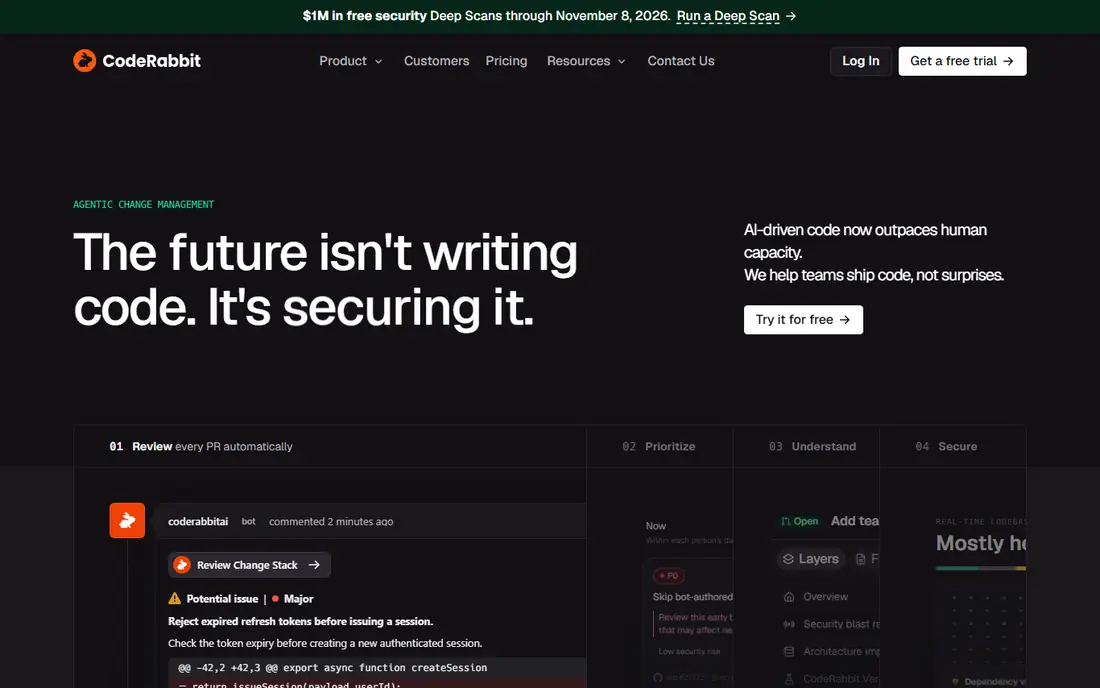
CodeRabbit is the most complete AI reviewer for a team that wants coverage on every pull request. It leaves inline comments, summarises changes, flags security issues and suggests fixes, and it works with GitHub, GitLab, Bitbucket and Azure DevOps. That breadth means a team does not need a different reviewer for each platform it uses.
The risk is noise. On a large, poorly described pull request, the comment count can bury the important findings. Teams that get the most from CodeRabbit pair it with small diffs, passing tests and a clear description, then tune its rules so it comments only on issues worth a human look.
- Reviews every pull request
- Structured summaries
- Works across major Git platforms
- Comment volume can overwhelm reviewers on large diffs
- Pro pricing is per user
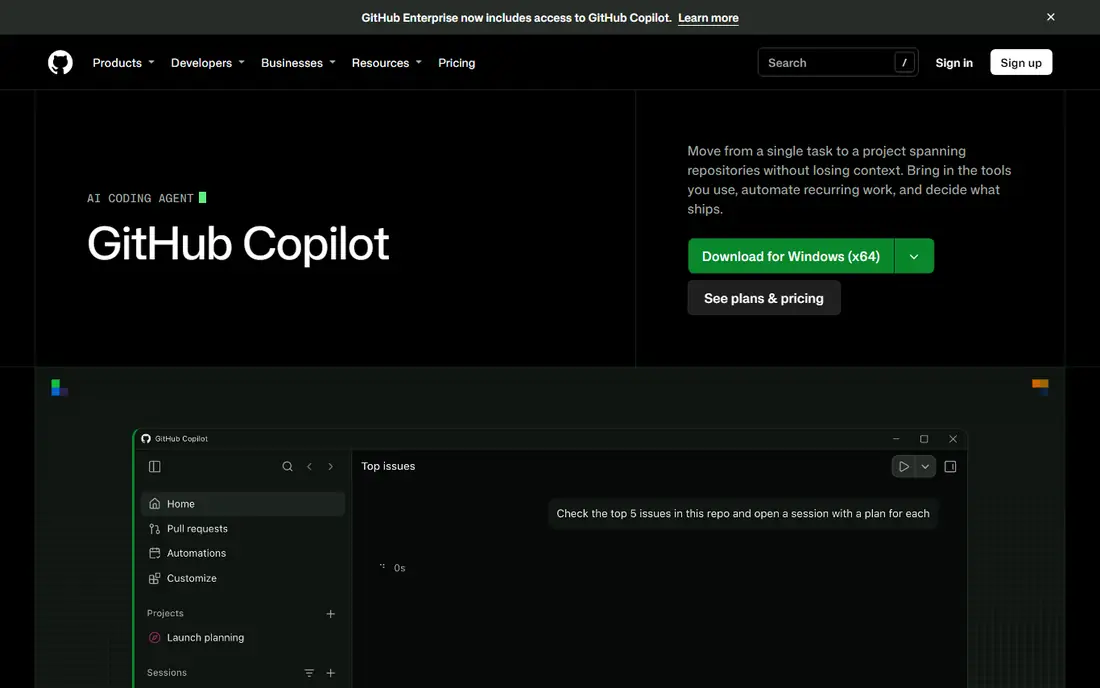
Copilot Code Review is the lowest-friction option for a GitHub team. Because it lives inside GitHub, reviewers do not need to install and manage a separate bot, and feedback appears where the team already works. For solo founders and small teams already paying for Copilot Pro at 10 dollars a month, it is an easy first step.
The limit is scope. It works only on GitHub, and its context leans on the diff itself rather than deep repository history. A team that needs cross-repository context or works across several Git platforms will need a specialist reviewer alongside it, or instead of it.
- Native GitHub workflow
- No extra bot setup
- Included in paid Copilot plans
- GitHub only
- Review context is mainly the diff, not the whole repository
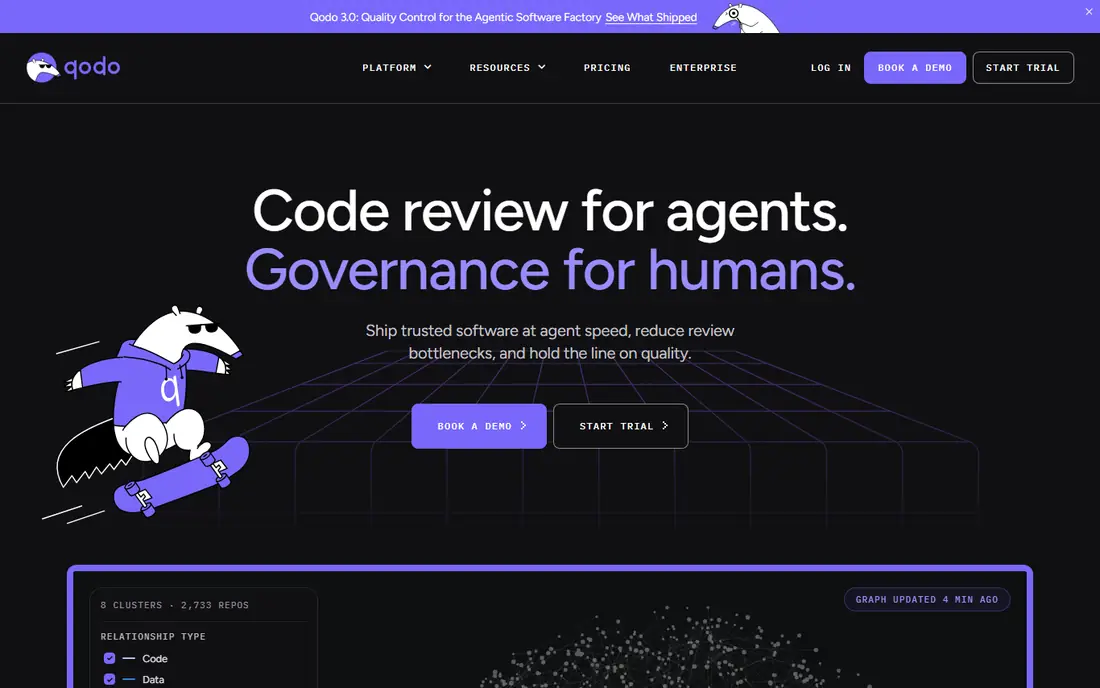
Qodo, formerly Codium, suits teams that want review to enforce their own standards. You can define rules for how code should be reviewed, and the tool applies those rules across pull requests while also helping generate tests. That combination helps a team that cares as much about consistent standards as about catching bugs.
Pricing needs care, because Qodo uses credits in addition to base plans, and recent comparisons show different base figures. Check the current pricing page and model your monthly pull request volume before committing. For a team with steady volume and clear rules, the control is worth that extra checking.
- Configurable review rules
- Test generation alongside review
- Supports major Git platforms
- Credit-based pricing can be hard to forecast
- Advanced cross-repo features sit on higher tiers
Greptile is built for the problem that breaks diff-only reviewers: a change that looks safe alone but breaks something elsewhere in the code base. By using full repository context, it can catch cross-file effects that a narrow review misses. That makes it a strong pick for monorepos and large teams with shared libraries.
The platform limits matter. Standard plans focus on GitHub and GitLab, so Bitbucket and Azure DevOps teams need to check enterprise options. Pricing at 30 dollars per seat per month, plus a charge for extra reviews, also means a busy team should forecast volume before signing.
- Full-codebase context
- Strong for large repositories
- Structured inline feedback
- No Bitbucket or Azure DevOps on standard plans
- Extra reviews cost extra
Codacy is less of a chatty AI reviewer and more of a standards dashboard. It checks code quality, security patterns, duplication and coverage, and it gives teams a clear view of whether a repository is getting better or worse over time. For a team that needs compliance reports and consistent gates, that view is valuable.
The trade is depth of reasoning. Codacy will enforce rules well, but it is not the best tool for a subtle logic bug that no rule describes. Pair it with an AI reviewer if you need both, or choose Codacy alone if your main problem is inconsistent standards across many repositories.
- Combined quality and security checks
- Coverage tracking
- Free tier for open source
- Better for standards enforcement than deep AI reasoning
- Setup takes time on large repos
SonarQube is the enterprise choice for code quality governance. It analyses code across more than 30 languages, applies quality gates in CI, and blocks merges that fail agreed standards. Teams that need audit trails, consistent rules and long-term trend data will find it more durable than a reviewer that only comments on pull requests.
Setup is heavier, and the product rewards a team that invests in configuring gates and fixing the backlog it reveals. A small team that only wants quick PR comments may find SonarQube slow to start. A larger organisation that needs proof of quality standards will find that investment pays off.
- Quality gates for many languages
- Long track record in enterprises
- IDE and CI integration
- Heavier setup than a PR bot
- AI reviewer features vary by plan
Snyk approaches code review from security first. It scans dependencies, containers and code for known vulnerabilities, and it can open fix pull requests that update a vulnerable package. For a team that ships software with many open-source dependencies, that security lens catches risks a general reviewer may miss.
The pricing structure needs attention, because Snyk products are sold separately and the team price is per contributing developer. If you need only general code review, a dedicated reviewer is simpler. If security is your main worry, Snyk belongs in the stack alongside, not instead of, a human review process.
- Dependency and container scanning
- Fix pull requests
- Strong security database
- Products are priced separately
- Code review is part of a security suite, not a general reviewer
DeepSource combines static analysis with AI review and autofix, which helps teams that want issues fixed, not just flagged. It supports GitHub, GitLab, Bitbucket and Azure DevOps, and public repositories can use it free. That makes it a practical pick for open-source projects and small teams that want automated help without a large bill.
The limits are ecosystem and language coverage. It does not match SonarQube for enterprise governance, and AI review quality can vary by language. For a small or mid-size team that wants a clear, automated first pass on every pull request, DeepSource offers a good balance of price and coverage.
- Free for public repositories
- Autofix suggestions
- Supports major Git platforms
- Smaller ecosystem than SonarQube
- AI review depth varies by language
How we picked these
We compared official feature pages, pricing pages and public reviews for each tool. We included tools that review pull requests or enforce code quality in a live workflow, and we left out general chatbots that can review pasted code but do not integrate with Git platforms. Where pricing was credit-based or had changed recently, we wrote See website rather than publishing a figure we could not support.
How to choose an AI code review tool
Start with your Git platform, because that alone removes several options. A GitHub-only team has a simple shortlist, while a team across GitHub, GitLab and Bitbucket needs a reviewer that covers all three. Check this first, before comparing AI features, or you will waste a trial on a tool you cannot deploy.
Next, decide what kind of help you need most. A team drowning in small bugs needs line-by-line PR review. A team with security worries needs dependency and vulnerability scanning. A team with inconsistent standards needs quality gates and coverage tracking. One tool rarely leads on all three, so rank your top need and buy for it.
Then run a trial on real pull requests, not demo code. Use a mix of small, clean changes and one large, messy change, and count how many comments were useful, how many were noise, and how long reviewers spent reading them. A tool that saves time on clean diffs but adds hours on messy ones is not saving time overall.
Finally, set review rules before you roll the tool out to everyone. Limit comment types, require small diffs and passing tests, and give reviewers a clear way to mute noisy rules. The best AI code review app is the one your team still trusts after a month, not the one with the longest feature list on day one.
Frequently asked questions
What is the best ai code review tool for a small team?
CodeRabbit or GitHub Copilot Code Review are the simplest small-team picks. CodeRabbit covers several Git platforms, while Copilot Code Review is easiest if you already live on GitHub. Start with one, tune its rules, and only add a second tool if a clear gap remains.
Which ai code review app is best for security?
Snyk leads for dependency and vulnerability scanning, while CodeRabbit and Codacy add security checks to general review. For the strongest coverage, pair a security scanner with a general reviewer, and keep human review for design and business logic that no scanner can judge.
Do AI code review tools replace human reviewers?
No. AI reviewers catch bugs, style issues and common security patterns, but they miss business intent, product trade-offs and subtle design choices. Use AI review as a first pass that frees human reviewers to focus on whether the change is the right change, not just whether the code compiles.
How much do AI code review tools cost?
Entry prices on this list range from 10 dollars a month for Copilot Pro to 30 dollars per seat per month for Greptile, with several tools offering free tiers for open source or small use. Credit-based and per-seat models make total cost depend on team size and pull request volume, so forecast both before signing.
What is the best ai tool for code review on large code bases?
Greptile is the strongest pick for large code bases, because it uses full repository context rather than only the diff. SonarQube also suits large organisations that need quality gates across many repositories. Test both on your own largest repository, since context handling differs by code base size and language.
Is there a list of best ai code review tools that covers open source?
Yes, this list covers open-source-friendly options. CodeRabbit and DeepSource offer free tiers for public repositories, SonarQube offers a free Community Build, and Snyk offers a free tier. Check each free tier for limits on private repositories, seats and analysis depth.
Sources
See where you really rank - block by block
ProMapRanker scans Google Maps across a grid of your service area. Simple monthly plans from $19, white-label on every plan.
Start freeKeep reading
 best ai lip sync video tools comparison
Best AI Lip Sync Video Tools Comparison in 2026
Compare the best ai lip sync video tools in 2026, from HeyGen and Synthesia to Hedra and D-ID, on accuracy, languages, pricing, and real use cases for creators.
Read → best ai lead generation tools
Best AI Lead Generation Tools in 2026
Looking for the best ai lead generation tools? We compare nine B2B prospecting, enrichment, and outreach platforms, with pricing and free plans explained.
Read → best ai image to video animation tools
Best AI Image to Video Animation Tools in 2026
Compare the best ai image to video animation tools for 2026, from free image to video options to pro animation platforms, with current prices and free tiers.
Read →