 ProMapRanker
Best AI Lead Generation Tools in 2026


All-in-one prospecting and outreach · Pricing starts at: $49 per user per month
Key takeaways
- Most teams need three layers, not one tool: a database, an enrichment step, and a sending tool, plus a CRM to hold the result.
- Free plans are useful for testing accuracy in your niche, but credit limits mean they rarely support a full campaign.
- Enterprise tools such as ZoomInfo and Cognism offer depth and compliance, but their annual pricing suits larger teams, not solo prospecting.
- Always verify emails before sending, and protect your domain with warmup and rotation if you send cold email at volume.
Quick comparison
| Pick | Great for | Pricing starts at | Free tier | |
|---|---|---|---|---|
| Apollo.io | All-in-one prospecting and outreach | $49 per user per month | Yes | Visit |
 Clay | Custom enrichment workflows | See website | Yes | Visit |
 Seamless.AI | Real-time contact discovery | See website | Yes | Visit |
 ZoomInfo | Enterprise data and intent signals | See website | No | Visit |
 Cognism | Compliance-focused European prospecting | See website | No | Visit |
 Lusha | Quick LinkedIn contact lookups | See website | Yes | Visit |
 Instantly | Cold email at scale with warmup | See website | Free trial | Visit |
 Smartlead | Deliverability-focused cold outreach | See website | Free trial | Visit |
 LeadIQ | Salesforce-friendly contact capture | See website | Yes | Visit |
The best AI lead generation tools
AI lead generation covers three different jobs: finding contacts, enriching and verifying them, and reaching out without burning your domain. A tool that is excellent at finding emails may be weak at sending, and a sending tool may have no database at all. The list below separates those jobs, so you can build a small stack instead of paying for one expensive tool that does everything poorly.
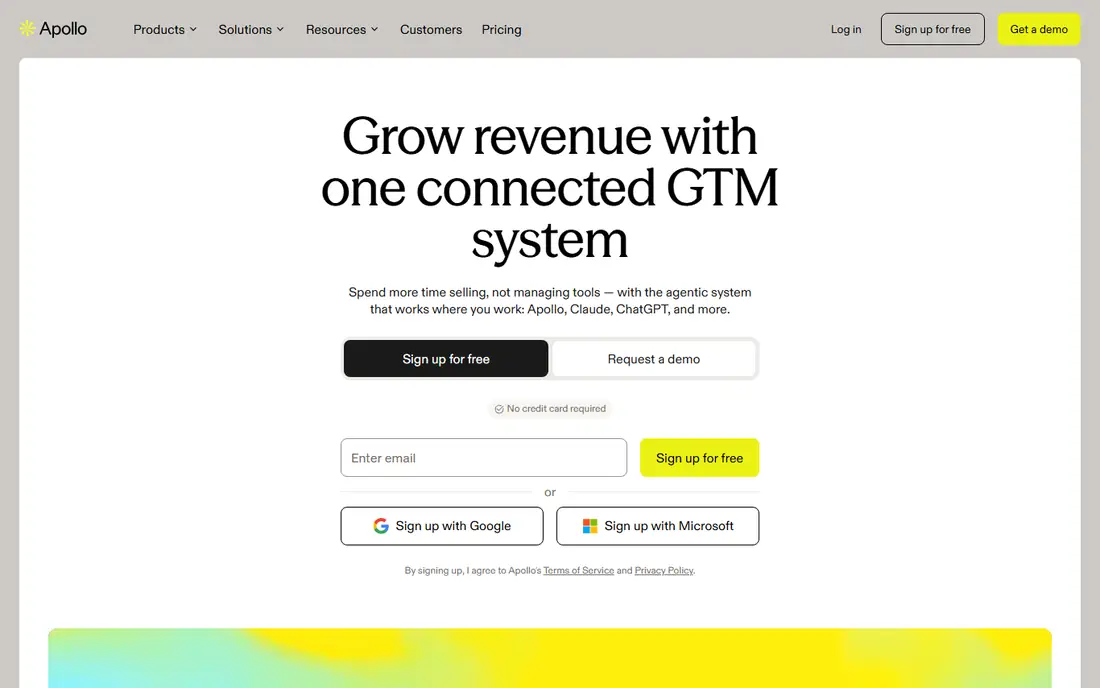
Apollo is the best starting point for small sales teams because it combines a large contact database with enrichment and email sequences in one account. You can build a list, verify contacts, and launch outreach without buying three separate tools first.
Paid plans start at 49 dollars per user per month in recent listings, with a free plan for testing. Mobile number lookups cost more credits than emails, so budget for that if phone outreach matters. For teams that need one tool to get moving, Apollo covers the most ground for the price.
- Large contact database
- Prospecting, enrichment, and sequences in one tool
- Free plan for testing
- Credit costs rise for mobile numbers
- Data accuracy varies by niche
- Seat costs add up for teams
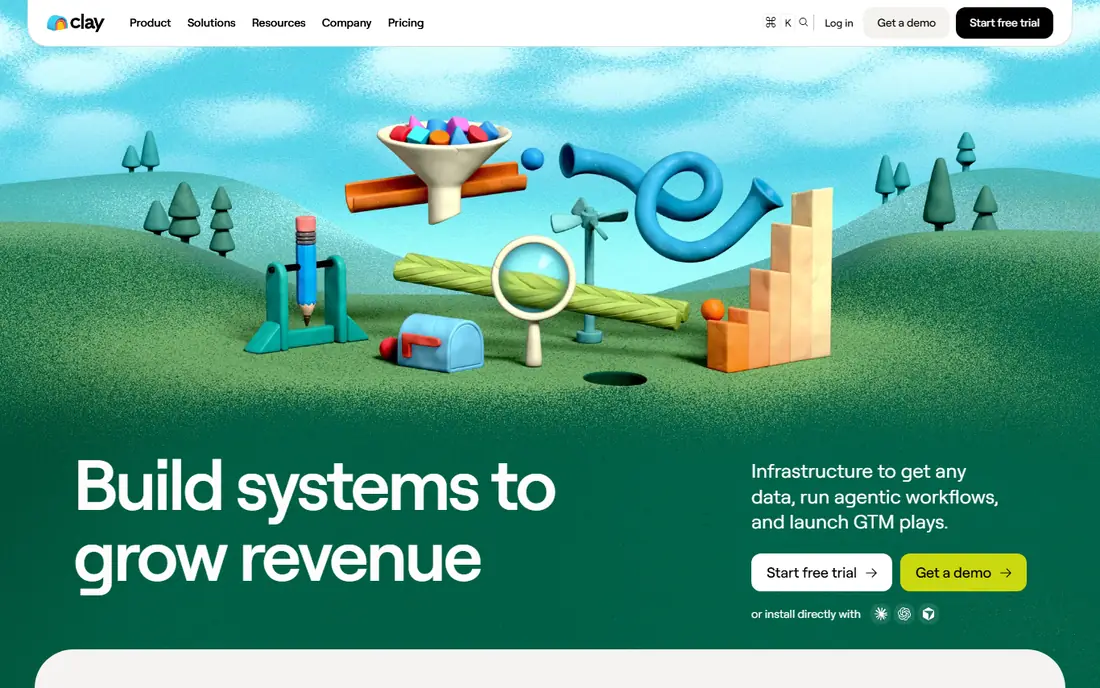
Clay is not a simple database. It is a workflow tool that pulls data from many sources, enriches it in steps, and uses AI research to fill gaps that a single database misses. That flexibility makes it powerful for teams with a clear ideal customer profile and a repeatable list process.
The trade-off is complexity and cost. Setup takes time, and credit use can grow quickly if workflows are not tuned. Check the current pricing page, since plan prices have changed in listings. For teams that already have a database and need better enrichment, Clay is the strongest pick here.
- Waterfall enrichment from many sources
- Flexible workflow chains
- AI research agents for list building
- Steep learning curve
- Credit costs can rise fast
- Needs setup time before it pays off
Seamless.AI focuses on finding contact details in real time, with a browser extension that helps reps capture contacts while they browse LinkedIn and company sites. That speed suits outbound teams that build lists daily rather than once a quarter.
Pricing is often custom for paid plans, and free credits are limited, so ask for a clear quote and test accuracy in your niche before signing. If your prospects are mainly on LinkedIn, coverage is stronger. If they are in local or offline industries, test a sample list first.
- Real-time contact lookup
- Large contact coverage
- Browser extension for LinkedIn prospecting
- Paid pricing is often custom
- Credit burn can be high
- Coverage varies outside LinkedIn-heavy niches
ZoomInfo is the enterprise benchmark for B2B data. It offers deep company profiles, org charts, technographics, and intent signals that help large teams prioritise accounts, not just collect names. Its CRM integrations also suit teams that already run Salesforce or HubSpot at scale.
The cost is the barrier. Pricing is custom and usually annual, with figures in listings running into five figures per year for small teams. Solo founders and small teams will get better value from Apollo or Lusha. Large teams with a clear account-based motion can justify ZoomInfo on data depth alone.
- Deep company and contact data
- Org charts and intent signals
- Strong CRM integrations
- Enterprise pricing with annual contracts
- Overkill and costly for small teams
- Setup needs sales support
Cognism suits teams that prospect in Europe and need a clear compliance story. It emphasises phone-verified mobile numbers and GDPR-aligned data handling, which matters when your legal team reviews every new vendor.
There is no simple self-serve price, and contracts are usually annual, so it is an enterprise purchase rather than a quick trial. For US-only prospecting at small scale, cheaper tools cover the same basic job. For European outreach where compliance and mobile accuracy matter, Cognism is a serious contender.
- Phone-verified mobile data
- Strong GDPR-focused compliance story
- Good European coverage
- No self-serve pricing
- Annual contracts
- Costly for small teams
Lusha is the simplest tool here for an individual rep. Its browser extension reveals email and phone details while you browse LinkedIn, without building a list in a separate platform first. That speed suits founders and small teams who prospect a few contacts at a time.
The free plan covers light use, and paid plans raise credit limits. It is less suited to bulk list building than Apollo or Clay, and company data is thinner than enterprise platforms. If your workflow is LinkedIn-first and manual, Lusha keeps it fast and simple.
- Simple browser extension
- Quick email and phone reveals
- Free plan for light use
- One-by-one lookups suit individuals more than bulk lists
- Paid plans add up for teams
- Data depth is thinner than ZoomInfo
Instantly is built for cold email volume. It supports many sending accounts, inbox warmup, and rotation to protect deliverability, which matters when a team sends hundreds of emails a week. Its database and AI tools help teams move from list to campaign without a second tool.
There is no free plan, only a trial on some plans, so check the current pricing page. Volume alone does not fix a weak offer or a poor list, and domain setup still needs care. For teams whose main channel is cold email, Instantly is one of the most practical sending platforms here.
- Unlimited sending accounts on higher plans
- Inbox warmup and rotation
- Large contact database on some plans
- No free plan
- Sending volume needs careful domain setup
- Analytics are simpler than enterprise sequencers
Smartlead competes with Instantly on deliverability. It offers unlimited mailboxes on many plans, warmup tools, and sequences that combine email with other channels, which helps teams that run several campaigns in parallel without hitting sending limits on a single account.
The platform takes time to learn, and there is no free plan, so trial it with a small campaign first. Pricing varies by plan, so compare mailbox limits and features rather than headline price alone. For agencies and teams that manage outreach for several clients, Smartlead scales well.
- Unlimited mailboxes on many plans
- Deliverability tools and warmup
- Multichannel sequences
- Interface takes learning
- No free plan
- Pricing varies by mailbox and feature tier
LeadIQ suits sales teams that live in Salesforce. Its browser extension captures contacts from LinkedIn and pushes them into Salesforce with enrichment, which keeps CRM data clean without manual entry. That workflow fit is its main advantage over generic databases.
The free plan covers light testing, and paid plans in listings are priced for teams rather than solo users. If you do not use Salesforce, Apollo or Lusha will give you similar capture at lower cost. If Salesforce is your system of record, LeadIQ removes a daily friction point.
- Browser extension for LinkedIn capture
- Salesforce integration
- Free plan for testing
- Paid plans are costly for small teams in listings
- Best value sits inside Salesforce workflows
- Bulk features are limited
How we picked these
We compared official feature pages, pricing pages, and app store listings, and we checked public reviews for recurring complaints. We kept only tools that are available in October 2026 and that fit the topic directly, and we left out tools that only partly match the job. Where a price could not be confirmed on the vendor site during our checks, we wrote See website rather than guessing a figure.
Our pick for most people is the option that covers the common case well without forcing a paid plan for basic use. That does not mean it suits every group, budget, or workflow, so use the comparison table to match the best fit to your own needs before you sign up.
How to build a lead stack without overspending
Start with your ideal customer profile, not with a tool. Write down industry, company size, job titles, and geography, then test each database with a sample of fifty contacts from that profile. Accuracy in your niche matters more than total database size, because a large database with poor coverage in your market wastes credits and time.
Next, separate finding from sending. Use a database or enrichment tool to build and verify the list, then use a dedicated sending tool with warmup to deliver it. That split also protects you: if a sending account has deliverability trouble, your list and CRM remain intact.
Finally, set a trial rule before you buy. Run a small campaign for two weeks, track reply rate and bounce rate, and compare cost per qualified reply across tools. A tool that looks cheap per credit can be expensive per meeting if its data bounces or its sending harms your domain.
Frequently asked questions
What is the best ai tool for lead generation for small teams?
Apollo is the best starting point for small teams, because it combines prospecting, enrichment, and sequences in one account with a free plan. Add Instantly or Smartlead only when cold email volume grows, and add Clay only when you need custom enrichment workflows that a single database cannot handle.
What is the best ai lead generation software for enterprises?
ZoomInfo and Cognism lead for enterprises, with deep data, intent signals, and compliance features. ZoomInfo suits large US-focused teams, while Cognism suits European prospecting with phone-verified data. Both use custom annual pricing, so budget for a sales-led purchase.
How much do AI lead generation tools cost?
Self-serve tools start around 49 dollars per user per month for Apollo in recent listings, with free plans for testing. Enrichment and sending tools vary widely, and enterprise platforms use custom annual pricing. Always model credit costs at your real volume, since mobile lookups and enrichment steps can raise the bill fast.
Do I need a separate tool for cold email?
Yes, if you send at volume. Databases find contacts, but sending tools such as Instantly and Smartlead add warmup, mailbox rotation, and deliverability controls that protect your domain. Sending cold email from a personal inbox or a CRM alone risks deliverability problems as volume grows.
Is cold email lead generation legal and safe?
Laws vary by country, and business email rules differ from consumer rules, so check the rules for each market you target and get local advice if needed. Use verified data, include a clear opt-out, honour removals promptly, and avoid misleading subject lines. Respect for recipients also improves reply rates, so it is both a legal and a practical concern.
Sources
See where you really rank - block by block
ProMapRanker scans Google Maps across a grid of your service area. Simple monthly plans from $19, white-label on every plan.
Start freeKeep reading
 best ai lip sync video tools comparison
Best AI Lip Sync Video Tools Comparison in 2026
Compare the best ai lip sync video tools in 2026, from HeyGen and Synthesia to Hedra and D-ID, on accuracy, languages, pricing, and real use cases for creators.
Read → best ai image to video animation tools
Best AI Image to Video Animation Tools in 2026
Compare the best ai image to video animation tools for 2026, from free image to video options to pro animation platforms, with current prices and free tiers.
Read → best ai code review tools
Best AI Code Review Tools in 2026
We compared the best ai code review tools on PR feedback, security checks, platform support and price, so your team can review faster with less noise.
Read →