 ProMapRanker
Best AI Image to Video Animation Tools in 2026

Key takeaways
- Kling and Pika give the most usable free image to video animation for social clips, while Runway and Veo suit higher budget work.
- Short clips are the norm, so plan your animation as a series of shots rather than one long video.
- Adobe Firefly is the safer pick for brand work where commercial use terms matter more than raw motion quality.
- Credit systems vary a lot, so check how many credits each clip costs before you commit to a paid plan.
- A still image with a clear subject and a simple motion prompt animates more cleanly than a crowded scene.
Quick comparison
| Pick | Great for | Pricing starts at | Free tier | |
|---|---|---|---|---|
 Kling | Realistic motion at a fair price | $6.99 per month | Yes | Visit |
 Runway | Professional control and finishing | $12 per month | Yes | Visit |
 Pika | Short social clips and playful effects | $8 per month | Yes | Visit |
 Google Veo 3.1 | Realistic clips with native audio | $19.99 per month | Yes | Visit |
 Luma Dream Machine | Fast iteration and video restyling | $30 per month | Yes | Visit |
 Adobe Firefly | Brand work with clear commercial terms | $9.99 per month | Yes | Visit |
 PixVerse | Daily free animation | $8 per month | Yes | Visit |
 Hailuo AI | Strong motion on a modest budget | See website | Yes | Visit |
 HeyGen | Talking head and presenter animation | $29 per month | Yes | Visit |
The best ai image to video animation tools
We compared image to video tools on motion quality, clip length, free access, price, and how well they handle a single uploaded photo as the starting frame.
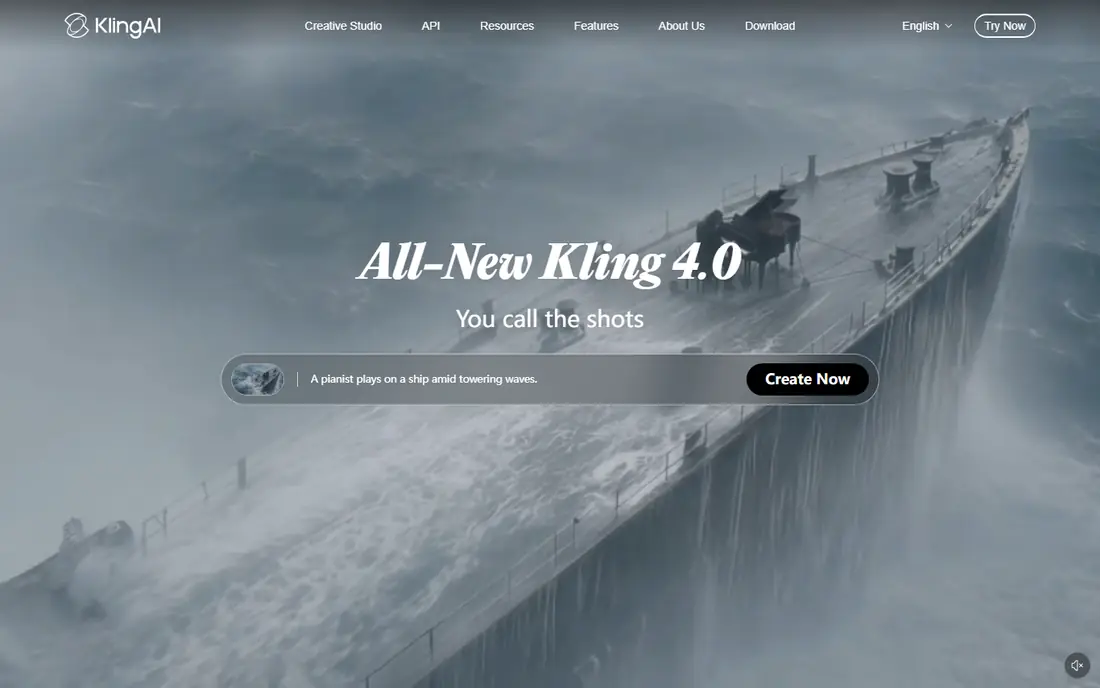
Kling is our pick for most people who want to animate still images without a large monthly bill. Its motion tends to hold together well on people walking, turning, or gesturing, which is where cheaper tools often fall apart. The interface keeps the core choice simple: upload an image, describe the movement, and pick a length and quality setting.
The catch is credit use. Longer clips and higher quality settings cost more, so a free account is best for testing ideas rather than producing a full series. Paid users get far more room to iterate, and that iteration matters, because the first generation is rarely the one you keep. For short social videos, product shots, and storyboards, Kling gives a strong balance of price and output.
- Strong human motion
- Daily free credits on the free plan
- Image to video with first and last frame control on paid plans
- Higher quality settings use more credits
- Some features are locked behind higher tiers
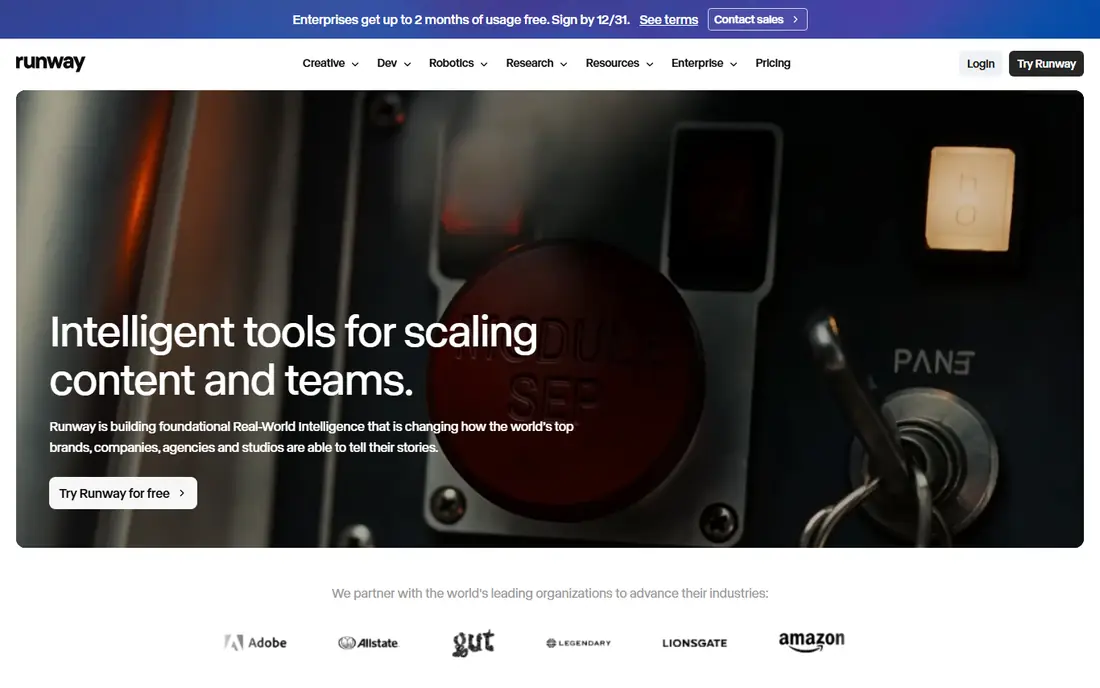
Runway suits creators who want more than a single animated photo. Its Gen-4 family keeps the look of the starting image while letting you direct camera movement and style changes, and the same account can carry a clip into editing. That matters when a project needs several shots that look like they belong together.
The free allowance is a one-time credit grant rather than a daily refill, so treat it as a trial. Once you move to a paid plan, the value comes from control rather than raw volume: reference images, camera direction, and editing reduce the need to regenerate the same shot many times. If you only need one quick clip a month, a cheaper tool may serve you better.
- Camera and style controls
- Editing tools in the same workspace
- Strong image to video consistency
- Paid plans are needed for regular use
- Credit costs rise with longer or higher resolution clips
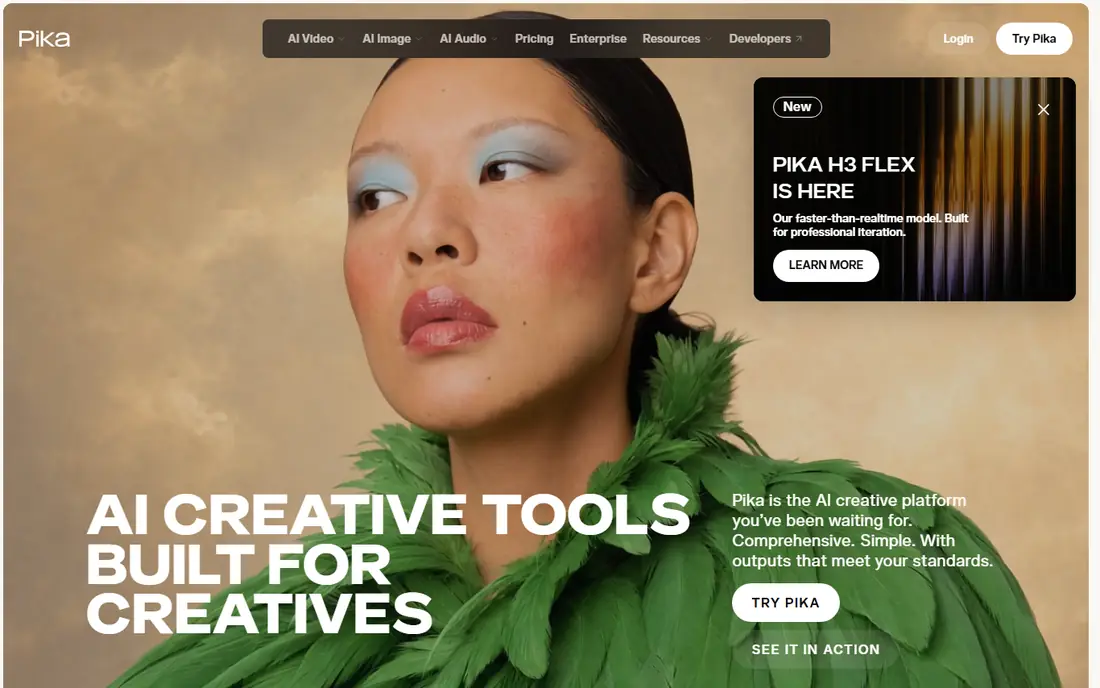
Pika is a good fit when the goal is a quick, eye-catching clip for social feeds rather than a polished film shot. Its effects and stylized looks suit product teasers, memes, and short loops, and the workflow is fast enough to test several ideas in one sitting. The tool also handles image to video directly, so a single photo can become a moving post in minutes.
The trade-off is scope. Clips stay short, and the free plan is best seen as a way to learn the tool rather than a production source. Paid plans add more credits and remove some limits, but creators who need longer, realistic scenes should look at Kling or Veo first. For light, frequent social animation, Pika is hard to beat on price and speed.
- Low cost entry
- Fun effects for social content
- Simple prompt workflow
- Shorter clips than some rivals
- Free credits are limited and do not refill generously
Veo 3.1 stands out because sound arrives with the picture. A photo of a street scene can gain footsteps, ambient noise, or a spoken line in the same generation, which saves a separate audio step. The realism is also a step above most rivals on faces, lighting, and camera movement, especially for cinematic prompts.
Access comes through Google AI plans and related Google tools, and pricing depends on the plan you choose. The free and lower tiers carry limits that make Veo better for selected hero shots than for bulk clip production. If your project needs a few high quality animated images with sound, Veo is the tool to try first. If you need dozens of clips a week, budget carefully.
- Strong realism and prompt accuracy
- Generated dialogue, music, and sound effects
- Image to video support
- Higher cost at scale
- Visible watermark rules and limits vary by plan
Luma Dream Machine appeals to visual creators who iterate fast. Upload an image, try a motion idea, and regenerate with a tweak, all without a heavy setup step. Its restyling tools also let you change the look of existing footage, which is useful when a client wants a different mood from the same shot.
The starting price is the main barrier. At $30 per month for the paid entry tier, Luma costs more than Kling or Pika for casual use, so it fits creators who will use it several times a week. Free access lets you test the quality, but it is not a steady production source. For rapid visual prototyping, the speed makes up for some of that cost.
- Quick generation
- Image to video and video restyling
- Useful for visual experimentation
- Higher starting price than rivals
- Free access is limited
Adobe Firefly is the pragmatic choice for teams that publish client work. Its video tools sit inside the Adobe ecosystem, so stills, video, and design assets can move between apps without awkward exports. For brand teams, the clearer commercial footing matters as much as the output itself, because usage terms affect what you can publish.
The limits are real. Generated clips are short, often around five seconds, so Firefly works best for animated posts, ads, and title sequences rather than longer scenes. Free users get daily generations, which is enough to test the style. If your priority is a safe, repeatable workflow for short brand clips, Firefly earns its place.
- Adobe integration
- Commercially oriented training and terms
- Free daily generations on the free plan
- Clips are short
- Motion quality trails the top realism leaders on complex scenes
PixVerse is worth a look if you animate images most days and want a free tier that actually refills. Daily credits let you test ideas regularly without paying, and the paid entry plan stays low. The tool is straightforward: upload a photo, describe the motion, and generate a short clip.
Quality is solid for social content, though fine detail can soften when the scene is busy or the camera moves fast. Lower plans also cap resolution, so check the plan details if you need full high definition output. For hobbyists, small shops, and social managers who need steady short clips, PixVerse is a sensible low cost option.
- Daily free credits
- Simple image to video workflow
- Good for frequent short clips
- Higher resolution is capped on lower plans
- Motion can soften on detailed scenes
Hailuo AI, from MiniMax, has built a following for motion that feels fluid on everyday subjects. It handles image to video well, and some plans support multiple reference images, which helps keep a character or product consistent across shots. For creators who found other tools stiff on human movement, Hailuo is worth testing.
Pricing is the weak point for planning, because published tiers and trial terms shift. We list the starting price as See website for that reason, and you should check the current pricing page before paying. The free trial credits give enough room to judge motion quality on your own images, which is the test that matters most.
- Good motion on people and objects
- Multi-reference options on some plans
- Trial credits for testing
- Pricing and plan details change often
- Some advanced models need higher tiers
HeyGen fits a different job from the rest of this list. Instead of animating a scene, it turns a photo into a talking presenter who can deliver a script in several languages. That makes it useful for training videos, product explainers, and localized marketing, where a consistent presenter matters more than cinematic camera work.
The price reflects that business focus, and the free plan only covers a few watermarked videos. If you need a person to speak from a photo, HeyGen is a strong pick. If you need a photo of a scenic view to come alive with camera movement, choose Kling, Runway, or Veo instead, and keep HeyGen for presenter work.
- Photo to talking avatar workflow
- Voice and translation options
- Good for training and marketing videos
- Higher price for short clips
- Not the best choice for general scene animation
How we picked these
We compared official feature pages, pricing pages, and app store listings for image to video tools that are live in October 2026, and we favored tools with a clear image upload workflow rather than text only video generators. Each tool had to accept a still image as the starting point, produce a moving clip, and offer either a free tier or a trial. We left out tools that only animate faces with a single template, and tools whose pricing could not be traced to a vendor or reputable pricing roundup.
We did not run hands-on tests for this roundup. Our comparisons rest on published features, plan limits, and public reviews, and prices change often, so confirm the current plan before you subscribe.
What to check before you pay
Start with the clip, not the plan. Decide how long your clips must be, what resolution you need, and how many you will make each month, then match those numbers to credit costs. A tool that looks cheap per month can become expensive if each ten second clip uses a large share of the monthly credit allowance.
Check the starting image rules next. Some tools keep faces and products consistent better than others, and some restrict public figures, logos, or sensitive content. If you animate photos of real people, get permission and check the tool policy before you publish. For client work, read the commercial use terms and the watermark rules on the free plan, because a watermarked test clip is not a deliverable.
Finally, test with your own images. Run the same photo through two or three tools on their free tiers and compare motion, face stability, and background warping. The best tool for a portrait may not be the best tool for a product shot, and a short free test tells you more than any feature list.
Frequently asked questions
What is the best free ai image to video animation tool?
Kling and PixVerse offer the most useful free access for regular short clips, with daily or recurring credits. Pika and Adobe Firefly also offer free generations, but with tighter limits. Try two free tiers with the same photo before you pay.
Can I animate a photo for free without a watermark?
Some free tiers add a watermark or cap resolution, and the rules vary by tool and plan. Check the pricing page for the tool you choose, and expect paid plans to remove most free tier limits. For published work, a paid plan is usually the cleaner choice.
How long can an AI image to video clip be?
Most tools in this list produce clips between five and fifteen seconds, with longer output on higher plans or through stitched shots. Plan longer stories as a sequence of short clips edited together, rather than expecting one long generation.
Which tool is best for animating people?
Kling and Veo 3.1 tend to handle human motion and faces more cleanly than stylized tools, based on published examples and reviews. Test with your own portraits, because face stability varies with lighting, angle, and how much movement you request.
Do I own the video I generate?
Ownership and commercial use terms vary by tool and plan, and some plans restrict use of free tier output. Read the terms on the vendor site for the plan you buy, especially for client work, advertising, and resale.
Sources
See where you really rank - block by block
ProMapRanker scans Google Maps across a grid of your service area. Simple monthly plans from $19, white-label on every plan.
Start freeKeep reading
 best ai lip sync video tools comparison
Best AI Lip Sync Video Tools Comparison in 2026
Compare the best ai lip sync video tools in 2026, from HeyGen and Synthesia to Hedra and D-ID, on accuracy, languages, pricing, and real use cases for creators.
Read → best ai lead generation tools
Best AI Lead Generation Tools in 2026
Looking for the best ai lead generation tools? We compare nine B2B prospecting, enrichment, and outreach platforms, with pricing and free plans explained.
Read → best ai code review tools
Best AI Code Review Tools in 2026
We compared the best ai code review tools on PR feedback, security checks, platform support and price, so your team can review faster with less noise.
Read →