 ProMapRanker
Best AI Tool to Create Video From Text in 2026


Turning a script into a presenter-led video · Pricing starts at: See website
Key takeaways
- Synthesia and HeyGen turn a script into a presenter video, which suits training and product explainers.
- Pictory, Lumen5, and InVideo AI turn a script into a stock-footage video, which suits social and repurposed content.
- Fliki suits voice-led videos where narration matters more than on-screen presenters.
- Runway and Kling suit original generated clips, but they produce short clips, not long finished videos from one script.
Quick comparison
| Pick | Great for | Pricing starts at | Free tier | |
|---|---|---|---|---|
| Synthesia | Turning a script into a presenter-led video | See website | Yes | Visit |
 HeyGen | Turning a script into an avatar marketing video | See website | Yes | Visit |
 Pictory | Turning a script into a stock-footage video with captions | See website | Free trial | Visit |
 InVideo AI | Turning a script into a finished social video fast | See website | Yes | Visit |
 Lumen5 | Turning a script into a short social video | See website | Yes | Visit |
 Fliki | Turning a script into a voiceover video | See website | Yes | Visit |
 Runway | Turning a text prompt into original generated clips | $12 per month | Yes | Visit |
 Steve AI | Turning a script into an animated explainer video | See website | Yes | Visit |
The best ai tool to create video from text
We compared official feature pages, pricing pages, app store listings, and public reviews for tools that accept a written script as the main input and return a video. The tools differ in what kind of video they return, so this article groups them by output. A presenter video, a stock video, a voiceover video, and a generated clip are different products, even when the input is the same text.
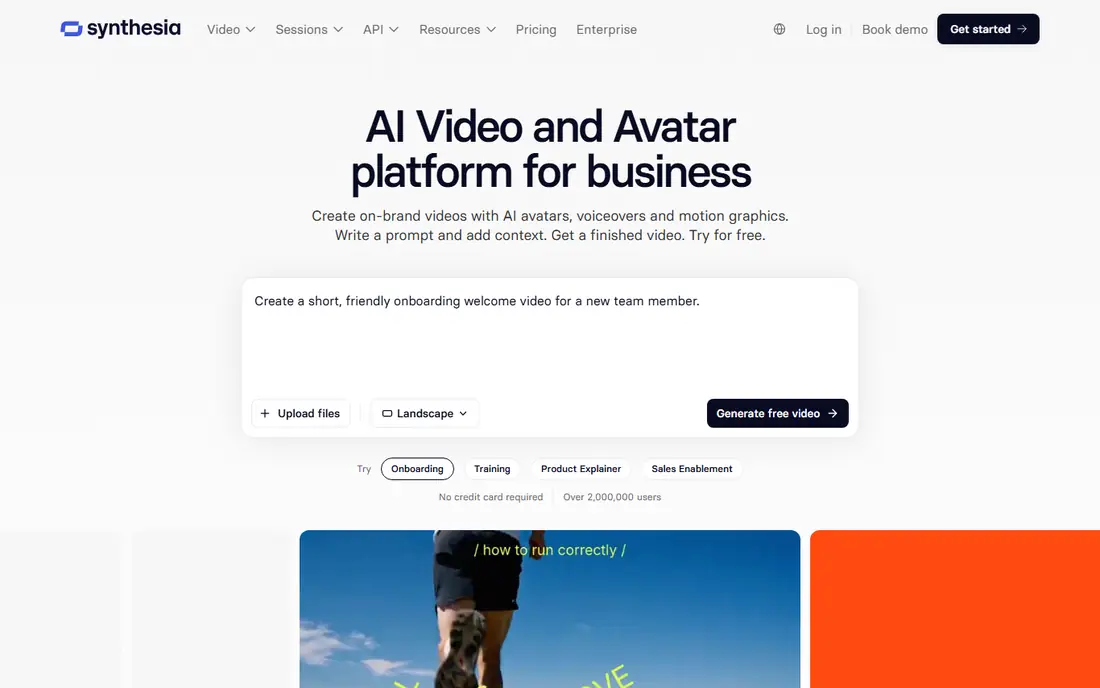
Synthesia is the most direct script-to-presenter tool on this list. Paste a script, choose an avatar and voice, and the tool returns a video of that presenter delivering your words. That flow suits training lessons, onboarding, and product explainers that need the same style across many videos.
The limit is delivery style. Avatar presenters are clear and steady, but they can feel formal for casual social content. Check minute allowances and dubbing terms before building a series, and review the script for claims and tone, since the presenter will deliver exactly what you wrote.
- Consistent presenter style
- Large language support
- Good for series and training
- Formal delivery
- Minute and dubbing costs shape the total price
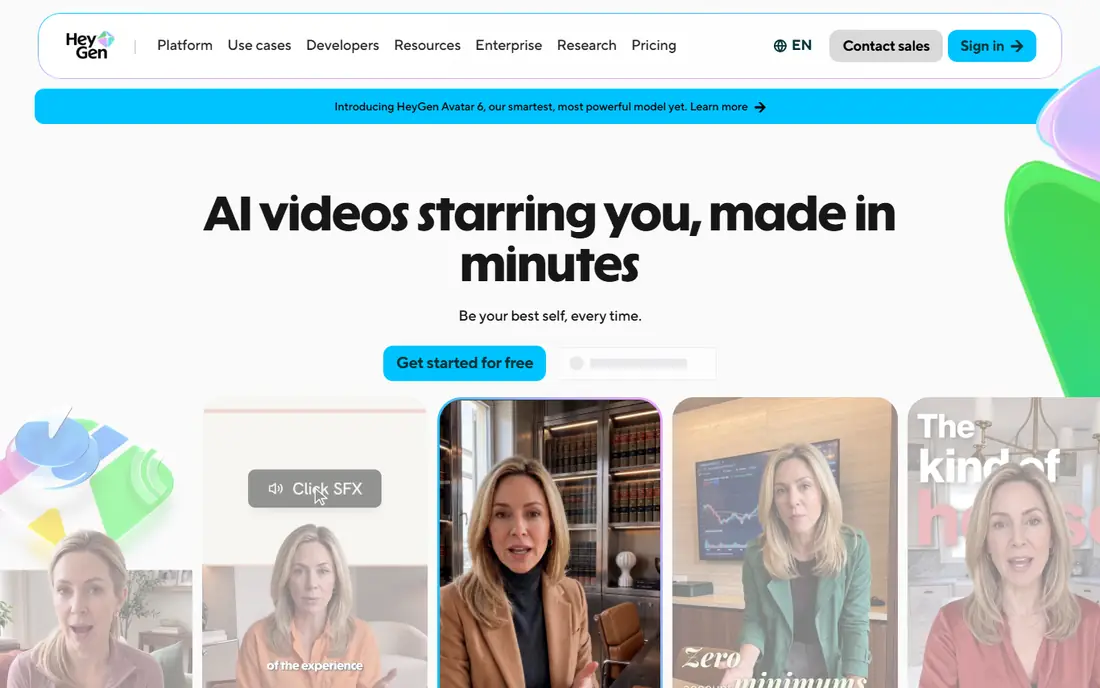
HeyGen also turns a script into an avatar video, with a stronger focus on marketing and localisation. A single script can become a spokesperson video, then translated versions for other markets, without re-recording. That suits product launches, ads, and onboarding videos that need several language versions.
Free videos are short, so they serve as a quality test rather than a publishing plan. Paid work depends on credits and minutes, so track use in the first week. Do not clone a real person's face or voice without clear, documented consent, and check commercial-use terms for ads.
- Strong avatar quality
- Translation and dubbing
- Useful for localised versions
- Short free videos
- Credit use needs tracking
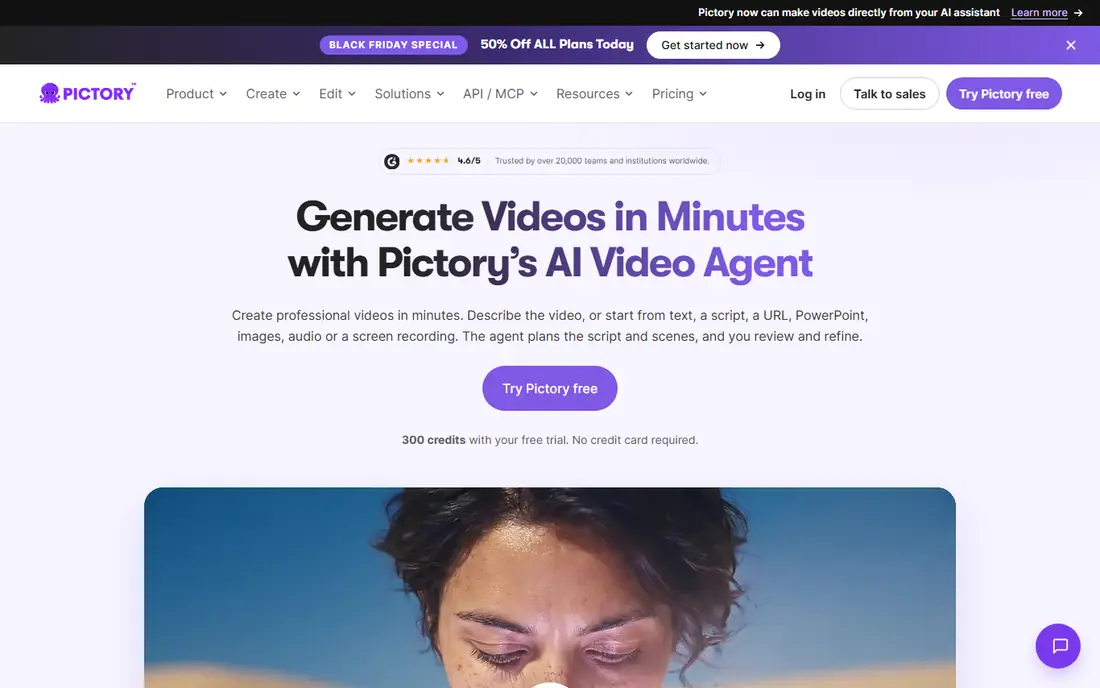
Pictory maps a script to scenes, then fills those scenes with stock footage, a voiceover, and captions. That flow suits creators who write a script first and need a social or explainer video without filming. Blog posts and webinar scripts convert well through this route.
The weakness is originality. Stock footage will not show a specific product or place, and the same library appears in many videos. If the script describes something unique, a presenter tool or a generative tool will match it better than stock scenes.
- Fast script-to-scene mapping
- Stock footage and voices included
- Captions built in
- Stock scenes can look generic
- Limited original visual control
InVideo AI takes a script and returns a draft video with scenes, voiceover, music, and captions, ready for editing. That speed suits social teams and solo creators who publish several short videos per week and need a finished post without a long edit.
The draft is not the final video. Scene choices, pacing, and captions often need fixes, and free exports carry limits and watermarks. Keep editing time in the plan, and check factual claims in the narration, since AI drafts can add wording you did not write.
- Prompt and script to draft video
- Templates and stock library
- Simple editor
- Drafts need editing
- Free exports have limits
Lumen5 maps script text to scenes in a drag-and-drop editor, which suits teams that turn written posts into social video on a schedule. Non-editors can adjust timing, text, and visuals without learning a full video editor. That simplicity is the main reason to pick Lumen5 over a more complex tool.
The trade-off is a template look. Without custom fonts, colours, and footage, videos can resemble other Lumen5 output. Free plans also carry branding limits, so check the paid tier if a clean brand look matters for client or company channels.
- Simple script-to-scene editor
- Good for blog and social teams
- Brand kit on paid plans
- Template feel without custom branding
- Free plan branding limits
Fliki puts the voice at the centre of the video. A script becomes spoken narration in a chosen voice, paired with stock visuals and captions. That suits faceless explainers, list videos, and educational content where the narration carries the message and the visuals support it.
Voice quality varies by voice and language, so test several options before starting a series. Visuals remain stock-based, so Fliki will not create a presenter or original scenes. For presenter-led content, Synthesia or HeyGen fit better.
- Large voice library
- Multilingual narration
- Stock visuals and captions
- Voice quality varies
- Visuals are stock-based
Runway differs from the tools above because it creates new footage from text, rather than assembling stock or presenting an avatar. A short prompt becomes a clip of seconds, which an editor can use as B-roll or as part of a longer piece. That suits creative shorts and concept visuals.
The limit is length. Runway does not turn a long script into a long finished video in one pass. It produces short clips, and a full video needs several clips plus editing. Budget credits for retries, since prompts rarely produce a perfect clip on the first try.
- Strong generative models
- Editing tools in the same product
- Free credits to test
- Clips are short
- Higher models cost more credits
Steve AI turns a script into an animated explainer, using templates, characters, and scenes that fit instructional content. That style suits how-to videos, product walkthroughs, and educational posts where animation explains a process better than stock footage.
The animation look is template-based, so videos can feel similar across creators unless you customise colours, characters, and pacing. Steve AI also does not suit realistic presenter videos, where Synthesia or HeyGen fit better. For animated explainers, though, it is a practical script-first pick.
- Animated explainer templates
- Script-to-animation flow
- Beginner-friendly editor
- Animation style is template-based
- Less suited to realistic presenter video
How we picked these
We compared official feature pages, pricing pages, app store listings, and public reviews for tools that were live in October 2026 and that accept text as the main input for video creation. We kept only tools with a clear public product and pricing page. We did not list Sora as live, since its consumer app closed in April 2026 and its API ended in September 2026. We did not claim hands-on testing.
How to turn one script into a good video
Start by choosing the output type, not the tool. Presenter videos suit training and explainers. Stock videos suit social and repurposed content. Voiceover videos suit narration-led explainers. Animated videos suit how-to content. Generated clips suit original B-roll.
Next, write the script for video, not for reading. Short sentences, clear scene breaks, and one idea per scene produce better results in every tool here. Then test with a short script before committing to a series, and check voice, captions, scene match, and factual claims. Finally, check minutes, credits, export resolution, watermark rules, and commercial-use terms on the plan you would buy. Keep a short checklist for each script, including the main message, the target length, the call to action, and any claims that need a source. That checklist keeps AI output closer to the brief and reduces revision rounds. Save the approved script and the final video together, so a later update or translation starts from the approved version rather than a draft.
Frequently asked questions
What are the best ai tools to create videos from text?
Synthesia and HeyGen suit presenter videos from a script. Pictory, Lumen5, and InVideo AI suit stock and social videos from a script. Fliki suits voiceover videos, while Runway suits original generated clips. Pick by the video type you publish most.
What is the best ai tool to create video from text for free?
Free plans from HeyGen, InVideo AI, Lumen5, Fliki, and Steve AI let you test script-to-video quality at no cost. Free exports often carry limits, short lengths, or watermarks, so check those limits before planning a series on a free plan.
Can I create a long video from one script?
Avatar, stock, and voiceover tools can produce longer videos from a script, limited by minutes or credits. Generative tools produce short clips, so a long video from those tools needs several clips plus editing. Check the plan allowance for the length you publish.
Do script-to-video tools need consent for real people?
Yes. Do not clone a real person's face or voice without clear, documented consent. Do not use AI video to imply that a real person said or did something they did not. Check each tool's acceptable-use rules, and keep consent records for any personal avatar.
How much does script-to-video software cost?
Prices vary, and minutes or credits decide the real cost more than the headline price. Entry paid plans are commonly in the tens of dollars per month, with higher tiers for more minutes, longer videos, and commercial use. Check the vendor pricing page for your monthly volume.
Sources
See where you really rank - block by block
ProMapRanker scans Google Maps across a grid of your service area. Simple monthly plans from $19, white-label on every plan.
Start freeKeep reading
 who has best internet service
Who Has the Best Internet Service in 2026
Who has best internet service for US homes? We compare fiber, cable, fixed wireless and satellite providers on speed, price, availability and terms today.
Read → which survey tool has the best analytics
Which Survey Tool Has the Best Analytics in 2026
Find which survey tool has the best analytics in 2026, comparing Qualtrics, SurveyMonkey, Typeform, Alchemer, and more on reports, text, and stats today.
Read → which streaming service has the best movies
Which Streaming Service Has the Best Movies in 2026
Answering which streaming service has the best movies, with Netflix, Max, Criterion and more compared on libraries, prices and free options in this guide.
Read →