 ProMapRanker
Current Best AI Image to Video Tools March in 2026

Key takeaways
- Runway, Kling and Google Gemini lead on quality, while Pika and PixVerse lead on speed and value for social clips.
- Credit pricing makes cost per second the real comparison, and free tiers often carry watermarks or lower resolution.
- Use only images you own or are licensed to use, and never animate a real person without their consent.
- We did not list Sora as a live consumer product, because standalone consumer access was reported to have ended in April 2026.
Quick comparison
| Pick | Great for | Pricing starts at | Free tier | |
|---|---|---|---|---|
 Runway | Cinematic image-to-video quality | $12 per month | Yes | Visit |
 Pika | Fast social image-to-video | $8 per month | Yes | Visit |
 Kling | Realistic motion and value | $10 per month | Yes | Visit |
 Hailuo AI | Template-led cinematic clips | $9.99 per month | Yes | Visit |
 Luma | Multi-model creative workspace | $30 per month | No | Visit |
 Google Gemini | Conversational video creation | See website | Yes | Visit |
 PixVerse | Fast effects and templates | $10 per month | Yes | Visit |
 Vidu | Consistent character clips | $8 per month | Yes | Visit |
 Kaiber | Artistic image-to-video styles | See website | Yes | Visit |
 Hedra | Talking image-to-video characters | See website | Yes | Visit |
The best ai image to video tools
Image-to-video tools turn a still image into a short moving clip, using a prompt to describe camera motion, subject movement and style. In March 2026 terms, the current leaders are Runway, Pika, Kling, Hailuo, Luma and Google Gemini, with PixVerse, Vidu, Kaiber and Hedra as strong alternatives for specific styles. The field changes fast, so we focus on tools that are live for consumers now, with clear pricing and export options.
Use only images you own or are licensed to use, and never animate a real person without their consent. That rule applies to every tool below, especially talking-photo and character tools, where a synthetic clip can imply words or actions a real person never agreed to. These are legitimate creative tools for your own photos, licensed stock and consented subjects, not tools for non-consensual imagery.
We compared official product pages, pricing pages and recent roundups, and we favoured tools with strong image-to-video quality, prompt and camera controls, and honest credit pricing. We did not list OpenAI Sora as a live consumer product, because standalone consumer access was reported to have ended in April 2026.
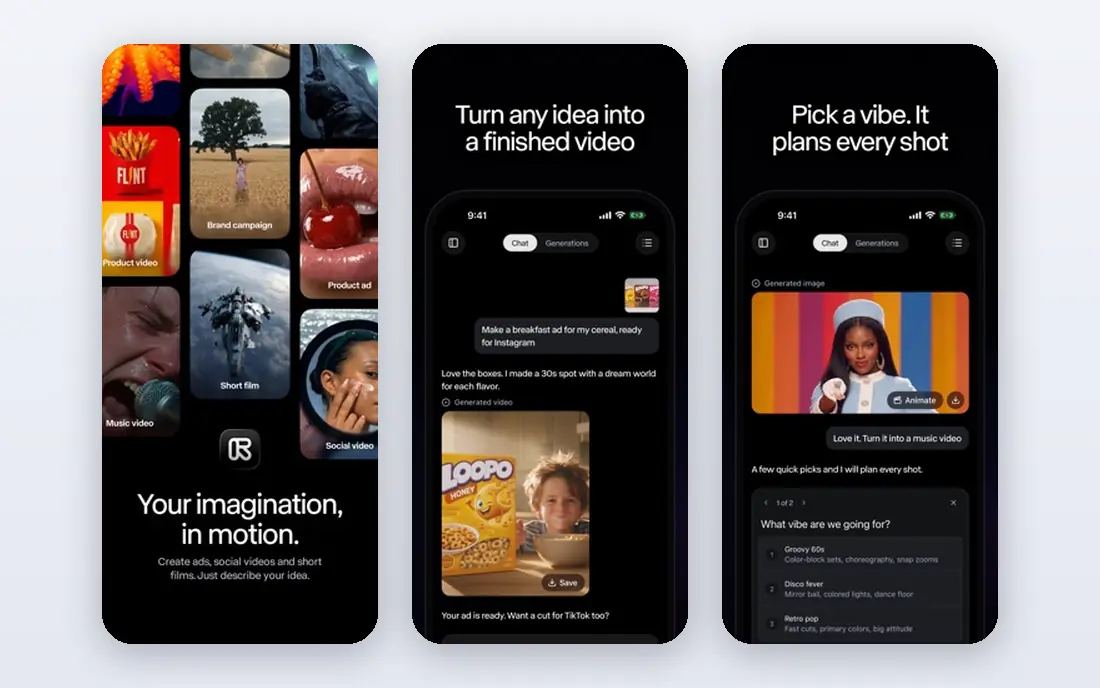
Runway is a strong match for cinematic image-to-video quality. Runway remains the quality reference for image-to-video, turning a still image into a cinematic clip with strong camera motion and scene detail. Its director controls let you guide pans, zooms and subject movement, and the same workspace includes editing tools for trimming and compositing. The Standard plan from $12 per month includes 625 credits, with a one-time free credit allowance for testing.
The catch is worth stating plainly. The catch is credit economics: top models use credits quickly, so a month of Standard buys only a short amount of top-model footage. Test with cheaper models first, plan short shots, and stitch clips together for longer sequences. If that trade-off fits your budget and your team, it earns a place on a shortlist, but check the current plan limits and contract terms on the vendor site before you commit.
- High-quality models with camera controls
- Editing tools in the same workspace
- Image generation included
- Credits burn fast on top models
- Clips are seconds long, so longer work needs stitching
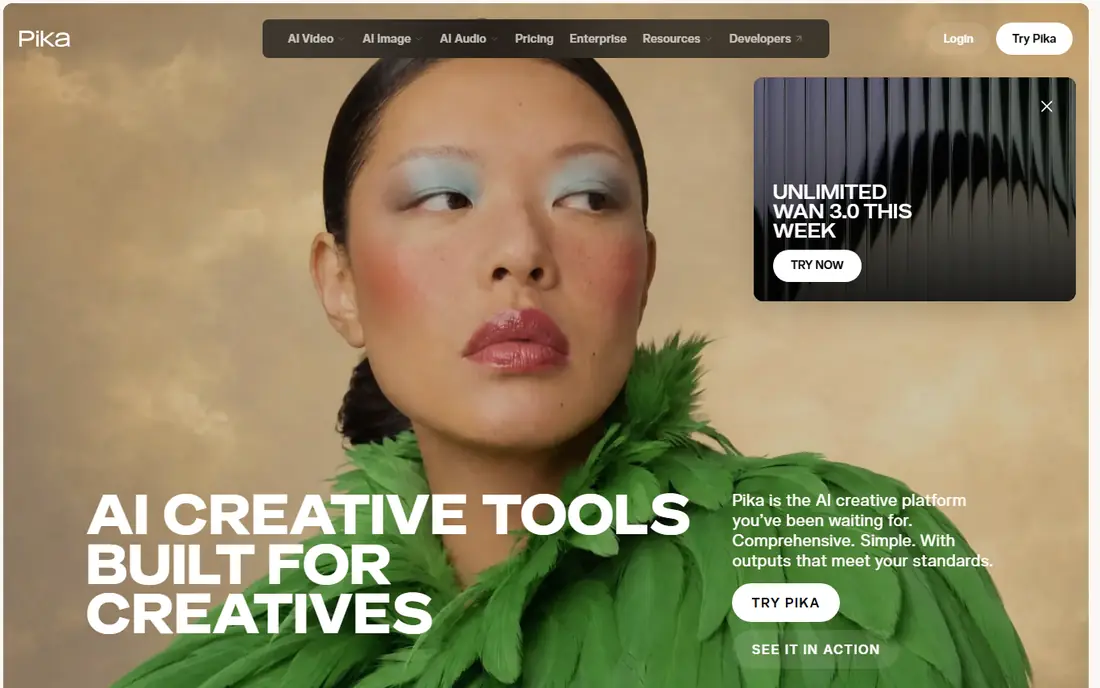
Pika is a strong match for fast social image-to-video. Pika is the fast pick for social image-to-video, turning a photo into a short, stylised clip guided by a text prompt. Its effects and prompt control make it easy to try several versions of one image, which suits creators who need volume for social feeds. The Standard plan from $8 per month is also cheaper than Runway, with a free tier for testing.
The catch is worth stating plainly. Results vary with the prompt, and commercial use is gated by tier, so check your plan before client work. It suits playful, short clips better than long, photorealistic sequences, where Runway or Kling may hold up better. If that trade-off fits your budget and your team, it earns a place on a shortlist, but check the current plan limits and contract terms on the vendor site before you commit.
- Prompt-led image-to-video
- Stylised effects
- Fast generation for short clips
- Quality varies by prompt
- Commercial use rules differ by tier
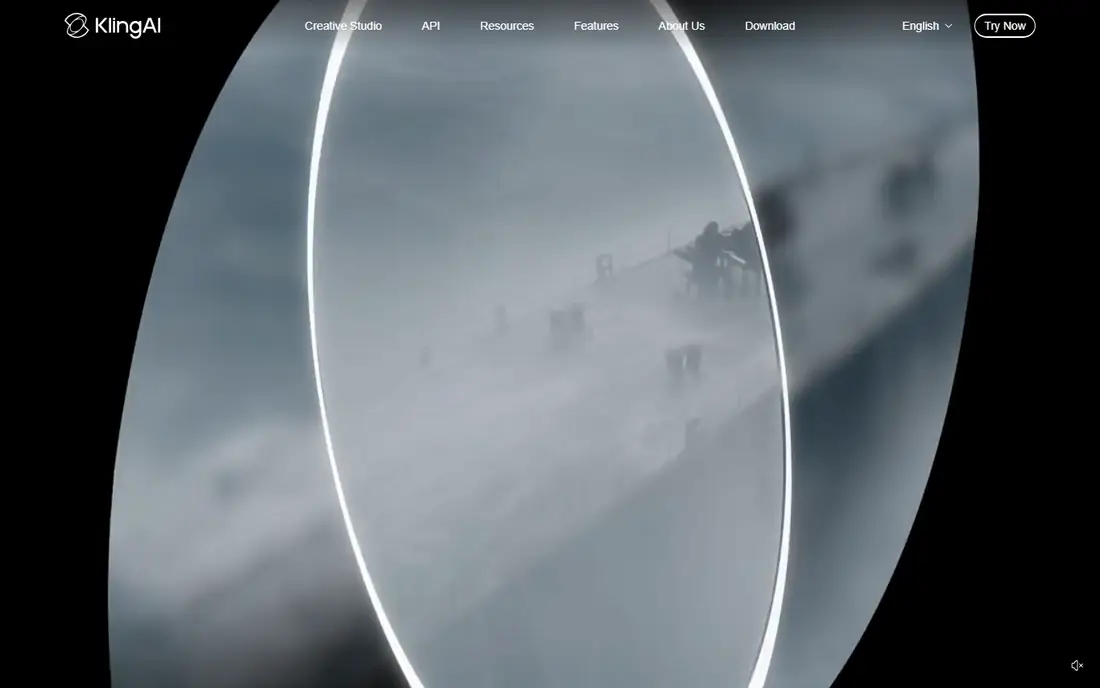
Kling is a strong match for realistic motion and value. Kling is the value pick for realistic motion, with a reputation for fluid movement of cloth, objects and people that holds up better than many rivals. It also generates longer native clips than most competitors, which helps when a single shot must carry a scene. A free tier with daily credits lets creators test it, with Standard from $10 per month for more generations.
The catch is worth stating plainly. Free exports carry watermarks and commercial use requires a paid plan, so budget for a subscription if you publish client work. It is still one of the best tools for testing, because daily credits let you learn its strengths without paying first. If that trade-off fits your budget and your team, it earns a place on a shortlist, but check the current plan limits and contract terms on the vendor site before you commit.
- Strong physical realism for motion
- Longer native clips than many rivals
- Daily free credits
- Free exports carry watermarks
- Commercial use needs a paid plan
Hailuo AI is a strong match for template-led cinematic clips. Hailuo AI, from MiniMax, is the template pick, with a library of pre-built formats for transformations, pets, dancing and other social clips. Start and end frame control makes a still image a first-class input, not an afterthought, and its stylised looks suit cinematic short clips. Paid plans from $9.99 per month, with a free tier behind sign-in, make it easy to test.
The catch is worth stating plainly. Templates are both a strength and a limit: they speed up common formats but reduce open-ended control compared with prompt-first tools. Pricing details are also less clear upfront, so check the current plan in your account before a large project. If that trade-off fits your budget and your team, it earns a place on a shortlist, but check the current plan limits and contract terms on the vendor site before you commit.
- Start and end frame control
- Template library for social formats
- Stylised cinematic looks
- Templates limit open-ended control
- Pricing details are less clear upfront
Luma is a strong match for multi-model creative workspace. Luma has changed from a single Dream Machine product into a creative workspace built around its Ray video models, with third-party models also available under one subscription. That multi-model access is a real advantage, because one bill can reach several frontier models, and its camera motion remains a strength. The Plus plan from $30 per month includes 10,000 credits and commercial use.
The catch is worth stating plainly. The drawback is complexity: credit costs vary sharply by model, and current listings show no free video tier. Read the credit table for the exact model you plan to use, or a project can cost far more than the monthly price suggests. If that trade-off fits your budget and your team, it earns a place on a shortlist, but check the current plan limits and contract terms on the vendor site before you commit.
- Ray video models plus third-party models in one subscription
- Camera motion strength
- Agent workflows
- No free video tier on current listings
- Credit costs vary sharply by model
Google Gemini is a strong match for conversational video creation. Google Gemini is the conversational pick, because image-to-video now lives inside the Gemini app, where you can describe a clip, edit it in conversation, and iterate without leaving the app. A free tier lets you test the experience before paying.
The catch is worth stating plainly. The catch is model availability: which video model your subscription includes can change with app updates, so check your account before planning a project around a specific model. It is still a strong choice for casual and conversational creators, less so for studios that need a fixed model and pipeline. If that trade-off fits your budget and your team, it earns a place on a shortlist, but check the current plan limits and contract terms on the vendor site before you commit.
- Image-to-video inside the Gemini app
- Conversational editing
- Google ecosystem integration
- Model availability depends on your subscription
- Video features change with app updates
PixVerse is a strong match for fast effects and templates. PixVerse is the speed pick for effects and template-driven clips, generating short videos quickly from an image and a prompt. Its template library suits social creators who need many variations, and daily free credits let you test it without paying. Paid plans from $10 per month remove some free limits and add capacity.
The catch is worth stating plainly. Free resolution is limited, and its stylised output suits social clips more than cinematic work. It is best for creators who value speed and volume, and who will use Runway or Kling for hero shots. If that trade-off fits your budget and your team, it earns a place on a shortlist, but check the current plan limits and contract terms on the vendor site before you commit.
- Fast generation
- Effects and template-driven clips
- Daily free credits
- Free resolution is limited
- Stylised output suits social more than cinema
Vidu is a strong match for consistent character clips. Vidu is the character pick, with features aimed at keeping a face or character consistent across clips, which is a common weakness in image-to-video tools. Its image-to-video workflow suits social creators who need a recognisable character in several shots, and audio options help for short dialogue or sound-led clips. Standard from $8 per month per year gives 800 credits on recent listings.
The catch is worth stating plainly. The free tier limits resolution, so serious work needs a paid plan. Character consistency is also never perfect, so test the same character across several generations before committing to a series. If that trade-off fits your budget and your team, it earns a place on a shortlist, but check the current plan limits and contract terms on the vendor site before you commit.
- Character consistency features
- Image-to-video with audio options
- Fast social generation
- Free tier limits resolution
- Higher quality needs a paid plan
Kaiber is a strong match for artistic image-to-video styles. Kaiber is the artistic pick for image-to-video, turning a still image into stylised motion that suits music videos, album art and creative social posts. Its style options give a photo a painterly or abstract feel, and music-led workflows help creators match motion to a track. A free tier on some listings lets you test styles before paying, though pricing should be checked on the vendor site.
The catch is worth stating plainly. The artistic focus is a limit for photorealistic work, and credit costs rise with upscaling. It suits creators who want a distinct look, not creators who need realistic camera motion from a photo. If that trade-off fits your budget and your team, it earns a place on a shortlist, but check the current plan limits and contract terms on the vendor site before you commit.
- Stylised animation styles
- Music-led workflows
- Multiple model options
- Credit costs rise with upscaling
- Artistic focus suits stylised work best
Hedra is a strong match for talking image-to-video characters. Hedra is the talking-character pick, turning a still image into a speaking character with audio, lip movement and expression. That makes it useful for creators who want an image to deliver a script, provided they have consent from the person pictured and rights to the audio. Its workspace is built for character performance, so dialogue is a first-class feature, not an add-on.
The catch is worth stating plainly. Credit pricing varies by model, and longer character work needs a paid plan, so check the current pricing page before a series. The consent rule matters most here, because a talking clip can easily imply words a real person never said. If that trade-off fits your budget and your team, it earns a place on a shortlist, but check the current plan limits and contract terms on the vendor site before you commit.
- Expressive talking characters with audio
- Character animation workspace
- Creator tools
- Credit pricing varies by model
- Longer character work needs a paid plan
How we picked these
We compared vendor product pages, pricing pages and recent roundups, and we checked image-to-video quality, prompt and camera controls, credit pricing and export rules. We listed only tools that are live for consumers now, and we excluded Sora as a live consumer product for the reason given in the introduction. Where a vendor does not publish a clear price, we wrote See website.
What to check before you buy
Test with the same image on two or three tools. Use a photo with a face, hands and a background, because those areas reveal motion errors fastest. Compare camera motion, subject movement and how well the clip keeps the original image recognisable, then pick the tool that wins on your kind of image, not on a demo reel.
Keep consent and disclosure in your workflow. Use your own or licensed images, get permission for any real person you animate, and label synthetic media where a platform or audience expects it. A clear consent record protects both you and the people in your images.
Frequently asked questions
What are the current best image to video AI tools in March?
Runway, Kling, Hailuo, Luma and Google Gemini are the current leaders, with Pika and PixVerse as strong value picks for social clips.
What is the best image to video AI tool for free?
Kling offers daily free credits, Pika and PixVerse offer free tiers, and Runway offers a one-time free credit allowance. Free exports often carry watermarks or lower resolution, so test one image on each free tier and compare quality before paying.
How much do AI image to video tools cost?
Pika from $8 per month, Vidu from $8 per month, Hailuo from $9.99 per month, Kling from $10 per month, PixVerse from $10 per month, Runway from $12 per month, and Luma from $30 per month. Google Gemini and Kaiber pricing should be checked on the vendor site, because it varies by subscription.
Can AI image to video tools animate a real person?
Only with that person's consent, for a use they have agreed to. Never animate a real person without their permission, and never use these tools to create misleading or non-consensual content. Use your own photos or licensed images when in doubt.
Why is Sora not on this list?
We did not list OpenAI Sora as a live consumer product, because standalone consumer access was reported to have ended in April 2026.
Sources
- https://runwayml.com
- https://pika.art
- https://klingai.com
- https://hailuoai.video
- https://lumalabs.ai
- https://gemini.google.com
- https://pixverse.ai
- https://www.vidu.com
- https://kaiber.ai
- https://www.hedra.com
- https://rankite.com/blog/best-generative-ai-video-tools
- https://thataicollection.com/blog/ai-video-generator-pricing-compared-september-2026/
See where you really rank - block by block
ProMapRanker scans Google Maps across a grid of your service area. Simple monthly plans from $19, white-label on every plan.
Start freeKeep reading
 wpforms alternatives
Best WPForms Alternatives in 2026
We compare 9 wpforms alternatives for WordPress forms, with free and paid options, current pricing notes, and honest limits for small business sites in 2026.
Read → windows task scheduler alternatives
Best Windows Task Scheduler Alternatives in 2026
Looking for Windows Task Scheduler alternatives? We compare 9 schedulers for Windows and cross-platform work, from free tools to enterprise automation.
Read → which ai video service is best
Which AI Video Service Is Best in 2026
which ai video service is best? We compare 10 legitimate AI video services on price, avatars, editing and output quality to help you pick the right tool.
Read →