 ProMapRanker
Best AI Tool to Generate Video from Text in 2026

Key takeaways
- Pictory is the strongest pick for turning a script or blog post into a stock-based video, while Synthesia and HeyGen suit presenter-style videos with avatars.
- InVideo, Lumen5 and Fliki suit social and marketing videos where speed and templates matter more than deep editing.
- Credit and minute limits decide real cost, so compare monthly allowances, not just the headline price.
- Use only your own images, voices and likenesses, or material you have clear permission to use, when you create video featuring real people.
Quick comparison
| Pick | Great for | Pricing starts at | Free tier | |
|---|---|---|---|---|
 Pictory | Script and blog posts to video | $29 per month | Free trial (14 days) | Visit |
 Synthesia | Presenter videos with avatars | See website | Free trial | Visit |
 InVideo | Prompt and template social video | See website | Yes | Visit |
 HeyGen | Avatar and translation videos | See website | Free trial | Visit |
 Lumen5 | Blog and article to social video | See website | Free trial | Visit |
 Fliki | Text to video with AI voices | See website | Yes | Visit |
 Colossyan | Training videos with avatars | See website | Free trial | Visit |
 Elai | Text to presenter video at low cost | See website | Free trial | Visit |
The best ai tools to generate video from text
We compared official feature pages, pricing pages and plan limits, and we kept only tools that are live in October 2026 and clearly turn text into a finished video. The list covers stock-based videos, presenter videos and social videos, because those need different strengths.
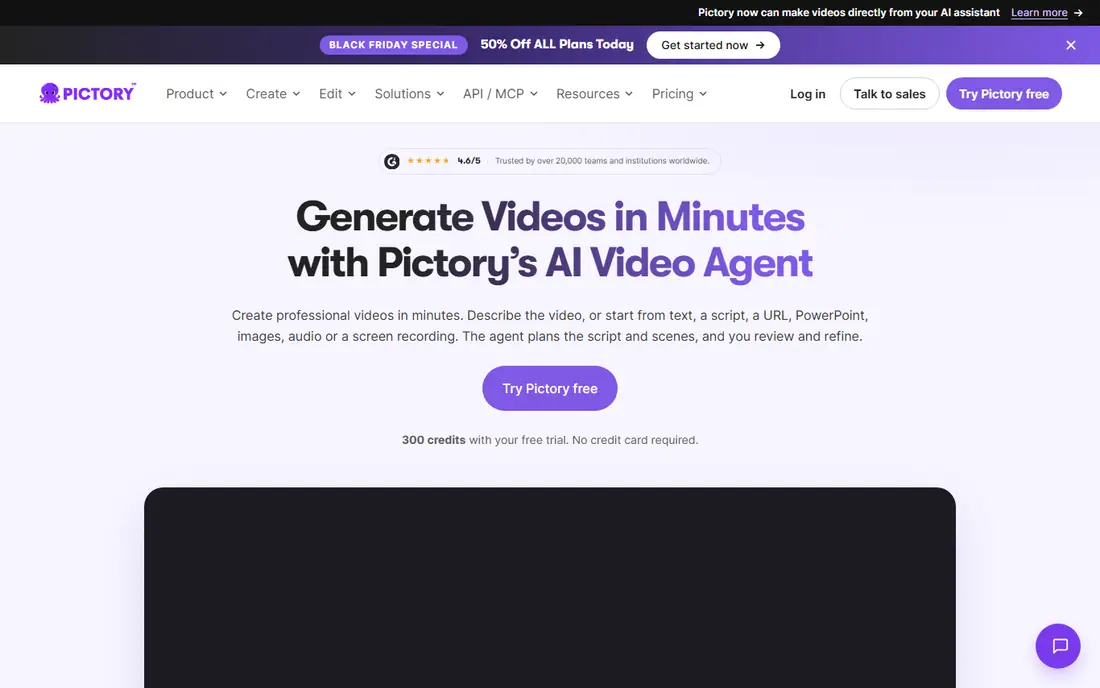
Pictory is our pick for most text-to-video work because it starts where most creators already have material, a script, blog post or article. It builds scenes, picks visuals, adds voiceover and captions, and lets you edit the video by editing text. That workflow suits marketers, educators and small teams that need to repurpose written content without filming.
The limits are style and cost. Starter starts at $29 per month on monthly billing, or $25 per month on annual billing, with video minutes and credits that need checking against your output. Stock visuals also need a human pass, because a generic clip can weaken a specific message, so replace key scenes with your own footage or branded visuals where it matters.
- Strong script, article and URL to video workflow
- Large stock library
- Text-based editing and auto captions
- No permanent free plan
- Stock-based style can feel generic without custom visuals
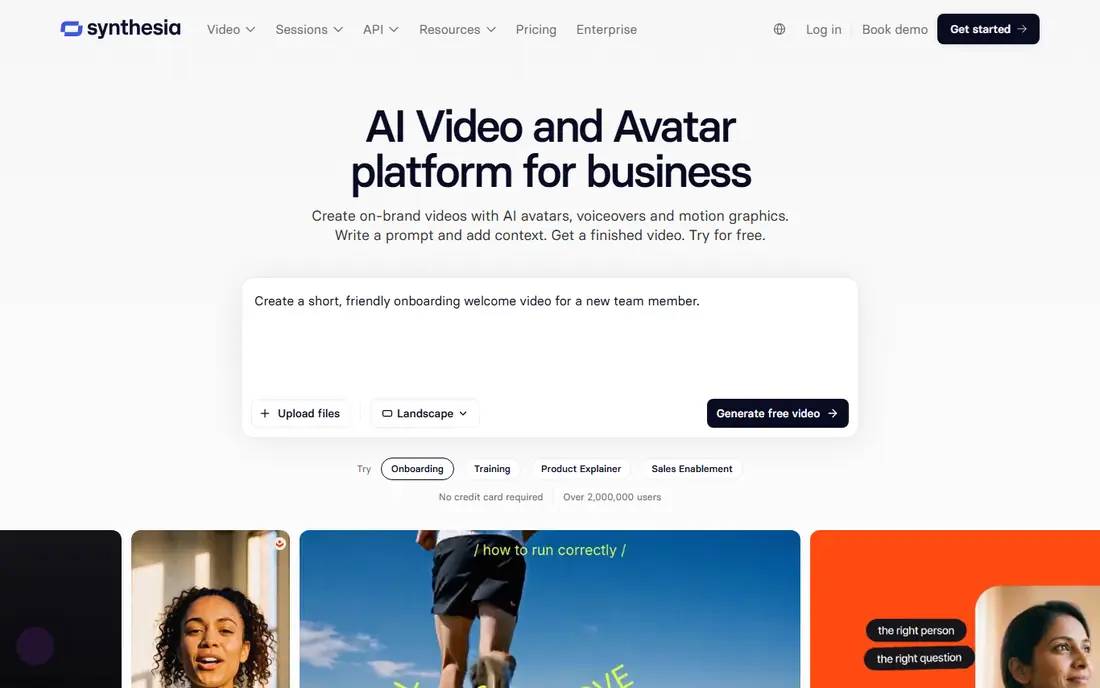
Synthesia suits teams that need a presenter without filming, such as training, onboarding and internal updates. You type a script, pick an avatar and voice, and get a clean presenter video that can be updated by editing text rather than re-recording. That update path is a real saving for content that changes often, such as policy or product training.
The trade-off is tone. Avatar presenters work well for clear instruction, but they can feel flat for storytelling, humour or emotional marketing. Check the current plan page for minutes, avatars and translation limits, and test one real script before you move a whole training library to the tool.
- Polished AI avatars and voices in many languages
- Simple script-to-video editor
- Strong fit for training and internal video
- Avatar style may not suit every brand
- Pricing and minute limits need checking on the plan page
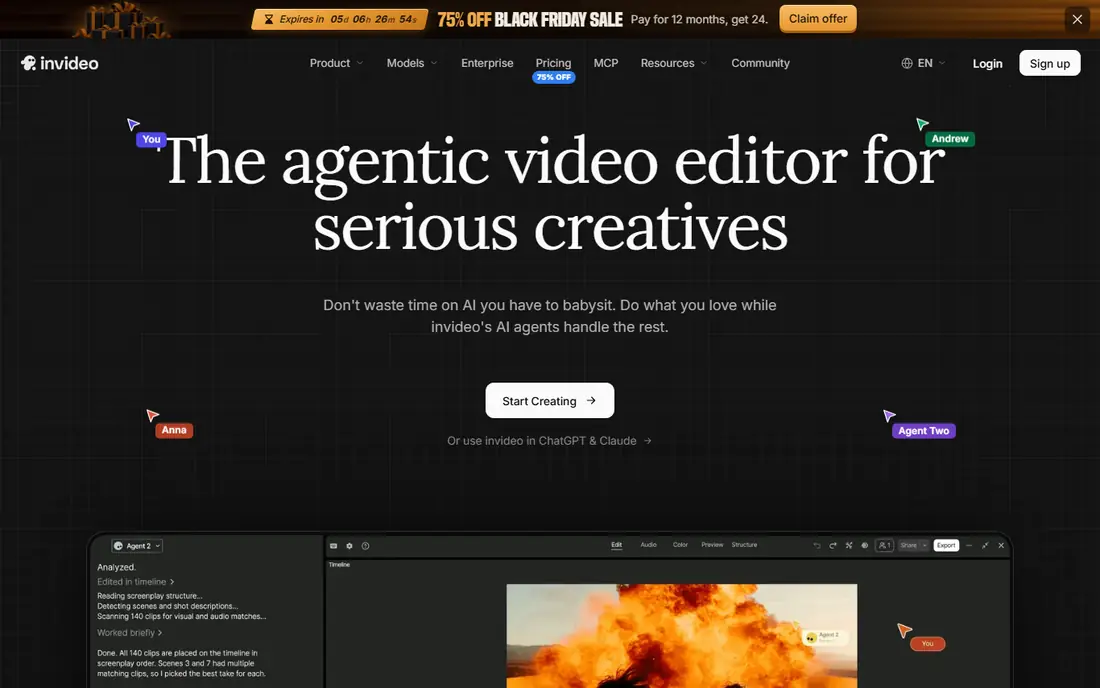
InVideo fits creators who need social video fast from a prompt, script or template. The tool assembles a first draft with scenes, visuals and voice, then lets you adjust text, media and timing. For marketing teams that publish often, that speed helps keep a content calendar full without a full production setup.
Credit plans are the part to watch. InVideo moved to credit-based plans in 2026, so the number of videos you can make depends on credits used per generation, not just a simple monthly video count. Check the free plan limits and the credit allowance on the paid tier that matches your publishing volume.
- Prompt-to-video and template workflows
- Large template and stock range
- Social formats for many platforms
- Credit-based plans need careful tracking
- Deep manual editing is less direct than a timeline editor
HeyGen is a strong choice for teams that need the same message in several languages or with a consistent presenter. Avatar videos, translation and lip sync help a training or marketing team reach a wider audience without re-filming for each version. Templates and a simple editor keep the first project manageable.
Consent is essential here. Only create an avatar or cloned voice of a real person with that person's clear permission, and avoid any use that could mislead viewers about what a person said or endorsed. Check the plan page for credits, minutes and avatar limits, and keep a human review step for every published video.
- Realistic avatars and voice cloning options on higher tiers
- Translation and lip sync for global audiences
- Template library
- Higher-quality avatars and longer videos need paid tiers
- Consent rules for voice and likeness must be followed
Lumen5 suits marketers who want to turn a blog post into a short social video without learning a full editor. It suggests scenes and text highlights from the article, pairs them with visuals and music, and exports in social formats. That makes it useful for repurposing content that already performs well in writing.
The limit is depth. Lumen5 is built for short, punchy social videos, so long training, detailed explainers and presenter-led content fit other tools in this list better. Check the trial terms and the paid tier that gives your brand kit, resolution and export rights.
- Article-to-video workflow with scene suggestions
- Social formats and branding tools
- Simple editor for marketers
- Style is best for short social video, not long presenter content
- Full branding and exports need a paid plan
Fliki is a good low-cost starting point for creators who need narration-led video from text. You can turn a script or article into scenes with AI voices, add visuals, and export for social or learning use. The range of voices and languages helps small creators reach audiences without hiring voice talent for every video.
As with other tools here, the free plan is for testing and short projects, not for unlimited publishing. Check minutes, voice limits and export terms, and listen to the full narration before publishing, because pacing and pronunciation need a human check, especially for names and technical terms.
- Text-to-video and text-to-speech in one tool
- Many voices and languages
- Simple scene editing for creators
- Free plan limits need checking
- Stock and voice quality vary by tier and language
Colossyan fits learning and development teams that need to update training often. A script change becomes a video update without a new recording session, and translation helps a global team keep the same material consistent. That workflow suits compliance, onboarding and product training where accuracy and version control matter.
For marketing or social video, Colossyan is less flexible than Pictory or InVideo, because its strength is clear presenter-led instruction. Check the trial and plan page for minutes, seats and avatar options, and keep training scripts fact-checked, since an AI presenter will deliver an error just as smoothly as a correct fact.
- Avatar-led training videos from text
- Translation for global teams
- Simple script editing and updates
- Best for training and internal video, less suited to social marketing
- Pricing needs checking per seat and minute
Elai suits small teams and solo creators who want a presenter video without a large budget or a complex editor. The workflow is direct, type or paste a script, pick a presenter and voice, and generate a video that can be edited by changing text. That simplicity helps a first-time creator finish a project instead of stalling on production choices.
The trade-off is scale and polish. Larger teams with many videos, advanced branding or complex translation needs may prefer Synthesia, HeyGen or Colossyan. For a small project, though, Elai gives a fair test of whether presenter video fits your audience before you pay for a larger platform.
- Simple text-to-presenter workflow
- Avatar and voice options
- Useful for short training and explainer videos
- Smaller feature range than larger rivals
- Plan limits need checking before a large project
How we picked these
We compared official feature pages, pricing pages and plan limits for tools that are live in October 2026 and clearly turn text into video. We favoured tools with a clear text input, editing after generation, and a published free plan or trial, and we left out tools that only generate short clips with no editing, as well as any product not sold as a live consumer product in October 2026. We also required a consent-safe use case, so we list only legitimate creative tools.
How to get a good result from text to video
Start with a script written for speaking, not for reading. Short sentences, clear scene breaks and one idea per scene help the tool pick better visuals and pacing. A dense blog post copied without editing often becomes a rushed video, so trim the script to the points a viewer must remember.
Next, check every scene after generation. Replace any visual that does not match the words, fix names and numbers, and listen to the full voiceover. A single wrong visual or mispronounced name can undermine an otherwise clear video, and it is faster to fix at draft stage than after publishing.
Finally, export for the platform where the video will live. Social clips need vertical or square formats and captions for silent viewing, while training videos need clear audio, readable text and a length that fits the lesson. Keep the original script and project file, so updates are a text edit, not a rebuild.
Frequently asked questions
What is the best ai tool to generate video from text overall?
Pictory is our pick for most creators, because it handles scripts, blog posts and articles with stock visuals, captions and text-based editing. For presenter videos, Synthesia and HeyGen are stronger, while InVideo suits fast social video. Choose by video type, not by headline price alone.
What are the best ai tools to generate video from text for free?
InVideo and Fliki offer free plans that are useful for testing, while Pictory, Synthesia, HeyGen, Lumen5, Colossyan and Elai offer trials. Free plans and trials usually limit minutes, exports or resolution, so use them to test a real script, then pay for the tier that gives clean exports at your volume.
What are the best ai tools to generate videos from text for social media?
InVideo, Lumen5 and Pictory are the strongest social options here, because they offer social formats, captions and template workflows. Keep social videos short, add captions for silent viewing, and test vertical and square exports before you commit to a paid plan.
How long should a text-to-video project take?
A short social video from a ready script can take under an hour including review, while a longer training video with several scenes may take a day including script edits and checks. The generation step is fast, but script writing, visual checks and voice review are where most of the time goes, and they should not be skipped.
Can I use AI video featuring a real person?
Only with that person's clear permission, and only for a use they have agreed to. Avoid creating video that suggests a real person said, did or endorsed something they did not, and label AI-generated content where the platform or audience expects it. For most marketing and training, fictional avatars, licensed stock or your own team with consent are safer choices.
Do I own the video I generate?
Ownership and use rights depend on the tool's terms and the plan, including stock assets, voices and avatars. Check the terms on the vendor's site for commercial use, stock licensing and avatar rights before you use a video in paid ads or client work. Keep a record of the plan and terms at the time you publish.
Sources
See where you really rank - block by block
ProMapRanker scans Google Maps across a grid of your service area. Simple monthly plans from $19, white-label on every plan.
Start freeKeep reading
 wpforms alternatives
Best WPForms Alternatives in 2026
We compare 9 wpforms alternatives for WordPress forms, with free and paid options, current pricing notes, and honest limits for small business sites in 2026.
Read → windows task scheduler alternatives
Best Windows Task Scheduler Alternatives in 2026
Looking for Windows Task Scheduler alternatives? We compare 9 schedulers for Windows and cross-platform work, from free tools to enterprise automation.
Read → which ai video service is best
Which AI Video Service Is Best in 2026
which ai video service is best? We compare 10 legitimate AI video services on price, avatars, editing and output quality to help you pick the right tool.
Read →