 ProMapRanker
Best AI Animation Tool in 2026

Key takeaways
- Runway is the best all-round AI animation and video studio, with a full editing suite and access to several models.
- Kling offers strong cinematic quality at a low entry price, starting at $6.99 per month in recent listings.
- Google Veo leads for realistic footage with native audio and dialogue, through Google AI Pro at $19.99 per month.
- Pika is the best pick for fast, fun social clips and effects, while Synthesia and Vyond suit presenter and business animation.
- Credit math matters more than headline price, since resolution, length and audio all change how much video you actually get.
Quick comparison
| Pick | Great for | Pricing starts at | Free tier | |
|---|---|---|---|---|
 Runway Runway | All-round creator studio | $12 per month | Yes | Visit |
 Kling AI Kling AI | Cinematic quality on a budget | $6.99 per month | Yes | Visit |
 Pika Pika | Quick social clips | $8 per month | Yes | Visit |
 Luma Dream Machine Luma Dream Machine | Directed camera motion | $30 per month | Yes | Visit |
 Google Veo Google Veo | Realistic clips with audio | $19.99 per month | Yes | Visit |
 Kaiber Kaiber | Stylized music and art animation | See website | Free trial | Visit |
 Animaker Animaker | DIY animated videos | See website | Yes | Visit |
 Vyond Vyond | Business character animation | See website | Free trial | Visit |
 Synthesia Synthesia | AI avatar presenters | $29 per month | Yes | Visit |
The best AI animation tool
AI animation tools now cover two different jobs. Some generate short video clips from text or images, while others animate characters, avatars or explainer scenes for business use. We compared both groups, with pricing, clip limits, audio support and control features, to match each tool to a different creator.
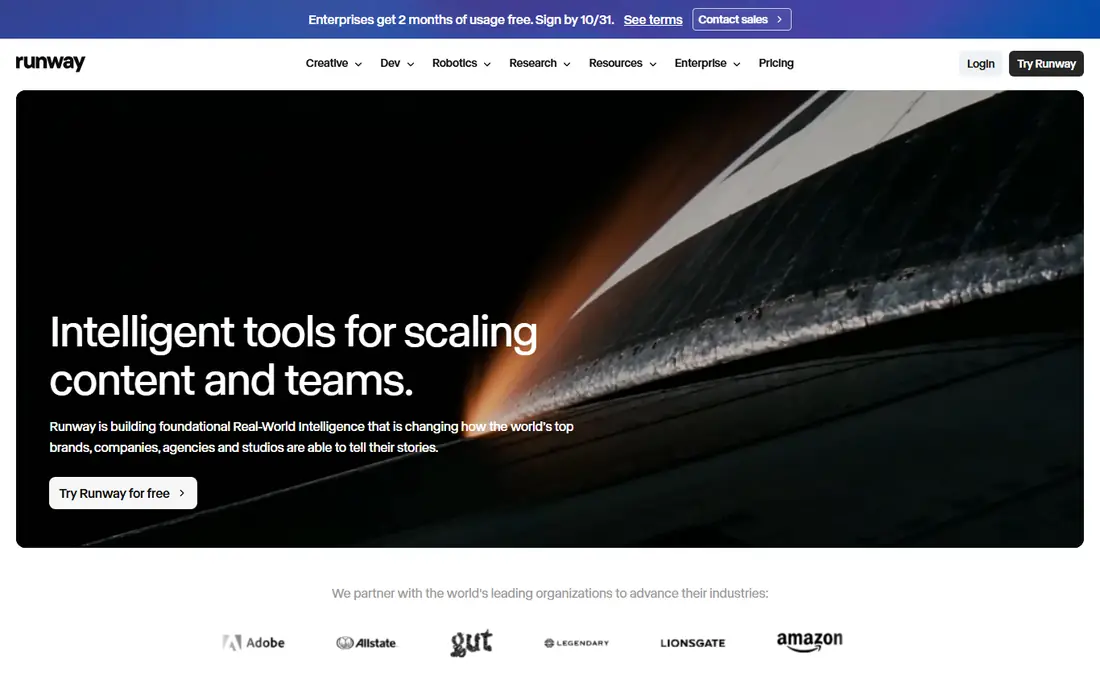
Runway is the most complete AI animation studio on this list. Its Gen-4 models generate video from text and images, while the editing suite lets you cut, composite and refine clips without leaving the platform. Character consistency and camera control tools help creators keep a character looking the same across shots, which is a common weakness in AI video.
Pricing starts at $12 per month on annual billing, or $15 per month billed monthly, with 125 one-time free credits for new users in recent listings. Higher resolutions, longer clips and partner models cost more credits, so check credit math before you plan a project. For creators who want one studio for generation and editing, Runway is our pick.
- Full editing suite plus AI generation
- Character consistency tools
- Access to several models in one subscription
- Credit costs rise with resolution and length
- Free credits are one-time, not monthly
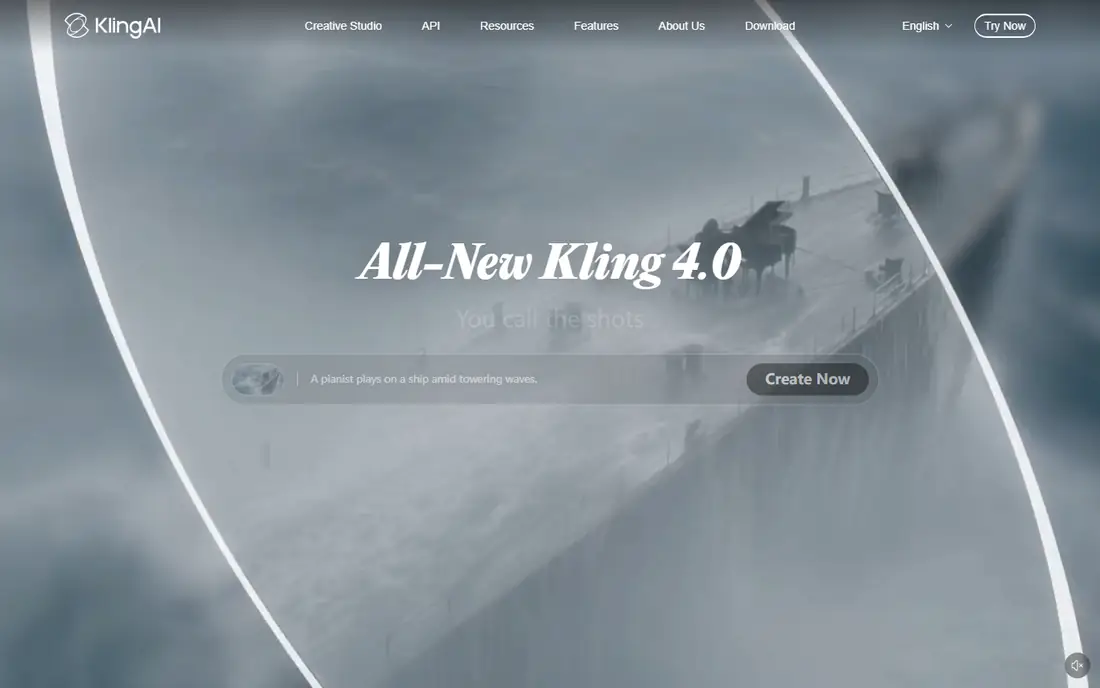
Kling AI offers the best quality-to-price ratio for realistic clips in recent comparisons. Motion looks fluid, faces hold up better than many rivals at this price, and extensions can chain clips toward longer sequences. Daily free credits, listed as 66 credits per day in recent listings, let you test the tool without paying.
The Standard plan starts at $6.99 per month in recent listings, though later months and higher tiers cost more. Credit math takes time to learn, since quality, length and model choice all affect cost. If you want cinematic clips on a tight budget and you are willing to learn the credit system, Kling is hard to beat.
- Sharp, realistic motion at a low price
- Daily free credits
- Longer clips through extensions
- Credit system can be confusing
- Watermark on free output in some plans
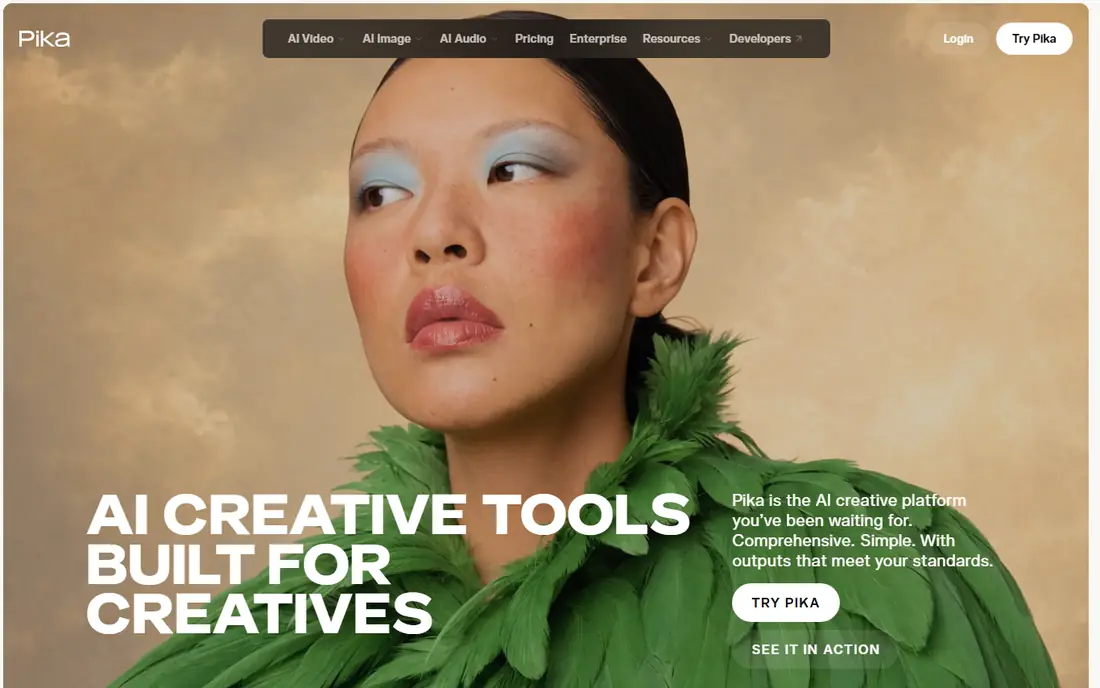
Pika is built for speed and fun. You can turn a prompt or image into a short clip quickly, apply effects and templates that suit social trends, and iterate without a complex studio interface. That makes it a good fit for creators who post often and need many short clips rather than one polished film.
Pricing starts at $8 per month on annual billing, or $10 per month billed monthly, with a free plan in recent listings. Clips are short, usually around 10 seconds, so longer storytelling needs chaining or another tool. Choose Pika when you want fast social animation and you value simplicity over deep control.
- Fast generation for social content
- Fun effects and templates
- Simple interface for beginners
- Shorter clips than some rivals
- Free plan limits are tight
Luma Dream Machine appeals to creators who want to direct camera movement, not just describe a scene. Frame-level controls and camera paths help you plan a dolly, pan or orbit, which matters for brand work where motion must feel intentional. Generation is fast, so you can iterate on a shot several times in one session.
Pricing starts at $30 per month for the Plus plan in recent listings, with limited free access. That is higher than Kling or Pika, so Luma suits agencies and creators who bill for video work. If camera direction is your main need, Luma earns its price. If you only need quick clips, a cheaper tool will do.
- Strong camera control and frame-level direction
- Fast iteration
- Good for brand-directed motion
- Higher entry price than Kling or Pika
- Free access is limited
Google Veo 3.1 leads for realism and native audio. Dialogue, music and sound effects can be generated with the video, which removes a separate audio step for many projects. Motion coherence and prompt adherence are strong, so a prompt about a specific action is more likely to produce that action than with weaker models.
Access comes through Google AI Pro at $19.99 per month in recent listings, with limited free access to a lighter version. Each generation is short, around 8 seconds, so longer work needs chaining. Veo suits filmmakers, advertisers and brands where quality justifies cost, and it is less suited to high-volume social posting.
- Most realistic footage with native audio
- Dialogue and sound effects from the same prompt
- Strong prompt adherence
- Short generations per clip
- Higher cost for heavy use
- Strict content policies
Kaiber is a stylized animation tool that artists use for music videos, lyric visuals and art-driven clips. You can start from an image, a prompt or a storyboard and apply a visual style that stays consistent across a sequence. That stylized strength sets Kaiber apart from realistic tools such as Veo and Kling.
We list the price as See website because Kaiber plans and credit packs change often, and a trial is available. Kaiber is not the best pick for realistic product video or presenter content. For musicians and visual artists who want a distinctive animated look, it remains a creative, affordable option to test.
- Distinct stylized looks for music videos
- Image-to-video and storyboard features
- Artist-friendly workflows
- Less suited to realistic footage
- Pricing and plans change often
Animaker suits non-designers who need an animated explainer, product demo or social video without learning a full studio tool. Templates, characters, props and voiceover tools let you build a scene by dragging elements, and AI features help with script and voice work. The free plan lets you test the editor before paying.
We list the price as See website because Animaker plans vary by features and billing, and recent listings differ. Animaker is not a replacement for AI clip generators when you need realistic footage. It is a good pick for small businesses that want a clean animated video quickly, with a template workflow.
- Templates for explainer and marketing videos
- Character builder and voiceover tools
- Free plan to start
- AI generation is less advanced than Runway or Veo
- Template look can feel familiar
Vyond is built for business animation, especially training, onboarding, compliance and internal communications. You build characters, choose business scenes and add voiceover to explain a process clearly. Teams can share templates and brand assets, which keeps internal videos consistent.
Pricing is custom in recent listings, with a trial available, and past listings show higher entry costs than Animaker. Vyond is not suited to realistic film or social trends. It suits companies that need many clear, repeatable training videos and want character animation without hiring an animation studio for each one.
- Character animation for training and internal videos
- Templates for business scenarios
- Good for teams
- Higher price than DIY tools
- Character style is clearly animated, not realistic
Synthesia turns a script into a presenter video with an AI avatar, which suits training, product updates and internal announcements. You can update a script and regenerate a video without booking a studio or a presenter, and support for many languages helps global teams. A free plan with limited credits is available in recent listings.
Starter pricing starts at $29 per month in recent listings. Avatar videos work best for information delivery, not for emotional storytelling, and viewers can tell the presenter is synthetic. For businesses that need many presenter videos fast, Synthesia saves time and cost compared with traditional video production.
- AI avatars for training and presentations
- Many languages and voices
- Fast updates without reshooting
- Avatar videos feel less personal than a real presenter
- Higher tiers needed for scale
How we picked these
We compared official pricing pages, generation limits, audio support and control features for tools actively sold in October 2026. We included realistic clip generators, stylized animation tools and business avatar tools, rather than nine versions of the same text-to-video model. We excluded discontinued tools, including the consumer Sora app, which ended in 2026. Prices are US list prices before tax, and credit limits are noted where they change the real cost.
What to check before you pay
Start with the video type, not the model name. Realistic clips suit Veo, Kling and Runway. Social effects suit Pika. Stylized music visuals suit Kaiber. Business training suits Vyond and Synthesia. DIY explainers suit Animaker. A tool that excels in one type can be weak in another, so test with your own script or image.
Count credits, not just the monthly price
Check how many credits a 5-second clip costs at your chosen resolution, whether audio costs extra, and whether free credits renew monthly or are one-time. Run the same prompt through two or three tools and compare motion, faces and hands side by side before you pay for a year.
Check rights and disclosure
Read the commercial use terms for your plan, especially on free tiers, and check whether generated video can be used in ads or client work. AI-generated people and voices raise disclosure questions in some contexts, so label synthetic presenters where your audience expects transparency. Keep the original prompt and generation details for client projects.
Plan for editing and sound
AI clips still need editing, sound design and captions to feel finished. Check that your tool exports in a format your editor accepts, and budget time for cutting, music and review. A polished 30-second video usually needs several generations, not one perfect prompt, so plan for iteration in both time and credits.
Frequently asked questions
What is the best AI animation tool?
Runway is the best all-round studio, Kling is the best budget pick for cinematic clips, and Google Veo is best for realistic footage with native audio. For business presenters, Synthesia and Vyond fit better than clip generators. Match the tool to your video type first.
What is the best AI animation app for beginners?
Pika and Animaker are the easiest starts, with simple interfaces and templates. Pika suits short social clips, while Animaker suits explainer videos. Beginners should start with a free tier, test a few prompts and learn credit costs before paying.
Can AI animation tools make full movies?
Not yet in a single generation. Most tools make short clips, usually 5 to 16 seconds, which creators chain and edit into longer videos. Longer, consistent storytelling still needs planning, editing and human review, and character consistency remains a challenge across many shots.
Are AI-generated videos free to use commercially?
It depends on the plan. Paid plans usually allow commercial use, while free tiers may limit commercial use, add watermarks or restrict resolution. Read the terms for your plan before using generated video in ads or client work.
How much does AI animation cost per video?
It varies widely with credits, resolution and length. A short social clip on a $8 to $12 per month plan can cost a small share of the monthly credits, while a high-resolution, audio-enabled clip on Veo or Runway costs more. Always calculate cost per finished minute, not just the monthly subscription price.
Sources
See where you really rank - block by block
ProMapRanker scans Google Maps across a grid of your service area. Simple monthly plans from $19, white-label on every plan.
Start freeKeep reading
 zoom alternatives
Best Zoom Alternatives in 2026
Compare Zoom alternatives in 2026, with free meeting limits and prices, so you can pick the best alternative to Zoom for your team, class, or community.
Read → which software is best for remote work
Which Software Is Best for Remote Work in 2026
Answering which software is best for remote work, we compare Slack, Zoom, Asana, Notion, Teams and more, with pricing and honest tradeoffs in 2026 now.
Read → which ai tool is best for content writing
Which AI Tool Is Best for Content Writing in 2026
Wondering which ai tool is best for content writing? We compare ChatGPT, Claude, Jasper, Grammarly, and more on price, quality, and best use in 2026 now.
Read →