 ProMapRanker
2026 Guide to the Best Automatic Video Captioning Software

Meeting notes and live transcription · Pricing starts at: $8.33 per user per month
Direct answer
If you need meeting notes and live transcription, Otter.ai is the first tool to look at here. Listed starting prices: Otter.ai from $8.33 per user per month, Happy Scribe from $17 a month and Descript from $16 per person per month. Happy Scribe fits multilingual transcription with compliance needs; CapCut fits fast social video editing with captions. Prices, free plans and limits for all 5 tools follow.
If you are comparing automatic video captioning software, this page covers 5 tools in one place: what each is best for, what it costs to start, whether it has a free plan, and the main limit to know about.
Key takeaways
- Otter.ai sits first on this list: meeting notes and live transcription.
- One limit worth knowing about Happy Scribe: caption styling for video is secondary.
- For Marketers adding subtitles in a video workflow, Veed is worth a look.
- 4 of 5 tools offer a free plan: Otter.ai, Happy Scribe, CapCut, Descript.
Quick comparison
| Pick | Great for | Pricing starts at | Free tier | |
|---|---|---|---|---|
| Otter.ai | Meeting notes and live transcription | $8.33 per user per month | Yes | Visit |
 Happy Scribe | Multilingual transcription with compliance needs | $17 a month | Yes | Visit |
 CapCut | Fast social video editing with captions | See website | Yes | Visit |
 Descript | Transcript-based video editing and captions | $16 per person per month | Yes | Visit |
 Veed | Marketers adding subtitles in a video workflow | See website | Not stated | Visit |
Automatic Video Captioning Software profiles
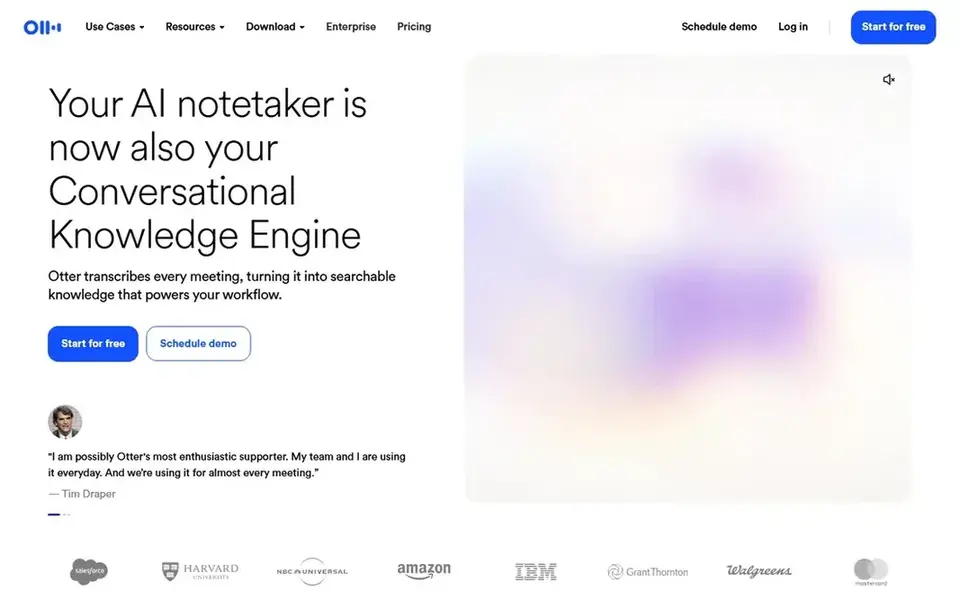
Where Otter.ai fits: meeting notes and live transcription. Otter.ai is a meeting agent offering live transcription, live chat, automatic summaries, insights, and action items. Worth adding: if your captioning need is really about documenting conversations and extracting decisions, Otter is oriented toward that job.
Where it is weaker: Not made for video caption production.
Otter is not aimed at producing styled video captions, so creators publishing to video systems may find it restricted. Pick Otter when the goal is meeting intelligence, and look to a video-first tool when refined captions are the priority. Otter.ai pricing: $8.33 per user per month. You can start on Otter.ai without paying.
- Live transcription and live chat
- Handy for spoken meeting content
- Caption styling choices are restricted
Think of Happy Scribe for multilingual transcription with compliance needs. Happy Scribe provides AI transcription and notetaking in plenty of languages, with SOC 2 and GDPR considerations and an European base. Choose Happy Scribe when language coverage and compliance matter more than caption design.
Happy Scribe centers on transcription and notes instead of video editing, so subtitle styling and publishing are not its focus. For captioning multilingual video content, its transcription strength is the central advantage. Happy Scribe starts at: $17 per month. A free plan is available with Happy Scribe.
Trade-offs to know: Not a full video editing environment.
- AI transcription in plenty of languages
- SOC 2 and GDPR considerations
- Caption styling for video is secondary
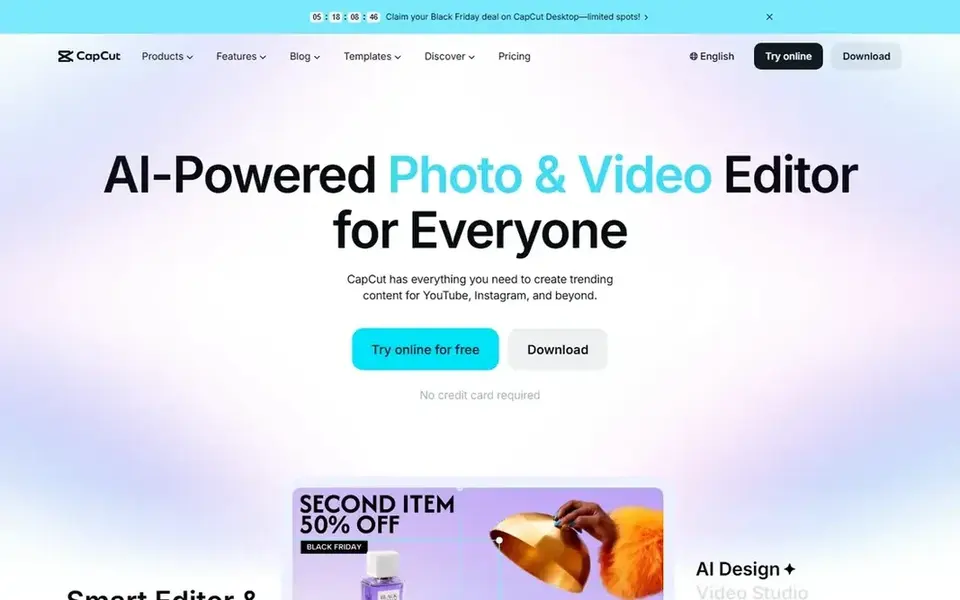
CapCut targets fast social video editing with captions. CapCut is an AI video editor for YouTube and Instagram content, offering smart templates and creative effects across desktop, mobile, and online.
In practice, use CapCut when speed and platform-ready output matter most. Check the vendor site for CapCut pricing; none is listed in this comparison. CapCut offers a free plan.
Upsides: online editing.
Where it is weaker: Advanced controls are restricted for pro postproduction.
- Desktop, mobile
- Made for YouTube and Instagram style content
- Caption accuracy should always be checked
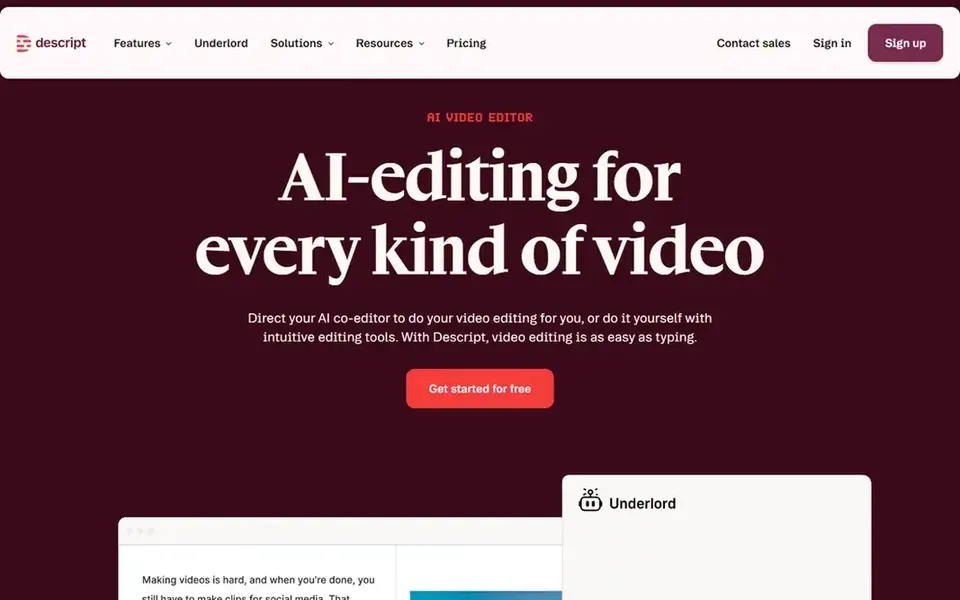
Descript makes the most sense for Transcript-based video editing and captions. If your primary need is straightforward subtitles on finished clips rather than transcript-based editing, a lighter subtitle tool may be simpler.
Where it falls short: Heavy projects can need a ramp-up time.
Choose Descript when captions and editing should live together. Descript starts at: $16 per person per month. Free access exists with Descript.
- Caption workflow tied to the transcript
- Publish in one place
- Best value comes from adopting its editing model
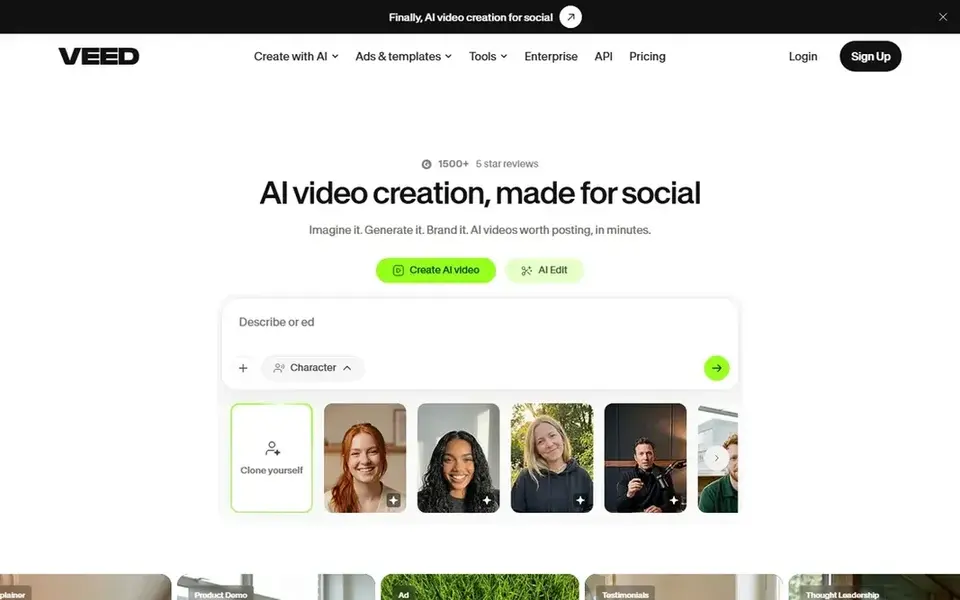
For Marketers adding subtitles in a video workflow, Veed is a natural candidate. For social clips and promotional videos that require captions rapidly, it keeps subtitle work close to the rest of production. Editors with complicated multicam or advanced postproduction needs may prefer a dedicated editing suite.
Worth adding: Veed presents itself as an AI video creation system that moves from idea to video in one workflow. It supports talking heads, AI-assisted editing, dubbing, and subtitles, pitched at marketers and solopreneurs. The breadth of features means the interface can feel busy for someone who only wants captions. Veed shows no starting price here, so confirm the cost on the vendor site. Free options: Not stated.
Limits to weigh: Less suited to deep timeline editing.
- Subtitles alongside AI editing and dubbing
- Designed for marketers and solopreneurs
- Feature breadth can overwhelm new users
Our selection method
We compared the tools on published pricing, free plan or trial availability, feature coverage for automatic video captioning software, and the limits each vendor documents. Where a price is missing, the vendor does not list one publicly or ties it to a quote. Always confirm before budgeting. The ranking is editorial: typical fit first, then clear pricing, then free access. If your needs are unusual, read the profiles rather than relying on position.
Things to verify first
- Confirm the entry price on the vendor page. For CapCut and Veed that means a quote rather than a fixed price.
- Check what the free option really includes: Otter.ai, Happy Scribe, CapCut and Descript offer a free plan, and usage caps differ.
- Read the limits listed for Otter.ai first: not designed for video caption production.
- Confirm the exact Veed plan that includes your must-have features.
- Confirm that Happy Scribe connects to the apps your team already uses, on the plan you would actually buy.
Frequently asked questions
Can I edit automatic captions before publishing?
Transcript-based editors tie corrections straight to the video timeline. Always plan a review pass, since automatic results can contain errors.
Can I try these options before paying?
Often, yes. Otter.ai, Happy Scribe, CapCut and Descript have a free plan. Use your own data and a real task during the test, and check what the free tier or trial limits before you rely on it.
Is Otter.ai the right pick for everyone comparing automatic video captioning software?
No single tool suits every team. Otter.ai comes first because it fits meeting notes and live transcription, while Happy Scribe suits multilingual transcription with compliance needs and CapCut suits quick social video editing with captions. Match the tool to your own size, budget and workflow before deciding.
What is the difference between transcription and captioning?
Transcription converts speech to text, whereas captioning formats that text with timing so it appears alongside video. Some tools do both in one workflow, and others focus on one side. Check which stages a tool handles before committing.
What is the cheapest option for automatic video captioning software in this list?
On published monthly entry prices, Otter.ai is the lowest here at $8.33 per user per month. Entry price is only part of the cost, because seats, add-ons and billing terms can change the total. Each of the 5 options in this automatic video Captioning software guide has its own card above with the price, free plan and limits.
Which tool fits multilingual video content?
Happy Scribe emphasizes transcription across numerous languages, and Veed bundles dubbing alongside subtitles. Match the tool to your language needs and whether captions must be styled for video.
Sources
See where you really rank - block by block
ProMapRanker scans Google Maps across a grid of your service area. Simple monthly plans from $19, white-label on every plan.
Start freeBrowse all guides
← Audio Separation Software: Best Picks of 2026Best Way to Record Script Audio Software in 2026 →
 best audio editing software online
Best Audio Editing Software Online in 2026
Compare 6 picks for the best audio editing software online, with prices, free plans and who each fits. Plus the drawbacks of each tool. Decide faster.
Read → best audio editing software for startups
2026 Guide to the Best Audio Editing Software for Startups
5 best audio editing software for startups, with entry costs, free tiers and the buyer each one serves. Every tool lists pros and cons. Compare quickly.
Read → best app to transcribe voice memos
App to Transcribe Voice Memos: 6 Options Compared in 2026
Searching for the best app to transcribe voice memos? Here are 6 options with prices and free plans. Each pick lists its main limit. Full profiles inside.
Read → scribe alternatives
Scribe Alternatives in 2026: 8 Tools Compared
Looking for Scribe alternatives? Compare 8 tools that turn screen captures into step-by-step guides, videos, and walkthroughs, with pricing notes here.
Read → best face swap apps
Best Face Swap Apps in 2026: 8 Tools Compared
Find the best face swap apps and free online tools for 2026. We compare 8 photo and video face swap options, with privacy and consent notes for safe use today.
Read → best voice ai for customer service
Best Voice AI for Customer Service in 2026
Compare the best voice AI for customer service in 2026, from Vapi and Retell to ElevenLabs, with per-minute pricing, transfer quality, and setup notes.
Read →More in Video, Audio & Podcasts · All guides A to Z by date · Latest guides