 ProMapRanker
Best Face Swap Apps in 2026: 8 Tools Compared

Key takeaways
- Reface is our pick for quick mobile video face swaps with friends who agree to take part.
- Vidnoz and Remaker AI suit browser-based photo and short video swaps without installing an app.
- Magic Hour covers photos, video, and GIFs in one place, with credits for new accounts.
- FaceSwapper.ai and VidMage offer free browser swaps with clear deletion notes in their public descriptions.
- Only swap faces with consent, check each app's photo handling and age rules, and do not use swaps to mislead people.
Quick comparison
| Pick | Great for | Pricing starts at | Free tier | |
|---|---|---|---|---|
 Reface Reface | Quick mobile video swaps | Free | Yes | Visit |
 Vidnoz AI Face Swap Vidnoz AI Face Swap | Browser photo and video swaps | Free | Yes | Visit |
 Remaker AI Remaker AI | Easy browser photo swaps | Free | Yes | Visit |
 Magic Hour Magic Hour | Photos, video, and GIFs in one place | Free | Yes | Visit |
 FaceSwapper.ai FaceSwapper.ai | No-signup browser photo swaps | Free | Yes | Visit |
 Akool Akool | Marketing video swaps at scale | See website | Free trial | Visit |
 VidMage VidMage | Daily free photo, video, and GIF swaps | Free | Yes | Visit |
 FaceApp FaceApp | Fun photo transformations | Free | Yes | Visit |
The best face swap apps
Face swap apps place one face onto another photo or video, and they range from quick phone filters to browser tools for short clips. Safety matters here as much as quality: only swap faces with consent, check each app's photo handling and age rules, and do not use swaps to mislead people. The tools below are best used with your own photos or with friends who have agreed to take part.
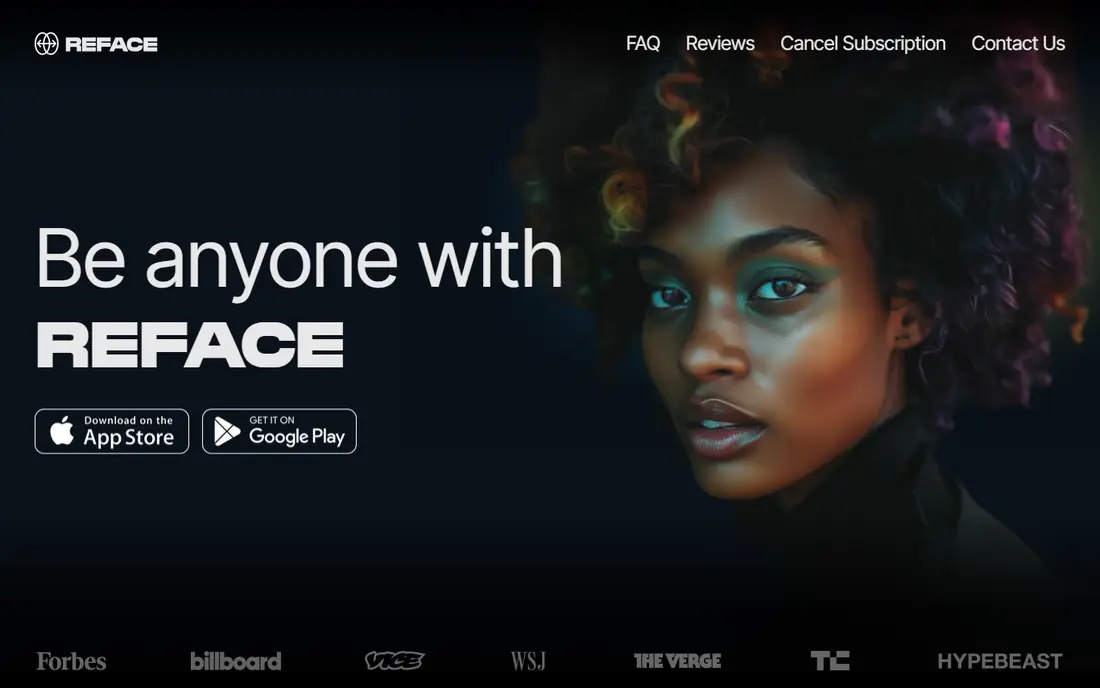
Reface is the most familiar face swap app for phone users, and its strength is speed. You pick a video or photo template, add a face, and get a shareable clip in minutes, which suits birthday jokes and group fun where everyone has agreed to take part. The template library keeps the process simple for people who do not want to edit.
Free use has limits, and some outputs carry watermarks unless you pay, so check what you get before sharing. Source photo quality also matters a lot, since a blurry or angled face will produce a weaker swap. Used with consent and clear labeling, Reface is the easiest mobile starting point.
- Easy mobile workflow
- Video swaps as well as photos
- Large template library
- Free use has limits and watermarks on some outputs
- Best results need good source photos

Vidnoz AI Face Swap suits people who want to try face swapping on a computer without installing an app. Its browser tool handles photo swaps and short video swaps, which covers most casual uses, from memes to short clips for social posts. The interface is straightforward, with upload, face selection, and download steps that most users can follow quickly.
Free use is limited, so longer videos or frequent swaps may need a paid plan. As with any browser tool, check how long uploads are kept and delete source photos when you are done. For occasional browser swaps with consent, Vidnoz is a practical, low-friction choice.
- Works in the browser
- Photo and video swaps
- No app install needed
- Free use has limits
- Video length and quality depend on plan
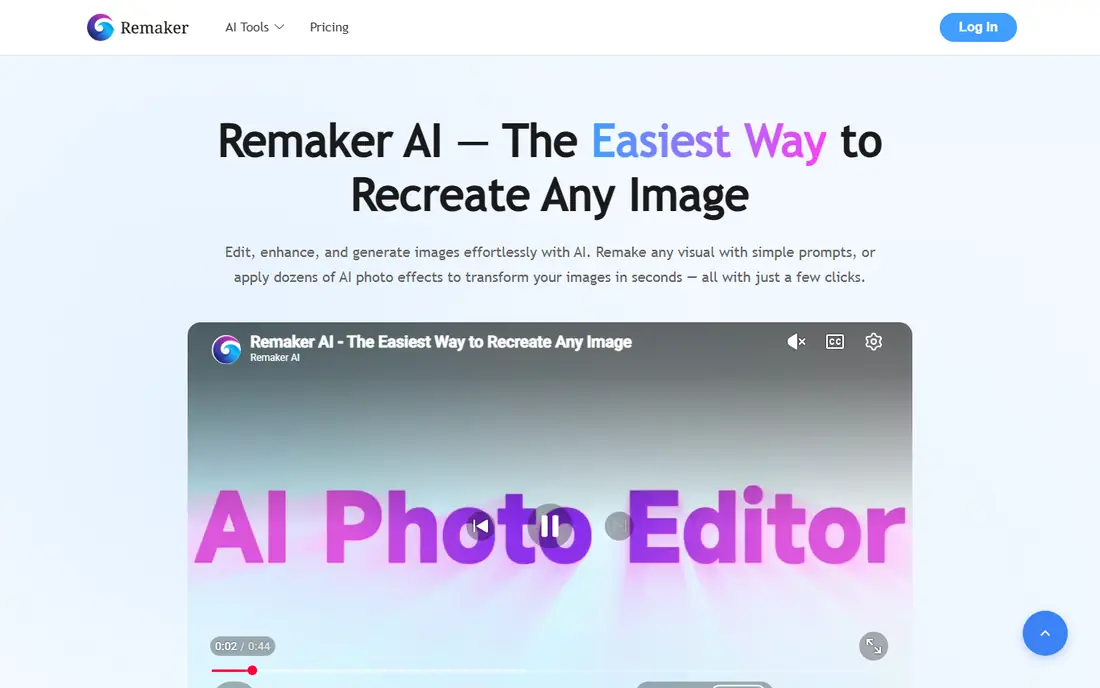
Remaker AI is a good browser pick for photo swaps because the core flow is simple and free photo swaps are available without a long setup. It also supports video, GIF, and multi-face swaps, which helps for group photos where more than one face needs replacing. That range makes it useful for both quick jokes and slightly larger creative projects.
The catch is that advanced video work and batch swaps use credits or paid access, so a free user should test photo swaps first and check limits before starting a big project. Use your own photos or photos you have permission to use, and keep the results clearly labeled when you share them.
- Simple browser workflow
- Photo, video, and multi-face options
- Free photo swaps to start
- Advanced video and batch features need credits or a paid plan
- Free limits change by feature
Magic Hour appeals to creators who want one tool for several formats. Photo, video, GIF, and multi-face swaps sit in the same workspace, and new accounts receive credits that do not expire in public descriptions, which lets you test without a subscription. Photo downloads without a watermark are also a plus for casual sharing.
Daily free limits for video and GIFs are small, so regular video work will need credits. The tool is still a strong all-round pick for mixed-format projects, provided you use it with consent and check its photo handling and age rules before uploading anyone else's face.
- Covers photo, video, GIF, and multi-face swaps
- Credits for new accounts
- No watermark on photo downloads in public descriptions
- Free daily limits are small for video and GIFs
- Heavier use needs credits
FaceSwapper.ai is the simplest browser option for a quick photo swap. Public descriptions note that photo swaps can run without signup, which removes friction for a one-off joke or test. Multi-face support also helps with group photos, and the workflow is short enough for first-time users.
File size limits mean very large photos may need resizing first, and video work is not its main strength. For a fast, free photo swap with your own image or with consent, FaceSwapper.ai is easy to recommend, as long as you check its current limits and photo handling before uploading.
- Browser swaps without signup in public descriptions
- Photo and multi-face options
- Simple workflow
- File size limits apply
- Video support is more limited than dedicated video tools
Akool is the business-facing tool on this list, aimed at marketing teams that need personalized or localized video at scale. It supports face swapping in video workflows and offers API access for teams building swaps into their own products or campaigns. That scale and control set it apart from casual phone apps.
The downside for everyday users is price and complexity. Akool is built for business budgets and workflows, so a person who wants one funny photo will find cheaper, simpler tools above. For a marketing team that needs consistent video swaps with clear usage controls, Akool is worth a closer look.
- Built for marketing and business video use
- API options
- Realistic video swaps
- Priced for business use
- Overkill for casual one-off swaps
VidMage gives a useful daily free allowance across photo, video, and GIF swaps, which suits people who swap occasionally but across formats. Public descriptions note that web exports are watermark-free and that uploads are deleted within two hours after processing, which are clear privacy points in its favor. A Mac app option also allows local processing for some workflows.
The free video allowance is short, so longer clips will need a paid plan or a different tool. Still, for daily casual use with consent, VidMage balances free access, format range, and stated photo handling better than many browser rivals.
- Daily free allowances across formats
- Watermark-free web exports in public descriptions
- Uploads deleted within hours in public descriptions
- Free video allowance is short each day
- Some features need a paid plan
FaceApp is best known for age and style transformations, but it also handles face swaps and photo edits in a simple mobile app. Its filters are easy to use, and the app suits people who want to play with their own photos rather than build a video project. The large user base also means help guides and examples are easy to find.
Face swapping is not the sole focus here, so users who need video swaps or multi-face browser tools should pick a dedicated tool above. Free use also has limits, and some features need a subscription. For fun, consent-based photo play, FaceApp remains a straightforward choice.
- Easy photo editing and transformations
- Age and style filters alongside swaps
- Large user base
- Face swapping is one feature among many
- Free outputs may carry limits or watermarks
How we picked these
We compared face swap tools that are available now and that genuinely handle photo or video face swapping, using vendor pages and recent vendor-linked comparisons. We favored tools with clear free access, stated photo handling, and practical format coverage, and we preferred tools with clear privacy practices where that information was public. Where pricing or free limits varied by source, we wrote See website or Free rather than publishing a disputed figure, and we did not list tools whose main use is non-consensual imagery.
Safety and privacy notes for face swaps
Only swap faces with consent, and never use a swap to mislead, embarrass, scam, or impersonate someone. Check each app's photo handling before you upload, including how long uploads are kept, whether they are used for training, and whether you can delete them. Check age rules too, since many tools require users to be adults or require parental consent for younger users. Label edited images and videos when you share them, use your own photos when in doubt, and avoid swapping real people, especially public figures, onto content they did not agree to. If a tool lacks clear privacy or safety rules, choose a different one.
Frequently asked questions
What are the best free face swap tools online?
Vidnoz, Remaker AI, FaceSwapper.ai, VidMage, and Magic Hour all offer free browser swaps to start. Free limits vary by format, so check daily allowances for photos, video, and GIFs before starting a project.
What is the best free face swap app online for photos?
FaceSwapper.ai and Remaker AI are strong free photo options in the browser, while Reface and FaceApp suit mobile photo play. For group photos, look for multi-face support, which Remaker AI and Magic Hour both offer.
What are the best free online face swap tools for video?
Reface, Vidnoz, Magic Hour, and VidMage handle video swaps, but free video allowances are short on most tools. For longer video work, check paid credits or a business tool such as Akool.
Are face swap apps safe to use?
They are safe for consent-based fun when you use trusted tools, check photo handling, and delete uploads when you are done. They become unsafe when used without consent or to mislead people, so only use photos you own or have permission to use.
Do free face swap tools add watermarks?
Some do, especially on free video outputs, while several browser tools describe photo exports as watermark-free. Check each tool's current free plan before you rely on a clean export for sharing.
Sources
See where you really rank - block by block
ProMapRanker scans Google Maps across a grid of your service area. Simple monthly plans from $19, white-label on every plan.
Start freeKeep reading
 zoom alternatives
Best Zoom Alternatives in 2026
Compare Zoom alternatives in 2026, with free meeting limits and prices, so you can pick the best alternative to Zoom for your team, class, or community.
Read → which software is best for remote work
Which Software Is Best for Remote Work in 2026
Answering which software is best for remote work, we compare Slack, Zoom, Asana, Notion, Teams and more, with pricing and honest tradeoffs in 2026 now.
Read → which ai tool is best for content writing
Which AI Tool Is Best for Content Writing in 2026
Wondering which ai tool is best for content writing? We compare ChatGPT, Claude, Jasper, Grammarly, and more on price, quality, and best use in 2026 now.
Read →