 ProMapRanker
Scribe Alternatives in 2026: 8 Tools Compared


Screenshot guides and walkthroughs · Pricing starts at: $15 per user per month
Key takeaways
- Tango is the closest Scribe alternative for screenshot guides, with added in-app walkthroughs.
- Guidde and Clueso suit teams that want video plus a written guide from one capture.
- Folge is the best value for a one-time purchase if you mainly document desktop software.
- Trainual and Document360 help when guides need to live inside a larger training or knowledge base system.
- Check free plan limits carefully, because most free plans cap the number of guides or videos you can keep.
Quick comparison
| Pick | Great for | Pricing starts at | Free tier | |
|---|---|---|---|---|
| Tango | Screenshot guides and walkthroughs | $15 per user per month | Yes | Visit |
 Guidde | Video and text guides | $19 per creator per month | Yes | Visit |
 Floik | Video guides and demos | $39 per month | Yes | Visit |
 Folge | One-time desktop guides | $89 one-time | Yes | Visit |
 Trainual | Training and onboarding systems | See website | Free trial | Visit |
 Clueso | Video and docs from one capture | $40 per month | Yes | Visit |
 Loom | Quick async video explanations | See website | Yes | Visit |
 Document360 | Hosting a knowledge base | See website | Free trial | Visit |
The best Scribe alternatives
Scribe turns a screen capture into a step-by-step guide with screenshots and text. The alternatives below are not Scribe itself. They cover the same job in different ways, from pure screenshot guides to narrated video and full training systems.
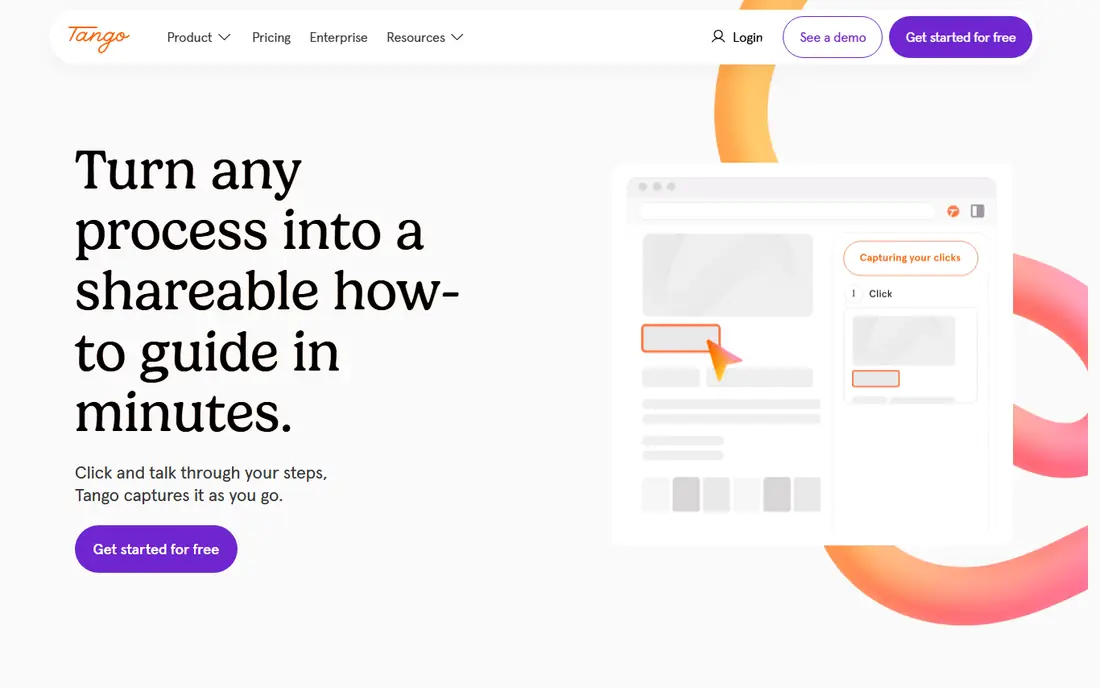
Tango is the most direct Scribe alternative for teams that want screenshot based guides. You capture a process in the browser, Tango turns clicks into steps with screenshots, and you edit text, blur sensitive parts, and share a link. Higher plans add in-app guidance, so the same guide can appear as a walkthrough inside your software.
The free plan stores only a small number of workflows in the team library, so it works for testing but not for a full SOP library. Paid pricing starts at $15 per user per month on annual billing for teams of three or more. If your main need is clean screenshot SOPs with occasional in-app help, Tango is our pick.
- Captures workflows as step guides
- In-app walkthroughs on higher plans
- Easy editing and sharing
- Free plan limited to a small number of workflows
- Per user pricing grows with team size
- No video output by default
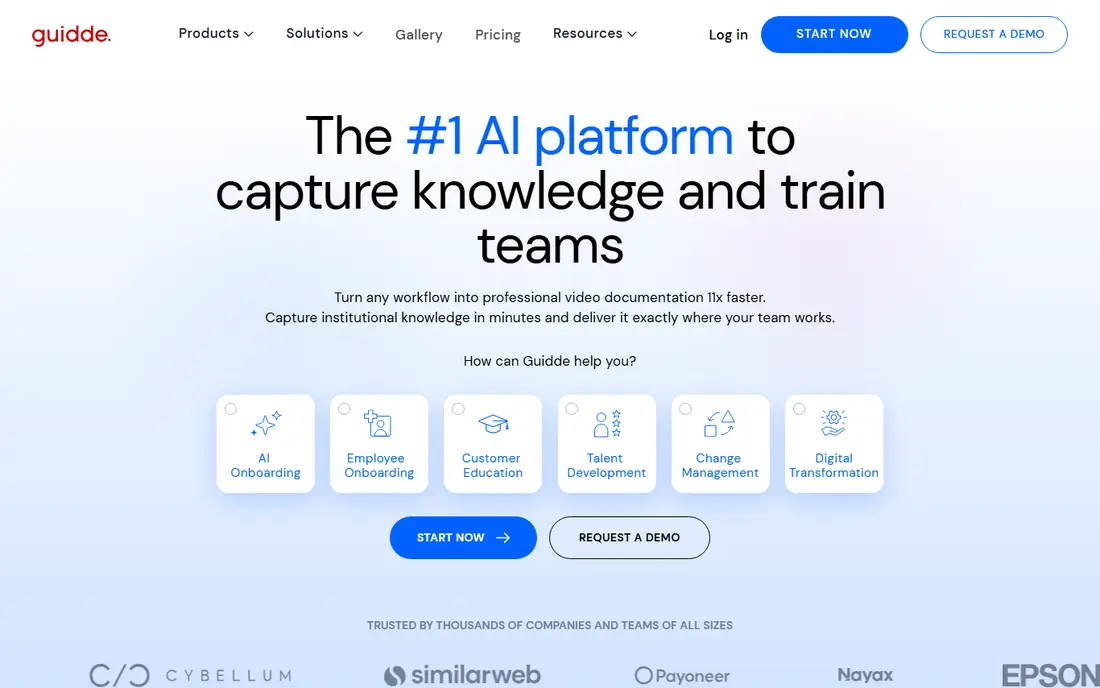
Guidde records your screen and turns it into a narrated how-to video plus a step-by-step text guide. That dual output helps teams that serve both visual learners and readers who want to skim steps. The free plan includes 25 videos, which is generous for testing, and paid plans start at $19 per creator per month on annual billing.
The limits to watch are capture scope and voiceover. Web capture is the core free experience, while desktop capture and some AI features sit on higher plans. If you need video first and text as a backup, Guidde is a strong choice. If you only need static screenshot SOPs, Tango or Folge may be simpler and cheaper.
- Creates video and a written guide from one capture
- AI voiceover on paid plans
- Easy sharing
- Free plan limited to 25 videos
- Desktop capture on higher plans
- Voiceover and branding on paid tiers
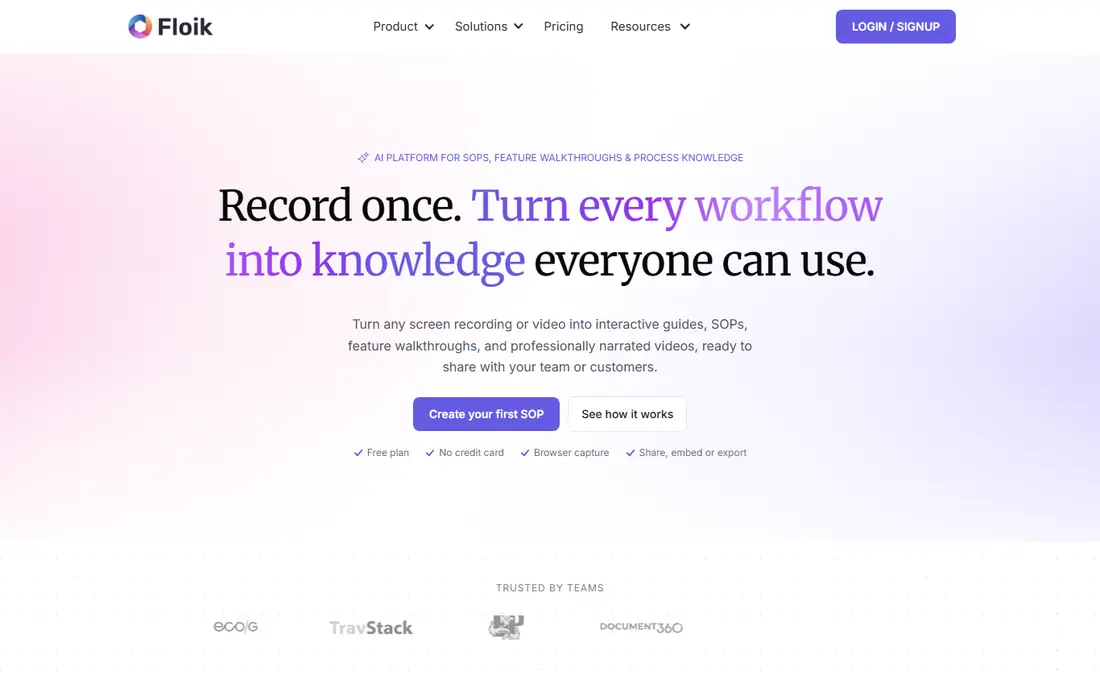
Floik captures a workflow and produces video, a step guide, and interactive elements that help viewers follow along. It suits support teams and customer success teams that need to explain a product feature clearly, not just document an internal process. The free plan lets you test the format before paying.
Paid pricing starts around $39 per month for its Pro plan. That is more than the entry plans for Tango and Guidde, so Floik makes most sense when video and interactivity are core to your use, such as customer onboarding or product demos. For simple internal SOPs, a cheaper screenshot tool may do the same job.
- Video plus guide output
- Interactive walkthroughs
- PDF export and branding options
- Paid plan starts higher than Tango or Guidde
- Some features need paid tiers
- Smaller community than larger rivals
Folge is a desktop app that captures steps and builds a guide you can export as PDF, HTML, or other formats. Its appeal is simple: pay $89 once for the full version, rather than paying per user per month forever. That model suits freelancers, small teams, and anyone who documents desktop software and does not need cloud collaboration.
Folge does not try to be a video tool or a training platform. There is no AI narration, and collaboration features are limited compared with cloud tools. If you want a low cost, offline friendly way to make clean step guides, Folge is excellent value. If you need team libraries, analytics, or in-app walkthroughs, look at Tango or Trainual instead.
- One-time payment, not a subscription
- Desktop app capture
- PDF and HTML export
- No AI voiceover or video output
- Smaller feature set than cloud tools
- Updates and support tied to license terms
Trainual is a training and onboarding platform, not just a capture tool. You can create guides, organize them into subjects and roles, assign them to new hires, and track completion. That structure helps when the problem is not making one guide, but making sure a whole team actually learns a set of processes.
Because Trainual is a system, it takes more setup than Tango or Folge. You will spend time organizing content and assigning it, and pricing is quoted rather than listed as a single simple plan for every team. Choose Trainual when you need onboarding, accountability, and a single place for how your company works, rather than just a guide maker.
- Combines guides with onboarding plans and tracking
- Templates for roles and processes
- Assignments and completion tracking
- More than a simple guide maker
- Pricing requires a quote for many teams
- Setup takes more time
Clueso turns one capture into both a video and a written article, with AI narration and translation features on paid plans. That is useful for teams that support customers in more than one language, or that want a help article and a video without recording twice. The free plan includes a limited amount of video and a set number of articles per month.
The paid plan starts at $40 per month on annual billing, which is higher than Guidde for a single creator. Clueso earns that price when you need both formats and translation from the same source. If you only need one format, a cheaper single format tool is the better buy.
- Video and article from one capture
- AI narration and translation options
- Clean article output
- Free plan limited in video minutes and articles
- Paid plan starts at $40 per month
- No in-app walkthroughs
Loom is a screen recording tool for async video messages. You record your screen and camera, share a link, and viewers can watch and comment. It is excellent for explaining something once, answering a support question, or walking a teammate through a change without a meeting.
Loom does not produce a structured step-by-step guide with screenshots and editable steps in the way Scribe, Tango, or Guidde do. Its free plan caps the number and length of videos, and paid plans are priced per user. Use Loom alongside a guide tool when video explanation matters, or alone when a quick video is all you need.
- Very fast to record and share
- Good for one-off explanations
- Widely known and easy for recipients to open
- Video only, not a step-by-step guide
- Free plan caps video count and length
- Editing is lighter than dedicated guide tools
Document360 is a knowledge base platform where guides, help articles, and docs live, with search, versioning, and access control. It does not capture your screen and turn it into steps on its own, but it is where many teams publish guides made in other tools. That makes it a complement to Tango, Guidde, or Clueso, rather than a direct replacement for capture alone.
Pricing is quoted and a free trial is available, so you will need to talk to sales for a firm price at your scale. Choose Document360 when your problem is organizing, searching, and maintaining a large set of docs for customers or staff. For making the guides themselves, pair it with a capture tool from this list.
- Full knowledge base hosting
- Version control and search
- AI assisted writing and organization
- Not a capture tool by itself
- Pricing is quoted
- More setup than a simple guide maker
How we picked these
We compared tools that help teams create step-by-step guides, video how-tos, or training content from screen captures, and that are actively sold in October 2026. We checked official pricing pages and recent comparisons for free limits and entry prices. We excluded Scribe itself, because this list is for alternatives to it, and we excluded pure video editors that do not help with guides or training workflows.
What to check before you switch
First, decide what output you need. If readers need to skim steps, pick a screenshot guide tool such as Tango or Folge. If viewers need to see a process in motion, pick a video tool such as Guidde or Clueso. If managers need to know who completed training, pick a system such as Trainual. Trying to get all three from one tool often means paying for features you will not use.
Second, test with a real, messy process. Capture a workflow that includes a login, a form, and a decision point, then edit it, blur sensitive data, and share it with a colleague who has not seen it before. That test reveals editing quality, export options, and whether the guide is actually clear.
Third, check export and ownership. Can you export to PDF or HTML, and what happens to your guides if you cancel? A tool that locks guides inside its platform is a risk for long lived SOPs. Folge and tools with PDF export give you a safer exit than a cloud only library.
Frequently asked questions
What is the best Scribe alternative?
Tango is the closest alternative for screenshot based step-by-step guides. Guidde is the best pick if you want video plus a written guide from the same capture.
Can I use a Scribe alternative for free?
Yes, Tango, Guidde, Floik, Folge, Clueso, and Loom all offer a free plan or free tier. Free plans usually cap the number of guides, videos, or workflows you can keep, so check those limits for your team size.
What is the difference between Tango and Guidde?
Tango focuses on screenshot step guides plus in-app walkthroughs. Guidde focuses on narrated video plus a text guide from one recording. Pick Tango for skimmable SOPs and Guidde for video led how-tos.
Do these tools work for desktop software?
Folge is built for desktop capture, and some cloud tools add desktop capture on paid plans. Check the plan details, because many free plans cover browser capture only.
Can I export guides as PDF?
Most tools in this list offer PDF export on paid plans, and Folge offers PDF and HTML export with its one-time license. Confirm export options before you build a large library, so you can keep copies outside the platform.
Which alternative is best for employee training?
Trainual is the best pick in this list for training, because it adds onboarding plans, assignments, and completion tracking around your guides. A capture tool alone will not track whether staff completed the training.
Sources
See where you really rank - block by block
ProMapRanker scans Google Maps across a grid of your service area. Simple monthly plans from $19, white-label on every plan.
Start freeKeep reading
 which software is best for pdf page removal
Which Software Is Best for PDF Page Removal in 2026
Find which software is best for pdf page removal, from free online tools to desktop editors, with page controls, privacy, safety, and pricing compared.
Read → when i work alternatives
Best When I Work Alternatives in 2026
Looking for when i work alternatives? We compare 8 scheduling apps for hourly teams, covering pricing, free plans, time clocks and the best fit for business.
Read → the best tool for keyword analysis
The Best Tool for Keyword Analysis in 2026
Find the best tool for keyword analysis with our 2026 comparison of 10 keyword analysis software tools on data depth, difficulty scores and price today.
Read →