 ProMapRanker
Audio Separation Software: Best Picks of 2026
Direct answer
For musicians practicing and remixing songs, Moises is where this list starts. Listed starting prices: LALAL.AI from $7.5 per month. Look at LALAL.AI for fast vocal and instrumental isolation, and at Hit'n'Mix RipX for stem-level editing inside an AI DAW. The remaining 2 options are covered below with prices and limits.
ProMapRanker compared 5 tools for audio separation software. The goal is a practical shortlist: published prices, free plan facts, best-fit use cases and honest limits for every entry.
Key takeaways
- Number one here is Moises, a fit for musicians practicing and remixing songs.
- Adobe Audition fits editing and mixing with spectral tools.
- A fair warning about Moises: practice-first design may not suit post-production.
- Moises, LALAL.AI: these are the 2 tools out of 5 that offer a free plan.
Quick comparison
| Pick | Great for | Pricing starts at | Free tier | |
|---|---|---|---|---|
 Moises | Musicians practicing and remixing songs | See website | Yes | Visit |
 LALAL.AI | Fast vocal and instrumental isolation | $7.5 per month | Yes | Visit |
 Hit'n'Mix RipX | Stem-level editing inside an AI DAW | See website | Free trial | Visit |
 Steinberg SpectraLayers | In-depth spectral editing and repair | See website | Not stated | Visit |
 Adobe Audition | Editing and mixing with spectral tools | See website | Not stated | Visit |
The best audio separation software
Pick Moises if this describes you: musicians practicing and remixing songs. Moises is described as a musician's app for practicing music, with vocal removal, instrument separation, mastering and remixing powered by AI.
Downsides: Less deep than a desktop DAW.
Moises does not show a starting price in this comparison, so check the vendor site for current pricing. Free access exists with Moises.
- Built around music practice use cases
- Vocal removal and instrument separation
- Practice-first design may not suit post-production
LALAL.AI is aimed squarely at fast vocal and instrumental isolation. LALAL.AI is an AI vocal remover and instrumental isolator, built around splitting a track into usable parts. Separation quality also relies on how the original was mixed.
More specifically, the appeal is a narrow, clear purpose: upload audio, get separated stems, then take them into whatever software you use for production. Its focus means it is not a general audio editor, so cleanup, mixing and mastering happen in another tool. What you pay to start with LALAL.AI: $7.5 per month. LALAL.AI includes a free tier.
What to check first: Results vary by source material.
- Handy for practice and remix prep
- Straightforward stem separation purpose
- Concentrated on separation, not full editing
Hit'n'Mix RipX works best for stem-level editing inside an AI DAW. Choose RipX when you plan to edit, rearrange and remix the separated material in depth. Beyond that, users who only need a fast instrumental version may prefer LALAL.AI or Moises.
Where it is weaker: DAW workflow takes time to learn.
Hit'n'Mix RipX is presented as an AI DAW for music production, with clean vocal extraction, stem editing and remixing, giving in-depth control over audio. As for the details, the combination of separation and DAW-style editing makes it a solid middle ground between a splitter and a full editor. Check the vendor site for Hit'n'Mix RipX pricing; none is listed in this comparison. Free options: Free trial.
- Stem editing and remixing in one place
- Supplies in-depth control over audio
- More than needed for straightforward splits
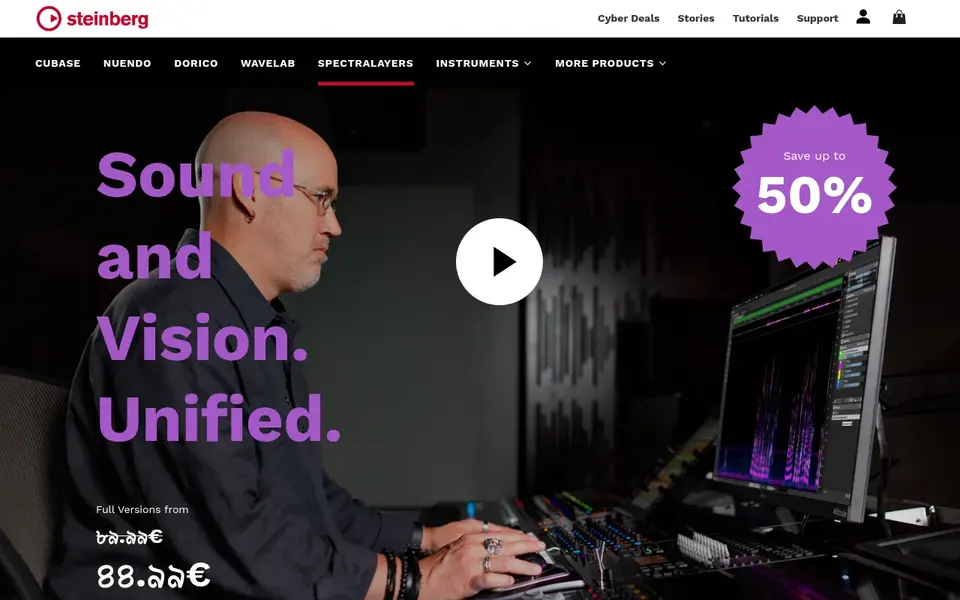
Steinberg SpectraLayers was built for in-depth spectral editing and repair. That makes it a solid fit for surgically removing noises, isolating sounds and refining separated material.
If you chiefly want to pull vocals or drums from a song rapidly, a more straightforward AI separator will get you there quicker. Choose SpectraLayers when precision editing matters more than speed. This comparison lists no price for Steinberg SpectraLayers; ask the vendor. Free options: Not stated.
Downsides: Overkill for straightforward vocal removal.
- Spectral editing approach to audio work
- Suits surgical repair and sound design
- Spectral workflows have a ramp-up time
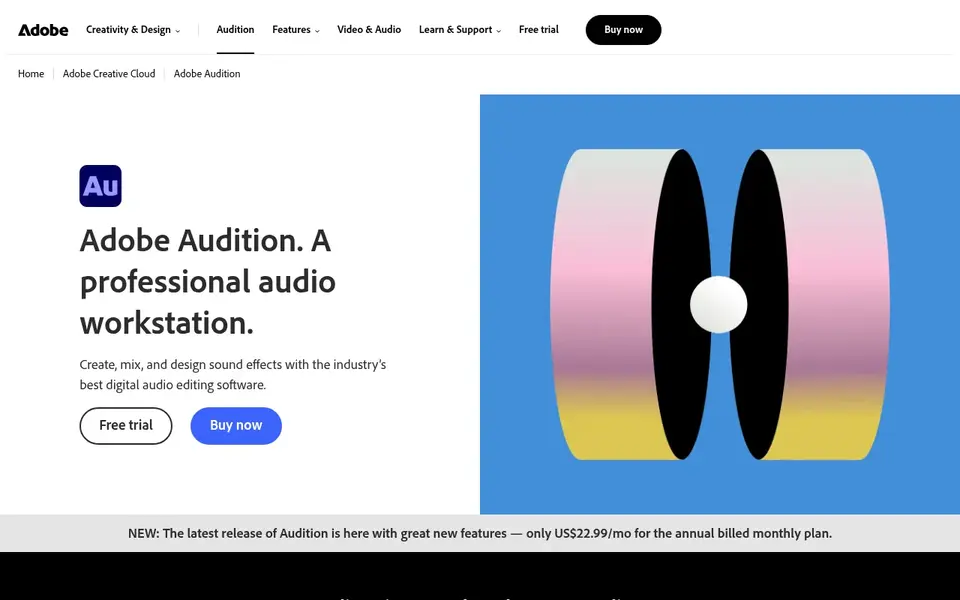
Adobe Audition targets editing and mixing with spectral tools. Adobe Audition is audio recording and editing software built around multitrack, waveform and spectral display views. That combination makes it a practical home for separation tasks that feed into a bigger edit, for example cleaning dialogue, isolating a frequency range or preparing stems for a mix.
What Adobe Audition does well: Capable fit for podcast and post-production work.
On top of that, if your goal is a quick automatic split with minimal learning, a dedicated AI separation service is the more straightforward route. The trade-off is scope: Audition is a full editor, so casual users who only want a vocal removed from one song may find it more than they need. Check the vendor site for Adobe Audition pricing; none is listed in this comparison. Free access: Not stated.
Where it is weaker: Subscription-based desktop software.
- Multitrack
- Separation sits inside a broader editing workflow
- Heavier than single-purpose stem splitters
What to confirm before you sign up
- Confirm the entry price on the vendor page. For Moises, Hit'n'Mix RipX, Steinberg SpectraLayers and Adobe Audition that means a quote rather than a fixed price.
- Look at free plan limits closely: Moises and LALAL.AI have one, and the caps decide whether it is usable for real work.
- Use real work to test the free trial from Hit'n'Mix RipX, rather than a demo project.
- Before choosing Moises, weigh its main limit: practice-first design may not suit post-production.
- Ask Hit'n'Mix RipX about contract length, onboarding fees and user minimums before you sign.
- Price Adobe Audition for your actual team size; headline prices rarely include add-ons or overage.
Frequently asked questions
What is the cheapest option for audio separation software in this list?
On published monthly entry prices, LALAL.AI is the lowest here at $7.5 per month. Entry price is only part of the cost, because seats, add-ons and billing terms can change the total.
Can I edit separated stems after splitting a track?
Yes, but where relies on the tool. RipX merges separation with stem editing and remixing in one DAW-style environment, whereas Audition and Acoustica let you polish separated audio with editing and restoration tools.
Can I try these options before paying?
Often, yes. Moises and LALAL.AI have a free plan and Hit'n'Mix RipX offers a free trial. Use your own data and a real task during the test, and check what the free tier or trial limits before you rely on it.
Do these tools publish their prices?
Not all of them. Moises, Hit'n'Mix RipX, Steinberg SpectraLayers and Adobe Audition publish no starting price, so expect a quote request for those. The rest, LALAL.AI included, show a starting price, though seats and billing terms still change the final cost.
Which options for audio separation software have a free plan?
On this list, Moises and LALAL.AI include a free plan. Caps on seats, usage or features are common, so test the free plan against your real workload. One other tool offers a trial instead.
Sources
See where you really rank - block by block
ProMapRanker scans Google Maps across a grid of your service area. Simple monthly plans from $19, white-label on every plan.
Start freeBrowse all guides
← Best Audio Editing Software Online in 20262026 Guide to the Best Automatic Video Captioning Software →
 best audio editing software for startups
2026 Guide to the Best Audio Editing Software for Startups
5 best audio editing software for startups, with entry costs, free tiers and the buyer each one serves. Every tool lists pros and cons. Compare quickly.
Read → best app to transcribe voice memos
App to Transcribe Voice Memos: 6 Options Compared in 2026
Searching for the best app to transcribe voice memos? Here are 6 options with prices and free plans. Each pick lists its main limit. Full profiles inside.
Read → best ai voice agent platform for customer support
Best AI Voice Agent Platform for Customer Support (2026)
Searching for the best AI voice agent platform for customer support? Here are 6 options with prices and free plans. Real limits included. Updated for 2026.
Read → best ai video generation tools january
6 AI Video Generation Tools January Options Ranked for 2026
6 products for the best AI video generation tools january, ranked by fit, with starting costs and free tiers. Honest caveats for every entry. See which fits.
Read → best video upscaler tool
Best Video Upscaler Tool in 2026
Searching for the best video upscaler tool? We compare nine tools, from professional restoration and free open source upscalers to a free Windows converter, with prices.
Read → best app to share videos
Best App to Share Videos in 2026
Find the best app to share videos for creators, businesses, and families, with free uploads, private links, and paid hosting compared in one guide for 2026.
Read →More in Video, Audio & Podcasts · All guides A to Z by date · Latest guides