 ProMapRanker
Best Video Upscaler Tool in 2026


Professional restoration and high-resolution output · Pricing starts at: $59 per month
Key takeaways
- Local tools give better control and privacy, while online tools remove the GPU barrier for occasional use.
- Topaz leads on quality and model choice, but its subscription and GPU needs make it overkill for casual clips.
- Free and low-cost options such as Video2X and Winxvideo cover many home and social uses without a subscription.
- Upscaling creates plausible detail, so it suits viewing and presentation, not evidence or forensic recovery.
Quick comparison
| Pick | Great for | Pricing starts at | Free tier | |
|---|---|---|---|---|
| Topaz Video | Professional restoration and high-resolution output | $59 per month | Free trial | Visit |
 HitPaw VikPea | Beginner-friendly upscaling with many models | $99.99 per year | Free trial | Visit |
 AVCLabs Video Enhancer AI | Face restoration and archival footage | $39.95 per month | Free trial | Visit |
 UniFab Video Upscaler AI | Full enhancement suite with cloud and desktop options | $99.99 per year | Free trial | Visit |
 VideoProc Converter AI | Budget upscaling plus format conversion | See website | Free trial | Visit |
 Winxvideo AI | Cheapest paid desktop upscaler | $54.95 lifetime | Free trial | Visit |
 Video2X | Free open source upscaling for technical users | Free | Yes | Visit |
 DaVinci Resolve Studio | Editors who already use Resolve | $295 one-time | Free trial | Visit |
 TensorPix | Occasional online upscaling without a GPU | See website | Yes | Visit |
The best video upscaler tools
Video upscaling does not recover detail that was never recorded. AI models create plausible detail, sharpen edges, reduce noise, and smooth motion, which can make old footage look far better on a large screen. The best tool depends on your hardware, your footage, and whether you need a one-off fix or a repeatable workflow for many clips.
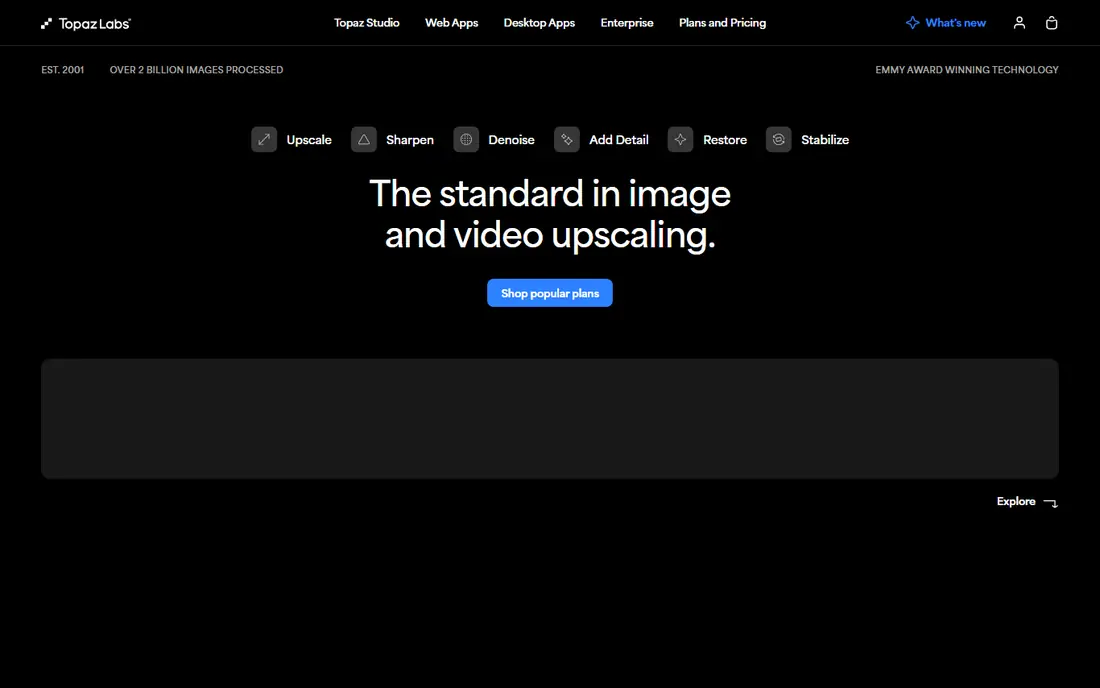
Topaz Video is the professional standard for upscaling and restoration. It offers several AI models for denoising, deinterlacing, stabilisation, and frame rate conversion, so you can match the model to old VHS footage, noisy phone video, or animation rather than using one generic filter.
Pricing changed in late 2025 to subscription only for new buyers. The Personal plan is 59 dollars per month billed monthly, or 299 dollars per year billed yearly in recent listings, with a trial that exports watermarked files. It also needs a strong GPU, so budget for render time as well as the subscription.
- Multiple AI models for different footage
- Local processing without uploading footage
- Upscaling to 16K in listings
- No free export tier
- Subscription only for new buyers
- Needs a strong GPU for fast renders
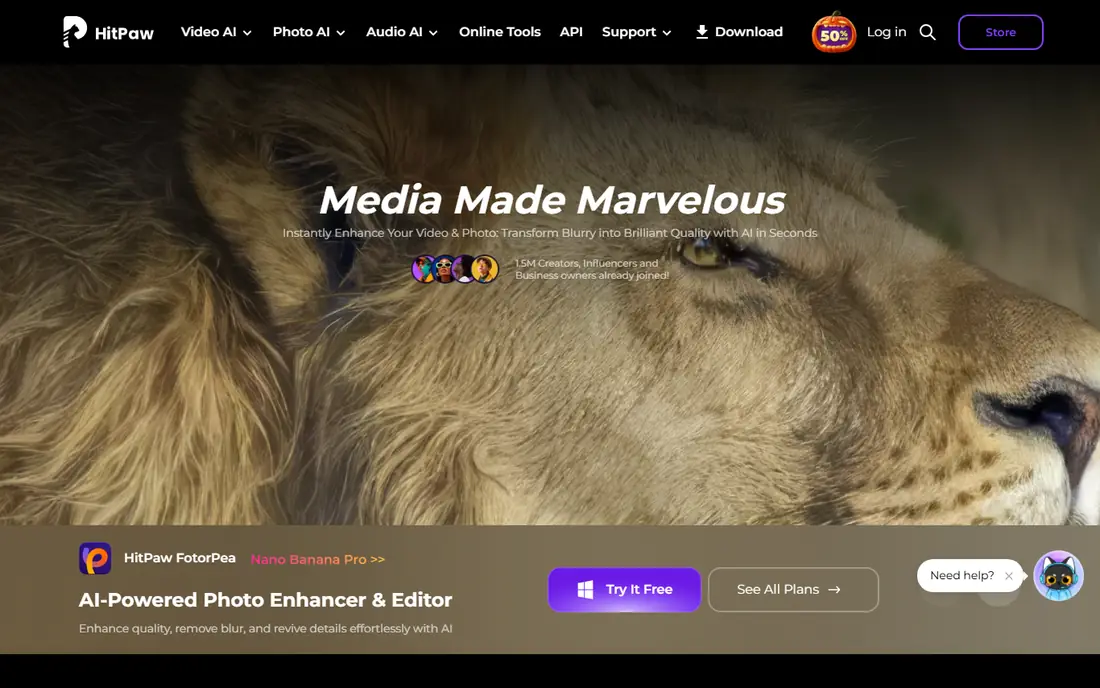
HitPaw VikPea, formerly HitPaw Video Enhancer, suits beginners who want a one-click workflow. It offers several models for upscaling, denoising, and colourising black-and-white footage, plus batch processing for multiple clips at once.
The yearly plan is listed at 99.99 dollars per year in recent comparisons, with monthly and lifetime options also listed. The trial previews results without a clean export, so test it on your own footage before paying. On some clips, sharpening can look artificial, so preview at full size before a long render.
- Several AI models including colourisation
- Upscaling to 4K and 8K in listings
- Batch processing
- No free export tier in listings
- Trial previews only
- Aggressive sharpening can look artificial on some footage
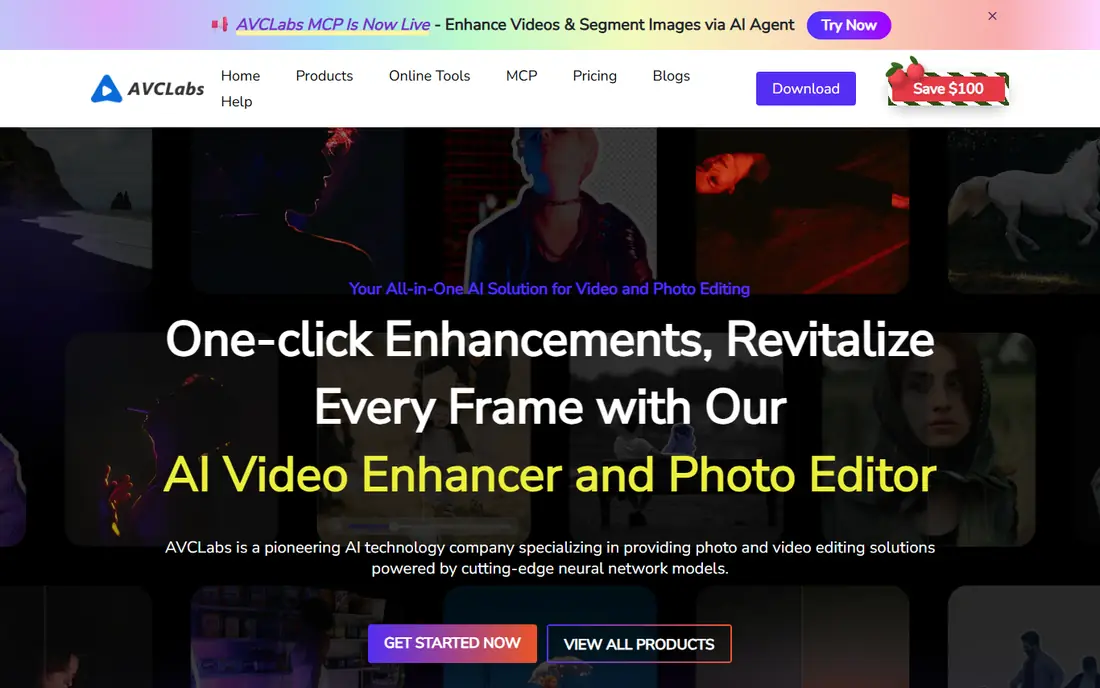
AVCLabs focuses on restoration where faces matter. Its face recovery models sharpen blurry faces in old footage, alongside upscaling, denoising, and stabilisation, which makes it a strong pick for family archives and interview footage.
The monthly plan starts at 39.95 dollars per month in recent listings, with yearly and lifetime options also listed. The trial is limited and watermarked, so it shows the interface more than the final quality. Render times can be slow on mid-range laptops, so test a short clip first.
- Face recovery models
- Upscaling to 4K and 8K
- Denoise, stabilisation, and colour tools
- Trial exports are watermarked and limited
- Export times can be slow on mid-range machines
- Separate products for blur tools
UniFab Video Upscaler AI
Great for: Full enhancement suite with cloud and desktop options
UniFab bundles video upscaling with a wider enhancement suite, including denoise, deinterlace, and audio tools, in desktop and cloud forms. That breadth suits editors who want one client for several enhancement jobs rather than a single-purpose upscaler.
The yearly plan is listed at 99.99 dollars per year in recent comparisons, with a trial that processes a limited number of videos. Pricing is modular across its suite, so check which modules your plan covers. For occasional use, the cloud option avoids GPU limits, while heavy users will prefer local processing.
- Desktop and cloud options
- Upscaling to high resolutions
- Audio upmixing alongside video enhancement
- Modular pricing can get complex
- Trial covers a limited number of videos
- Needs a capable machine for local work
VideoProc Converter AI suits budget users who also need a converter. It upscales video alongside format conversion, compression, and basic editing, and it runs acceptably on older hardware where Topaz would crawl. That combination makes it a practical all-rounder for everyday clips.
Upscaling quality is lighter than specialist restoration tools, so it suits YouTube and social clips more than archive restoration. Check the current pricing page, since lifetime and yearly prices vary by promotion in listings. For a low-cost, low-hardware option, it is hard to beat.
- Upscaling plus conversion, compression, and basic editing
- Runs on lower-end hardware
- Batch queues
- Upscaling is lighter than specialist tools
- Lifetime pricing varies by promotion
- Interface is utilitarian
Winxvideo AI is the cheapest paid desktop option in this list, with a lifetime licence listed at 54.95 dollars for one machine. It upscales to 4K, alongside conversion, compression, and basic editing tools, which makes it a good value pick for casual users.
The trade-off is depth. It does not match Topaz on difficult restoration, and the licence covers one machine in listings. For home videos, social clips, and occasional upscaling, the low one-time cost is attractive. For professional archive work, a specialist tool will give cleaner results.
- Lifetime licence at a low price
- Upscaling to 4K
- Conversion and compression tools included
- One-machine licence in listings
- Upscaling depth is lighter than Topaz
- Free trial limits exports
Video2X is the free, open source pick for technical users. It wraps several upscaling engines, including Real-ESRGAN and Waifu2x, behind a single tool, and it is particularly strong for anime and cel-shaded content where other tools can smear lines.
There is no cloud option and no polished consumer interface, so setup takes technical comfort and render speed depends on your GPU. If you are comfortable with that, Video2X gives you professional-grade upscaling at no cost, with full control over models and settings.
- Free and open source
- Strong for anime and illustration
- Several upscaling engines under one tool
- Command-line and technical setup
- No cloud option
- Speed depends entirely on your GPU
DaVinci Resolve Studio suits editors who already work in Resolve. Its Super Scale feature upscales footage inside the editor, so you can upscale, colour grade, and export without leaving your timeline. That workflow saves time compared with round-tripping clips through a separate app.
The Studio licence is 295 dollars one-time in listings, while the free edition does not include Super Scale. The learning curve is steep for non-editors, so it is not a good first upscaler for a casual user. For editors already in Resolve, it is the most efficient choice here.
- Super Scale upscaling inside a full editor
- Excellent colour tools
- One-time licence
- Free edition lacks Super Scale
- Steep learning curve for non-editors
- Needs a capable machine
TensorPix suits occasional upscaling without a powerful computer. You upload a clip in the browser, choose an enhancement, and download the result, which works well for a single old clip or a short social video when your machine cannot handle local AI models.
Free credits are limited, and cloud upload means your footage leaves your machine, so it is not ideal for sensitive material. For long clips, local tools are faster and cheaper per minute. For a one-off fix on a weak laptop, TensorPix removes the hardware barrier completely.
- No install or GPU needed
- Online upscaling to 4K
- Free credits for testing
- Free credits are limited and watermarked in listings
- Slower than local tools for long clips
- Cloud upload needed
How we picked these
We compared official feature pages, pricing pages, and app store listings, and we checked public reviews for recurring complaints. We kept only tools that are available in October 2026 and that fit the topic directly, and we left out tools that only partly match the job. Where a price could not be confirmed on the vendor site during our checks, we wrote See website rather than guessing a figure.
Our pick for most people is the option that covers the common case well without forcing a paid plan for basic use. That does not mean it suits every group, budget, or workflow, so use the comparison table to match the best fit to your own needs before you sign up.
How to choose an upscaler by footage and hardware
Start with your footage. Old VHS and noisy home video need denoise and face recovery, which points to Topaz or AVCLabs. Anime and illustration need a model that preserves lines, which points to Video2X. A clean 1080p clip that just needs to look better on a 4K screen can often be handled by a lighter tool such as VideoProc or Winxvideo.
Next, check your hardware honestly. Local AI upscaling needs a modern GPU for reasonable render times, and long clips can take hours on a mid-range machine. If your computer is weak, an online tool or a cloud option will finish faster, even if the per-minute cost is higher. Test a thirty-second clip before committing to a full project.
Finally, preview at full size on the screen where the video will be watched. Upscaling that looks good in a small preview can show artefacts, halos, or waxy faces at full screen. Compare the original and the upscale side by side, and keep the original file, since AI enhancement cannot be undone cleanly once the original is replaced.
Frequently asked questions
What is the best video upscaler tool overall?
Topaz Video is the best overall pick for quality and model choice, especially for restoration and high-resolution output. It needs a strong GPU and a subscription, so casual users should try Winxvideo, VideoProc, or Video2X first and upgrade only if the quality gap matters for their footage.
Is there a free video upscaler app that works well?
Video2X is the strongest free option for technical users, with open source models and good anime results. TensorPix offers free credits online for occasional clips. Both have limits: Video2X needs a GPU and setup, while TensorPix free credits are limited and cloud-based.
Can AI upscaling turn 480p video into true 4K?
No, it cannot recover detail that was never recorded. AI upscaling creates plausible detail, sharpens edges, and reduces noise, which makes footage look better on a large screen. The result is a higher-resolution file, but it is an enhancement, not a true recording at that resolution.
How long does video upscaling take?
It depends on clip length, output resolution, model, and GPU. Short social clips can finish in minutes, while a long 4K upscale on a mid-range machine can take hours. Test a short clip first, use batch queues overnight for long projects, and consider cloud rendering if your machine is slow.
Do I need a powerful GPU for video upscaling?
For local tools, yes, a modern GPU makes a large difference. Online tools such as TensorPix avoid that need by rendering in the cloud, but they require uploading footage and usually cost per minute. If you upscale often, a GPU upgrade can pay for itself in saved time.
Sources
See where you really rank - block by block
ProMapRanker scans Google Maps across a grid of your service area. Simple monthly plans from $19, white-label on every plan.
Start freeKeep reading
 best website platform for seo
Best Website Platform for SEO in 2026
Compare the best website platform for SEO in 2026, from WordPress and Webflow to Wix, Squarespace and Shopify, judged on SEO control, speed and ease today.
Read → best website hosting services
Best Website Hosting Services in 2026
We compared the best website hosting services for small business, blogs and stores, with starting prices, renewal traps, free domains and support trade-offs.
Read → best web analytics tools
Best Web Analytics Tools in 2026
Compare the best web analytics tools for traffic, privacy, and product insights, including Google Analytics, Matomo, Plausible, Fathom, and Mixpanel for 2026.
Read →