 ProMapRanker
Best Website Platform for SEO in 2026

Key takeaways
- WordPress gives the most SEO control for the lowest software cost, but you must manage hosting, speed and plugins yourself.
- Webflow is the best hosted option for technical SEO control, with clean code and detailed settings for metadata, redirects and structure.
- Wix and Squarespace suit small businesses that want solid SEO defaults without technical work.
- Shopify is the best SEO platform for online stores, despite a fixed URL structure you cannot fully change.
- No platform ranks a site by itself. Content quality, internal links and page speed matter more than the logo on your builder.
Quick comparison
| Pick | Great for | Pricing starts at | Free tier | |
|---|---|---|---|---|
 WordPress | Maximum SEO control | Free | Yes | Visit |
 Webflow | Technical SEO on a hosted platform | $15 per month | No | Visit |
 Wix | Easy built-in SEO tools | See website | No | Visit |
 Squarespace | Blogging and small business sites | $16 per month | No | Visit |
 Shopify | Ecommerce SEO | $29 per month | No | Visit |
 Ghost | Fast publishing sites | See website | No | Visit |
 Duda | Multilingual and agency sites | See website | No | Visit |
 HubSpot CMS | Marketing teams on HubSpot | See website | No | Visit |
 Drupal | Large and complex sites | Free | Yes | Visit |
The best website platforms for SEO
This list judges website platforms and content systems on SEO, not standalone SEO audit tools. We looked at control over titles, meta descriptions, URLs, redirects, sitemaps, structured data, page speed and multilingual settings, plus how much work each platform does for you by default.
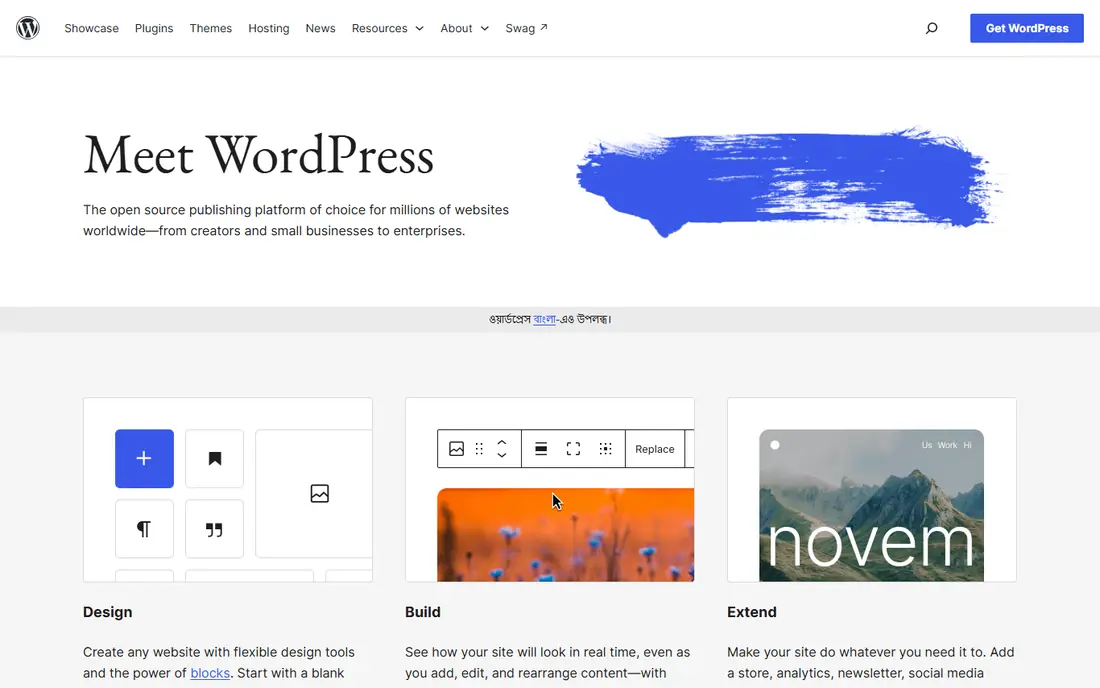
WordPress is our pick for most sites where organic search is a primary channel. The software itself is free, and with a plugin such as Yoast SEO or Rank Math you can control almost every setting that affects rankings, from per-page titles and canonical tags to redirects and schema markup. It also powers a large share of the web, so finding help, themes and developers is easy.
The cost of that control is responsibility. WordPress does not host itself, so page speed depends on your host, your theme and how many plugins you install. A poorly chosen theme or a dozen heavy plugins can undo the SEO advantage. If you are willing to choose fast hosting, keep plugins lean and update regularly, WordPress gives you the highest SEO ceiling for the lowest software price.
- Full control over titles, URLs, redirects, sitemaps and structured data
- Huge plugin ecosystem including Yoast SEO and Rank Math
- Free open-source software
- You must choose hosting and manage speed yourself
- Too many plugins can slow a site
- Security and updates are your responsibility
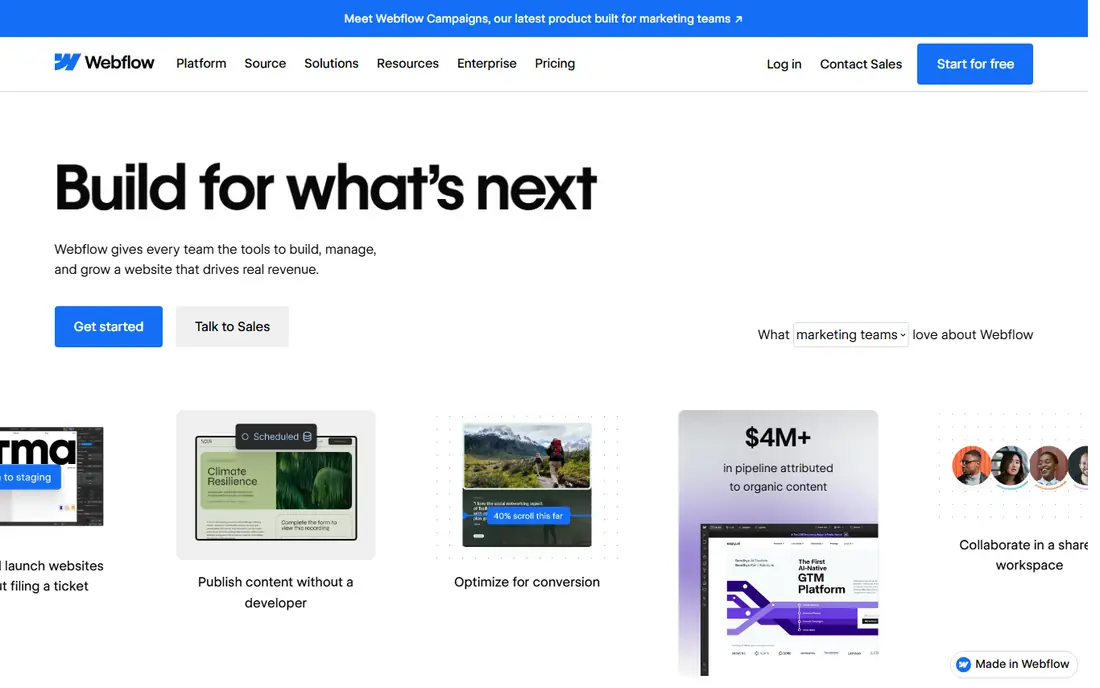
Webflow is the best hosted platform for teams that want technical SEO control without managing a server. It produces clean code, lets you set meta titles and descriptions per page, control URL slugs, add 301 redirects and add custom schema, and it includes fast hosting as part of the plan. Design-led marketing sites benefit most, since designers can build exactly the page structure they want.
The trade-off is skill. Webflow expects more from its users than a drag-and-drop builder, and its pricing can climb for larger sites or higher traffic. Blogging and large content operations are also less straightforward than on WordPress. If your team has design or development skill and wants strong SEO control on a hosted platform, Webflow is the pick.
- Clean semantic code and fast hosting
- Detailed control over meta tags, URLs, redirects and schema
- Strong design control without plugins
- Steeper learning curve than Wix or Squarespace
- Costs rise as sites grow
- Content editing is less simple for large editorial teams
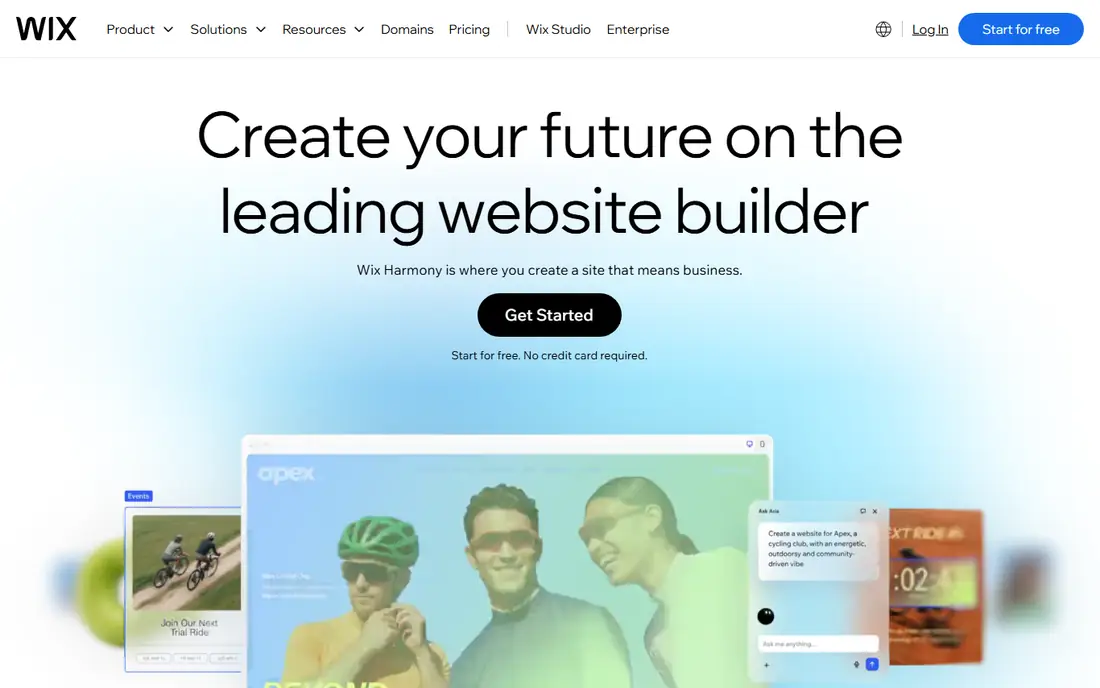
Wix has improved its SEO tools substantially, and for a small business that wants to launch fast, it is a practical choice. The platform handles sitemaps, mobile responsiveness and basic structured data, and its SEO setup guides walk you through titles, descriptions and Google Search Console connection. You do not need a plugin or a developer to cover the basics.
The limits appear as a site grows. Deep technical control, custom URL patterns and advanced schema work are harder on Wix than on WordPress or Webflow, and some advanced features sit on higher plans. If your site is a local business site, a portfolio or a small service site, Wix covers SEO well. If organic search is your main growth engine and you expect hundreds of pages, a more flexible platform will serve you longer.
- Built-in SEO tools and guided setup
- Automatic sitemap and mobile-friendly templates
- AI-assisted content and SEO suggestions
- Advanced technical control is limited compared with WordPress or Webflow
- Renewal prices can rise
- Large or complex sites can outgrow it
Squarespace suits small businesses, creatives and bloggers who want a site that looks good and handles SEO basics without fuss. Its templates include automatic sitemaps, mobile-friendly design and structured data on many pages, and its blogging tools make regular publishing easy. Regular publishing matters for SEO, and Squarespace removes friction from that habit.
The catch is ceiling. You cannot match the granular control of WordPress or Webflow, and some technical settings are fixed by the platform. Ecommerce sellers will also find Shopify stronger for product SEO. If your priority is a beautiful, low-maintenance site with solid SEO defaults, Squarespace is a strong pick. If you need deep technical control, look at Webflow or WordPress.
- Solid SEO defaults including schema on many pages
- Clean templates and blogging tools
- Simple all-in-one pricing
- Technical controls are less deep than WordPress or Webflow
- Template changes can affect structure
- Ecommerce SEO is less strong than Shopify
Shopify is the best website platform for SEO if you sell products online. It handles hosting and speed, adds structured data for products automatically, and makes it easy to set titles, descriptions and image alt text for every product and collection. Its app store also offers SEO tools for redirects, sitemaps and bulk editing, which helps stores with large catalogs.
The well-known limitation is URLs. Shopify uses fixed prefixes for products and collections that you cannot fully remove, which bothers some SEO specialists even though Shopify stores rank well in practice. Blogging is also less flexible than on WordPress or Ghost. If you run a store, those limits are usually worth accepting for the ecommerce strength. If you run a content site, Shopify is the wrong tool.
- Automatic structured data for products
- Strong site speed and hosting
- Large app ecosystem for SEO tools
- Fixed URL structure with product and collection prefixes
- Blogging is weaker than WordPress
- Costs add up with apps and themes
Ghost is built for publishers, and that focus shows in its SEO behavior. Pages load fast, the platform handles sitemaps, canonical tags and structured data automatically, and the editor keeps writers focused on content rather than settings. News sites, newsletters and blogs that publish often will appreciate how little maintenance Ghost needs compared with WordPress.
The smaller ecosystem is the trade-off. You will find fewer themes and integrations than on WordPress, and building a complex business site or store on Ghost takes more custom work. Ghost is also available as free self-hosted software, but most users choose its hosted plans for simplicity. For a publishing-led site where speed and clean output matter, Ghost is an excellent SEO platform.
- Very fast by default
- Automatic SEO basics including sitemaps and structured data
- Clean writing and publishing workflow
- Smaller theme and plugin ecosystem than WordPress
- Ecommerce and complex layouts need extra work
- Hosted plans cost more than self-hosting
Duda is a strong choice for agencies and businesses that run sites in several languages. It handles multilingual content and hreflang tags natively, which is a common SEO pain point on other builders, and its sites tend to perform well on Core Web Vitals. Agencies also benefit from client management tools, white labeling and site duplication features.
The downsides are scale of ecosystem and cost. Duda has no free plan, and its app and template range is smaller than the major builders. Individual site owners may also find less community help than WordPress or Wix users enjoy. If multilingual SEO or agency site management is central to your work, Duda's strengths outweigh those limits. If you run a single English site, a larger platform may be simpler.
- Strong multilingual support with hreflang handling
- Good Core Web Vitals performance
- Agency tools for managing many client sites
- No free plan
- Smaller app ecosystem than WordPress or Shopify
- Less well known, so finding developers takes more effort
HubSpot CMS, now part of HubSpot Content Hub, suits marketing teams that already run on HubSpot. The editor surfaces SEO recommendations as you write, the platform handles hosting and security, and pages connect directly to CRM data, forms and campaigns. That integration saves time for teams that measure content by leads and revenue rather than traffic alone.
The price and lock-in are the catches. HubSpot CMS pricing is not as transparent as Wix or Squarespace, and the value drops if you do not use the wider HubSpot suite. Developers also have less freedom than on WordPress. If your team already pays for HubSpot, its CMS is a sensible SEO choice. If you do not, a cheaper platform will usually deliver similar SEO control for less money.
- SEO recommendations built into the editor
- Strong integration with HubSpot marketing and CRM tools
- Fast, secure hosting
- Pricing is quote-based and can be high
- Best value only if you already use HubSpot
- Less flexible than WordPress for developers
Drupal is the enterprise-grade open-source option for sites with complex content, many user roles or strict governance needs. It gives developers deep control over URL patterns, content structure, multilingual handling and caching, and it scales to very large sites. Government, university and large publisher sites use Drupal for exactly those reasons.
For a small business, Drupal is usually too much. It needs developer time to build and maintain, and a simple site will take longer to launch than on Wix, Squarespace or WordPress. If you have a development team and a complex site, Drupal's SEO ceiling is as high as WordPress. If you do not, choose a platform that does more of the work for you.
- Powerful control over content types, URLs, taxonomies and multilingual content
- Free open-source software
- Strong for large, structured sites
- Requires developer skill to set up and maintain
- Smaller theme and module range than WordPress
- Overkill for a small business site
How we picked these
We compared official platform documentation, pricing pages and public SEO comparisons for control over titles, URLs, redirects, sitemaps, structured data, speed and multilingual settings. We judged website platforms and content systems only, not standalone SEO audit or rank tracking tools, so that this list stays distinct from a generic SEO tools roundup. We favored platforms that are actively maintained in 2026 and that serve a clear buyer, from solo owners to enterprise teams.
How to choose a website platform for SEO
Start with your site type. Stores should start with Shopify, publishers with WordPress or Ghost, design-led marketing sites with Webflow, and simple business sites with Wix or Squarespace. A platform that fits your site type will make the daily SEO work easier, which matters more than a single feature checklist.
Next, test the controls you will actually use. Can you set a unique title and description for every page, create a redirect without a developer, edit a URL slug, and add structured data where it matters? Can you check page speed on a real page, not just a demo? Those answers predict SEO success better than a vendor's feature page.
Finally, plan for content. The platform sets your defaults, but you still have to write useful pages, link them sensibly and keep them updated. A fast, well-structured site with thin content will lose to a slower site with genuinely helpful pages. Choose the platform you will actually publish on, then publish consistently.
Frequently asked questions
Which website platform is best for SEO?
WordPress is the best website platform for SEO for most sites because it offers the deepest control over titles, URLs, redirects and structured data at a low software cost. Webflow is the best hosted alternative for technical control, while Wix and Squarespace are better for owners who want strong defaults without technical work.
What are the best SEO website platforms?
The best SEO website platforms in this list are WordPress, Webflow, Wix, Squarespace, Shopify, Ghost, Duda, HubSpot CMS and Drupal. Each serves a different site type, so the best platform depends on whether you run a store, a blog, a marketing site or a large structured site.
Is WordPress or Wix better for SEO?
WordPress offers more SEO control and flexibility, while Wix offers easier built-in tools and faster setup. WordPress suits sites where organic search is a main growth channel and someone can manage hosting and plugins. Wix suits small business sites where ease and speed matter more than deep technical control.
What are the best SEO tools for websites?
This list covers website platforms, not standalone SEO tools. For audit and research work on top of a platform, tools such as Google Search Console, Screaming Frog and rank trackers are commonly used alongside WordPress, Webflow or Shopify. A platform gives you control over your site, while an audit tool helps you find what to fix.
Does the website platform affect Google rankings?
Google does not rank a site higher simply because of the platform it runs on. The platform affects whether you can fix the things Google cares about, such as page speed, crawlability, titles, structured data and mobile usability, and how much effort each fix takes. Content quality and links still matter most.
Which website platform is best for SEO for a small business?
For most small businesses, Wix or Squarespace are the easiest SEO-friendly starting points, while WordPress is the best choice if organic search will drive most new customers. A local business that publishes regularly and keeps its Google Business Profile updated will do well on any of these platforms.
Sources
See where you really rank - block by block
ProMapRanker scans Google Maps across a grid of your service area. Simple monthly plans from $19, white-label on every plan.
Start freeKeep reading
 best website hosting services
Best Website Hosting Services in 2026
We compared the best website hosting services for small business, blogs and stores, with starting prices, renewal traps, free domains and support trade-offs.
Read → best web analytics tools
Best Web Analytics Tools in 2026
Compare the best web analytics tools for traffic, privacy, and product insights, including Google Analytics, Matomo, Plausible, Fathom, and Mixpanel for 2026.
Read → best virtual call center companies
Best Virtual Call Center Companies in 2026
We compared the best virtual call center companies and the best call center software for remote teams, covering VoIP, cloud routing and AI tools today.
Read →