 ProMapRanker
Best App to Share Videos in 2026

Key takeaways
- YouTube is our top pick for reach, since it is free to upload and built for discovery.
- TikTok and Instagram lead for short clips, while Vimeo leads for clean, ad-free playback on your own site.
- Twitch is the clear pick for live video, and Loom-style tools suit private work messages, but Wistia fits marketing teams better.
- Dailymotion and Rumble give creators a second audience beyond YouTube, with different rules and monetization.
- Check privacy controls before you post, since public, unlisted, and private settings work differently on each platform.
Quick comparison
| Pick | Great for | Pricing starts at | Free tier | |
|---|---|---|---|---|
 YouTube | Largest audience and free uploads | Free | Yes | Visit |
 TikTok | Short creative clips and discovery | Free | Yes | Visit |
 Vimeo | Professional ad-free hosting and portfolios | Free | Yes | Visit |
 Instagram | Short video inside a social feed | Free | Yes | Visit |
 Dailymotion | A general alternative to YouTube | Free | Yes | Visit |
 Twitch | Live streaming and live community | Free | Yes | Visit |
 Facebook | Sharing with friends, family, and groups | Free | Yes | Visit |
 Rumble | Creators seeking an alternative audience | Free | Yes | Visit |
 Wistia | Business video marketing and lead capture | Free | Yes | Visit |
The best app to share videos
We compared video sharing apps on audience size, upload ease, privacy controls, playback quality, and cost. Some apps are built to grow an audience, while others are built to host video cleanly on a business site. The list below covers both jobs.
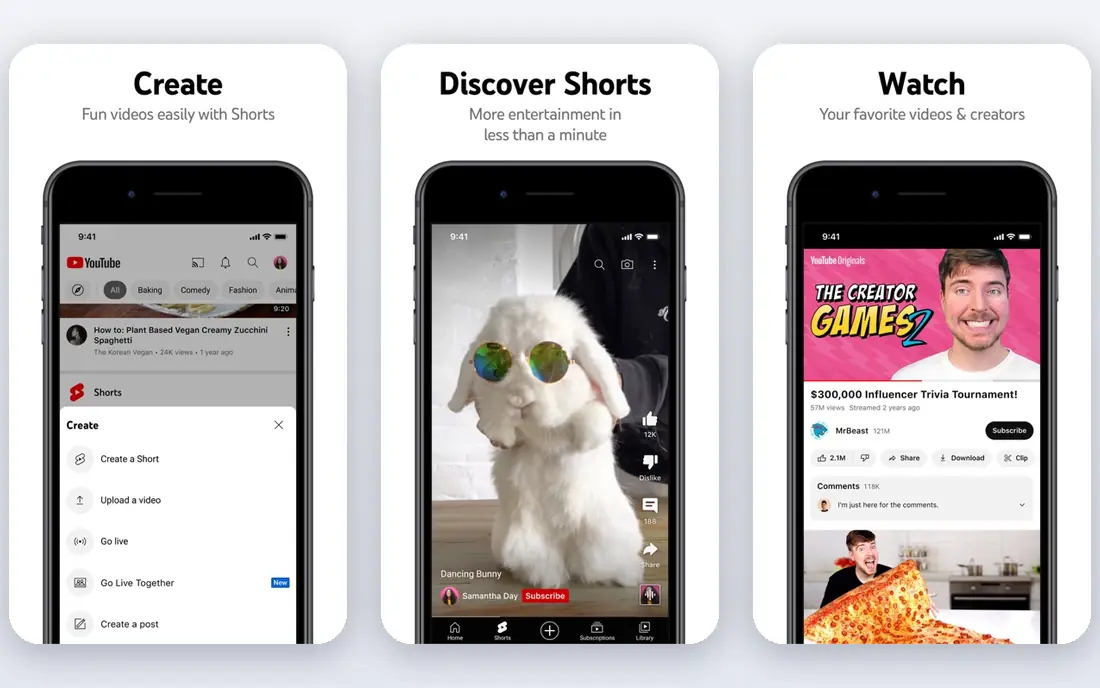
YouTube remains the default place to share videos with the public. Anyone can upload for free, organize videos into playlists and channels, and reach viewers through search and recommendations. Shorts give short clips a path to discovery, while longer videos suit tutorials, vlogs, and lessons.
The trade-off is control. Viewers may see ads and suggested videos from other channels, which matters if you embed a video on a business page. For audience growth, though, no other platform matches YouTube for free reach.
- Huge audience and search discovery
- Free uploads
- Live streaming and Shorts included
- Ads on free viewing
- Suggested videos can pull viewers away
- Monetization rules take time to meet
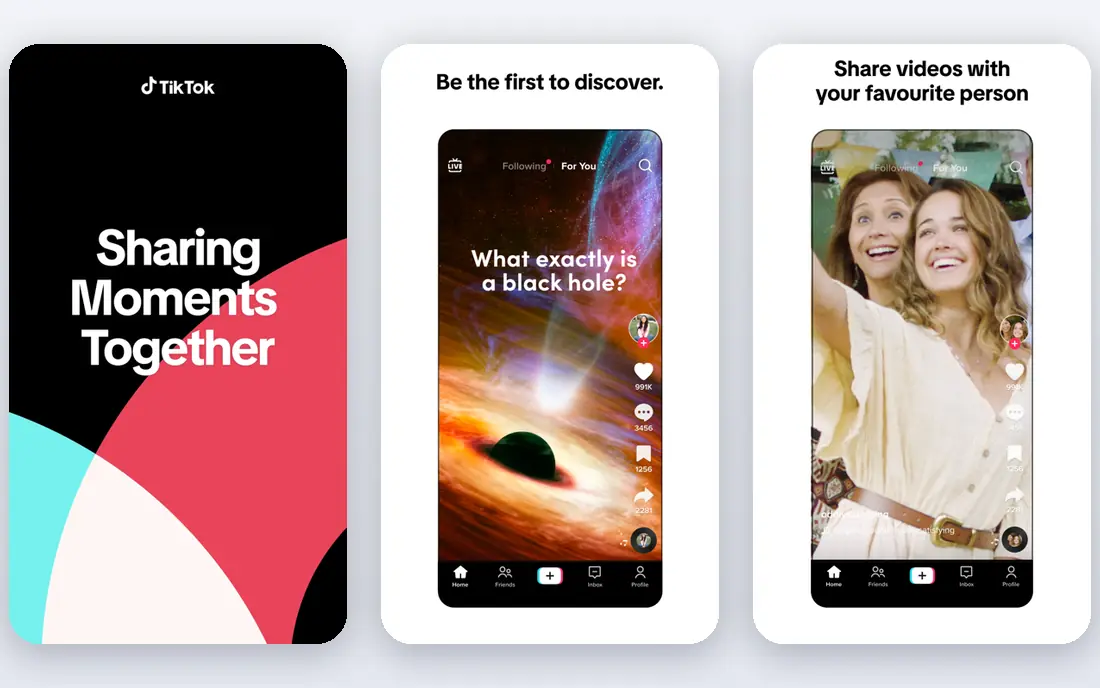
TikTok is built for short video first. Its editing tools, effects, and sounds let you make a polished clip on a phone in minutes, and its feed can show a new account to a wide audience. That makes it a strong pick for creators, small businesses, and anyone testing ideas quickly.
Longer explainers and private hosting are not its strengths. If you need a permanent home for a full tutorial or a client video, host it on YouTube or Vimeo and use TikTok clips to point people there.
- Strong discovery for new accounts
- Built-in editing and sounds
- Fast mobile uploads
- Short-form focus
- Video length and privacy rules need care
- Regional availability varies
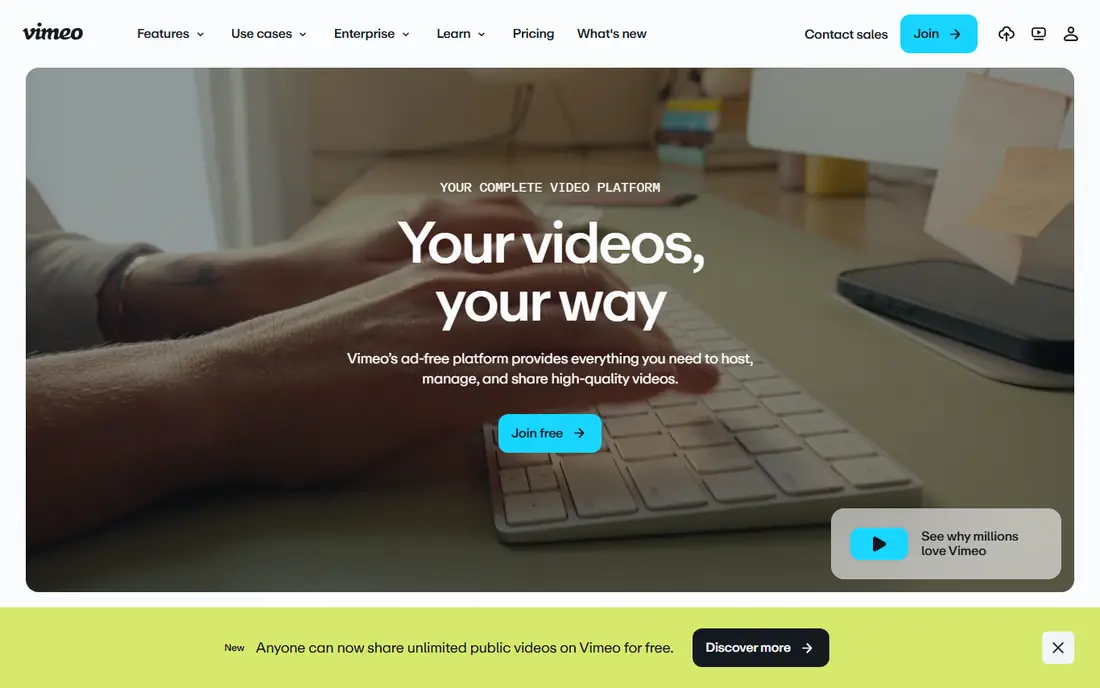
Vimeo is our pick when a video must look polished on your own website. The player is clean, it does not push suggested videos from other creators, and privacy settings let you limit who can watch or embed a clip. Filmmakers and agencies use it for portfolios for the same reason.
The free plan is useful for testing, but upload limits mean serious users need a paid tier. Check current Vimeo pricing on its site, since tiers and limits change. For pure audience growth, YouTube still wins, but for presentation Vimeo wins.
- Clean ad-free player
- Good privacy and embed controls
- Strong video quality
- Free plan has upload limits
- Paid plans are needed for larger libraries
Instagram suits creators who already build an audience there. Reels are short, visual, and easy to share, and Stories offer a lighter way to post behind-the-scenes clips. You can also send a video privately through direct messages.
It is less useful as a video library. Long tutorials get buried, and viewers cannot easily search your older clips the way they can on YouTube. Use Instagram for reach and community, and keep a fuller home for your videos elsewhere.
- Reels reach a large social audience
- Simple phone uploads
- Direct messages for private sharing
- Discovery favors short clips
- Links and long videos are limited
- Algorithm changes affect reach
Dailymotion works much like YouTube for the viewer: search, watch, and follow channels. Creators can upload for free and reach an audience that includes many viewers outside the United States. That makes it a useful second place to post a video you already made.
The audience is smaller, so it should not be your only home if growth is the goal. Treat Dailymotion as a backup channel and a way to diversify where your videos live.
- Free uploads
- Familiar video site layout
- Monetization options for creators
- Smaller audience than YouTube
- Less discovery for US creators
- Fewer creator tools
Twitch is the leader for live video, especially gaming, talk shows, music, and live events. Viewers join in real time, chat with the streamer, and follow channels for future streams. Clips let fans share short highlights after a broadcast ends.
If your main need is polished recorded video, Twitch is not the best home. Its strength is live interaction, and its recorded library works best as a record of streams rather than a catalog of tutorials.
- Built for live chat and community
- Clips and past broadcasts
- Subscriptions for creators
- Live focus means less evergreen discovery
- Recorded videos are secondary
Facebook is still a practical way to share a personal video with people you know. Uploads, live video, and group posts all work from the same app, and most viewers already have an account. For family clips, community updates, and local business posts, that ease matters.
Organic reach for public pages is limited, so a business should not rely on Facebook alone for discovery. Use it to reach your existing community, and use YouTube or Vimeo for wider or cleaner hosting.
- Easy sharing to friends and groups
- Live video included
- Large existing audience
- Feed ranking limits reach
- Video discovery is weaker than YouTube
- Privacy settings need checking
Rumble gives creators another free place to upload and share videos, with its own audience and monetization paths. Some creators post there alongside YouTube to reach viewers who prefer that platform. Uploads and channel pages follow a familiar video site pattern.
The audience is smaller and the community differs from YouTube, so results will vary by topic. It works best as an extra distribution channel, not as a replacement for a main video home.
- Free uploads
- Creator monetization options
- Less crowded than YouTube
- Smaller audience
- Content mix differs from mainstream platforms
- Fewer editing tools
Wistia is built for businesses that use video to sell, teach, or capture leads. Its player can carry your branding, its analytics show who watched and for how long, and its forms can collect a viewer email inside the video. That makes it a strong pick for product demos, course previews, and marketing pages.
It is not a social network, so do not expect viewers to discover your videos there. Pair Wistia with YouTube for reach: grow the audience on YouTube, and host the branded, lead-focused version on Wistia.
- Branded player and lead forms
- Viewer analytics
- Clean embeds for business sites
- Paid plans are needed for larger use
- Not built for public discovery
How we picked these
We compared official feature pages, pricing pages, and app listings for video platforms that are live in October 2026. We kept platforms that let ordinary users upload and share video, with clear privacy options or business hosting controls. We left out raw file storage services that do not offer a video player or audience, and we left out services that had closed or changed focus. Free plans reflect the vendor free tier at the time of writing.
What to check before you choose
Start with the goal of the video. A clip meant to go viral belongs on TikTok, Instagram, or YouTube Shorts. A portfolio piece belongs on Vimeo. A live event belongs on Twitch or Facebook Live. A sales video belongs on Wistia or a clean Vimeo embed. Matching the platform to the goal saves time and avoids a video that looks out of place.
Check privacy and rights before you post. Public videos can be shared and searched, unlisted videos need a link, and private videos limit viewing to people you choose, but the exact labels differ by platform. Also confirm music rights, since a song that is fine in one app may be muted or removed in another.
For most people, a simple setup works well. Use YouTube as the main public home, TikTok or Instagram for short clips, and Vimeo or Wistia for videos that must look clean on a website. That mix covers reach, short-form discovery, and professional presentation without paying for tools you do not need.
Frequently asked questions
What is the best platform to share videos for free?
YouTube is the strongest free option for public reach, since uploads are free and discovery is built in. TikTok and Instagram are also free and better for short clips. Vimeo offers a free tier, but upload limits make it better for a small polished library than for unlimited free hosting.
What is the best video sharing app for private videos?
Vimeo and Wistia offer the clearest privacy and embed controls for business use, including password and domain limits on paid plans. YouTube also offers unlisted and private settings for personal sharing. Check the exact setting on the platform you use, since unlisted means anyone with the link can watch.
Can I share videos without a public account?
Yes, through private links, direct messages, or private settings on most platforms in this list. Facebook direct messages and YouTube private videos suit personal sharing. For work, Vimeo and Wistia give you more control over who can view and embed a video.
Which app is best for live video sharing?
Twitch is our pick for live streaming with chat and community tools. YouTube Live and Facebook Live are strong alternatives if your audience already follows you there. Choose the platform where your viewers already spend time, since live video needs an audience at a set time.
Is Vimeo better than YouTube?
It depends on the job. Vimeo is better for clean, ad-free playback on your own site and for portfolios. YouTube is better for free reach, search discovery, and audience growth. Many creators use both, with YouTube for discovery and Vimeo for presentation.
How do I share a video on my website?
Use an embed code from YouTube, Vimeo, or Wistia, and paste it into your page. Vimeo and Wistia give you a cleaner player with fewer distractions, while YouTube is free and familiar. Test playback on a phone before you publish, since most viewers will watch on mobile.
Sources
See where you really rank - block by block
ProMapRanker scans Google Maps across a grid of your service area. Simple monthly plans from $19, white-label on every plan.
Start freeKeep reading
 zscaler alternatives
Best Zscaler Alternatives in 2026
Looking for zscaler alternatives? We compare 9 SASE and zero trust platforms on architecture, data protection, pricing, and fit for your network and team.
Read → zapier alternatives free
Best Zapier Alternatives Free in 2026
Nine automation tools for zapier alternatives free in 2026, all with genuinely free tiers, plus free plan limits, starting prices and upgrade paths explained.
Read → which platform is best for online reputation
Which Platform Is Best for Online Reputation in 2026
Wondering which platform is best for online reputation? We compare 8 review, listing, and response tools for small and multi-location businesses and agencies.
Read →