 ProMapRanker
AI Video Caption Generators: 6 Options Compared in 2026

No cost captions on Windows · Pricing starts at: $9.99 a month (Microsoft 365 Personal)
Direct answer
If you need no cost captions on Windows, Clipchamp is the first tool to look at here. Listed starting prices: Clipchamp from $9.99 a month (Microsoft 365 Personal), VEED from $12.25 per seat/month and Descript from $16 per person/month. VEED fits styled captions and translation; Descript fits transcript editing and captions. Prices, free plans and limits for all 6 tools follow.
Choosing AI video caption generators usually comes down to price, fit and limits. This ProMapRanker guide sets 6 tools side by side on those three points, with the facts kept short and checkable.
Key takeaways
- Top of the list is Clipchamp, which targets no cost captions on Windows.
- Zubtitle fits straightforward captioned social clips.
- Clipchamp has the lowest monthly starting price in this list: $9.99 per month.
- A fair warning about Kapwing: free exports carry a watermark and cap at 720p and 4 minutes.
Quick comparison
| Pick | Great for | Pricing starts at | Free tier | |
|---|---|---|---|---|
| Clipchamp | No cost captions on Windows | $9.99 a month (Microsoft 365 Personal) | Yes | Visit |
 VEED | Styled captions and translation | $12.25 per seat/month (billed annually) | Yes | Visit |
 Descript | Transcript editing and captions | $16 per person/month (billed annually) | Yes | Visit |
 Kapwing | Browser captions for social clips | $16 per member/month (billed yearly) | Yes | Visit |
 CapCut | Everyday short video with captions | $19.99 a month (billed per month) | Yes | Visit |
 Zubtitle | Straightforward captioned social clips | $19 a month (billed monthly) | Yes | Visit |
The full AI video caption generators list
Pick Clipchamp if this describes you: no cost captions on Windows. Clipchamp Free costs $0 and comes with AI captions, silence removal, noise suppression, text to speech, and unlimited exports up to 1080p with no watermark. More specifically, the free plan does not meter captions by minutes or credits, and exports stay watermark-free at 1080p.
Watch-outs: iOS app support ended on 9 June 2026.
For everyday use, one limit: the Clipchamp pricing page lists no standalone dollar amount for Premium. So the $9.99 figure is the Microsoft 365 Personal price. Also, Microsoft 365 Personal also comes with 1 TB of OneDrive storage. Choose Clipchamp if you already use Microsoft 365; choose a caption-first tool if you need animated social templates or a mobile app. Entry price for Clipchamp: $9.99 per month. Clipchamp offers a free plan.
- No credits or minutes meter on the free plan
- Free plan contains AI captions with unlimited 1080p exports and no watermark
- Premium features come only with Microsoft 365
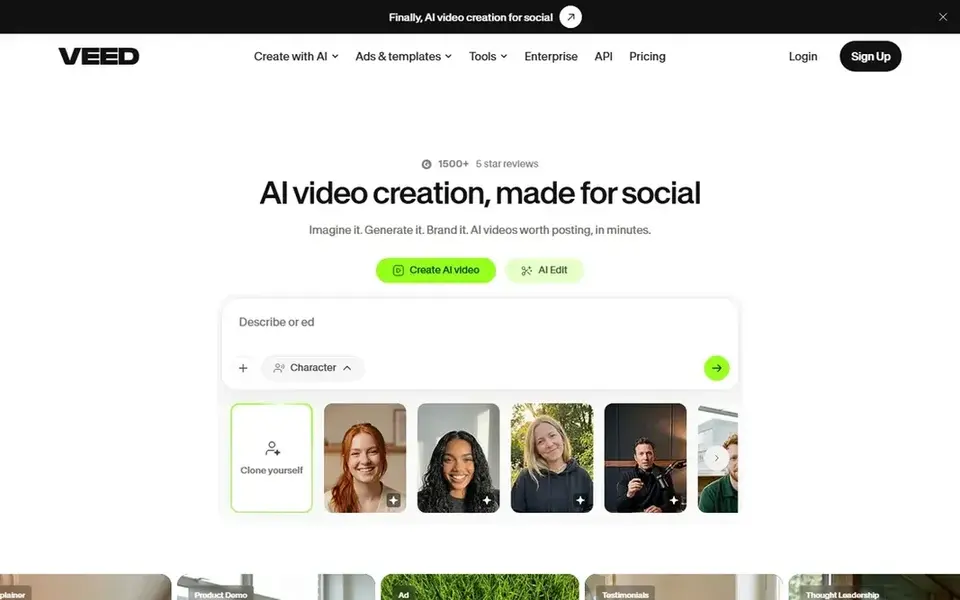
In short, VEED is for styled captions and translation. VEED Creator costs $12.25 per seat a month billed yearly, or $25 billed monthly.
In daily use, one limit: the seat price multiplies by every editor in the workspace, so a three-editor team pays three times the listed seat price. What you pay to start with VEED: $12.25 per seat/month. You can start on VEED without paying.
Watch-outs: Free auto subtitles cap at 10 minutes per month.
- TXT download on Pro
- Auto subtitles in more than 100 languages
- Every workspace member is billed as a seat
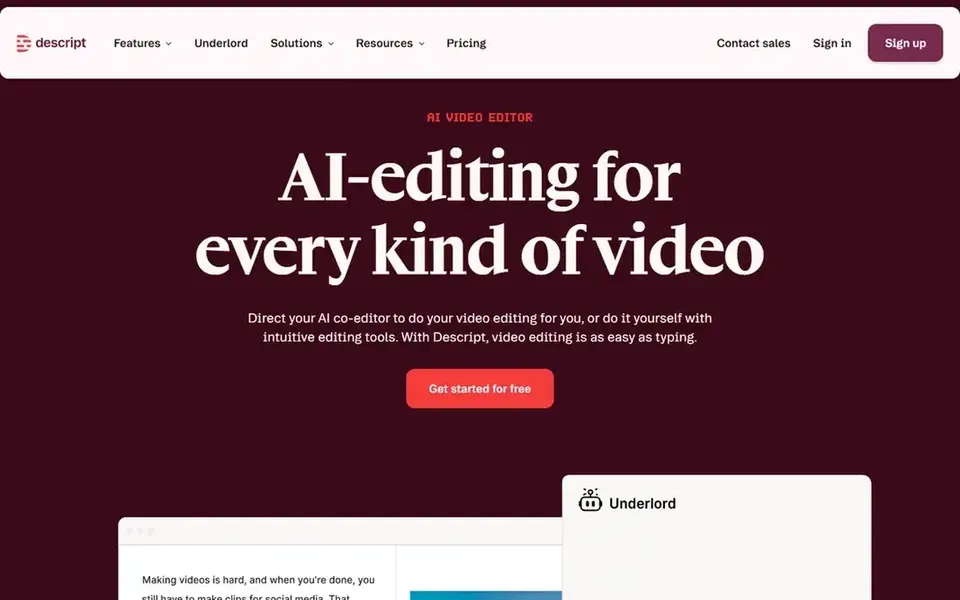
For transcript editing and captions, Descript is a natural candidate. Descript Hobbyist costs $16 per person a month billed yearly, or $24 billed monthly. On top of that, Hobbyist contains 600 media minutes per month, 400 AI credits per month, 1080p export, and 100 GB of storage.
On top of that, creator layers on 1,800 media minutes per month, 800 AI credits per month, 4K export, and 1 TB of storage, plus top-ups. From a buyer's view, one limit: media minutes count every file you upload or record. So a long raw recording uses the allowance even if the finished clip is short. The free plan costs $0 and contains 60 media minutes per month, 100 one-time AI credits, and 720p export with a watermark. Starting cost for Descript: $16 per person/month. Descript offers a free plan.
Watch-outs: media minutes and AI credits.
- 1080p export without a watermark on Hobbyist
- Captions from an editable transcript
- Hobbyist lets only 1 seat and 10 hours of media per month
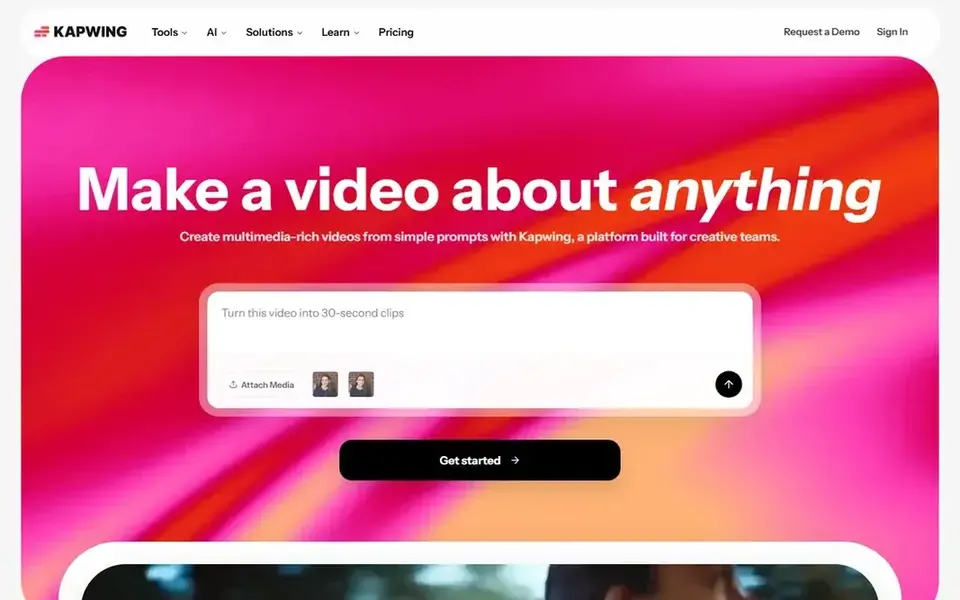
Kapwing is aimed squarely at browser captions for social clips. Kapwing Pro costs $16 per member a month billed yearly, or $24 billed monthly. As for the details, the credit pool includes transcription, dubbing, and lip sync, so per month with heavy dubbing can use credits quicker than a caption-only month.
In daily use, Pro contains 1,000 credits per month, 1,000 subtitle minutes, 4K export, and 200 GB of storage. Also, the free plan costs $0 and comes with 10 credits per month, 720p export with a watermark, exports up to 4 minutes, and 10 minutes of auto subtitling per month. One limit: credits reset on the first of the month and do not roll over, and additional credits can only be bought on Business. Kapwing starts at: $16 per member/month. Free access exists with Kapwing.
The main drawbacks: Free exports carry a watermark and cap at 720p and 4 minutes.
- 4K export without a watermark on Pro
- 1,000 subtitle minutes on Pro
- Pro credits cannot be topped up
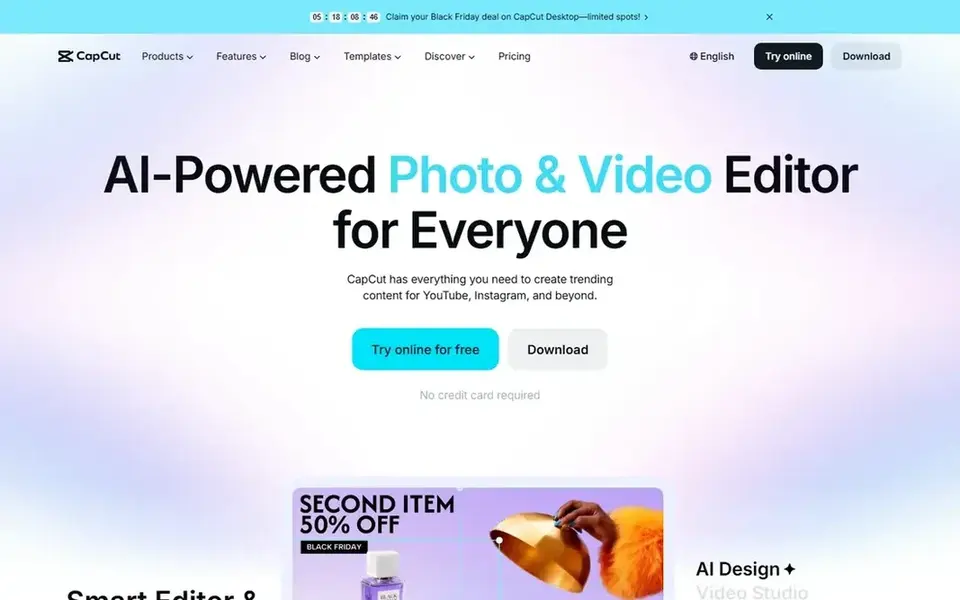
CapCut serves everyday short video with captions. CapCut Pro costs $19.99 a month billed monthly, or $179.99 per year, about $15 per month. One limit: the $9.99 Standard plan is sold in the phone app only and does not add the full Pro tools on a computer.
Trade-offs to know: Standard at $9.99 per month works on mobile only.
The free plan costs $0 and handles entry-level editing, whereas Pro brings auto captions, premium templates, 4K export at up to 60 frames per second, and 1 TB of cloud storage. Pro also includes 1,200 AI credits per month, and those credits do not roll over. What you pay to start with CapCut: $19.99 per month. CapCut includes a free tier.
- Auto captions in the primary editor
- Large template set
- Pro AI credits cap at 1,200 per month with no rollover
Zubtitle is a good fit for straightforward captioned social clips. Agency costs $49 a month, or $490 per year. In daily use, Zubtitle suits creators who want one job done quick: upload a talking-head video, fix the transcript word by word, add a headline and progress styling, Guru contains 10 videos a month and watermark-free export up to 4K.
For everyday use, the free Bootstrapper plan costs $0 and comes with 2 videos per month at 720p with a watermark, each upload capped at 20 minutes. The per-video count favors a long clip inside the 20-minute cap, since a 30-second clip and a 19-minute clip each count as one video. The starting price for Zubtitle: $19 per month. Zubtitle includes a free tier.
What works well: progress styling.
Honest limits: every upload caps at 20 minutes and under 1 GB.
- Quick upload to captioned clip workflow
- Guru comes with 4K export without a watermark
- Guru caps at 10 videos per month
Our selection method
Selection started from tools commonly considered for AI video caption generators, then narrowed to 6 that have clear pricing information or a clear quote process. Plan names, prices and limits change often. Treat the figures here as a starting point and verify them with the vendor. Position on the page reflects fit for a typical buyer first, with price clarity and free access breaking ties. Treat it as a guide, not a ruling.
Before you commit
- Confirm the entry price on the vendor page: Clipchamp starts at $9.99 per month, but seat counts and billing terms change the total.
- Check what the free option really includes: Clipchamp, VEED, Descript and others offer a free plan, and usage caps differ.
- Read the limits listed for Clipchamp first: premium features come only with Microsoft 365, not as a standalone Clipchamp plan.
- Find out whether the entry plan of Clipchamp covers your must-haves or only a trimmed-down version.
- Check the support hours and onboarding help Descript offers; smaller vendors vary a lot here.
Frequently asked questions
Do captions work in more than one language?
Yes. Caption accuracy still relies on clear audio and background noise, so review the transcript and fix names and numbers before you export.
Do these tools publish their prices?
Yes. Every tool from Clipchamp to Zubtitle shows a starting price, though seats, add-ons and billing terms still change the final cost.
Which is a good match for podcasts and interviews?
The first pick on this list is Clipchamp, because it suits no cost captions on Windows. VEED is better for styled captions and translation, and Descript for transcript editing and captions. Check price and limits against your own needs before choosing.
Is Clipchamp the right pick for everyone comparing AI video caption generators?
No single tool suits every team. Clipchamp comes first because it fits no cost captions on Windows, while VEED suits styled captions and translation and Descript suits transcript editing and captions. Match the tool to your own size, budget and workflow before deciding.
Can I try these tools before paying?
Often, yes. Clipchamp, VEED, Descript and others have a free plan. Use your own data and a real task during the test, and check what the free tier or trial limits before you rely on it.
Which AI video caption generator is a good match for most creators?
Start with Clipchamp if you need no cost captions on Windows. VEED is the better match for styled captions and translation, and Descript for transcript editing and captions. The best choice depends on budget, team size and workflow.
Sources
See where you really rank - block by block
ProMapRanker scans Google Maps across a grid of your service area. Simple monthly plans from $19, white-label on every plan.
Start freeBrowse all guides
← AI Tools to Convert Images to Video: Best Picks of 20266 Best Legal Transcription Software for Small Law Firms for 2026 →
 best ai video clipping tools
AI Video Clipping Tools: 7 Options Compared in 2026
Shortlisting the best AI video clipping tools? 7 products compared on cost, free access and ideal buyer. Every entry states what it lacks. Full profiles inside.
Read → best ai audio editors
Top 6 AI Audio Editors, Compared on Price (2026)
Searching for the best AI audio editors? Here are 6 options with prices and free plans. Top pick: Krisp, aimed at live call noise removal. Choose faster.
Read → best ai animation generators
6 Best AI Animation Generators for 2026
6 products for the best AI animation generators, ranked by fit, with starting costs and free tiers. Each entry gets a plain verdict. Current for November 2026.
Read → best share of voice tools for ai search
Best Share of Voice Tools for AI Search in 2026
We compared the best share of voice tools for ai search, tracking brand mentions across ChatGPT, Perplexity and AI Overviews, so teams can measure visibility.
Read → best video podcast platform
Best Video Podcast Platform in 2026
Compare the best video podcast platform options for recording, editing, and publishing, from Riverside and Descript to Spotify, StreamYard, and more in 2026.
Read → netflix alternatives
Netflix Alternatives in 2026
Netflix alternatives in 2026: we compare 8 legal streaming services, including free options, with current prices, catalog strengths, and trade-offs today.
Read →More in Video, Audio & Podcasts · All guides A to Z by date · Latest guides