 ProMapRanker
Best Video Podcast Platform in 2026

Key takeaways
- Riverside is our pick for most video podcasts, thanks to local recording, separate tracks, and built-in editing and publishing.
- Descript is best if you edit by transcript and want to cut video by deleting words, while Zencastr suits a simpler remote recording workflow.
- Spotify for Creators is the best free starting point for hosting and distribution, especially for new shows.
- StreamYard and Restream suit live video podcasts, while Buzzsprout and Podbean suit shows that need simple hosting and monetization.
Quick comparison
| Pick | Great for | Pricing starts at | Free tier | |
|---|---|---|---|---|
 Riverside | All-round video podcasting | $24 per month | Yes | Visit |
 Descript | Transcript-based editing | $16 per month | Yes | Visit |
 Zencastr | Simple remote recording | See website | Yes | Visit |
 StreamYard | Live video podcasts | $35.99 per month | Yes | Visit |
 Spotify for Creators | Free hosting | Free | Yes | Visit |
 Buzzsprout | Simple hosting | $18 per month | Yes | Visit |
 Podbean | Hosting plus monetization | $17 per month | Yes | Visit |
 Restream | Multistream live shows | See website | Yes | Visit |
 Podcastle | AI editing in the browser | See website | Yes | Visit |
The best video podcast platforms
We compared recording quality, editing tools, hosting, distribution, live options, and pricing, using vendor pricing pages, feature pages, and public comparisons. A video podcast platform here means a tool that records, edits, hosts, or publishes video podcasts, not just an audio-only host.
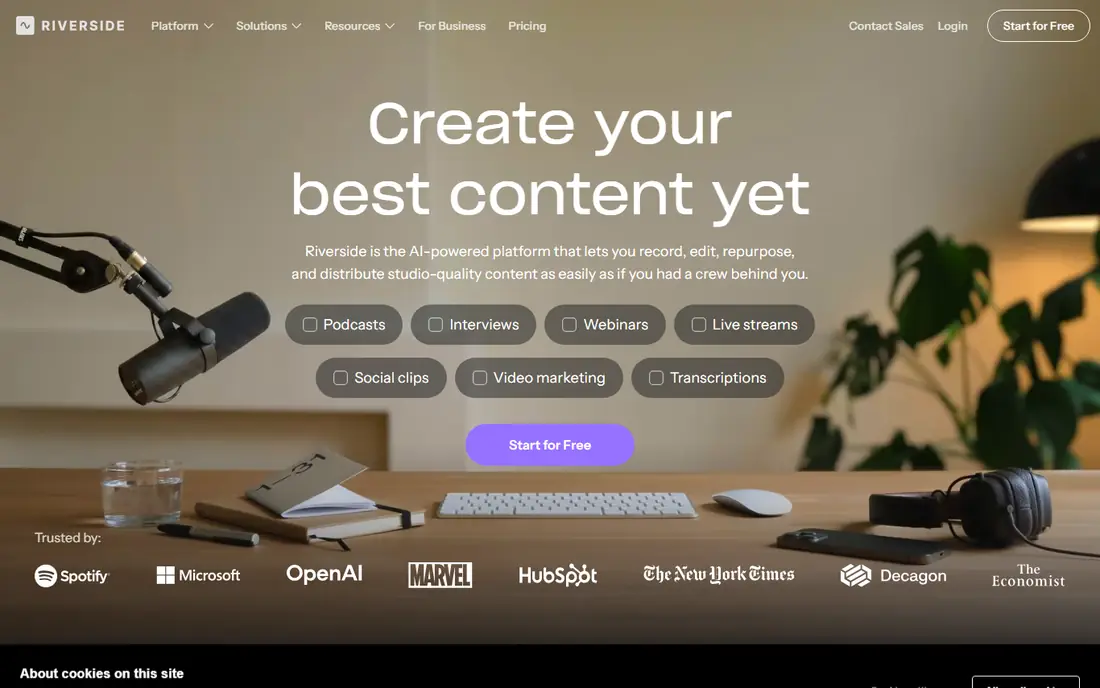
Riverside records each guest locally on their own device, then uploads the files, so a weak internet connection does not ruin the take. Guests join from a browser link, and you get separate video and audio tracks for every speaker, which makes fixing one noisy guest far easier. The built-in editor lets you cut by transcript, add captions, and create clips.
Publishing is also built in, with options to send episodes to YouTube, Spotify, and Apple Podcasts. The main limit is the cap on separate-track download hours, which matters for frequent publishers. If you record remote video interviews each week, Riverside is the most complete single tool in this list.
- Local recording in up to 4K
- Separate tracks for each speaker
- Editing, clips, and publishing in one place
- Recording hours are capped on lower plans
- Editor is less deep than a full video editor
- Annual billing gives the best price
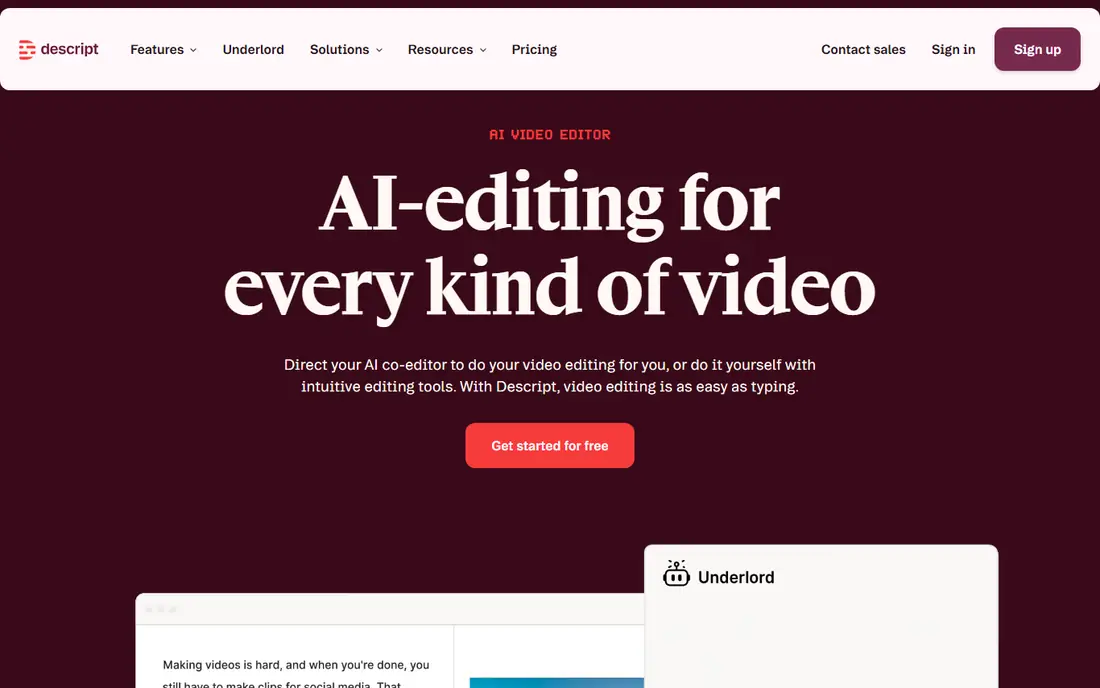
Descript turns editing into a text task. Transcribe your episode, delete words or filler from the transcript, and the video follows. That method is fast for talking-head shows, interviews, and explainer episodes, and it lowers the barrier for creators who do not want to learn a timeline editor. Studio Sound cleanup, captions, and clip tools sit in the same workspace.
The pricing model needs attention, since plans are per person and metered by media hours and AI credits. A weekly show with long raw recordings can use hours faster than expected. If you edit mostly by transcript and publish video plus audio, Descript is a strong pick. If you only need recording, Riverside or Zencastr may cost less.
- Edit video by editing text
- Strong audio cleanup
- Captions, clips, and publishing tools
- Priced per editor with media hour limits
- Learning curve for timeline habits
- Free exports are watermarked at lower resolution
Zencastr keeps remote recording simple. Guests join in a browser, each voice and video track is recorded separately, and you can move to editing and distribution without a complex setup. The free plan lets a new show test the workflow before paying, which is useful if you are still deciding on a format.
It is not a full replacement for Descript if you want deep transcript editing, and it is not a live streaming tool like StreamYard. For a straightforward interview show that records first and publishes later, Zencastr gives you clean tracks with little friction.
- Browser recording with separate tracks
- Free plan for testing
- Hosting and distribution options
- Editing tools are thinner than Descript
- Live streaming is not the focus
- Higher plans needed for full features
StreamYard is built for live video podcasts. You can go live to YouTube, Facebook, and other platforms at the same time, bring guests on screen with a link, and use layouts, banners, and comments without installing software. That simplicity makes it a good fit for interview shows, panels, and audience-driven episodes.
The trade-off is recording depth. StreamYard captures local recordings, but live quality still leans on each guest connection, and editing is limited compared with Riverside or Descript. If your show is live-first, StreamYard is the pick. If you record first and edit carefully, start with Riverside.
- Browser-based live shows
- Multistream to major platforms
- Simple guest invites and on-screen layouts
- Recording quality can depend on guest connections
- Editing is limited to clips
- Paid plans needed for full branding
Spotify for Creators, formerly Spotify for Podcasters, is the best free starting point for many new shows. You can host audio and video episodes, publish to Spotify, and use polls, Q and A, and monetization tools without a monthly hosting fee. Video support makes it a real option for video podcasts, not just audio shows.
The limits are reach and control. Distribution is Spotify-first, so you need to enable RSS and submit to other directories yourself if you want wide reach. Analytics are basic, and serious shows may later move to a paid host with deeper tools. For a new show on a tight budget, start here and upgrade when you need more.
- Free hosting with video support
- Distribution to Spotify
- Polls, Q and A, and monetization options
- Ecosystem leans toward Spotify
- You must submit RSS to other directories yourself
- Analytics are basic compared with paid hosts
Buzzsprout is known for simple podcast hosting, with a clean dashboard for uploading, scheduling, and distributing episodes. It suits beginners who want a straightforward host without learning a full production suite. Monetization options include ads, listener support, and subscriptions, which help a growing show earn from its audience.
The free plan is a trial in practice, since episodes are hosted for a limited period. Paid plans are capped by upload hours, so a video-heavy show should check hour limits before committing. For audio-first shows with a video version, or for creators who want simple hosting after recording elsewhere, Buzzsprout is a reliable choice.
- Very easy setup
- Clear episode management
- Monetization through ads and listener support
- Free plan hosts episodes for a limited time
- Upload hours are capped by plan
- Video hosting is less central than Riverside
Podbean is an all-round host with unlimited audio storage on paid plans, video support, and monetization through an ads marketplace, subscriptions, and listener support. It suits shows that want hosting, a website, and earning tools in one place, without stitching together several services.
New users may find the dashboard busy, since Podbean packs many features into one account. The free plan is best for testing, and the strongest monetization tools sit on higher plans. If you record in Riverside or Descript and need a host with earning options, Podbean is a strong contender.
- Unlimited storage on paid plans
- Ads marketplace and subscriptions
- Video podcast support
- Interface feels busy to new users
- Free plan is limited
- Best monetization tools sit on higher plans
Restream focuses on live distribution. You can broadcast a video podcast to YouTube, Facebook, Twitch, LinkedIn, and other platforms at the same time, manage chat in one place, and bring guests into a browser studio. That reach is useful for shows that grow through live audiences and clips.
Restream is not a full editing or hosting platform, so most shows will still edit in Descript or Riverside and host episodes elsewhere. If your main goal is live reach across many platforms, Restream is the right tool. If your main goal is recorded quality, put recording first and use Restream only for live episodes.
- Streams to many platforms at once
- Browser studio for guests
- Chat and branding tools
- Editing is limited
- Recording is not the main job
- Higher plans needed for many destinations
Podcastle offers browser-based recording with AI editing tools, including text-based cuts, audio cleanup, and video features. It suits solo creators and small teams who want to record, clean up, and publish without installing desktop software. The browser workflow also helps when guests use different devices.
The main caution is to check current pricing and limits on the vendor page, since plans and AI allowances change. For a solo video podcast with simple editing needs, Podcastle is a practical option. For a team show with heavy weekly output, Riverside or Descript may offer more predictable capacity.
- Browser recording and AI editing
- Text-based editing
- Video and audio tools in one workspace
- Pricing and limits need checking on the vendor page
- Less proven for large teams than Riverside
- Editing depth varies by plan
How we picked these
We compared tools that record, edit, host, or publish video podcasts in 2026, using vendor pricing pages, feature pages, and public comparisons. We kept a mix of all-round platforms, editing-first tools, live tools, and hosting-first tools, so readers can match a tool to their workflow. We left out audio-only editors and general video editors that do not support podcast publishing, since those do not fit a video podcast workflow as a whole.
How to choose a video podcast platform
Start with your workflow, not the feature list. If guests join remotely, local recording and separate tracks matter most, which points to Riverside or Zencastr. If you edit by transcript, Descript is the natural pick. If you go live, StreamYard or Restream should lead your shortlist. A tool that does everything poorly is worse than two tools that each do one job well.
Next, check limits that affect weekly publishing. Recording hours, media hours, upload hours, and AI credits all cap how much you can produce each month. A plan that looks cheap can become expensive if you exceed those caps. Test with a real episode, including a long interview, before you commit to an annual plan.
Finally, plan distribution early. Decide where your audience watches and listens, such as YouTube, Spotify, and Apple Podcasts, and confirm that your host or publisher supports those destinations. A free host is a good start, but a paid host with better analytics and monetization may pay for itself once your audience grows.
Frequently asked questions
What is the best tool for video podcasts?
Riverside is our pick for most video podcasts, thanks to local recording, separate tracks, and built-in editing and publishing. Descript is better if you edit by transcript, while Spotify for Creators is best if you need free hosting to start.
What is the best platform for video podcast hosting?
Spotify for Creators is best for free hosting, while Buzzsprout and Podbean are strong paid hosts with distribution and monetization tools. Riverside also offers hosting on paid plans, which suits creators who want recording, editing, and hosting in one tool.
What is the best video podcast app for beginners?
Spotify for Creators and Zencastr are the easiest starts, since both offer free plans and simple workflows. Riverside is also beginner-friendly for remote interviews, though its best features sit on paid plans. Start free, publish a few episodes, then upgrade based on what you actually use.
What is the best podcast software with video?
Descript and Riverside are the strongest video podcast software picks, since both record and edit video, not just audio. Descript leads on transcript editing, while Riverside leads on remote recording quality. Podcastle is a lighter browser alternative for solo creators.
Can I publish a video podcast to YouTube and Spotify from one tool?
Yes, Riverside and Descript both support publishing to YouTube and Spotify, and Spotify for Creators handles Spotify video directly. Check the exact publishing steps on the vendor page, since some tools require you to connect accounts or submit feeds separately for Apple Podcasts and other directories.
Sources
See where you really rank - block by block
ProMapRanker scans Google Maps across a grid of your service area. Simple monthly plans from $19, white-label on every plan.
Start freeKeep reading
 zoho inventory alternatives
6 Alternatives to Zoho Inventory, Compared on Price and Fit
Zoho Inventory alternatives: 6 tools compared on price, free plans and fit. Katana leads the list for manufacturers. Fit and flaws are laid out for each entry.
Read → zoho crm alternatives
Best Zoho CRM Alternatives (2026)
Need Zoho CRM alternatives? We compare 7 tools on cost, free access and who each suits. Every pick gets a straight assessment. Built for quick decisions.
Read → zelle alternatives
Best Zelle Alternatives in 2026
Compare the best Zelle alternatives for sending money to friends, paying sellers and moving funds abroad, with honest notes on fees, speed and safety in 2026.
Read →