 ProMapRanker
Best AI Tools to Convert Images to Video in 2026

Key takeaways
- Runway, Kling and Luma suit creators who want cinematic motion from a still image, while Pika and Hailuo suit fast social clips.
- Adobe Firefly is a strong choice for brand work where licensing and provenance matter more than clip length.
- HeyGen and Pictory suit presenter-led and script-led videos, not pure image animation.
- Kapwing suits teams that need editing, captions and social formats around a generated clip.
- Only use photos of real people with their clear consent, and label AI-generated people or presenters where viewers could be misled.
Quick comparison
| Pick | Great for | Pricing starts at | Free tier | |
|---|---|---|---|---|
 Runway | Directed image animation | $15 per month | Free trial | Visit |
 Kling | Value image animation | $10 per month | Yes | Visit |
 Luma Dream Machine | Cinematic camera motion | $30 per month | No | Visit |
 Pika | Short social effects | $10 per month | Yes | Visit |
 Hailuo | Expressive short clips | $15 per month | Free trial | Visit |
 Adobe Firefly | Licensed brand clips | $10 per month | Yes | Visit |
 HeyGen | Avatar-led video | $29 per month | Yes | Visit |
 Pictory | Script-led video | $29 per month | Free trial | Visit |
 Kapwing | Editing and social formats | $16 per month | Yes | Visit |
The best ai tools to convert images to video
We compared official pricing pages, product documentation and public reviews for legitimate creative tools that animate a still image into a short video clip. Only use your own images, or images you have rights to use, and get clear consent before animating a photo or likeness of a real person. Never use these tools to create undressed, sexual or non-consensual imagery of anyone.

Runway is the most complete creative suite in this list for image-to-video work. Upload a still, describe the motion, and then extend, restyle or clean up the result without leaving the app. That editing layer matters when a first clip is close but needs a different camera move or a cleaner ending. The catch is credits. Different models and settings consume credits at different rates, and free credits do not refill, so a creator should test a representative image before buying a plan. For a single hero clip, Runway is strong; for bulk social output, a cheaper credit model may fit better.
- Gen-4 models plus editing tools in one suite
- Image-to-video with camera and style controls
- Good for creators who refine clips after generation
- Credit math can be confusing across models
- Free credits are one-time only
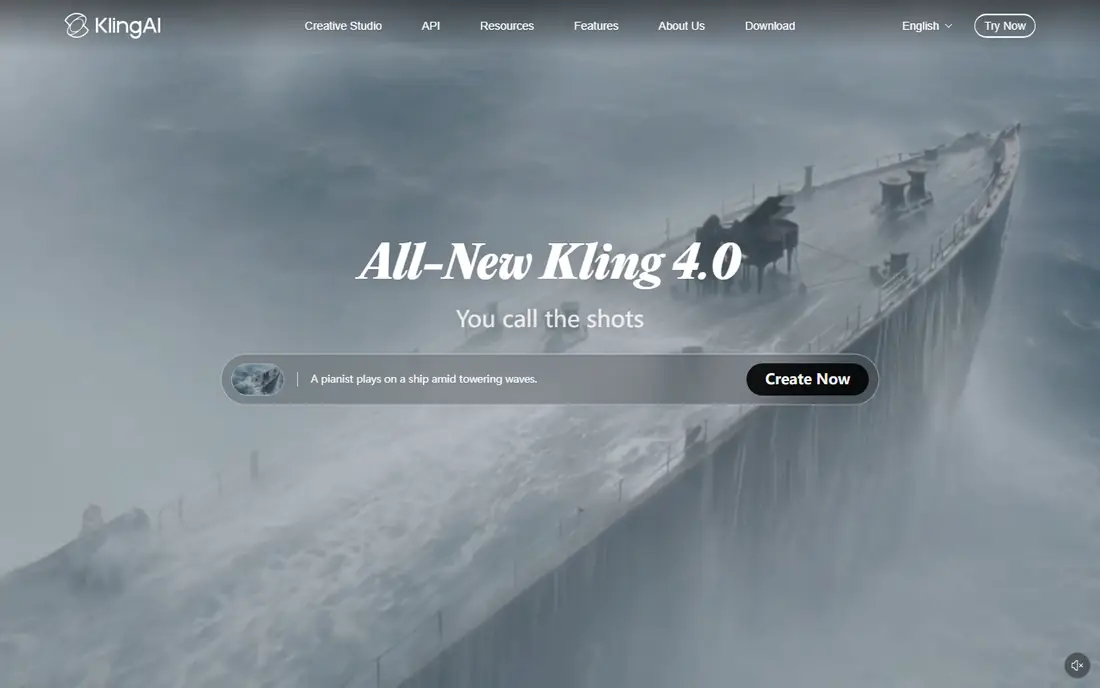
Kling gives creators a generous daily free allowance, which makes it easy to test prompts and motion ideas before paying. Its human motion is often praised for short clips, and paid plans offer more volume than many rivals at a similar price. That combination suits creators who iterate often. The limits are watermarking and licensing. Free exports are watermarked and non-commercial, so client or business use needs a paid plan. Creators should also check current pricing on the vendor page, since promotions and credit values change frequently.
- Daily free credits for testing
- Strong human motion and lip sync in clips
- Good video volume per dollar on paid plans
- Free exports carry a watermark
- Commercial use requires a paid plan
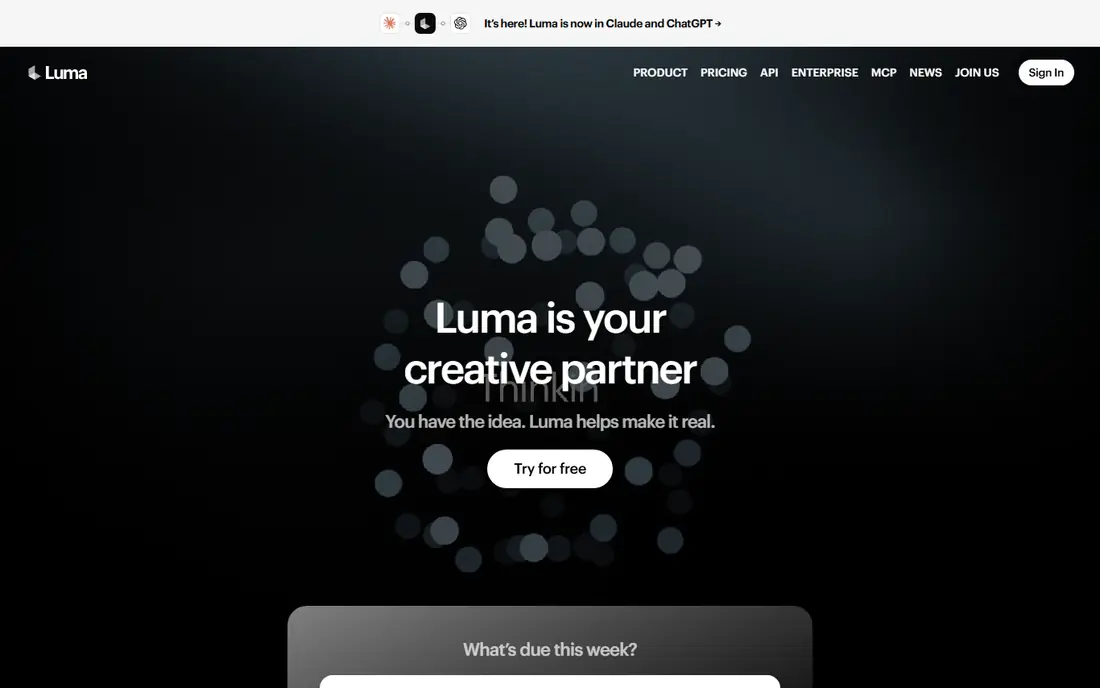
Luma Dream Machine is built for motion that feels filmed rather than pasted. Camera moves, depth and scene transitions are its strengths, which helps product shots, outdoor scenes and interior scenes look more polished. Creators who care about camera language will notice the difference. The price is the barrier. At $30 per month for the Plus plan, with no free individual plan listed, Luma is a commitment for casual users. It fits best when short, high-quality clips are the core output, rather than when a team needs many quick social variations each week.
- Smooth, cinematic camera movement
- Multi-model workspace in newer plans
- Strong spatial quality in short clips
- No free individual plan listed
- Higher entry price than Kling or Pika
Pika suits social creators who want a quick, eye-catching clip from a photo. Effects, transitions and playful motion work well for short-form posts, and the free plan lets a creator test an idea before paying. The workflow is simple: upload an image, describe the motion, and generate. The limit is length and complexity. Pika clips are short, and busy scenes with many moving subjects can lose coherence. It is best for single-subject images with a clear motion idea, such as a product rotating, a portrait reacting, or a scene gaining gentle movement.
- Fast, effect-driven short clips
- Free plan for testing ideas
- Simple prompt and image workflow
- Clips are short
- Quality can vary for complex scenes
Hailuo, from MiniMax, is a strong choice for expressive motion, especially for characters and stylized scenes. A still portrait or illustration can gain natural-looking movement, which helps creators who work in animation, advertising concepts or social storytelling. Short cinematic clips are its natural output. The catch is trial limits and price variation. One-time trial credits run out quickly, and paid pricing varies by promotion, so creators should confirm the current plan before budgeting a series. As with all tools here, avoid animating a real person without their consent.
- Expressive character and face motion
- Cinematic short clips from images
- Useful for stylized creative work
- Trial credits are one-time only
- Pricing varies by promotion and plan
Adobe Firefly is the safest pick for brand and client work where rights matter. Its models are trained only on licensed and public domain content, and Adobe offers indemnity for commercial use on paid plans. Image-to-video clips are short, but camera controls for pan, zoom and tilt help shape the result. The limit is length and daily caps. Free generations reset daily but are limited, and paid clips are about five seconds, so longer stories need multiple clips and editing. For a brand that needs defensible sourcing, however, that trade-off is often worth it.
- Models trained on licensed and public domain content
- Daily free generations
- Camera controls and start and end frames
- Clips are about five seconds
- Free generations are capped daily
HeyGen fits a different job: turning an image or avatar into a presenter-led video with spoken script. That suits training, product explainers and localized messages, where a consistent presenter matters more than cinematic camera motion. Translation and voice options extend one script across markets. The weakness is fit and cost. At $29 per month, HeyGen is expensive if you only need a few seconds of image motion, and avatar realism varies by language. For any avatar based on a real person, use the provider consent workflow and tell viewers when a presenter is generated.
- Presenter avatars and localization
- Longer videos than pure clip generators
- Free plan for testing presenter formats
- Higher price for simple image animation
- Avatar quality varies by language and script
Pictory is useful when the starting point is a script, blog post or article, not just a single image. It assembles video from text, stock footage and voiceover, with captions and editing tools for social formats. That workflow suits marketers who repurpose written content into video at volume. The limit is animation control. Pictory is not the best tool for directing motion in a single still image, and its trial is limited. Choose it when script-to-video is the main job, and choose a dedicated image-to-video tool when precise motion in one image matters most.
- Turns scripts and articles into video with stock and generated clips
- Voiceover and caption tools
- Good for repurposing written content
- No free plan, only a trial
- Less control over pure image animation than Runway or Kling
Kapwing is the finishing tool in this list. After generating a clip elsewhere, or using its own AI features, a team can trim, caption, resize and brand the result for each social channel in a browser. That editing layer often matters more than generation alone, since a raw clip rarely fits every platform. The catch is generation depth. Kapwing is not the strongest pure image-to-video engine, so creators who need the best motion should pair it with Runway, Kling or Firefly. Its value is workflow: one place to edit, caption and export a finished social video.
- Timeline editing, captions and templates in one browser tool
- Social aspect ratios and export options
- Good for finishing generated clips
- Generation features are less advanced than specialist tools
- Free exports may carry limits or watermarking
How we picked these
We compared official pricing pages, product documentation and public reviews for image-to-video tools available in October 2026. We kept only legitimate creative tools with a live product and a clear image-to-video or avatar-led workflow. We excluded tools built for undressing or non-consensual imagery, and we noted consent and labeling duties for any tool that animates a real person.
What to check before you buy
Start with the clip you need, not the model name. Decide on length, aspect ratio, camera motion and whether the clip needs sound, captions or a presenter. Then test the same image in two tools, because motion quality varies a lot by subject, and a tool that handles products well may struggle with faces or complex scenes. Next, check rights and credits. Confirm whether free exports are watermarked, whether commercial use is allowed on your plan, and how many clips your credits actually buy at your chosen length and quality. A low monthly price can hide a high per-clip cost once retries are counted. Finally, set consent rules for your team. Use only images you own or have rights to use, get written consent before animating a real person, and label generated presenters where viewers could be misled. Keep the original image and prompt with the project file, so a client or reviewer can trace what was generated.
Frequently asked questions
What is the best ai tool to convert image to video?
Runway suits directed creative work, Kling suits value and volume, and Adobe Firefly suits brand work where licensing matters. Pika and Hailuo suit fast social clips. Test the same image in two tools before choosing, since motion quality varies by subject.
Can I animate a photo of a real person?
Only with that person's clear consent, and only for a legitimate creative purpose. Never create sexual, undressed or misleading imagery of a real person. When a generated presenter could be mistaken for a real person, label it clearly for viewers.
How long are AI image-to-video clips?
Most clips are short, often about five to ten seconds, depending on the tool and plan. Longer videos are usually built by joining several clips in an editor such as Kapwing, or by using a script-led tool such as Pictory or HeyGen.
Do free plans allow commercial use?
Not always. Some free exports are watermarked and non-commercial, while paid plans allow commercial use with different rights. Check the licence for your plan before using a clip in ads, client work or a monetized channel.
Which tool is best for product videos?
Runway and Luma suit cinematic product motion, while Adobe Firefly suits brand-safe product clips. Kling offers good value for many product variations. Test rotation, lighting and background movement on your own product photo first.
Should I edit generated clips before publishing?
Yes. Trim weak frames, check hands, faces and text for artifacts, add captions and match aspect ratios to each platform. A short editing pass in Kapwing or a similar editor usually lifts a raw generated clip into publishable content.
Sources
See where you really rank - block by block
ProMapRanker scans Google Maps across a grid of your service area. Simple monthly plans from $19, white-label on every plan.
Start freeKeep reading
 who has best internet service
Who Has the Best Internet Service in 2026
Who has best internet service for US homes? We compare fiber, cable, fixed wireless and satellite providers on speed, price, availability and terms today.
Read → which survey tool has the best analytics
Which Survey Tool Has the Best Analytics in 2026
Find which survey tool has the best analytics in 2026, comparing Qualtrics, SurveyMonkey, Typeform, Alchemer, and more on reports, text, and stats today.
Read → which streaming service has the best movies
Which Streaming Service Has the Best Movies in 2026
Answering which streaming service has the best movies, with Netflix, Max, Criterion and more compared on libraries, prices and free options in this guide.
Read →