 ProMapRanker
Best AI Social Media Post Generator Tools in 2026

Creating and scheduling posts consistently · Pricing starts at: $5 per month
Direct answer
Buffer comes first here, mainly for creating and scheduling posts consistently. Listed starting prices: Buffer from $5 per month, Ocoya from $29 a month and Jasper from $59 per seat a month. Ocoya is better for writing, design and scheduling in one copilot, and Later is better for creators and influencer campaigns. The full list of 6 tools follows, with prices and free plan facts.
Short on time? The summary and table above give the quick view of 6 AI social media post generator tools, and the profiles that follow give the detail behind each entry.
Key takeaways
- This list starts with Buffer, which is built for creating and scheduling posts consistently.
- Just one of the 6 tools, Buffer, has a free plan.
- Check the limits for Jasper before you commit: broad marketing focus instead of social-only.
- Sprout Social is the one to check for publishing, engagement and analytics.
Quick comparison
| Pick | Great for | Pricing starts at | Free tier | |
|---|---|---|---|---|
| Buffer | Creating and scheduling posts consistently | $5 per month | Yes | Visit |
 Ocoya | Writing, design and scheduling in one copilot | $29 a month | Free trial | Visit |
 Later | Creators and influencer campaigns | See website | Not stated | Visit |
 Jasper | AI agents for marketing workflows | $59 per seat a month | Free trial | Visit |
 Hootsuite | All-in-one social management and listening | $99 per user a month | Free trial | Visit |
 Sprout Social | Publishing, engagement and analytics | See website | Not stated | Visit |
AI Social Media Post Generator Tools profiles
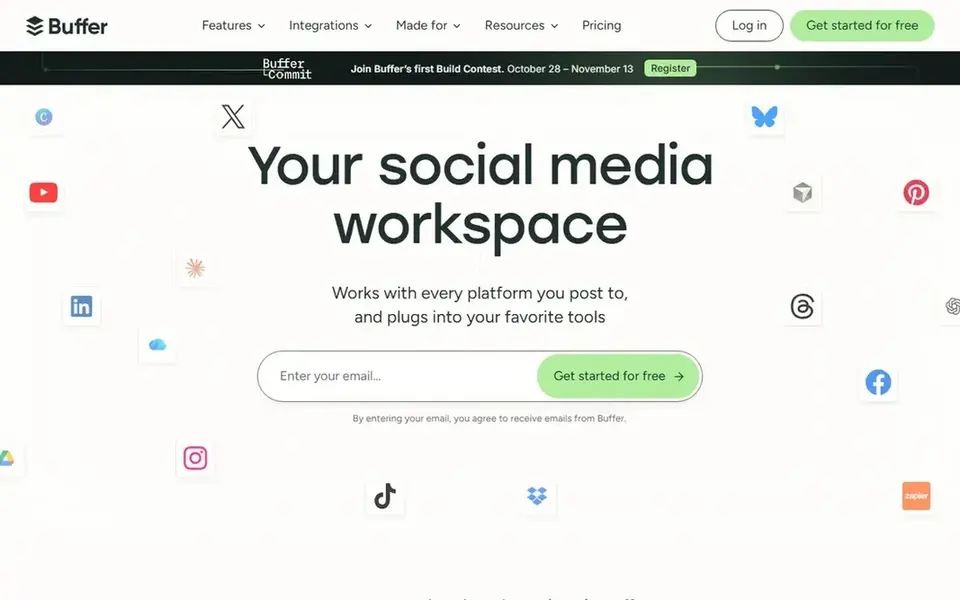
Buffer serves creating and scheduling posts consistently. Buffer is a social media management tool for creating and sharing content everywhere consistently.
Choose it when consistency and straightforward publishing matter more than deep generation features. Price to start with Buffer: $5 per month. Buffer has a free plan.
Watch-outs: AI writing is secondary to scheduling.
- Supports consistent publishing
- Handle social media in one place
- Not made for deep marketing workflows
For writing, design and scheduling in one copilot, Ocoya is a natural candidate. Ocoya calls itself the AI copilot for marketing, writing, designing, scheduling and replying alongside you across social media and SEO in your brand's voice.
Ocoya pricing: $29 per month. Free options: Free trial.
Trade-offs to know: Email support is still emerging.
- Writes
- Handles social media and SEO
- Broader feature set takes onboarding

Later works best for creators and influencer campaigns. It suits creators and brands that plan visual content and collaborate with influencers, and that want scheduling and performance tracking in one place.
More specifically, teams without influencer programs may not use much of Later's campaign tooling. Pricing for Later is not stated here, so ask the vendor for current figures. On free options: Not stated.
The main drawbacks: Less oriented to long-form marketing workflows.
What users get: Tracks performance with AI insights.
- Made for creators and brands
- Runs influencer campaigns
- Influencer focus may not suit every team
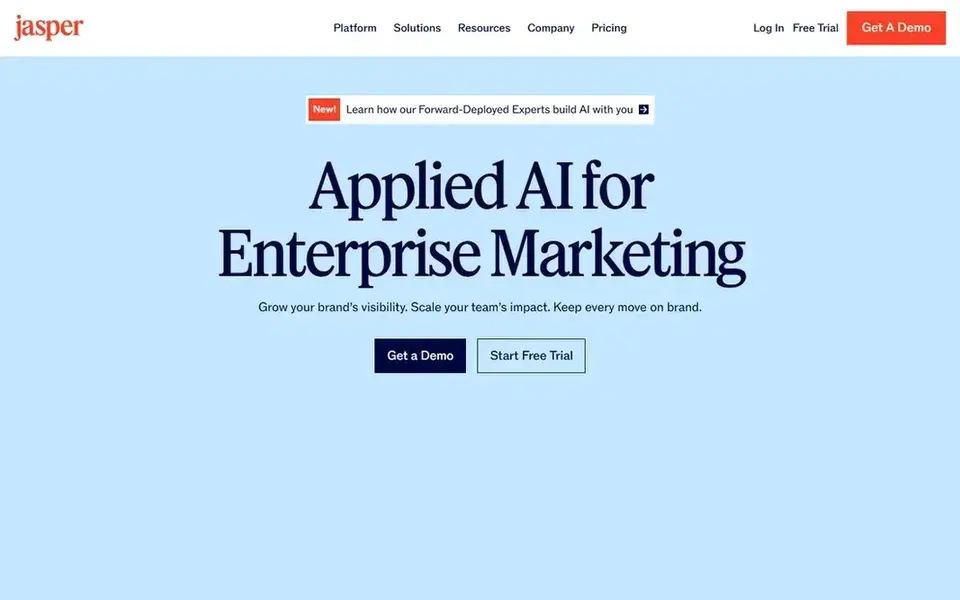
Jasper is aimed squarely at AI agents for marketing workflows. Consider a scheduling-first tool if your central gap is publishing cadence instead of content generation and workflow orchestration.
Best features of Jasper: Orchestrates intelligent agents for marketing tasks.
On top of that, since Jasper is built around wide marketing workflows, teams that only need quick social captions may find it heavier than necessary. What you pay to start with Jasper: $59 per seat per month. Free plan details: Free trial. Downsides: Wide marketing focus instead of social-only.
- Emphasizes speed
- Control and measurable impact
- Needs setup to match your workflows
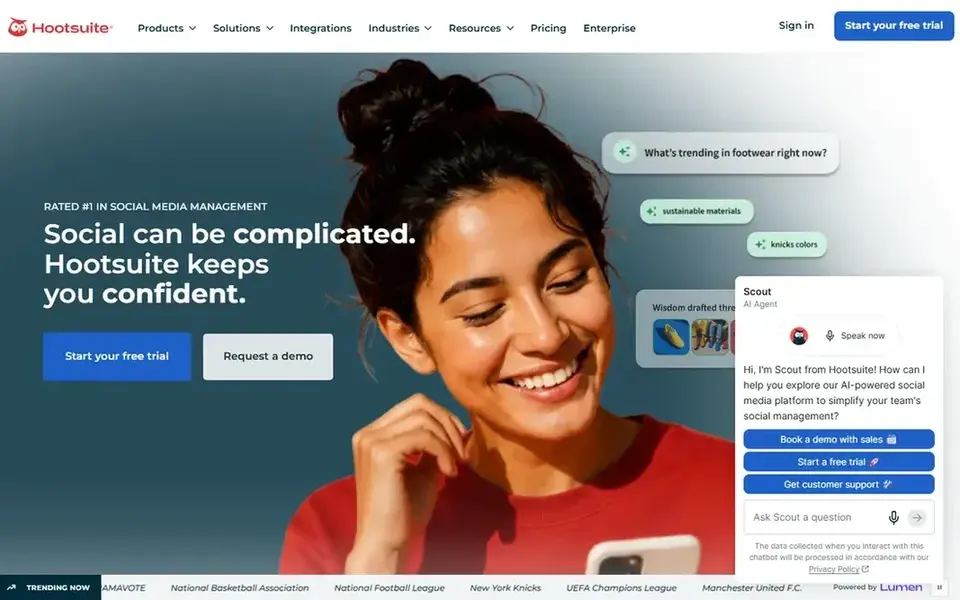
Hootsuite is designed for all-in-one social management and listening. Hootsuite brings scheduling, content creation, analytics and social listening into one place.
It fits social media teams that require a consolidated workspace to plan posts, monitor conversations and report on performance without stitching multiple tools together. On cost, Hootsuite starts like this: $99 per user per month. As for free access: Free trial.
Watch-outs: Broader than post generation alone.
Upsides: creation and analytics together.
- Bundles social listening
- Fits established social teams
- Interface can feel dense for beginners
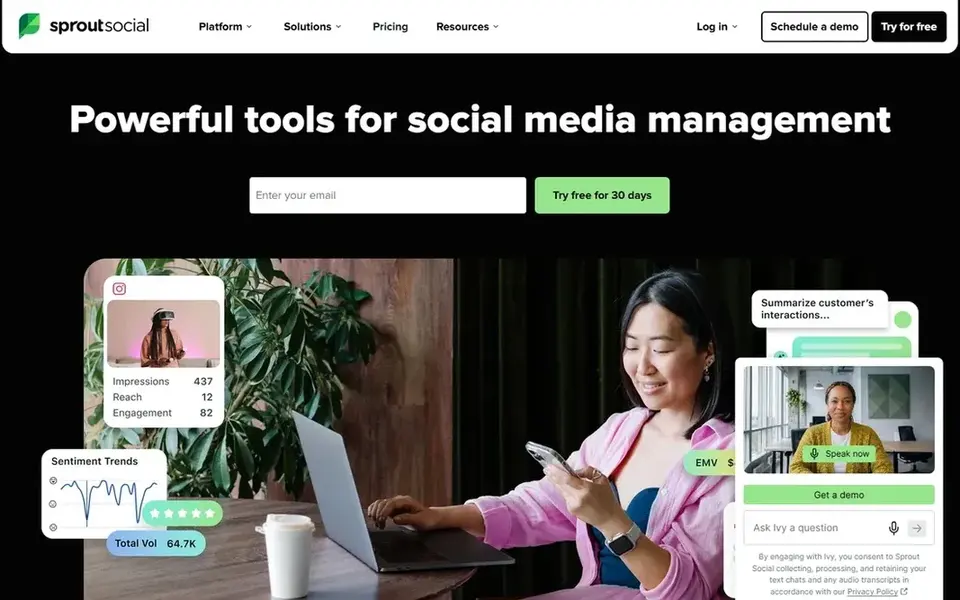
Sprout Social makes the most sense for publishing, engagement and analytics. For a small business focused chiefly on generating captions, Sprout Social provides more than needed.
A lighter creation tool paired with straightforward scheduling may be more practical until engagement and reporting become priorities. Sprout Social does not show a starting price in this comparison, so check the vendor site for current pricing. Free plan details: Not stated.
What to check first: Feature depth may overwhelm small teams.
- Spans publishing and engagement
- Aimed at brand social teams
- Not a dedicated AI writing tool
How we compared the tools
Each tool was reviewed on what its vendor publishes: price, plan limits, core features and stated drawbacks. We did not run hands-on tests. Prices and plan limits come from vendor pages and can change, so confirm them on the vendor site before you buy. The order reflects how well each tool fits the most common buying scenario for AI social media post generator tools, then price clarity, then free plan access. It is a starting point, not a verdict.
What to confirm before you sign up
- Ask Later and Sprout Social for a written quote, since no starting price is shown.
- Test the free plan from Buffer against your real workload before relying on it.
- Use real work to test the free trial from Ocoya, Jasper and Hootsuite, rather than a demo project.
- Before choosing Buffer, weigh its main limit: AI writing is secondary to scheduling.
- Let daily users try Ocoya on real work; their feedback beats any feature checklist.
- Check whether Buffer bills monthly or annually, and what cancelling early costs.
Frequently asked questions
Which options for AI social media post generator tools have a free plan?
Buffer is the only tool in this list with a free plan. Free plans usually cap users, projects or features, so check the limits on the vendor page. Several others offer a trial instead. For the full picture, the cards above cover all 6 entries of this AI social media post generator tools list, including price, free plan and limits.
What should an AI social media post generator do?
At minimum it should draft captions and post copy that match your brand voice, and ideally suggest visuals or hashtags. Also, plenty of teams pair generation with a scheduler so drafts move straight into a publishing calendar.
Do I need a separate scheduling tool?
Only if your generator does not publish. Tools like Buffer and Hootsuite center on scheduling, whereas Ocoya merges writing, design and scheduling.
What is the cheapest option for AI social media post generator tools in this list?
On published monthly entry prices, Buffer is the lowest here at $5 per month. Entry price is only part of the cost, because seats, add-ons and billing terms can change the total. Prices, free plan details and limits for all 6 tools in this AI social media post generator tools roundup sit on the individual cards above.
Do these tools publish their prices?
Not all of them. Later and Sprout Social publish no starting price, so expect a quote request for those. The rest, Buffer included, show a starting price, though seats and billing terms still change the final cost.
Is Buffer the right pick for everyone comparing AI social media post generator tools?
No single tool suits every team. Buffer comes first because it fits creating and scheduling posts consistently, while Ocoya suits writing, design and scheduling in one copilot and Later suits creators and influencer campaigns. Match the tool to your own size, budget and workflow before deciding.
Sources
See where you really rank - block by block
ProMapRanker scans Google Maps across a grid of your service area. Simple monthly plans from $19, white-label on every plan.
Start freeBrowse all guides
← 7 Best Video Editing Software for Social Media Options for 2026Best AI Social Media Suites Software in 2026 →
 best tiktok shop affiliate tools
TikTok Shop Affiliate Tools: Best Picks of 2026
Searching for the best TikTok shop Affiliate tools? Here are 6 options with prices and free plans. Costs and caveats sit beside each pick. Numbers first.
Read → best social media platforms for affiliate marketing
Best Social Media Platforms for Affiliate Marketing Options (2026)
Searching for the best social media platforms for affiliate marketing? Here are 7 options with prices and free plans. Weaknesses are named for every tool.
Read → best social media marketing tools for small businesses
Social Media Marketing Tools for Small Businesses (2026)
Compare 6 best social media marketing tools for small businesses, with prices, free plans and who each fits. Honest caveats for every entry. No filler.
Read → best ai tools for content creators
Best AI Tools for Content Creators in 2026
Compare the best ai tools for content creators for writing, video, images, and voice, with pricing and honest limits for each tool in 2026 before you subscribe.
Read → alternatives to social media apps
Alternatives to Social Media Apps in 2026
Need alternatives to social media apps? We compare 6 tools on cost, free access and who each suits. Each pick lists its main limit. Reviewed in November 2026.
Read → best reel editing app
Best Reel Editing App in 2026
Compare the best reel editing app for Instagram Reels, from free mobile editors to template tools, with pricing, watermark and export notes and quality.
Read →More in Social Media & Creators · All guides A to Z by date · Latest guides