 ProMapRanker
7 Best Video Editing Software for Social Media Options for 2026

Captioned social video with translation · Pricing starts at: $12 per editor/month (billed annually)
Direct answer
For captioned social video with translation, VEED is where this list starts. Listed starting prices: VEED from $12 per editor/month, Adobe Express from $9.99 a month and Canva from $12 a month. Alternatives: Adobe Express for fast branded clips with Adobe stock and fonts, and Canva for branded social clips and templates in one design tool. The remaining 4 options are covered below with prices and limits.
ProMapRanker compared 7 tools for video editing software for social media. The goal is a practical shortlist: published prices, free plan facts, best-fit use cases and honest limits for every entry.
Key takeaways
- VEED sits first on this list: captioned social video with translation.
- Descript suits talking-head clips edited from a transcript.
- Before buying Kapwing, weigh this: credits are shared per workspace, so additional members do not add credits.
- Free access is easy to find: 7 of the 7 tools have a free plan, for example VEED, Adobe Express, Canva and Kapwing.
Quick comparison
| Pick | Great for | Pricing starts at | Free tier | |
|---|---|---|---|---|
| VEED | Captioned social video with translation | $12 per editor/month (billed annually) | Yes | Visit |
 Adobe Express | Fast branded clips with Adobe stock and fonts | $9.99 a month | Yes | Visit |
 Canva | Branded social clips and templates in one design tool | $12 a month (billed yearly) | Yes | Visit |
 Kapwing | Teams that repurpose long video into short clips | $16 per member/month (billed annually) | Yes | Visit |
 Clipchamp | Free watermark-free 1080p exports in a browser | $11.99 a month | Yes | Visit |
 CapCut | Short vertical video with templates and auto captions | $19.99 a month | Yes | Visit |
 Descript | Talking-head clips edited from a transcript | $16 per person/month (billed annually) | Yes | Visit |
The 7 tools in detail
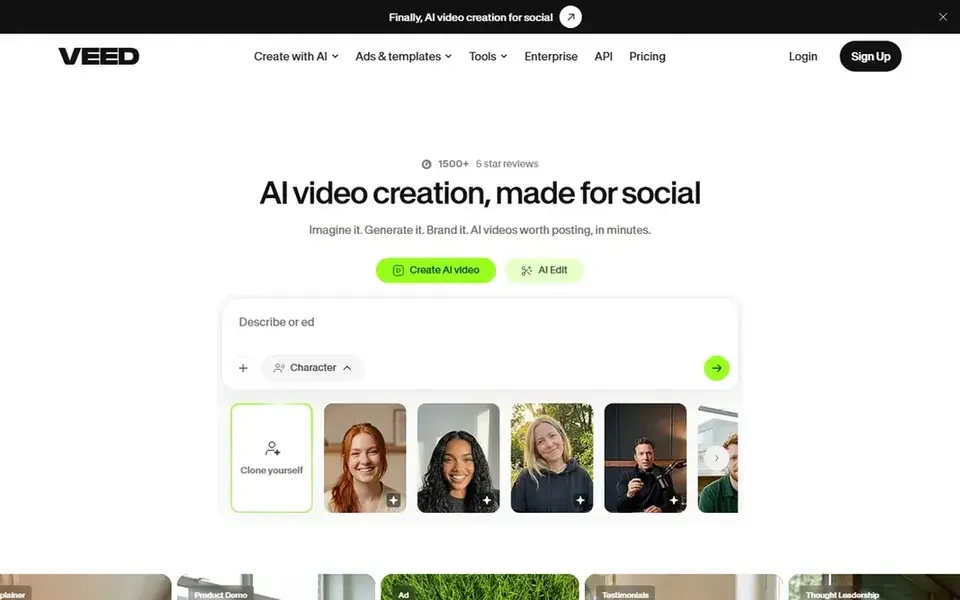
For captioned social video with translation, VEED is a natural candidate. VEED is a browser editor that treats captions as the main event: auto subtitles, styled word-by-word captions and translation into 50 or more languages on Pro.
Where it falls short: VEED prices have moved multiple times in 2026, so confirm the rate at checkout; for 4K and the full AI set.
Pro costs $29 per month billed yearly, or $55 per month on monthly billing, and adds 4K export, the full AI set and translation. Entry price for VEED: $12 per editor/month. VEED offers a free plan.
- Auto subtitles in numerous languages with translation on Pro
- Browser editor with stock assets and templates
- Or $55 per month on monthly billing
Adobe Express is designed for fast branded clips with Adobe stock and fonts. Teams pay $7.99 per license per month on an annual subscription, with a first-year offer of $4.99, and Premium is also included with most Creative Cloud For everyday use, the free plan costs $0 and spans entry-level templates with 5 GB of storage.
Drawbacks to consider: Firefly Pro at $19.99 per month is needed for 4,000 credits and more AI video.
Premium costs $9.99 a month, or $99.99 for per year, and brings every premium template, 250 generative credits per month, brand kits and 100 GB of storage. Starting cost for Adobe Express: $9.99 per month. Adobe Express offers a free plan.
- 30-day Premium trial
- Premium templates
- Premium video exports cap at 2 hours
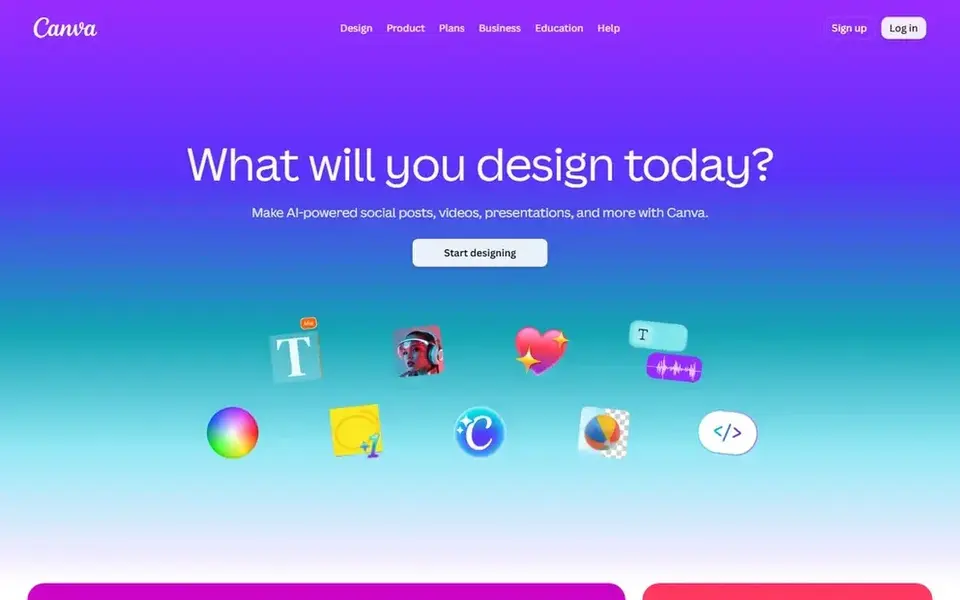
Pick Canva if this describes you: branded social clips and templates in one design tool. Canva is a design tool first and a video editor second, which is exactly why it fits branded social clips: pick a template, drop in a clip, resize it for every feed with Magic Resize, and schedule the post from the same screen. Pro brings 141 million premium assets, 5 Brand Kits, 100 GB of storage and social scheduling.
Drawbacks to consider: teams need Business at $20.83 per person per month billed yearly; video editing is template based, with no full timeline for long edits.
On top of that, Canva Video performs well for short clips built from templates, text and stock. But it is not a full timeline editor for long cuts. Pro costs $12 per month billed yearly, which is $144 per year, or $18 per month on monthly billing. The limit to plan around is people, not features: Pro includes one person only. So a second editor needs Business at $20.83 per person per month billed an Canva pricing: $12 per month. Canva has a free plan.
- 100 GB of storage on Pro
- 3.6 million templates and Magic Resize for every social size on Pro
- Monthly billing costs $18 per month rather than $12
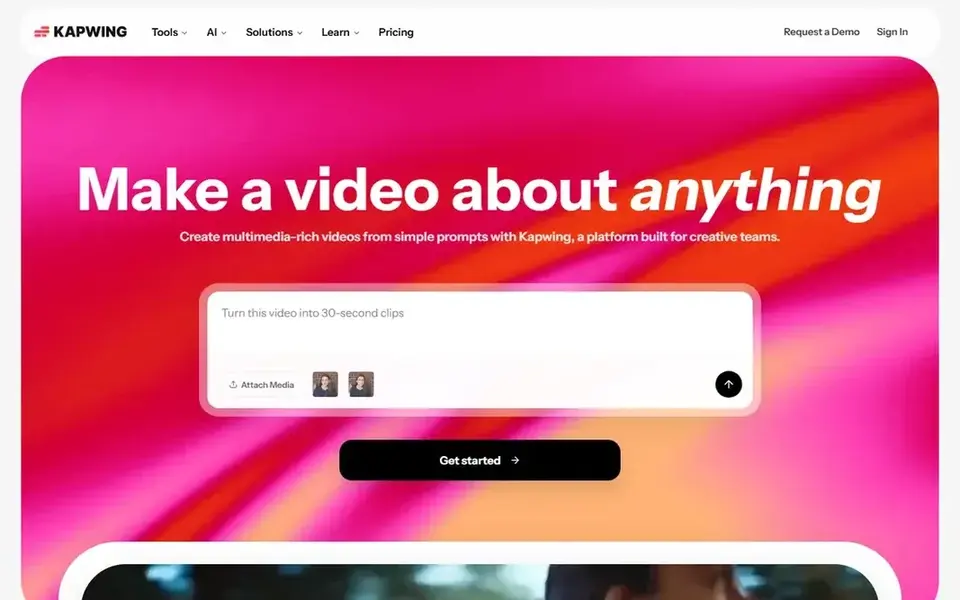
Kapwing was built for teams that repurpose long video into short clips. Pro costs $16 per member per month billed yearly, or $24 per month on monthly billing, and provides 1,000 credits per month, no watermark, 4K export, exports up to 2 hours, a Brand Kit and 200 GB of storage.
The main drawbacks: Credits are shared per workspace, so additional members do not add credits.
Worth adding: the free plan costs $0 and gives 10 credits, watermarked exports at 720p, videos up to 4 minutes and projects kept for 3 days. Beyond that, business costs $50 per member per month billed yearly, or $64 a month on monthly billing, and raises the pool to 4,000 credits per month, 800 GB of stor The shared credit pool is the limit to note: each additional member layers on a seat charge but not a fresh 1,000 credits. Starting cost for Kapwing: $16 per member/month. Free access exists with Kapwing.
- Pro provides 1,000 credits per month and 4K export
- Auto subtitling up to 1,000 minutes per month on Pro
- Free plan exports carry a watermark at 720p and cap at 4 minutes
Choose Clipchamp for free watermark-free 1080p exports in a browser. Premium layers on 4K export, the full premium stock library, a brand kit and content backup.
Best features of Clipchamp: a rare free deal.
Where it falls short: standalone Premium costs $11.99 a month, whereas Microsoft 365 Personal at $9.99 per month bundles the same features. Premium has two routes, and the less expensive one is simple to miss: standalone Premium costs $11.99 per month. But the same Clipchamp features come with Micros Entry price for Clipchamp: $11.99 per month. You can start on Clipchamp without paying.
- Text to speech and noise suppression are free on all plans
- Free plan exports 1080p with no watermark
- Needs a Microsoft account and an internet connection
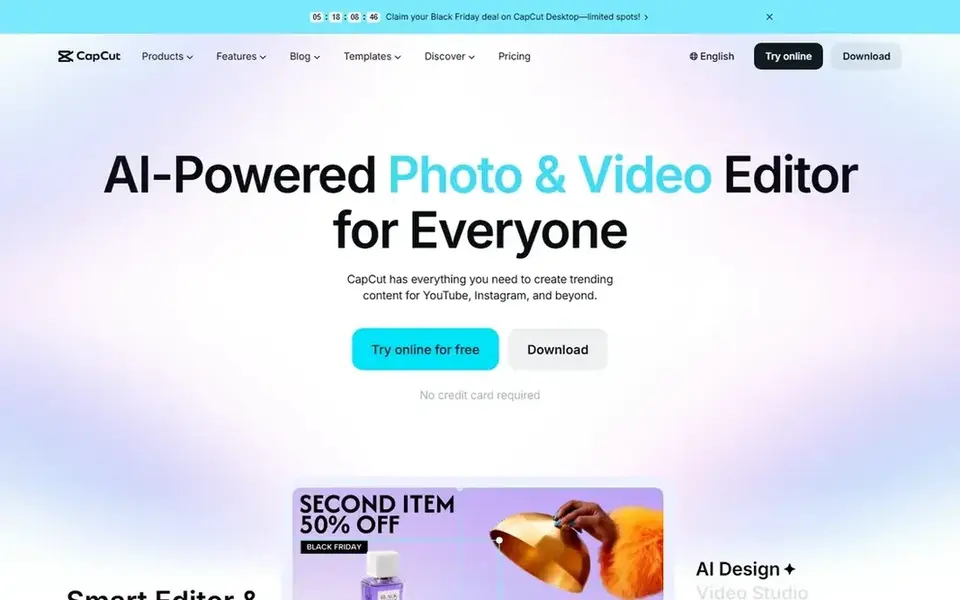
CapCut targets short vertical video with templates and auto captions. Pro costs $19.99 per month or $179.99 per year, and brings 4K export, the full template library, 1 TB of cloud storage and 1,200 AI credits per month.
Watch-outs: Standard at $9.99 a month is sold in the mobile app and caps exports at 1080p; prices vary by region and app store.
What works well: 4K export and 1,200 AI credits per month on Pro.
Ultra at $79 per month brings far more AI credits. On cost, CapCut starts like this: $19.99 per month. CapCut has a free plan.
- 9:16 templates and auto captions aimed at TikTok
- Reels and Shorts
- Double the old Pro price
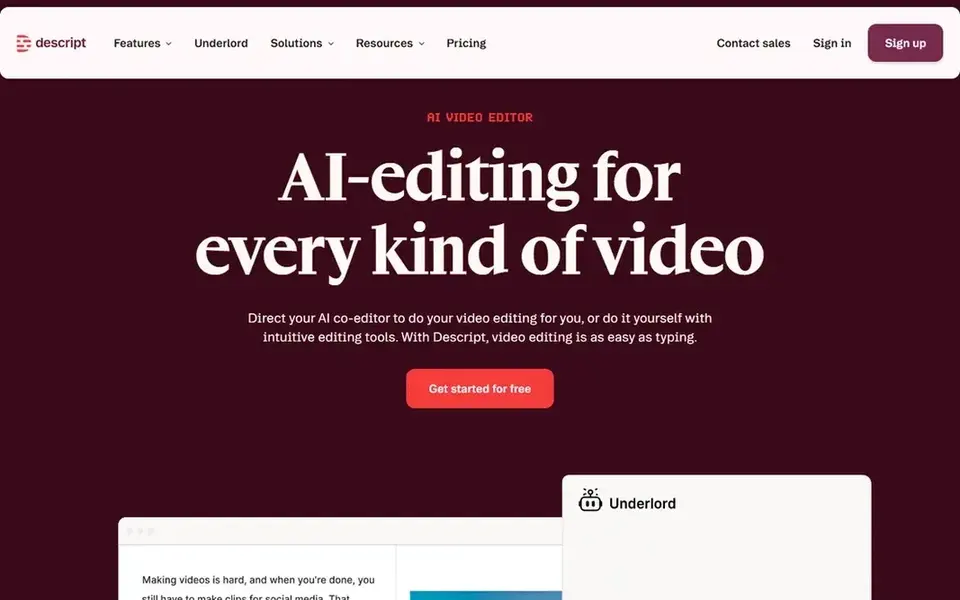
Descript works best for talking-head clips edited from a transcript. Descript turns editing into word processing: record or import a talking-head video, get a transcript, and delete a sentence in the text to cut it from the video.
Points against: Hobbyist caps exports at 1080p and 10 media hours per month; Creator costs $35 per month on monthly billing, not $24.
In practice, business costs $50 per person per month billed annually, or $65 a month on monthly billing, and brings 40 media hours, 1,500 AI credits and Brand Studio. On top of that, creator costs $24 per month billed yearly, or $35 per month on monthly billing, and raises the limits to 30 media hours, 800 AI credits and 4K export. On cost, Descript starts like this: $16 per person/month. Descript includes a free tier.
- Edit video by deleting words in the transcript
- Creator brings 4K export and 30 media hours per month
- Two meters run at once
Our selection method
For each of the 7 tools we noted price, free plan or trial, fit for video editing software for social media and the main limit, using vendor pages and documentation. Figures are shown as the vendors publish them. Billing terms, seat minimums and add-ons can change the real cost. The order reflects how well each tool fits the most common buying scenario for video editing software for social media, then price clarity, then free plan access. It is a starting point, not a verdict.
A buyer's checklist
- Prices are a starting point; Adobe Express shows $9.99 per month to start, so verify what your seat count would cost.
- Look at free plan limits closely: VEED, Adobe Express, Canva and others have one, and the caps decide whether it is usable for real work.
- Read the limits listed for VEED first: free plan exports at 720p with a watermark and a 10-minute cap.
- Confirm the exact Kapwing plan that includes your must-have features.
- Confirm that CapCut connects to the apps your team already uses, on the plan you would actually buy.
Frequently asked questions
Which is best for captions and subtitles?
The first pick on this list is VEED, because it suits captioned social video with translation. Adobe Express is better for fast branded clips with Adobe stock and fonts, and Canva for branded social clips and templates in one design tool. Check price and limits against your own needs before choosing.
How much does the best video editing software for social media cost?
Start with VEED if you need captioned social video with translation. Adobe Express is the better match for fast branded clips with Adobe stock and fonts, and Canva for branded social clips and templates in one design tool. The best choice depends on budget, team size and workflow.
How are the tools for video editing software for social media ordered?
VEED sits first and Descript last because the order follows typical fit for video editing software for social media, then price clarity and free access. It is a judgement call, so read each profile for fit and limits.
Can I try these tools before paying?
Often, yes. VEED, Adobe Express, Canva and others have a free plan. Use your own data and a real task during the test, and check what the free tier or trial limits before you rely on it.
What is the cheapest option for video editing software for social media in this list?
On published monthly entry prices, Adobe Express is the lowest here at $9.99 per month. Entry price is only part of the cost, because seats, add-ons and billing terms can change the total.
Is VEED the right pick for everyone comparing video editing software for social media?
No single tool suits every team. VEED comes first because it fits captioned social video with translation, while Adobe Express suits quick branded clips with Adobe stock and fonts and Canva suits branded social clips and templates in one design tool. Match the tool to your own size, budget and workflow before deciding.
Sources
See where you really rank - block by block
ProMapRanker scans Google Maps across a grid of your service area. Simple monthly plans from $19, white-label on every plan.
Start freeBrowse all guides
← TikTok Shop Affiliate Tools: Best Picks of 2026Best AI Social Media Post Generator Tools in 2026 →
 best social media platforms for affiliate marketing
Best Social Media Platforms for Affiliate Marketing Options (2026)
Searching for the best social media platforms for affiliate marketing? Here are 7 options with prices and free plans. Weaknesses are named for every tool.
Read → best social media marketing tools for small businesses
Social Media Marketing Tools for Small Businesses (2026)
Compare 6 best social media marketing tools for small businesses, with prices, free plans and who each fits. Honest caveats for every entry. No filler.
Read → best social media design tools
Social Media Design Tools: Best Picks of 2026
5 products for the best social media design tools, ranked by fit, with starting costs and free tiers. Read the caveats before you buy. Updated November 2026.
Read → alternatives to facebook marketplace
Alternatives to Facebook Marketplace in 2026
Explore the best alternatives to facebook marketplace for local sales, shipping, fashion, handmade goods, and more, with fees and safety tips compared.
Read → best instagram growth service
Best Instagram Growth Service in 2026
We compare the best instagram growth service options that focus on real audiences, with pricing, safety risks and policy warnings in 2026 for creators today.
Read → best creator platforms
6 Top Creator Platforms Compared (2026)
Best creator platforms, compared. 6 tools with published prices, free plans and limits. Patreon comes first for memberships and recurring fan support.
Read →More in Social Media & Creators · All guides A to Z by date · Latest guides