 ProMapRanker
Social Media Design Tools: Best Picks of 2026
Direct answer
PicMonkey leads the list, best for photo-led social graphics. Listed starting prices: PicMonkey from $7.99 a month, Snappa from $10 a month and Canva from $12 a month. Look at Snappa for quick graphics for marketers, and at Canva for most readers and small teams. The remaining 2 options are covered below with prices and limits.
If you are comparing social media design tools, this page covers 5 tools in one place: what each is best for, what it costs to start, whether it has a free plan, and the main limit to know about.
Key takeaways
- PicMonkey sits first on this list: photo-led social graphics.
- 4 of 5 tools offer a free plan: Snappa, Canva, Adobe Express, VistaCreate.
- The cheapest monthly starting price in the list is $7.99 per month, offered by PicMonkey.
- Snappa comes with a trade-off: the free plan lets only 3 downloads per month.
- VistaCreate suits small teams on a flat price.
Quick comparison
| Pick | Great for | Pricing starts at | Free tier | |
|---|---|---|---|---|
 PicMonkey | Photo-led social graphics | $7.99 a month | Free trial (7 days) | Visit |
 Snappa | Quick graphics for marketers | $10 a month (billed yearly) | Yes | Visit |
 Canva | Most readers and small teams | $12 a month (billed yearly) | Yes | Visit |
 Adobe Express | Adobe users and brand work | $9.99 a month | Yes | Visit |
 VistaCreate | Small teams on a flat price | $10 a month (billed annually) | Yes | Visit |
Our 5 social media design tools
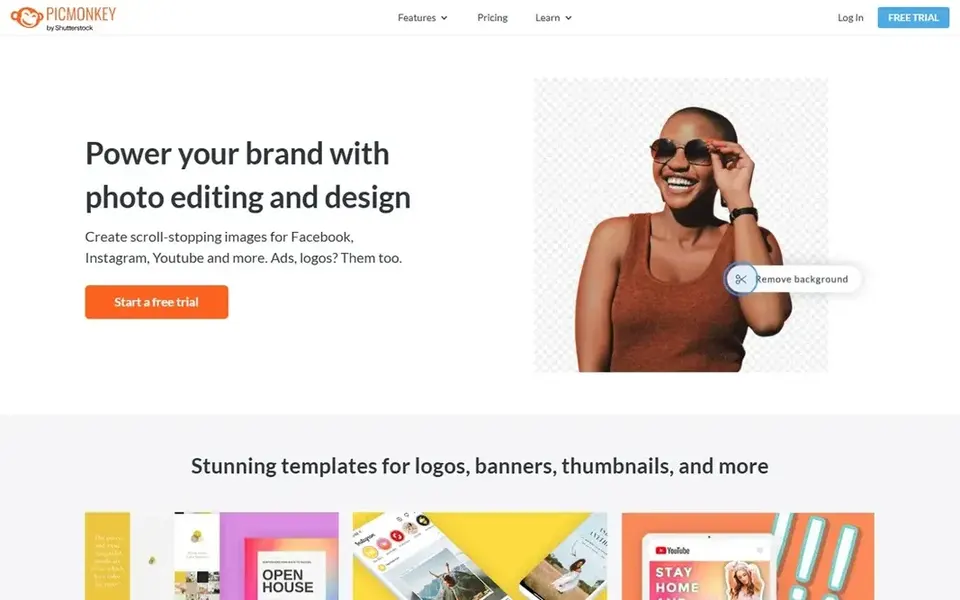
PicMonkey is designed for photo-led social graphics. Use the 7-day trial to test Smart Resize and background removal before you commit.
Also, the free trial lasts 7 days and provides access to the full set of tools. PicMonkey pricing: $7.99 per month. On free options: Free trial (7 days).
Honest limits: Entry-level has only 1 GB of cloud storage.
- Capable photo editing and touch-up tools
- Brand kit on Pro
- You need a subscription to download or share a finished image
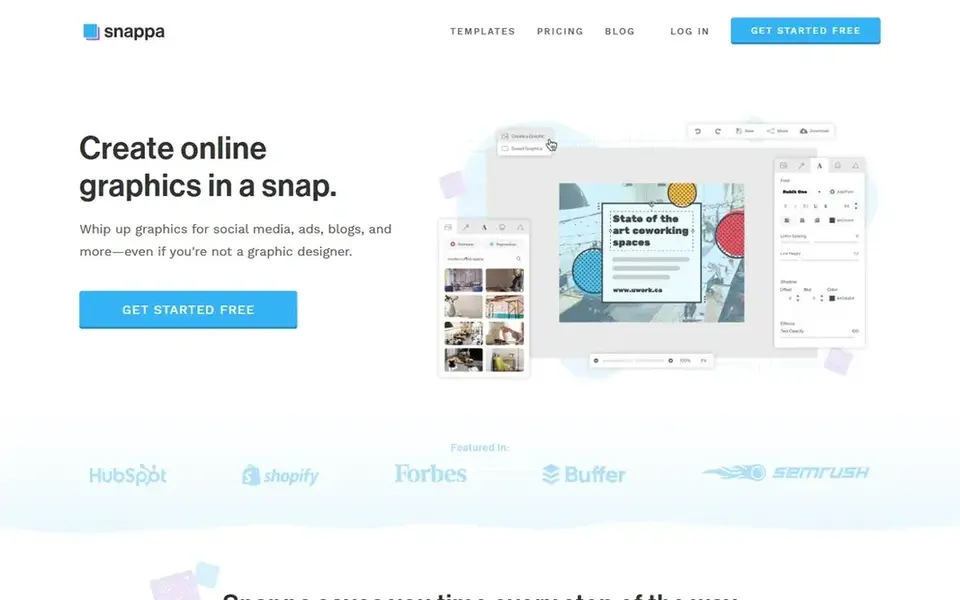
Snappa is a good fit for quick graphics for marketers. Do not choose the free plan if you post daily, because 3 downloads per month will run out in the first week.
Trade-offs to know: Pro spans one person only.
From a buyer's view, Snappa Pro costs $10 a month when billed yearly, which is $120 per year for one person, or $15 a month on monthly billing. Snappa pricing: $10 per month. Snappa offers a free plan.
- Free plan comes with all templates and stock photos
- Pro has unlimited downloads and background removal
- Team is needed for up to 5 users
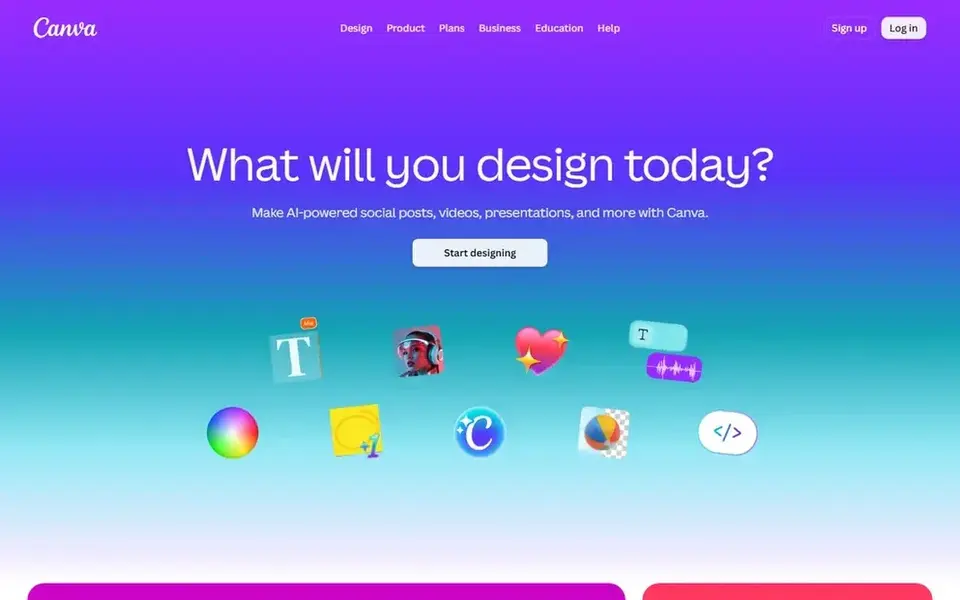
Think of Canva for most readers and small teams. Pro brings premium templates and stock, background removal, Magic Resize, five Brand Kits, 100 GB of storage, and a social media content planner. From a buyer's view, check the checkout total in your currency, since Canva prices vary by region and changed during 2026.
Canva Pro costs $12 a month when billed yearly, which is $144 per year for one person, and $18 a month on monthly billing. Also, business costs $250 per year per person and brings more brand controls and a bigger AI allowance. Starting cost for Canva: $12 per month. Canva includes a free tier.
Drawbacks to consider: monthly billing costs $18 a month, which is $72 more than the $144 annual total.
- Brand Kit and Magic Resize on Pro
- Very large template and stock library
- Pro is for one person only, so each additional person needs a separate Pro account or a Business plan
Adobe Express targets Adobe users and brand work. Do not choose it if you need a large free AI allowance, since the free plan stops at 25 generative credits per month.
A 30-day trial is available for Premium, so test the resize and brand tools before the first charge. Price to start with Adobe Express: $9.99 per month. You can start on Adobe Express without paying.
Where it falls short: The free plan has only 25 generative credits per month.
- One-click resize and background removal on Premium
- Adobe Fonts and Adobe Stock access on Premium
- Full team controls need the Teams plan at $7.99 per license a month
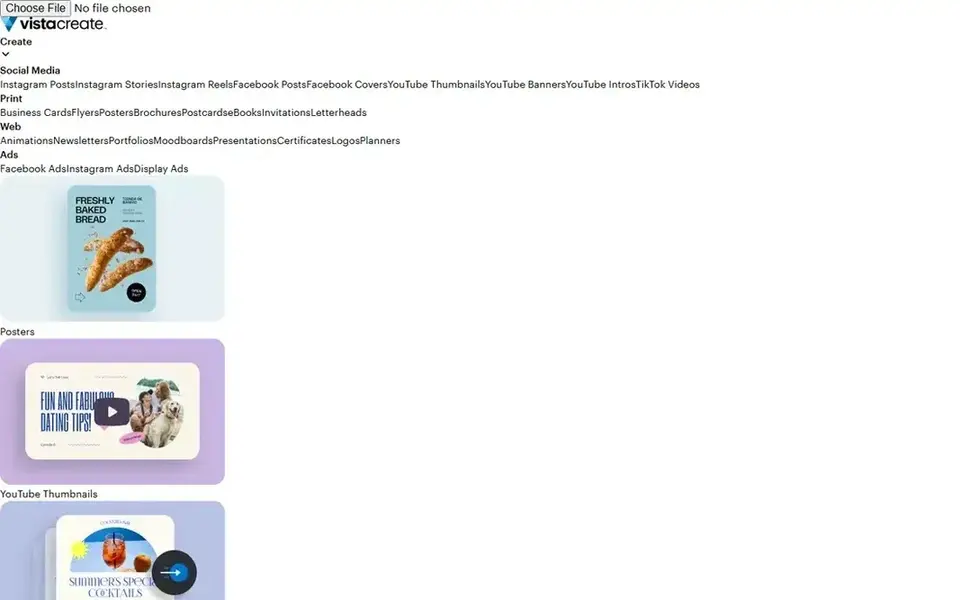
Where VistaCreate fits: small teams on a flat price. VistaCreate Pro costs $10 a month when billed yearly, which is $120 per year charged upfront, or $13 a month on monthly billing.
The main drawbacks: The free Starter plan has only 10 GB of storage and one Brand Kit.
The Starter plan costs $0 and contains 100,000 plus templates, 1 million plus assets, one Brand Kit, and 10 GB of storage. What you pay to start with VistaCreate: $10 per month. Free access exists with VistaCreate.
Best features of VistaCreate: 200,000 plus templates and 170 million plus photos.
- Videos and vectors on Pro
- Social media scheduling on Pro
- Shared across the account
How we chose
The comparison looks at four things: starting price, free access, how well the feature set matches social media design tools, and the main limit of each tool. Figures are shown as the vendors publish them. Billing terms, seat minimums and add-ons can change the real cost. We ordered the tools by general fit, then by how clearly pricing is shown, then by free access. A buyer with unusual needs may reorder them.
Questions to settle before buying
- Check the vendor page for the current price: PicMonkey starts at $7.99 per month here, and seats or billing terms can move it.
- Read the fine print on the free plans from Snappa, Canva, Adobe Express and VistaCreate; seat, project and feature caps differ.
- Take the trial from PicMonkey and push a live task through it before you pay.
- Before choosing PicMonkey, weigh its main limit: you need a subscription to download or share a finished image.
- Pick one real project and run it in VistaCreate first; a small pilot shows fit faster than a checklist.
- List the apps you already depend on and check that Adobe Express supports each one on the plan you would buy.
Frequently asked questions
Which options for social media design tools have a free plan?
On this list, Snappa, Canva, Adobe Express and VistaCreate include a free plan. Caps on seats, usage or features are common, so test the free plan against your real workload. One other tool offers a trial instead.
What is the cheapest option for social media design tools in this list?
On published monthly entry prices, PicMonkey is the lowest here at $7.99 per month. Entry price is only part of the cost, because seats, add-ons and billing terms can change the total.
How are the tools for social media design tools ordered?
PicMonkey sits first and VistaCreate last because the order follows typical fit for social media design tools, then price clarity and free access. It is a judgement call, so read each profile for fit and limits.
Do these tools publish their prices?
Yes. Every tool from PicMonkey to VistaCreate shows a starting price, though seats, add-ons and billing terms still change the final cost.
Which social media design tool is a good match for most people?
The first pick on this list is PicMonkey, because it suits photo-led social graphics. Snappa is better for fast graphics for marketers, and Canva for most readers and small teams. Check price and limits against your own needs before choosing.
Sources
See where you really rank - block by block
ProMapRanker scans Google Maps across a grid of your service area. Simple monthly plans from $19, white-label on every plan.
Start freeBrowse all guides
← 6 Social Listening Tools for Enterprises Ranked for 2026Social Media Marketing Tools for Small Businesses (2026) →
 best influencer marketing platforms for ecommerce brands
6 Best Influencer Marketing Platforms for Ecommerce Brands (2026)
Best influencer marketing platforms for ecommerce brands in 2026: 6 contenders with entry costs and free tiers. With pricing notes and limits. Details below.
Read → best influencer marketing platforms for e commerce brands
Influencer Marketing Platforms for e commerce Brands (2026)
Best influencer marketing platforms for E-Commerce brands: 7 contenders ranked by fit, with entry costs and free tiers. Includes honest limits for each tool.
Read → best creator storefront tools for ecommerce brands
6 Best Creator Storefront Tools for Ecommerce Brands in 2026
6 best creator storefront tools for ecommerce brands, with entry costs, free tiers and the buyer each one serves. Verdicts stay brief and factual. Plain facts.
Read → best peer to peer recognition software
Best Peer to Peer Recognition Software in 2026
Compare the best peer to peer recognition software for points, rewards and social praise, with current pricing and fit for teams of every size for today.
Read → best tools for social media crm
6 Tools for Social Media CRM Options Ranked for 2026
6 options for the best tools for social media CRM, with entry costs, free tiers and the buyer each one serves. With pricing notes and limits. Easy to scan.
Read → planoly alternatives
Best Planoly Alternatives in 2026
Compare the best planoly alternatives for Instagram planning, scheduling, and analytics, with pricing for creators, brands, and teams in 2026 for you today.
Read →More in Social Media & Creators · All guides A to Z by date · Latest guides