 ProMapRanker
Best Reel Editing App in 2026

Key takeaways
- Edits by Instagram is the best free starting point for creators who post mainly to Instagram.
- CapCut leads on templates and trend formats, while VN leads on free, precise mobile editing without a watermark.
- InShot suits fast, simple edits, while Canva and Adobe Express suit branded business Reels.
- Watermarks, export resolution and template access vary widely, so check the free plan before a large project.
- LumaFusion suits iPhone and iPad users who want a one-time purchase instead of a subscription.
Quick comparison
| Pick | Great for | Pricing starts at | Free tier | |
|---|---|---|---|---|
 Edits | Instagram-first creators | Free | Yes | Visit |
 CapCut | Templates and trends | Free | Yes | Visit |
 VN Video Editor | Precise free mobile editing | Free | Yes | Visit |
 InShot | Fast simple edits | Free | Yes | Visit |
 Canva | Design-led template Reels | Free | Yes | Visit |
 Adobe Express | Branded business Reels | Free | Yes | Visit |
 KineMaster | Multi-track mobile editing | Free | Yes | Visit |
 LumaFusion | Pro mobile editing on Apple devices | $29.99 one-time | No | Visit |
 PowerDirector | All-round mobile editing with AI tools | Free | Yes | Visit |
The best reel editing app
Reel editing apps differ in templates, precision, watermark rules and export quality. Some are built for fast trend posts, while others give frame-level control for longer or branded clips. The list below covers free and paid options for Instagram Reels and other short-form video. Our pick for most Instagram creators is Edits, because it is free, exports without a watermark and stays close to Instagram trends and audio. For creators who post across platforms, VN is our pick for free precision.
Edits is Instagram own video creation app, built for Reels from capture to posting. It supports longer captures than the in-app Reels editor in current listings, with 4K export and tools for captions, effects and trending audio. Because it sits close to Instagram, creators can check insights and trends without switching apps. That closeness is useful for accounts that post mainly to Instagram.
The limit is focus. Edits is less useful as a general editor for YouTube Shorts or TikTok-only workflows, though exported videos can be reused elsewhere. Paid Edits Plus has been announced in some listings without a stable public price at the time of writing, so we list the base app as free. For Instagram-first creators, Edits is the simplest free starting point.
- Free to download
- Watermark-free export
- Trending audio and insights links
- Instagram-focused workflow
- Fewer cross-platform templates
- Paid Edits Plus details vary
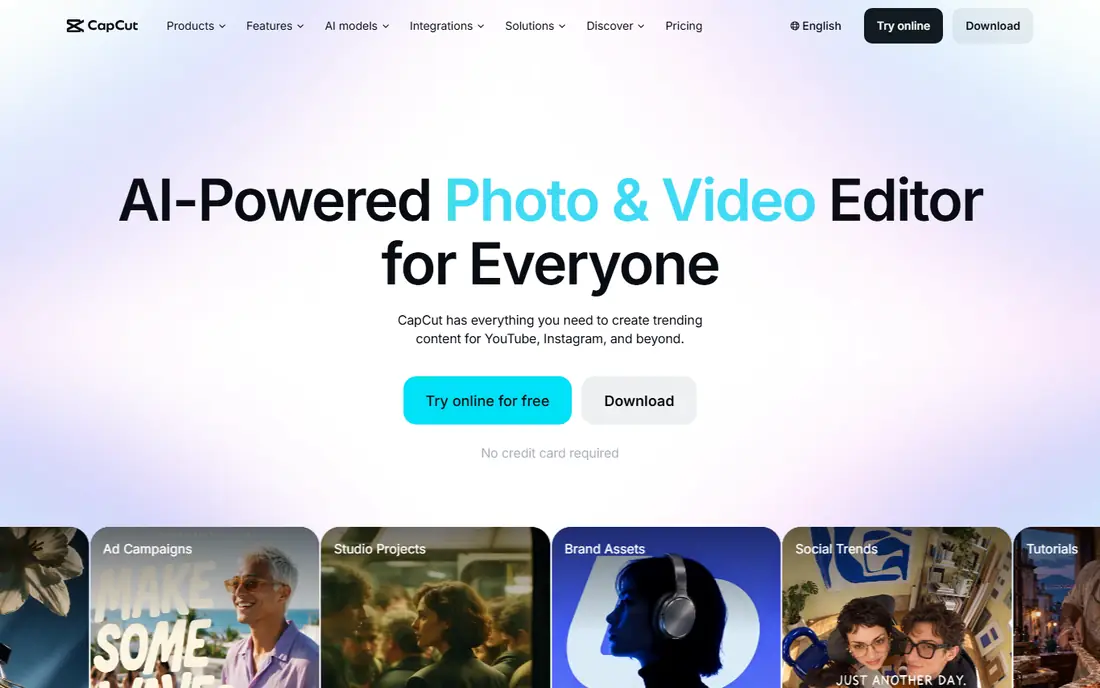
CapCut is the template leader for short-form video. Trending templates let creators drop in clips and get a timed edit with music, effects and text in minutes. The app also offers auto-captions, background removal and a large effects library, which helps creators post often without building each Reel from scratch. Desktop, mobile and web versions let projects move between devices.
Paid plans give access to Pro templates and features, with Standard and Pro tiers reported in recent comparisons. Free exports may add a CapCut ending clip that can be deleted, so check the export screen before posting. Pricing varies by region and plan, so use the in-app price for your account. For trend-driven creators, CapCut remains the fastest route to a polished Reel.
- Huge template library
- Trend formats
- Desktop, mobile and web versions
- Some Pro features need a paid plan
- Pricing varies by plan and region
- Free exports may add an ending clip
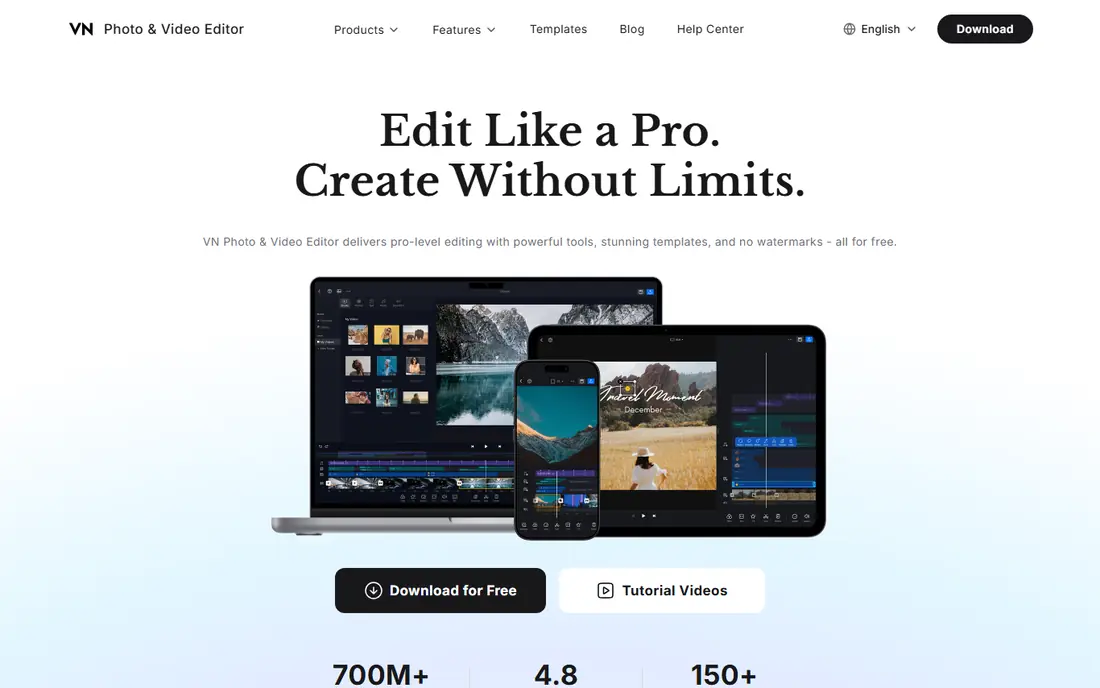
VN Video Editor, often called VN, gives mobile creators precise control without a watermark on free exports. Keyframes let you control motion, zoom and effects over time, which matters for Reels that need exact beat cuts. Audio waveforms help with dialogue and music timing, and 4K export is available in current listings. That combination is rare at a free price.
The template library is smaller than CapCut, so trend chasers may need to build effects by hand. Optional Pro pricing has varied in recent listings, so check the app store page for your device. For creators who want control and clean exports without a subscription, VN is our pick for free mobile editing.
- No watermark on free exports
- Keyframes and precise pacing
- 4K export
- Optional Pro pricing varies
- Template library is smaller than CapCut
- Desktop version needs setup
InShot suits creators who want a Reel edited in minutes. The timeline is simple, social size presets cover vertical video, and filters, stickers, transitions and music are easy to add. That speed helps small businesses and casual creators who post often and do not need keyframes or multi-track complexity. The app runs well on older phones in many cases.
Free exports carry an InShot watermark and ads appear on the free tier, so a paid plan is needed for clean, ad-free work. Pro pricing has varied by store and region, with monthly, yearly and lifetime options reported. For fast, simple edits where a watermark is not a problem, InShot is a good free start. For brand work, pay for Pro or pick VN or Edits.
- Simple timeline
- Social size presets
- Filters, stickers and music library
- Watermark on free exports
- Ads on the free tier
- Paid packs add cost
Canva is a design tool first and a video editor second, which is a strength for branded Reels. Templates, text styles, stock clips and Brand Kit colours help a business keep Reels consistent without a designer. Team collaboration and scheduling tools also help small teams plan posts. That design focus suits shops, coaches and local businesses more than film-style editors.
Video editing precision is limited. The timeline is simpler than VN or LumaFusion, and keyframe control is basic. Pro elements need a paid plan, with Pro pricing reported around monthly and yearly rates. For design-led Reels where branding matters more than complex cuts, Canva is a strong pick.
- Huge template and stock library
- Brand Kit for business
- Team collaboration
- Less precise video editing
- Pro elements need a paid plan
- Video timeline is basic
Adobe Express gives small businesses a fast way to make branded Reels with templates, stock assets and Adobe fonts. The free plan covers basic templates and exports without a watermark in recent listings, which helps businesses test the tool before paying. Premium templates, assets and tools sit behind a paid plan, with monthly and yearly pricing reported.
The workflow is template-led, so creators who want precise multi-track editing should look at VN, LumaFusion or PowerDirector. Storage and version history limits on the free plan also matter for larger teams. For branded social posts, menus, promos and short Reels, Adobe Express is a practical and polished choice.
- Free plan with templates
- Adobe stock and fonts
- No watermark on free exports in listings
- Premium templates and tools need a paid plan
- Video editing is template-led
- Storage limits on free
KineMaster offers a multi-track timeline on mobile, with layers for video, images, text and audio. Chroma key, blending and 4K export help creators who want more than a single-track editor. That depth suits mobile YouTubers and Reels creators who build layered edits on a phone or tablet. The asset store also adds effects, music and transitions.
Free exports carry a watermark, and full features need a subscription, with monthly pricing reported in recent listings. The interface can feel busy on small phones, so a larger screen helps. For creators who want multi-track control on Android or iOS without a desktop editor, KineMaster is a solid option.
- Multi-track timeline
- Chroma key
- 4K export on paid plans
- Watermark on free exports
- Subscription needed for full features
- Interface can feel busy
LumaFusion is the pro pick for iPhone and iPad editors. A one-time purchase replaces a subscription, and the multi-track timeline supports up to six video and audio tracks in current listings. Colour grading, LUT support and external drive workflows help creators who shoot in higher quality formats. XML export also helps move projects to desktop editors when needed.
It is Apple-only, so Android creators need another app. There is no free tier, though the one-time price can cost less over time than a monthly subscription. Beginners should expect a learning period, especially with colour and audio tools. For serious mobile editors on Apple devices, LumaFusion offers desktop-level control in a phone app.
- One-time purchase
- Multi-track timeline
- Colour grading and external drive support
- Apple devices only
- No free tier
- Learning curve for beginners
PowerDirector by CyberLink is an all-round mobile editor with AI motion tracking, multicam support and fast rendering. It suits creators who want a mix of templates, AI tools and manual control in one app. Screen recording and stabilization also help tutorial and product Reels. The desktop version shares the same brand, which helps creators who later move to a computer.
The free tier has limits, and full features need a subscription, so check the in-app pricing for your device. The interface packs many tools into mobile screens, which can overwhelm new users at first. For creators who want one app that covers most Reel jobs, PowerDirector is a versatile choice.
- AI motion tracking
- Multicam and screen recording
- Fast rendering
- Full features need a subscription
- Free tier has limits
- Interface packs many tools
How we picked these
We compared official app pages, store listings and recent October 2026 Reel editing comparisons, and we favoured apps that still operate and export vertical video suitable for Instagram Reels. We left out desktop-only editors without a mobile or web Reel workflow, and we left out apps where watermark or pricing details could not be confirmed. Where pricing varied by store, region or plan, we used the most commonly reported figure or See website in the table notes.
How to choose a reel editing app
Start with where you post. Instagram-first creators should start with Edits, while cross-platform creators should start with VN or CapCut. Next, check watermark and export rules, since a watermark can ruin brand posts. Then test one Reel end to end, including captions, music, export resolution and posting, before committing to a paid plan. A template that looks good in preview can still export with limits you did not expect.
Think about skill and time. Fast template apps save time but limit control, while precise editors take longer to learn but give cleaner results. For business Reels, brand consistency matters more than trend effects, so Canva or Adobe Express may beat a trend app. For personal creators, speed and audio trends may matter more. Keep original clips backed up, and check music licensing for commercial posts before publishing.
Frequently asked questions
What is the best reel editing app?
Edits is our pick for Instagram-first creators, because it is free and exports without a watermark. VN is our pick for free precise editing across platforms, while CapCut leads on templates and trends. The best app depends on whether you value templates, control or branding most.
What is the best instagram reel editing app for free?
Edits, VN and CapCut all offer strong free tiers. Edits has no watermark on export in current listings, VN has no watermark on free exports, and CapCut free exports may add an ending clip you can delete. Test all three with the same clip to see which workflow you prefer.
What is the best reel making app for beginners?
InShot and Canva suit beginners, with simple timelines and templates. Edits also suits beginners who post only to Instagram, since it stays close to Reels tools and trends. Start with a simple app, learn trimming, captions and music timing, and move to VN or LumaFusion only when you need more control.
Do free reel editing apps add a watermark?
Some do, and some do not. InShot and KineMaster add watermarks on free exports, while Edits and VN do not in current listings. CapCut free exports may add an ending clip rather than a full watermark. Always check the export screen before posting a brand Reel.
Can I edit Reels on desktop as well as mobile?
Yes. CapCut, Canva, Adobe Express and PowerDirector offer desktop or web versions alongside mobile apps. VN also offers desktop versions in current listings, while LumaFusion is mobile-focused for Apple devices. Desktop editing helps with larger screens and file management, but mobile apps are faster for trend posts.
Which reel editing app is best for business Reels?
Canva and Adobe Express suit business Reels, with templates, Brand Kit tools and stock assets. Edits also works for Instagram business accounts that want trend audio and insights. For product demos with precise cuts, VN or PowerDirector give more control than a template tool.
Sources
See where you really rank - block by block
ProMapRanker scans Google Maps across a grid of your service area. Simple monthly plans from $19, white-label on every plan.
Start freeKeep reading
 zoho inventory alternatives
6 Alternatives to Zoho Inventory, Compared on Price and Fit
Zoho Inventory alternatives: 6 tools compared on price, free plans and fit. Katana leads the list for manufacturers. Fit and flaws are laid out for each entry.
Read → zoho crm alternatives
Best Zoho CRM Alternatives (2026)
Need Zoho CRM alternatives? We compare 7 tools on cost, free access and who each suits. Every pick gets a straight assessment. Built for quick decisions.
Read → zelle alternatives
Best Zelle Alternatives in 2026
Compare the best Zelle alternatives for sending money to friends, paying sellers and moving funds abroad, with honest notes on fees, speed and safety in 2026.
Read →