 ProMapRanker
Best AI Tools for Content Creators in 2026

Key takeaways
- No single tool covers writing, video, images, and voice well, so build a small stack with one tool per job.
- Descript is the strongest pick for creators who edit video and podcasts, since it lets you edit media by editing text.
- Opus Clip saves the most time for short-form video, by cutting long videos into clips with captions.
- Jasper and Copy.ai suit teams that need marketing copy at volume, while Canva suits creators who need fast social graphics.
- Midjourney, Runway, and ElevenLabs cover images, generative video, and voice, but each needs a clear check on rights and usage limits.
Quick comparison
| Pick | Great for | Pricing starts at | Free tier | |
|---|---|---|---|---|
 Jasper | Marketing copy at volume | $69 per month | Free trial | Visit |
 Descript | Text-based video and podcast editing | $24 per month | Yes | Visit |
 Opus Clip | Long video to short clips | $29 per month | Yes | Visit |
 Runway | Generative video and media | $15 per month | Yes | Visit |
 Canva | Social graphics and design | See website | Yes | Visit |
 Midjourney | AI image generation | $10 per month | No | Visit |
 ElevenLabs | AI voiceover and speech | See website | Yes | Visit |
 Copy.ai | Team copy workflows | See website | Free trial | Visit |
The best ai tools for content creators
Content creation now spans writing, editing, design, image generation, video, and voice, and the tools below each own one part of that chain well. We compared official pricing and feature pages, plus public creator roundups, to put this list together. Prices are starting paid prices unless noted, and free plans usually come with limits on credits, exports, or commercial use, so check the plan page for your use case.
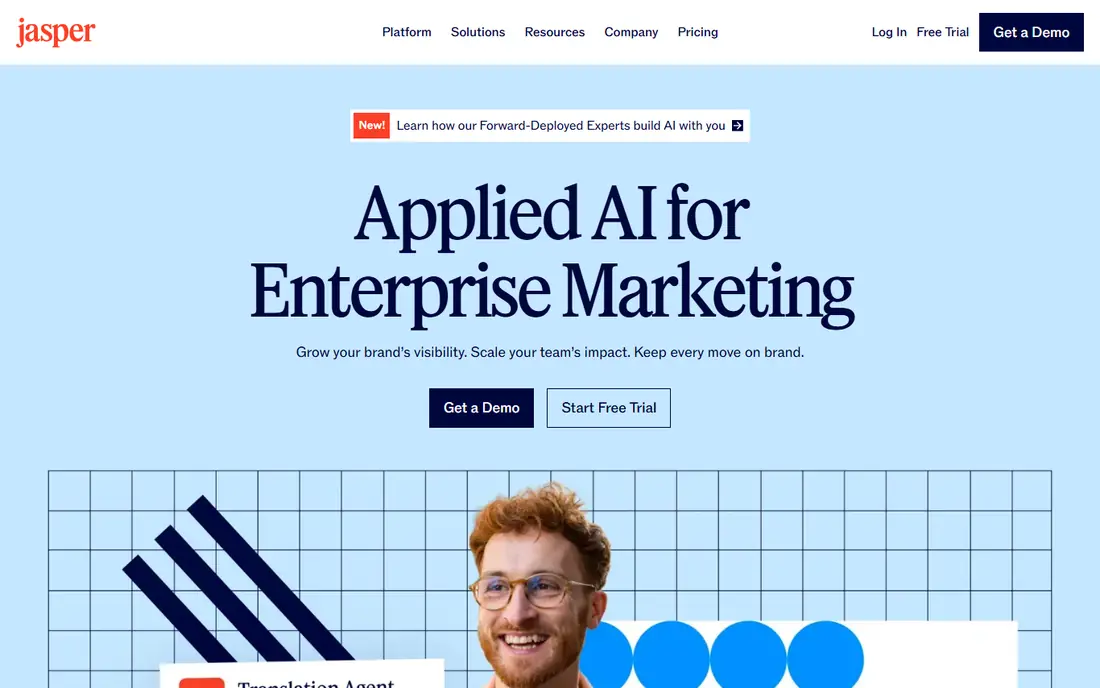
Jasper is built for marketing teams that need a lot of copy in a consistent voice. You can set a brand voice, build workflows for campaigns, and produce blog drafts, social posts, ads, and emails from the same brief. That structure helps a team that publishes often and needs every writer, or every AI draft, to sound like the same brand.
For a solo creator, the price is the main question. At $69 per month to start, Jasper only makes sense if you publish marketing copy every week and use the brand and workflow features. If you write occasional posts, a general assistant plus a good editor will cost less and cover the same ground.
- Brand voice controls for consistent copy
- Templates and workflows for campaigns
- Team collaboration features
- No permanent free plan
- Monthly cost is high for a solo creator who only writes occasionally
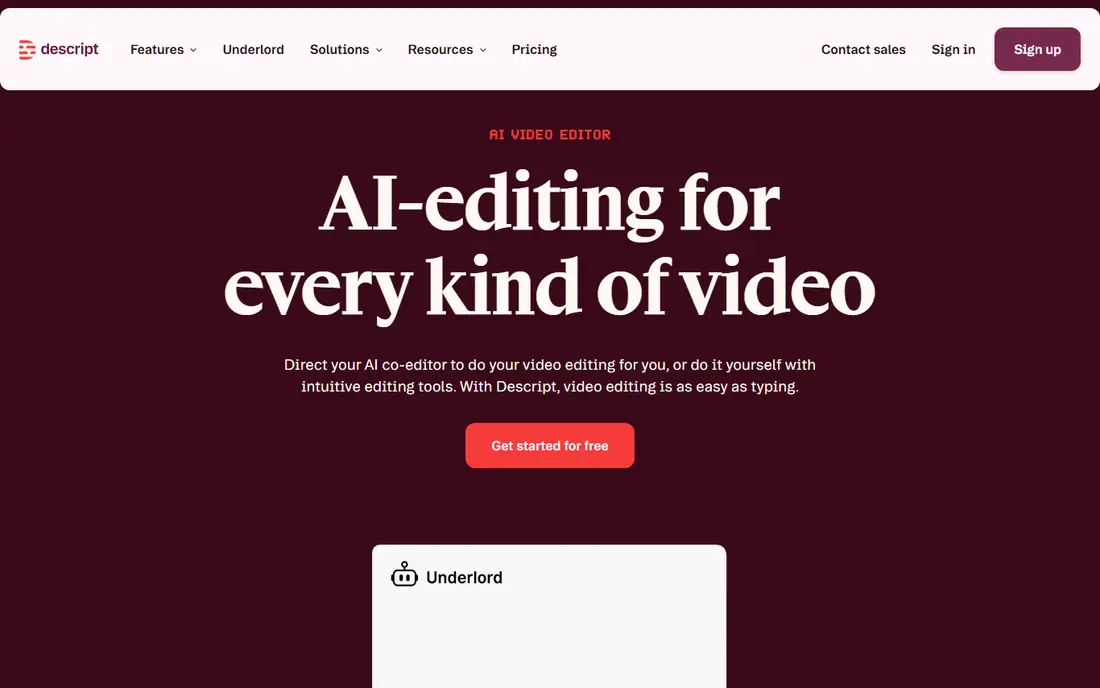
Descript changes video editing for creators who think in words rather than timelines. It transcribes your recording, and when you delete a sentence from the transcript, that part of the video or audio is removed too. Filler-word removal, studio sound cleanup, and overdub-style fixes sit in the same flow, which makes podcast and talking-head editing much faster than cutting clips by hand.
The free plan gives a taste of the workflow, while the Hobbyist plan starts at $24 per month, or less on annual billing, with limits on hours and credits. Creators who edit long videos every week should check those limits against their actual output. For most solo podcasters and YouTubers, though, Descript is the tool that most changes the editing routine.
- Edit video and audio by editing a transcript
- Filler-word removal and studio sound tools
- Clip creation for social
- Hobbyist plan limits hours and credits
- Learning the text-editing flow takes a short adjustment
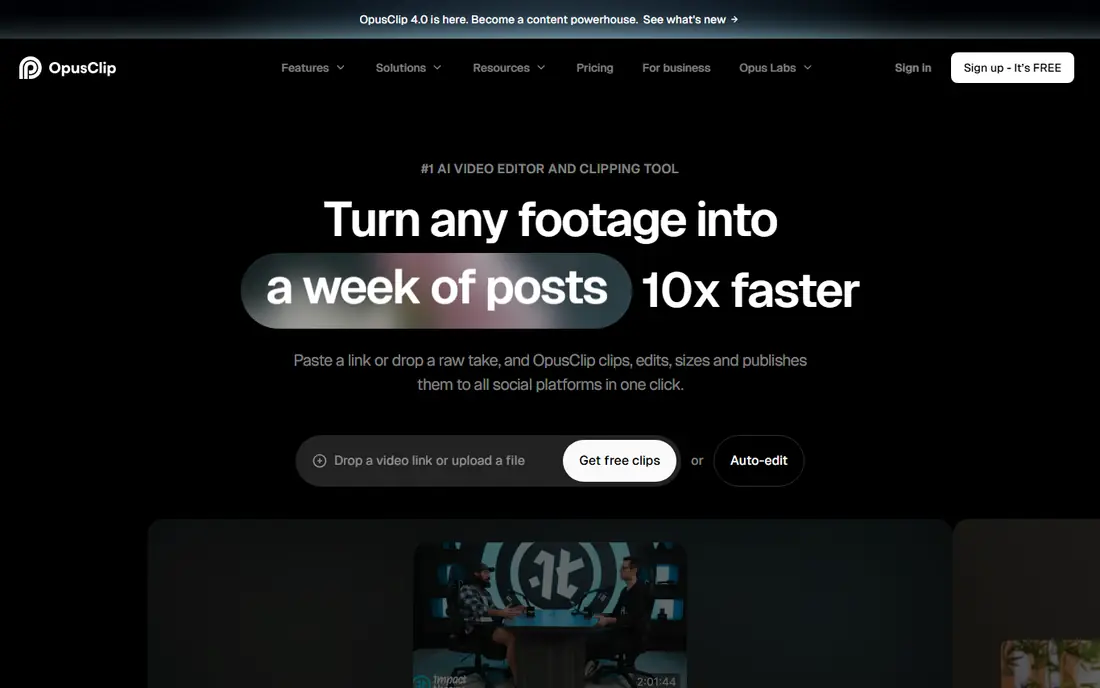
Opus Clip answers the most common repurposing problem: a long video that deserves a second life as shorts. Upload a podcast, stream, or tutorial, and Opus Clip finds moments likely to work as short clips, adds captions, and formats them for vertical platforms. That turns one recording session into a week of short-form posts without a separate editing session for each clip.
The catch is source quality. A rambling recording with weak audio will still produce weak clips, and you should review and trim the best clips rather than posting everything it suggests. The free plan gives monthly credits with a watermark, while Pro starts at $29 per month. For creators who publish shorts regularly, the time saved is easy to measure.
- Cuts long videos into short clips with captions
- Scores clips for likely interest
- Posts to short-form platforms
- Clip quality varies with source material
- Free credits come with a watermark
Runway is for creators who want to generate video, not just edit it. Its models can turn text or images into moving clips, extend scenes, and create visual material that would be costly to shoot. That makes it useful for B-roll, title sequences, experimental visuals, and early ideas for a larger project, especially for creators without a camera crew.
Generative video still needs curation. Results vary by prompt, some clips need several tries, and credit limits shape how much you can test each month. The Standard plan starts at $15 per month, with limited free access for testing. Treat Runway as a creative tool for specific shots, not as a replacement for filming your core content.
- Generative video models with image and video tools in one place
- Useful for B-roll, effects, and visual ideas
- Output quality varies by prompt and model
- Credits limit how much you can generate each month
Canva remains the fastest way for most creators to make good-looking social graphics. Templates cover posts, thumbnails, carousels, and presentations, while AI tools help with resizing for each platform, removing backgrounds, and drafting short copy. The free plan is genuinely useful, which is why so many creators start here and stay here.
Pro adds brand kits, deeper AI features, and more storage and scheduling options, and it is worth paying for if you publish daily or manage a team brand. Canva will not replace a professional design tool for complex illustration or print work, but for social content at speed, it is the most practical pick in this list.
- Free plan covers many templates and design tools
- AI resize, background removal, and writing help
- Easy social scheduling
- Advanced AI and brand features sit on Pro
- Design depth is less than a professional design app
Midjourney is the image tool many creators reach for when they want a distinctive look rather than a stock photo. It produces stylized, detailed images from text prompts, and it is especially strong for thumbnails, channel art, illustrations, and mood visuals. The community around it also helps, since seeing how others phrase prompts teaches the style controls faster than reading docs alone.
There is no free plan, with paid plans starting at $10 per month, and results depend heavily on prompt skill. A vague prompt gives a vague image, so expect a learning curve before your output looks consistent. For creators who publish visual content often, that learning pays off quickly.
- Strong artistic and stylized image output
- Active community and style controls
- Good for thumbnails and art
- No free plan
- Prompt skill matters a lot for consistent results
ElevenLabs is the leading pick for creators who need narration without recording every line themselves. Its text-to-speech voices sound natural enough for explainer videos, faceless channels, audio versions of articles, and dubbed versions of existing videos. Voice cloning and dubbing extend that further, but they also raise the stakes for consent.
Use voice tools with care. Only clone a voice you have clear permission to use, and check the license terms for commercial work before publishing. The free plan is useful for testing, while paid plans add credits and commercial rights. For narration-heavy creators, ElevenLabs can save hours of recording time each week.
- Natural-sounding text-to-speech voices
- Voice cloning and dubbing tools
- Useful for narration and faceless video
- Free plan has no commercial license in many cases
- Voice cloning needs care around consent and rights
Copy.ai suits a small team that shares one copy tool rather than each person using a separate assistant. Chat access across several models, plus workflows for common marketing and sales tasks, helps a team produce briefs, emails, social posts, and product copy in a repeatable way. Shared workspaces keep that output in one place.
As with every writing tool here, output needs human review. AI drafts can be generic, repeat phrases, or miss product details, so build an editing pass into the workflow. Check seat and plan terms for your team size before buying, since team pricing changes the value picture fast.
- Chat and workflows across several models
- Good for marketing and sales copy at team scale
- Shared workspaces
- Output still needs human editing
- Pricing and seat terms need checking for your team size
How we picked these
We compared official pricing and feature pages, plus public creator roundups, and kept only tools that work now, in October 2026, and that fit a clear creator job. We favored a mix of writing, editing, repurposing, design, image, video, and voice tools, so readers can build a small stack rather than buy one tool for everything. Where pricing varied between sources, we wrote See website rather than guess a figure.
How to build a creator stack without overspending
Start with the bottleneck in your own workflow, and add tools only when a free tier breaks.
Pick one tool per job
Map your week: writing, editing, graphics, clips, images, voice. Assign one tool to each job you do often, and leave the rest alone. A shelf of subscriptions you open twice a month costs more than a small stack you use every day.
Check rights before you publish
Read the license for commercial use, especially for voice cloning, image generation, and video generation. Free plans often limit commercial rights, and generated output may need disclosure or extra checks depending on the platform where you publish.
Keep a human pass in every workflow
Use AI for drafts, cuts, and first versions, then edit for accuracy, tone, and facts before publishing. That pass is what keeps AI content useful, and it is especially important for claims, prices, and advice your audience may act on.
Frequently asked questions
What is the best AI tool for content creators overall?
There is no single best tool, because writing, video, images, and voice are different jobs. Descript is the strongest all-round pick for video and podcast creators, Canva for social graphics, and Jasper or Copy.ai for marketing copy at volume. Build a small stack around the job you do most.
Are AI content tools free?
Many offer free plans or trials, including Descript, Opus Clip, Runway, Canva, and ElevenLabs, but free tiers usually limit credits, exports, or commercial use. Midjourney has no free plan. Start free, and upgrade only when a real limit blocks your publishing schedule.
Can AI tools replace a human editor?
No. AI tools speed up drafts, cuts, and first versions, but they still produce generic copy, factual errors, and weak clips. A human editing pass for accuracy, tone, and originality is still the step that makes content worth publishing.
Do I need to disclose AI-generated content?
Disclosure rules vary by platform and by use, and they change often. Check the rules for each platform where you publish, and be open with your audience when AI plays a major role in a piece, especially for voice cloning or realistic imagery.
What is the best AI tool for short-form video?
Opus Clip is the strongest pick for turning long videos into short clips with captions, while Descript also creates clips from longer edits. Pair either tool with a quick human review, since the best clip still depends on a strong moment in the source video.
Sources
See where you really rank - block by block
ProMapRanker scans Google Maps across a grid of your service area. Simple monthly plans from $19, white-label on every plan.
Start freeKeep reading
 outreach alternatives
Outreach Alternatives in 2026
Compare outreach alternatives for 2026, from Salesloft and Apollo to HubSpot and Lemlist, with pricing, channels, features, limits, and honest trade-offs.
Read → best web conference tools
Best Web Conference Tools in 2026
Compare the best web conference tools for meetings, webinars and team calls, with current pricing, free plans and honest limits for each option here today.
Read → best voice cloning tools
Best Voice Cloning Tools in 2026
Compare the best voice cloning tools in 2026, from ElevenLabs and Descript to Resemble and Cartesia, with consent rules, pricing, licenses, and limits.
Read →