 ProMapRanker
Top 5 AI PowerPoint Tools, Compared on Price (2026)
Direct answer
Pitch leads the list, best for collaborative team presentation workflows. Listed starting prices: Pitch from €10 a month, SlidesAI from $10.00 per user a month and Beautiful.ai from $14.50 per month. SlidesAI fits turning text and documents into slides; Canva fits mixed visual and presentation work. The full list of 5 tools follows, with prices and free plan facts.
ProMapRanker put together this guide to AI PowerPoint tools for readers who want a clear shortlist without reading every vendor page. It compares 5 tools on starting price, free plans, who each one suits and where each one falls short.
Key takeaways
- Top of the list is Pitch, which targets collaborative team presentation workflows.
- For the cheapest start, look at SlidesAI: $10.00 per user per month.
- Beautiful.ai suits enterprise teams needing on-brand decks.
- Only 2 of the 5 tools have a free plan (Pitch, SlidesAI), so check the caps.
Quick comparison
| Pick | Great for | Pricing starts at | Free tier | |
|---|---|---|---|---|
 Pitch | Collaborative team presentation workflows | €10 a month | Yes | Visit |
 SlidesAI | Turning text and documents into slides | $10.00 per user a month | Yes | Visit |
 Canva | Mixed visual and presentation work | See website | Not stated | Visit |
 Microsoft Copilot | Teams already working in Microsoft apps | See website | Not stated | Visit |
 Beautiful.ai | Enterprise teams needing on-brand decks | $14.50 per month | Free trial | Visit |
Tool-by-tool breakdown
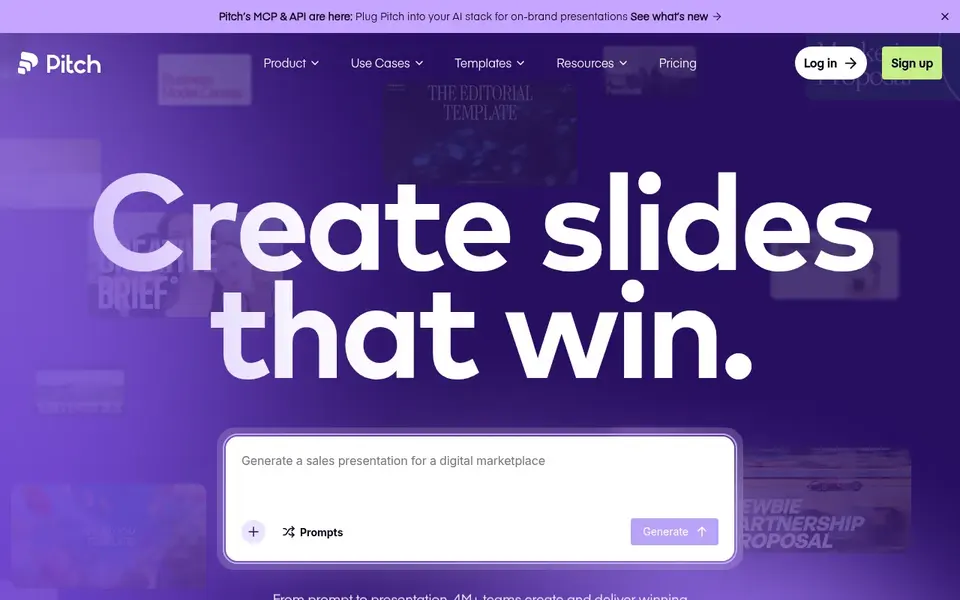
Pitch is built with collaborative team presentation workflows in mind. The workspace model is designed around teams, so individuals with straightforward, occasional slide needs may find it more than necessary.
Where it is weaker: Team focus may be more than solo users need.
It is also a newer name compared to long-standing slide software, which can matter in organizations with strict tooling standards. Pitch describes itself as the AI presentation workspace for teams that want to produce, share and deliver better work. Entry price for Pitch: €10 per month. Pitch has a free plan.
- Built around team collaboration
- Sharing and delivery
- Less established than legacy slide software
SlidesAI is a good fit for turning text and documents into slides. It is a practical shortcut for repetitive deck creation. In daily use, results are only as decent as the source text, and generated slides usually need editing for accuracy and tone.
Limits to weigh: Output quality depends on source material.
Its scope is conversion instead of wide design or collaboration, so it complements instead of replaces a full presentation product. Also, pick a design-centered tool when visual polish and brand control are the main goals. The starting price for SlidesAI: $10.00 per user per month. SlidesAI offers a free plan.
- Works inside Google Slides and PowerPoint
- Documents and PDFs into presentations
- Narrower scope than full design products
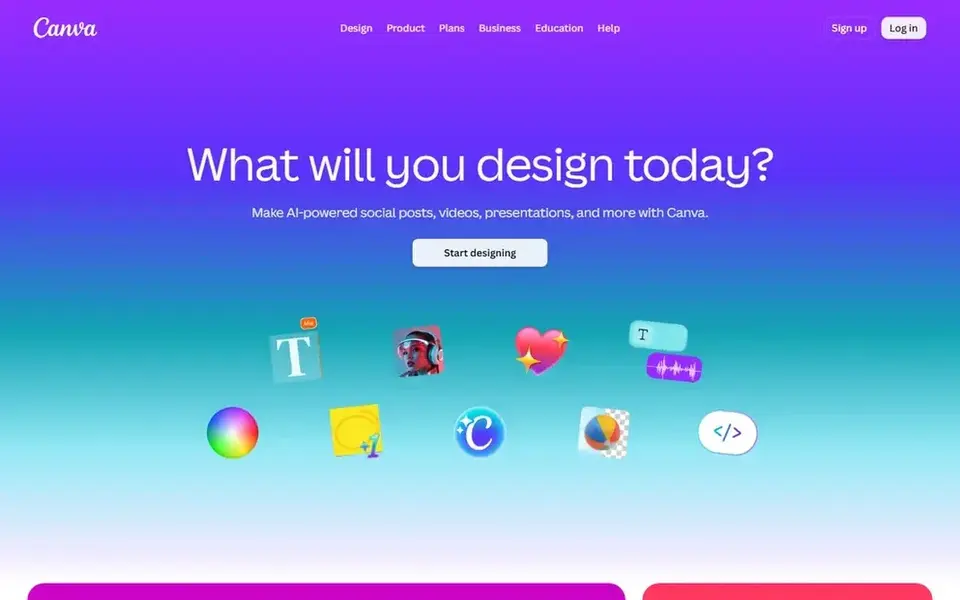
Canva is a good fit for mixed visual and presentation work. Canva is an online graphic design system the vendor describes as a visual suite for everyone, including social media posts, presentations, posters, videos, logos and more.
On top of that, pick a dedicated presentation product when slide structure and team deck workflows are the priority. Canva shows no starting price here, so confirm the cost on the vendor site. On free options: Not stated.
Reasons to shortlist it: Online design tool usable by non-designers. Trade-offs to know: Large template variety can slow decision-making.
- Posters and video
- Broad range of visual content types in one place
- Presentation depth may trail dedicated slide tools
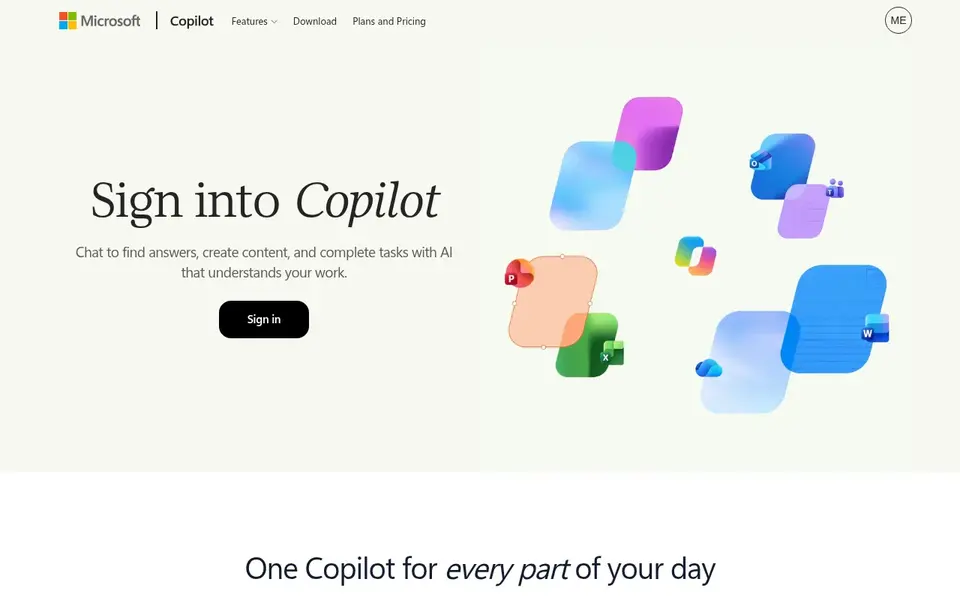
Pick Microsoft Copilot if this describes you: teams already working in Microsoft apps. Microsoft Copilot is the AI assistant built into the Microsoft ecosystem, described by the vendor as knowing your work and living in the apps you already use. Copilot is tied to the Microsoft environment, so teams working largely in Google Workspace or standalone design tools may find less benefit.
Drawbacks to consider: Value relies on how deeply you use Microsoft tools.
Main advantages: business and enterprise use. It is also more of a general work assistant than a dedicated slide design engine. Choose a specialized presentation tool when visual polish and layout automation matter more than suite integration. Pricing for Microsoft Copilot is not stated here, so ask the vendor for current figures. Free access: Not stated.
- Draws on your work context to assist with tasks
- Positioned for individual
- Less concentrated on design-heavy slide layouts
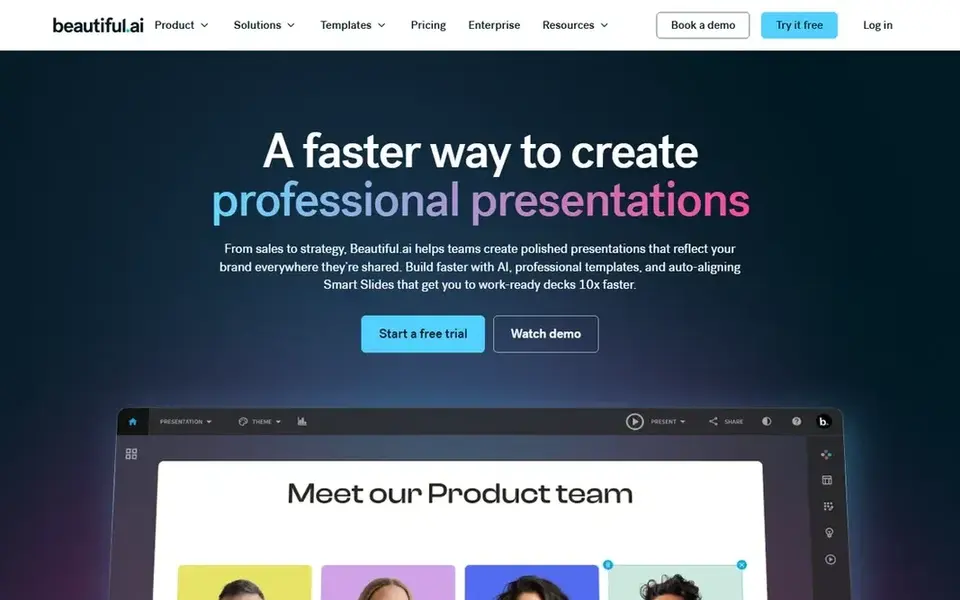
Where Beautiful.ai fits: enterprise teams needing on-brand decks. Beautiful.ai is an AI presentation system geared toward enterprise teams, with the vendor emphasizing that every deck stays on brand and ready to share across the company. Worth adding: if your work spans social graphics, video and print alongside slides, a broader product may handle more ground.
Teams that value brand control over total layout freedom will find it a natural fit. It is also a presentation-focused product instead of a general design suite. The starting price for Beautiful.ai: $14.50 per month. On free options: Free trial.
Limits to weigh: Narrower scope than a full visual suite.
- Made for team sharing and collaboration
- Focus on brand consistency across a company
- Less handy for teams outside its design model
Pre-purchase checklist
- Get a written quote from Canva and Microsoft Copilot; the list shows no starting price for them.
- Check what the free option really includes: Pitch and SlidesAI offer a free plan, and usage caps differ.
- Run a trial of Beautiful.ai with real work before paying for a year; your own workflow is the best test.
- Read the limits listed for Pitch first: team focus may be more than solo users need.
- Let daily users try Microsoft Copilot on real work; their feedback beats any feature checklist.
- Check whether the features you need in SlidesAI sit on the entry plan or only on higher tiers.
Frequently asked questions
Which AI tool is best for making PowerPoint slides?
Pitch comes first here and is built for collaborative team presentation workflows. Buyers with other needs may prefer SlidesAI (for turning text and documents into slides) or Canva (for mixed visual and presentation work). Compare costs and limits first.
Do these tools publish their prices?
Not all of them. Canva and Microsoft Copilot publish no starting price, so expect a quote request for those. The rest, Pitch included, show a starting price, though seats and billing terms still change the final cost.
What is the cheapest option for AI PowerPoint tools in this list?
On published monthly entry prices, SlidesAI is the lowest here at $10.00 per user per month. Entry price is only part of the cost, because seats, add-ons and billing terms can change the total. All 5 picks in this AI PowerPoint tools comparison list a starting price, free plan details and the main limits on their cards above.
Can I try these options before paying?
Often, yes. Pitch and SlidesAI have a free plan and Beautiful.ai offers a free trial. Use your own data and a real task during the test, and check what the free tier or trial limits before you rely on it.
How are the tools for AI PowerPoint tools ordered?
Pitch sits first and Beautiful.ai last because the order follows typical fit for AI PowerPoint tools, then price clarity and free access. It is a judgement call, so read each profile for fit and limits.
Sources
See where you really rank - block by block
ProMapRanker scans Google Maps across a grid of your service area. Simple monthly plans from $19, white-label on every plan.
Start freeBrowse all guides
← Best AI Platforms for ML Model Management in 20266 Best AI Tools for Authors in 2026 →
 storyboarder.ai alternatives
Storyboarder.ai Alternatives: 5 Tools Compared in 2026
Storyboarder.ai alternatives in 2026: 5 contenders with entry costs and free tiers. The weak spots sit next to the strengths. Current for November 2026.
Read → scite.ai alternatives
Scite.ai Alternatives in 2026: Prices and Free Plans
Comparing Scite.ai alternatives? 5 contenders, each with entry cost, free tier and best-fit buyer. Each pick lists its main limit. Current for November 2026.
Read → pro tools alternatives
Best Pro Tools Alternatives in 2026
Pro Tools alternatives: 5 contenders ranked by fit, with entry costs and free tiers. Every pick includes one clear drawback. Current for November 2026.
Read → ai sonos app alternatives
AI Sonos App Alternatives in 2026
Our guide to ai sonos app alternatives compares 9 multi-room audio and smart speaker control systems for 2026, with free apps and hardware trade-offs.
Read → best ai alternatives to chatgpt
Best AI Alternatives to ChatGPT in 2026
Looking for the best ai alternatives to chatgpt? Compare Claude, Gemini, Copilot, Perplexity and more on price, free plans, and what each does best for you.
Read → best ai editing app
Best AI Editing App in 2026: 9 Apps Compared
We compared the best ai editing app options for photos, portraits and product images, with current prices, free plans and the strengths that matter most.
Read →More in AI Tools · All guides A to Z by date · Latest guides