 ProMapRanker
AI Sonos App Alternatives in 2026


Affordable multi-room streaming on existing speakers · Pricing starts at: See website
Key takeaways
- Sonos itself is not listed here, since this article covers replacements and other multi-room systems only.
- WiiM Home is the budget route, since its streamers add multi-room audio to speakers you already own.
- BluOS and Roon suit listeners who care most about sound quality and library browsing, but both need compatible hardware.
- Apple, Google, and Alexa systems win on voice control, while Bose wins on simple control and everyday sound.
Quick comparison
| Pick | Great for | Pricing starts at | Free tier | |
|---|---|---|---|---|
| WiiM Home | Affordable multi-room streaming on existing speakers | See website | Yes | Visit |
 BluOS by Bluesound | Higher quality multi-room audio across brands | See website | Yes | Visit |
 HEOS by Denon | Home cinema owners who want multi-room sound | See website | Yes | Visit |
 MusicCast by Yamaha | Yamaha owners who want whole home audio | See website | Yes | Visit |
 Roon | Music lovers with a large local and streaming library | See website | Free trial | Visit |
 Apple Home and AirPlay | Apple households that want voice and multi-room control | See website | Yes | Visit |
 Google Home | Android and Google households that want voice control | See website | Yes | Visit |
 Alexa Multi-Room Music | Amazon households that want voice led multi-room audio | See website | Yes | Visit |
 Bose Music | Listeners who want simple control and strong sound | See website | Yes | Visit |
The best AI Sonos app alternatives
This article covers multi-room audio and smart speaker control alternatives to Sonos, not Sonos itself. Some options are apps tied to hardware, such as WiiM Home and BluOS, while others are voice led systems from Apple, Google, and Amazon. The right choice depends on the speakers you own, how much you value voice control, and how much you care about high resolution sound.
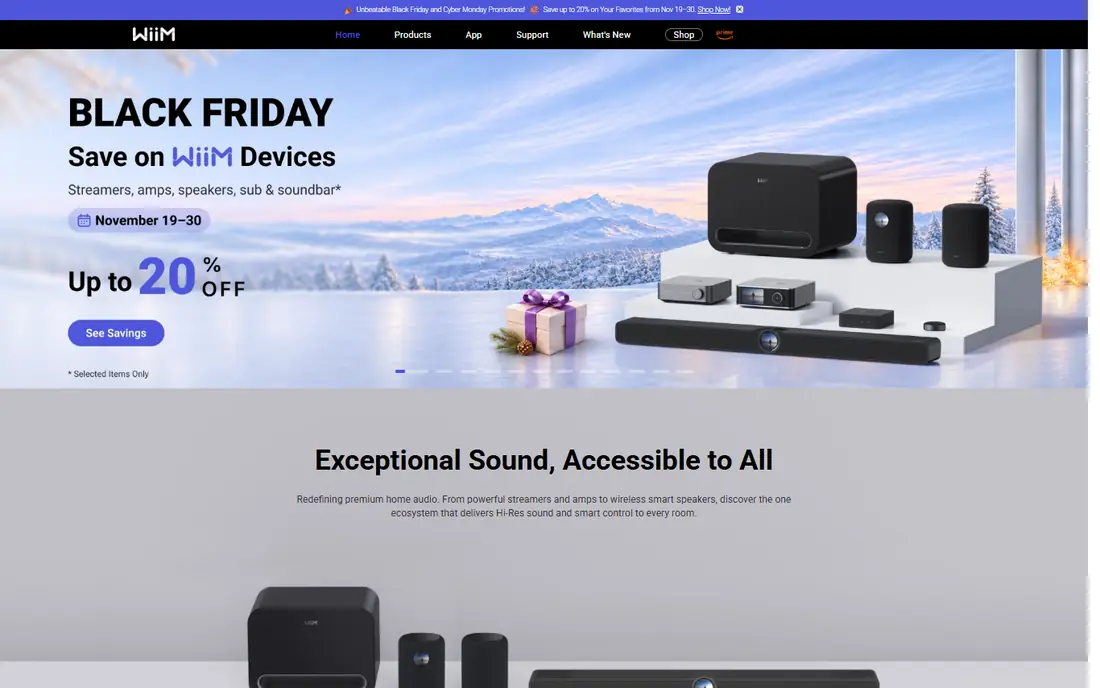
This option earns its place for one practical reason, and that reason shows up in daily use. WiiM Home fits listeners who want multi-room audio without replacing every speaker in the house, since WiiM streamers can add streaming to an older stereo. The app groups rooms, sets volume per room, and pulls in services such as Spotify Connect, Tidal Connect, and Chromecast. Room correction and equaliser controls in the app help a small speaker sound better in a real room, not just on a spec sheet.
The catch is that the app alone does not make a non-WiiM speaker play in sync, so budget for a streamer or a WiiM speaker for each room you want to add. Start with one streamer on your main system, test grouping with a second room, and only then expand room by room. If that limitation touches your daily work, keep it on the shortlist but check it in a trial first.
- App is free to download
- Streamers add multi-room audio to older speakers
- Support for many streaming services and casting options
- You still need WiiM hardware or compatible speakers
- Some features vary by device

If the first choice on your shortlist feels too narrow, this one widens the picture in a useful way. BluOS fits listeners who care about sound quality first and want multi-room control that is not tied to a single speaker brand. Bluesound players and speakers, plus partner brands that use BluOS, can play the same track in several rooms or different tracks in each room. Support for high resolution files and many streaming services makes it a strong choice for a serious listening room that also needs other rooms.
The catch is price, since Bluesound hardware sits above budget streamers, and the best features need compatible hardware in each room. If audio quality is the priority, compare a Bluesound player with a WiiM streamer on your own speakers before committing to one system. For the right buyer, the benefit outweighs the catch, and the catch is easy to spot early.
- High resolution audio support
- Multi-room grouping across Bluesound and partner brands
- Broad music service support
- Hardware costs more than budget streamers
- App features depend on the device in each room
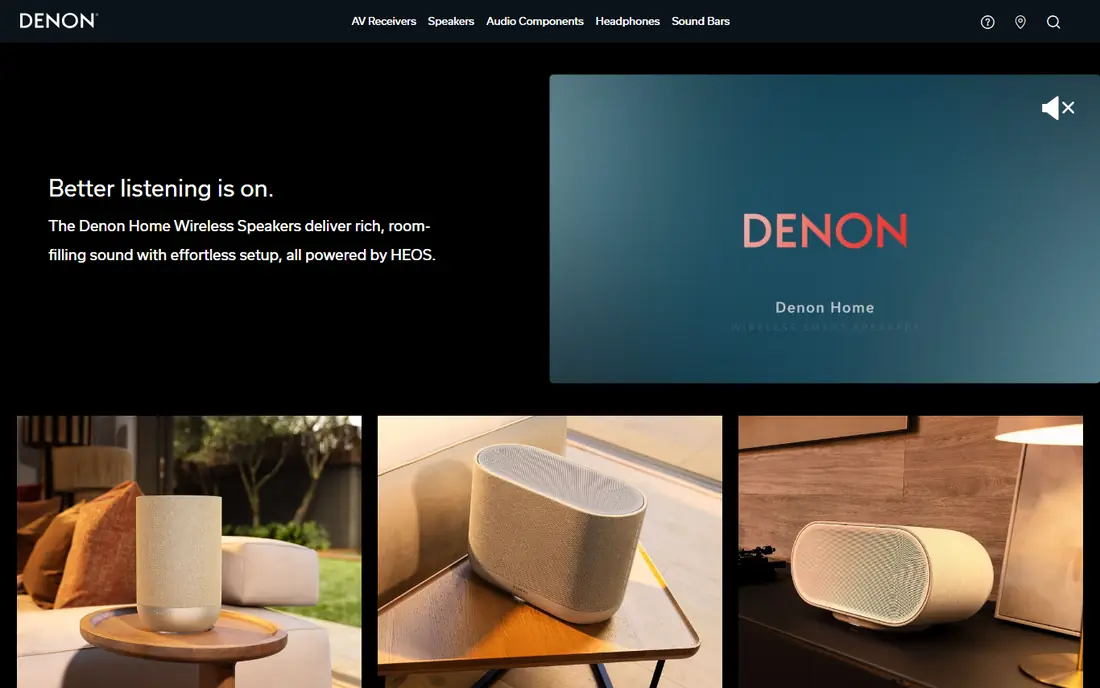
We put this here because it solves a specific problem well, even if it is not the cheapest route. HEOS fits homes that already use a Denon receiver for TV and music, since the same app can extend that system to other rooms. It groups HEOS speakers and compatible receivers, so TV sound, a stereo pair, and a kitchen speaker can sit in one control app. Streaming services, internet radio, and local music files all appear in the app, which keeps daily control in one place.
The catch is that the system shines brightest inside Denon and Marantz hardware, so a home with mixed brands may need extra steps. Check that each receiver or speaker you own is HEOS compatible, and test grouping before adding a new room. We would shortlist it, with the catch above as the first question to ask in a demo or trial.
- Multi-room audio across Denon and Marantz products
- Home cinema and stereo in one app
- Broad streaming service support
- Best value comes inside Denon and Marantz hardware
- Standalone speaker range is narrower than some rivals
A good test for this option is how it handles the work you do every week, not just setup day. MusicCast fits Yamaha households, where a receiver, a sound bar, and a wireless speaker can all be controlled from one app. It lets you play the same music across rooms, send TV audio to another room, and pair speakers for stereo sound. Yamaha's range covers receivers, sound bars, and compact speakers, so a whole home system can grow inside one brand.
The catch is brand lock-in, since non-Yamaha speakers do not join a MusicCast group in the same way. If you already own Yamaha gear, MusicCast is the low friction route, and new rooms are best added with MusicCast compatible models. That trade is worth it for buyers who value that strength more than a lower starting price.
- Multi-room control for Yamaha receivers, speakers, and sound bars
- Stereo pairing and home cinema options
- Broad service support
- System works best with Yamaha hardware
- App layout can feel dense at first
This one stands out when you compare what is included at the starting price with what costs extra. Roon fits listeners with a large music collection who want browsing to feel like reading a music magazine, not scrolling a playlist. It links your local files with streaming services, shows credits, lyrics, and artist connections, and plays to many endpoints in the home. Multi-room zones let different rooms play different music, or the same track in sync, from one control screen.
The catch is that Roon is a subscription on top of your music service, and it needs a computer or server running as its core. Try the trial with your own library first, since the value depends on how much you browse and explore, not just on playback. If that limitation touches your daily work, keep it on the shortlist but check it in a trial first.
- Rich library browsing with credits, lyrics, and artist links
- Multi-room playback to many endpoints
- High quality audio paths
- Subscription cost on top of a music service
- Needs a computer or server to run the core
Apple Home and AirPlay
Great for: Apple households that want voice and multi-room control
For teams that want a clear change from what they use now, this is a strong place to start. Apple Home and AirPlay fit households that already use iPhones, iPads, and Macs, and want music control without a new app habit. AirPlay 2 sends audio to several speakers at once, groups rooms, and lets Siri control playback by voice. HomePod speakers, Apple TV, and many partner speakers appear in the same Home app, which keeps control simple for Apple users.
The catch is that the experience is strongest inside Apple's own devices, and Android households will find the control options thinner. Check that each speaker you plan to use supports AirPlay 2, and test Siri commands in the rooms where voice control matters most. For the right buyer, the benefit outweighs the catch, and the catch is easy to spot early.
- AirPlay 2 multi-room audio to many speakers
- Siri voice control
- Tight iPhone, iPad, and Mac integration
- Best experience needs Apple devices
- Speaker choice is narrower outside Apple and AirPlay partners
This option earns its place for one practical reason, and that reason shows up in daily use. Google Home fits Android households and anyone who already uses Google Assistant for timers, lights, and questions. Speaker groups let you play music across several rooms, move playback from one speaker to another, and control volume by voice. Casting from music apps works across Google speakers and many partner speakers and displays, which widens the hardware choice.
The catch is that speaker quality varies a lot, since Google Home covers budget speakers, displays, and partner models with different sound. Pick speakers by listening first, then check that each one joins a Google speaker group, since that grouping is the core feature. We would shortlist it, with the catch above as the first question to ask in a demo or trial.
- Speaker groups across Google and partner speakers
- Google Assistant voice control
- Casting from many apps
- Audio quality varies widely by speaker
- Grouping depends on compatible devices
Alexa Multi-Room Music
Great for: Amazon households that want voice led multi-room audio
If the first choice on your shortlist feels too narrow, this one widens the picture in a useful way. Alexa Multi-Room Music fits Amazon households where voice is the main remote, and Echo speakers already sit in several rooms. You can create a multi-room group in the Alexa app, play the same music everywhere, and control it by voice from any Echo. Routines link music to smart home actions, such as playing a morning playlist when a routine runs.
The catch is that cheaper Echo models sound smaller than dedicated music speakers, so a music first room may need a larger Echo or a partner speaker. Create one group with the speakers you own, test sync across rooms, and upgrade the main listening room first if sound matters. That trade is worth it for buyers who value that strength more than a lower starting price.
- Multi-room groups across Echo and partner speakers
- Alexa voice control
- Routines and smart home links
- Sound quality varies by Echo model
- Best results need Echo or Alexa compatible speakers in each room
We put this here because it solves a specific problem well, even if it is not the cheapest route. Bose Music fits listeners who want a simple app, a clear sound, and a speaker that works well without a long setup process. The app controls Bose smart speakers and sound bars, groups rooms, sets presets, and links to voice assistants. Bose tuning suits everyday listening, with clear vocals and a full sound at moderate volume, which matters in kitchens and bedrooms.
The catch is that the system is strongest with Bose hardware, so mixing brands in one group is limited. Listen to a Bose smart speaker against your current speaker first, since sound preference, not the app alone, should drive this choice. If that limitation touches your daily work, keep it on the shortlist but check it in a trial first.
- Control for Bose smart speakers and sound bars
- Grouping and presets
- Voice assistant support
- System is strongest with Bose hardware
- Speaker prices sit above budget options
How we picked these
We checked each vendor's own product pages, app listings, and support pages, and we kept only systems that exist and work today for multi-room audio or smart speaker control. We noted where an app is free but hardware is required, and where a system works best inside one brand.
We did not claim hands-on testing. We compared grouping, voice control, streaming service support, and hardware needs from official pages and public listings. Where a hardware price could not be firmly verified, we wrote See website.
What to check before you pick a multi-room system
Start with the speakers you already own. A system that needs new hardware in every room costs far more than the app suggests, while a streamer or a casting standard can bring an older stereo into a multi-room group. List each room, the speaker in it, and whether that speaker supports the system you are considering, before you buy anything new.
Next, decide how you will control music most days. Voice control suits hands busy rooms such as kitchens, while an app with per room volume suits a listener who fine tunes each room. If you use one phone platform at home, a system built for that platform will feel simpler than a system that works best on the other platform.
Finally, test grouping and sync in your own home. Wi-Fi strength, router placement, and speaker placement all affect whether rooms stay in sync. Buy one extra speaker or streamer first, test it in two rooms, and only then expand to the whole house. That step saves money and avoids a system that looks good on paper but stutters at home.
Frequently asked questions
Are these alternatives to the Sonos app itself?
Yes. This article lists other multi-room audio and smart speaker control systems, and Sonos itself is not listed. If you already own Sonos speakers, a different system here will not control them in the same way, so check compatibility before switching.
Do I need new speakers for multi-room audio?
Not always. WiiM streamers and casting standards can add multi-room playback to some existing speakers and stereos. Other systems, such as Bose and Bluesound, need compatible speakers in each room. Check the compatibility list for your current gear first.
Which option is cheapest to start?
WiiM Home is the cheapest route for many homes, since the app is free and a single streamer can bring an older system into a multi-room group. Apple, Google, and Alexa apps are also free, but they still need compatible speakers in each room.
Which system sounds best?
BluOS and Roon are the strongest picks for high quality listening, with support for high resolution audio and detailed library browsing. Bose also suits everyday listening, while budget speakers in voice led systems vary more in sound quality.
Can I mix brands in one multi-room system?
Sometimes, through casting standards such as AirPlay 2, Chromecast, or Spotify Connect, depending on the speaker. Brand specific systems such as MusicCast and HEOS work best inside their own hardware range. Check each speaker's casting support before mixing brands.
Sources
See where you really rank - block by block
ProMapRanker scans Google Maps across a grid of your service area. Simple monthly plans from $19, white-label on every plan.
Start freeKeep reading
 zoho inventory alternatives
6 Alternatives to Zoho Inventory, Compared on Price and Fit
Zoho Inventory alternatives: 6 tools compared on price, free plans and fit. Katana leads the list for manufacturers. Fit and flaws are laid out for each entry.
Read → zoho crm alternatives
Best Zoho CRM Alternatives (2026)
Need Zoho CRM alternatives? We compare 7 tools on cost, free access and who each suits. Every pick gets a straight assessment. Built for quick decisions.
Read → zelle alternatives
Best Zelle Alternatives in 2026
Compare the best Zelle alternatives for sending money to friends, paying sellers and moving funds abroad, with honest notes on fees, speed and safety in 2026.
Read →