 ProMapRanker
Best AI Alternatives to ChatGPT in 2026

Key takeaways
- Claude is our pick for careful writing and long documents, while Google Gemini is the best value if you already live in Google apps.
- Perplexity stands apart for research because it puts sources under its answers, which makes checking a claim much faster.
- DeepSeek and Meta AI give the most open-ended free chat, with no paid consumer plan standing between you and the main chat features.
- Most paid plans cluster around $20 per month, so the free tier is the right place to learn which assistant matches your daily habits before you pay.
Quick comparison
| Pick | Great for | Pricing starts at | Free tier | |
|---|---|---|---|---|
 Claude | Careful writing and coding | $20 per month | Yes | Visit |
 Google Gemini | Google Workspace users | $4.99 per month | Yes | Visit |
 Microsoft Copilot | Microsoft 365 users | $19.99 per month | Yes | Visit |
 Perplexity | Cited web research | $20 per month | Yes | Visit |
 Mistral Le Chat | Fast, private-feeling chat | $14.99 per month | Yes | Visit |
 DeepSeek | Free reasoning and coding | Free | Yes | Visit |
 Grok | Current events on X | $8 per month | Yes | Visit |
 Meta AI | Everyday chat in Meta apps | Free | Yes | Visit |
 Poe | Trying many models in one place | See website | Yes | Visit |
The best AI alternatives to ChatGPT
ChatGPT is a strong all-rounder, but it is not the best fit for every task. Some people need cited research, some need deep Google or Microsoft integration, and some simply want a free assistant that does not push a subscription. These nine alternatives cover those needs without repeating the same chat window nine times.
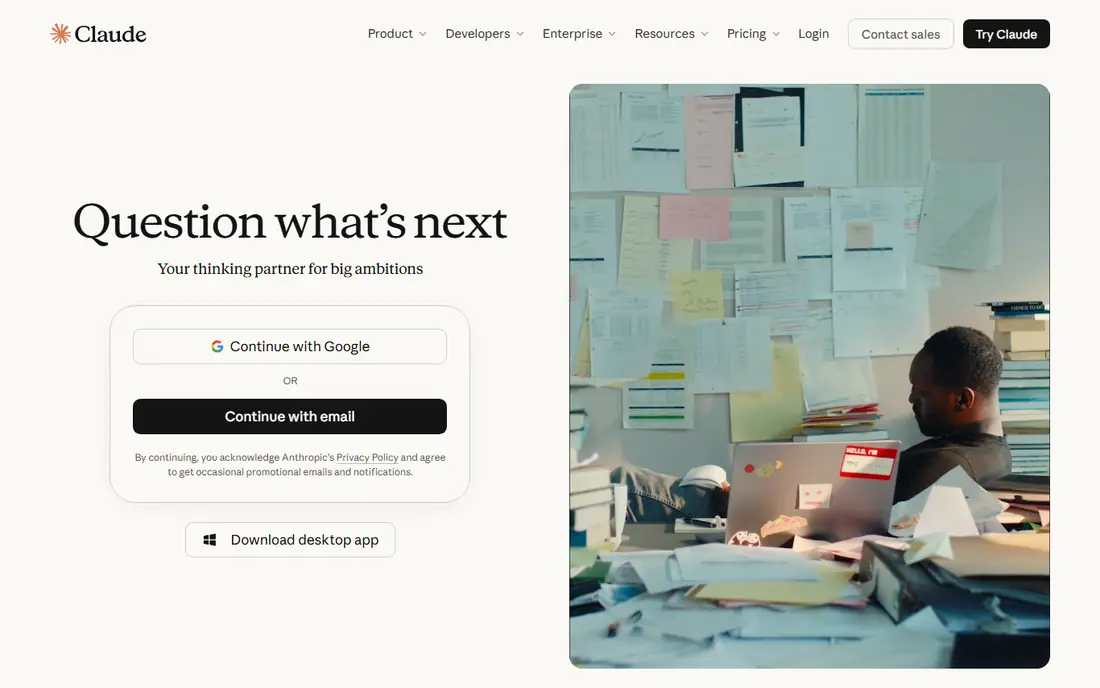
Claude is the assistant we would pick first for work that needs care rather than speed. It handles long documents, nuanced rewrites, and code explanations with a steadiness that suits editors, analysts, and developers. Projects are a practical bonus, because they keep source files and related chats in one place instead of scattered across sessions.
The limits are worth knowing before you rely on it for a deadline. Paid plans still meter usage, and image generation is not its strength. If your day is mostly writing, analysis, and code, those trade-offs rarely matter. If you need images every day, pair it with another tool.
- Strong long-document reasoning and editing
- Helpful for code review and structured writing
- Projects keep related chats and files together
- No built-in image generation in the main chat
- Usage limits apply on a rolling window even on paid plans
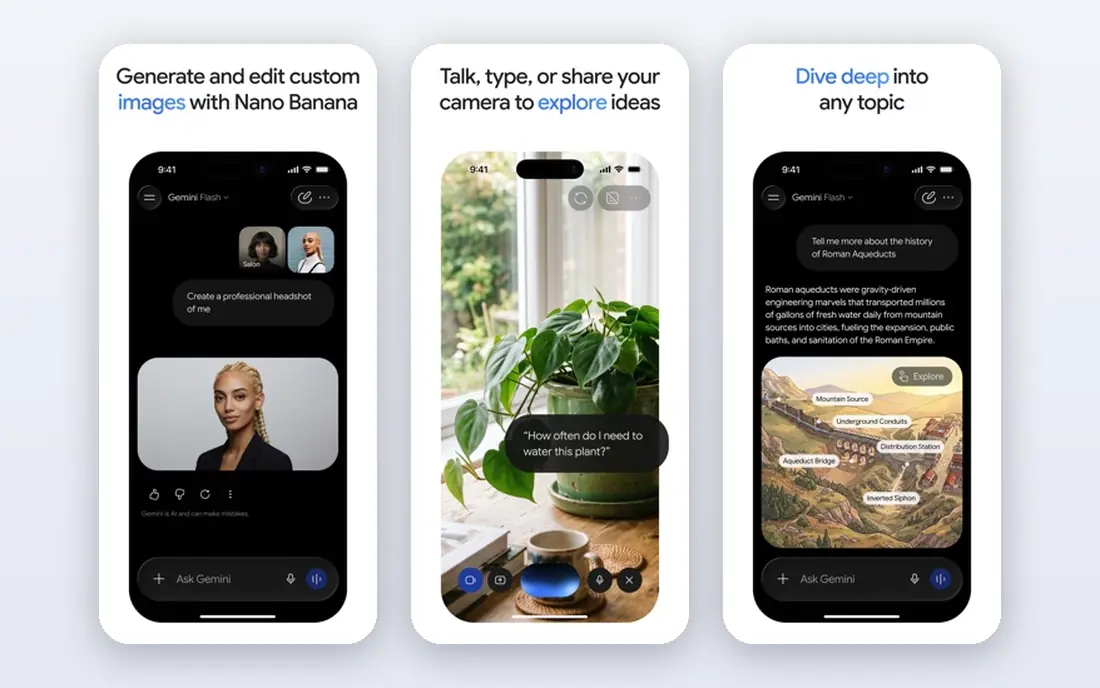
Gemini makes the most sense inside Google. If your mail, documents, and files already live there, the assistant can work across them without a separate workflow, and the entry paid plan is cheaper than most rivals. Paid tiers add deeper research, more storage, and stronger models, which is a fair bundle for a household or small team already paying Google.
Gemini is less compelling as a standalone chat if you do not use Google apps. The free tier is useful for everyday questions, but heavy research and long analysis benefit from a paid plan. Start free, and upgrade only if the Google integration saves you real time each week.
- Low entry price for a paid AI plan
- Deep Gmail, Docs, and Drive integration
- Long-document handling and research tools on paid plans
- The best features sit on higher tiers
- Answers can vary in depth on the free tier

Copilot is the natural alternative for a Microsoft household or office. The free chat handles general questions, while the paid Microsoft 365 bundle puts the assistant inside the documents and spreadsheets where office work actually happens. Drafting a Word document, summarizing an inbox, or building a slide outline feels closer to the work than switching to a separate chat app.
The bundle is also the catch. If you do not need Office apps, paying for them just to get Copilot is hard to justify against a cheaper standalone assistant. Check if your existing Microsoft 365 plan already includes the features you want before adding another subscription.
- Works inside Word, Excel, PowerPoint, and Outlook on paid Microsoft 365 plans
- Free chat covers everyday questions
- Familiar for Windows users
- The paid AI features come bundled with Office, so the price is poor value if you do not need Office
- The account owner gets the AI features on family plans
Perplexity is the research-first alternative. Every answer carries sources you can open, which changes how you use it: instead of trusting a paragraph, you follow the citation and judge the original page. For journalists, students, shoppers comparing products, and anyone checking a claim, that habit saves time and reduces errors.
Perplexity is not the best tool for long creative drafts or deep document editing. It answers questions well and summarizes sources well, but a writer who needs sustained drafting will prefer Claude or Gemini. Use Perplexity as the checking layer, even if another assistant writes the first draft.
- Sources shown with answers for easy checking
- Pro plan allows many more daily searches and model choice
- Good for unfamiliar topics
- Less suited to open-ended creative writing than Claude or Gemini
- Free tier caps Pro searches each day
Mistral Le Chat, from the French company Mistral AI, is a strong general chat that feels lighter than the big suites. It answers quickly, handles coding questions well, and works in several languages, which suits European users and multilingual teams. The Pro price undercuts the $20 cluster, which helps if you pay for one assistant only.
The ecosystem is the gap. You will not get the same depth of Docs, Drive, or Office integration, and third-party connections are fewer. If you mainly need a capable chat window and value a non-US provider, that trade is easy to accept.
- Fast responses
- European company with a privacy-focused pitch
- Coding help and document work in the same chat
- Smaller ecosystem of integrations than Google or Microsoft
- Some advanced features are newer and less documented
DeepSeek is the simplest free alternative on this list. There is no paid consumer tier gating the chat, so the experience is the same if you use it once a month or every day. For students, developers, and budget-conscious users, that makes it an easy second assistant to keep open beside a paid one.
The trade-offs are capacity and integration. Peak-time slowdowns happen, and you will not find the same Gmail, Docs, or Office hooks as Gemini or Copilot. DeepSeek also has a paid API for developers, billed per token, but everyday chat users do not need it. Keep it for reasoning and code, and use another tool where app integration matters.
- Main chat is free with no paid consumer plan
- Strong on math, logic, and coding help
- No subscription pressure in the chat itself
- Occasional capacity limits at peak times
- Fewer built-in app integrations than larger rivals
Grok, from xAI, fits people who follow news and conversation on X. It can pull in current posts and trending discussion in a way that a general assistant with a slower index cannot match. If your work involves social trends, sports, or breaking stories, that freshness is a real advantage over a chat tool that leans on older training data.
The pricing structure is the awkward part, because Grok access is tied to X subscription tiers rather than a single clean plan. Casual users can start free, but a heavy user needs to check which X tier includes the features they want. Grok is a specialist pick, not the default for writing or office work.
- Strong on breaking news and X conversations
- Free tier covers casual use
- Voice and image features on higher tiers
- Pricing is tied to X subscription tiers, which can confuse
- Best value depends on how much you already use X
Meta AI wins on availability. It is already inside the apps many people open every day, so asking a quick question needs no new account or download. For recipes, travel ideas, simple explanations, and image questions inside a social app, that convenience is hard to beat.
It is not a professional writing or analysis tool in the same way Claude is. Long documents, code review, and cited research are better elsewhere. Treat Meta AI as the everyday assistant in your pocket, and keep a stronger tool for work that needs depth and checking.
- Free to use
- Built into WhatsApp, Instagram, Facebook, and Messenger
- Quick answers without a new app
- No paid consumer chat plan for heavier use
- Less suited to long professional documents than Claude or Gemini
Poe solves a different problem: model shopping. Instead of paying for Claude, Gemini, and several smaller models separately, you use one app to try them and compare answers to the same prompt. That is valuable when you are still deciding, or when different tasks suit different models.
The cost model needs attention. Poe uses points and model-specific limits, so a heavy user of one expensive model may hit caps sooner than expected. Read the current plan page before subscribing, and use the free tier to learn which models you actually return to.
- One subscription can cover several leading models
- Easy side-by-side comparison
- Useful for finding which model suits a task
- Limits vary by model and plan
- Pricing and point allowances need a careful read before subscribing
How we picked these
We compared official pricing pages and product pages for widely used chat assistants that are live in October 2026, and we checked free tiers rather than assuming every assistant is free. We favored tools with distinct strengths, such as cited research, Google or Microsoft integration, free access, or multi-model choice, instead of listing near-identical chat windows. Prices are starting prices for individual plans, and bundled plans such as Microsoft 365 are described as bundles so the cost is not mistaken for a standalone chat price.
How to choose among ChatGPT alternatives
Start with where your work already lives. If your files are in Google, Gemini saves steps. If they are in Office, Copilot saves steps. If neither applies, choose by task: Claude for writing and code, Perplexity for research, DeepSeek or Meta AI for free everyday use, and Poe if you want to compare models before committing.
Test the free tier on your real tasks
Run the same three tasks through two assistants: a writing task, a research question, and a question from your own documents or mail. Note which one gives an answer you can use without heavy editing, and which one cites sources you can open. That short test tells you more than a feature list.
Watch the limits, not just the price
Free tiers cap messages, searches, or model access in different ways. A $20 plan that covers your daily volume is cheaper than a free plan that stops mid-project. Check message windows, daily search counts, and whether the model you want is included on the plan you are considering.
Keep one checker beside one writer
A practical setup is a writing assistant plus Perplexity for checking. Draft in Claude or Gemini, then verify key claims in Perplexity before publishing or sending. That pair covers both creation and verification without paying for three full subscriptions.
Frequently asked questions
What are the best alternatives to ChatGPT for writing?
Claude is the strongest writing alternative for long and careful work, with Gemini close behind for Google users. Both handle editing, structure, and rewrites well, while Perplexity is better kept for research and checking.
Is there a truly free alternative to ChatGPT?
Yes. DeepSeek and Meta AI offer free chat without a paid consumer plan, and Claude, Gemini, Copilot, Perplexity, Mistral Le Chat, and Grok all have free tiers with usage limits. DeepSeek is the most open-ended free option for reasoning and coding.
Which ChatGPT alternative is best for research?
Perplexity is the best research alternative because it shows sources with its answers. That makes it easier to verify a claim, follow a citation, and compare what different sources actually say.
What is the best AI alternative to ChatGPT for Google users?
Google Gemini, because it works across Gmail, Docs, and Drive and its entry paid plan starts at $4.99 per month. If you rarely use Google apps, Claude or Perplexity may be a better fit.
Can I use more than one AI assistant without paying twice?
Yes. Start with free tiers for two or three assistants, then pay for only the one you use daily. Poe is another option, since one place can give access to several models for comparison before you commit to a single paid plan.
Sources
See where you really rank - block by block
ProMapRanker scans Google Maps across a grid of your service area. Simple monthly plans from $19, white-label on every plan.
Start freeKeep reading
 zscaler alternatives
Best Zscaler Alternatives in 2026
Looking for zscaler alternatives? We compare 9 SASE and zero trust platforms on architecture, data protection, pricing, and fit for your network and team.
Read → zapier alternatives free
Best Zapier Alternatives Free in 2026
Nine automation tools for zapier alternatives free in 2026, all with genuinely free tiers, plus free plan limits, starting prices and upgrade paths explained.
Read → which platform is best for online reputation
Which Platform Is Best for Online Reputation in 2026
Wondering which platform is best for online reputation? We compare 8 review, listing, and response tools for small and multi-location businesses and agencies.
Read →