 ProMapRanker
5 Best AI Note-Taking Software for Client Consultations for 2026

No-bot notepad for back-to-back calls · Pricing starts at: $14 per user per month
Direct answer
Granola leads the list, best for no-bot notepad for back-to-back calls. Listed starting prices: Granola from $14 per user per month, Fireflies.ai from $10 per seat a month, billed annually and Avoma from $19 per recorder seat a month. Look at Fireflies.ai for cross-platform meeting summaries, and at Avoma for notes with scheduling and coaching. The remaining 2 options are covered below with prices and limits.
If you are comparing AI Note-Taking software for client consultations, this page covers 5 tools in one place: what each is best for, what it costs to start, whether it has a free plan, and the main limit to know about.
Key takeaways
- Granola sits first on this list: no-bot notepad for back-to-back calls.
- A free plan is available from 3 of the 5 tools: Granola, Fireflies.ai, Otter.ai.
- For the cheapest start, look at Otter.ai: $8.33 per user per month.
- For transcripts and CRM updates from calls, tl;dv is worth a look.
Quick comparison
| Pick | Great for | Pricing starts at | Free tier | |
|---|---|---|---|---|
| Granola | No-bot notepad for back-to-back calls | $14 per user per month | Yes | Visit |
 Fireflies.ai | Cross-platform meeting summaries | $10 per seat a month, billed annually | Yes | Visit |
 Avoma | Notes with scheduling and coaching | $19 per recorder seat a month | Free trial | Visit |
 Otter.ai | Live transcription with summaries | $8.33 per user a month | Yes | Visit |
 tl;dv | Transcripts and CRM updates from calls | See website | Not stated | Visit |
The best AI Note-Taking software for client consultations
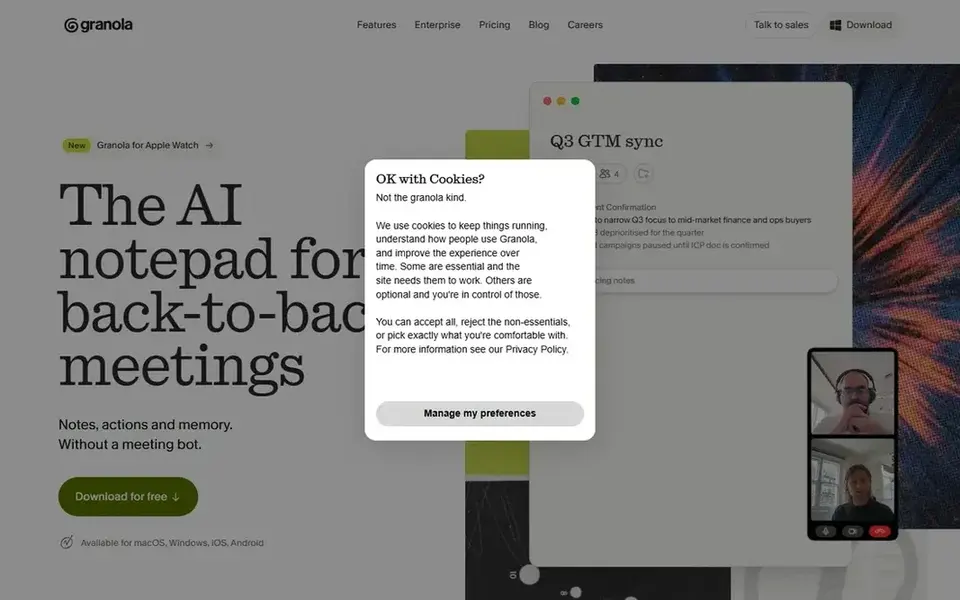
Granola is designed for no-bot notepad for back-to-back calls. That approach fits consultants who hold multiple client sessions in a day and do not want an unfamiliar participant appearing in each call.
Price to start with Granola: $14 per user per month. You can start on Granola without paying.
Where it is weaker: Less emphasis on CRM automation. Where it shines: No meeting bot joins the call.
- Notes
- Made for back-to-back meetings
- Fewer integrations described on homepage
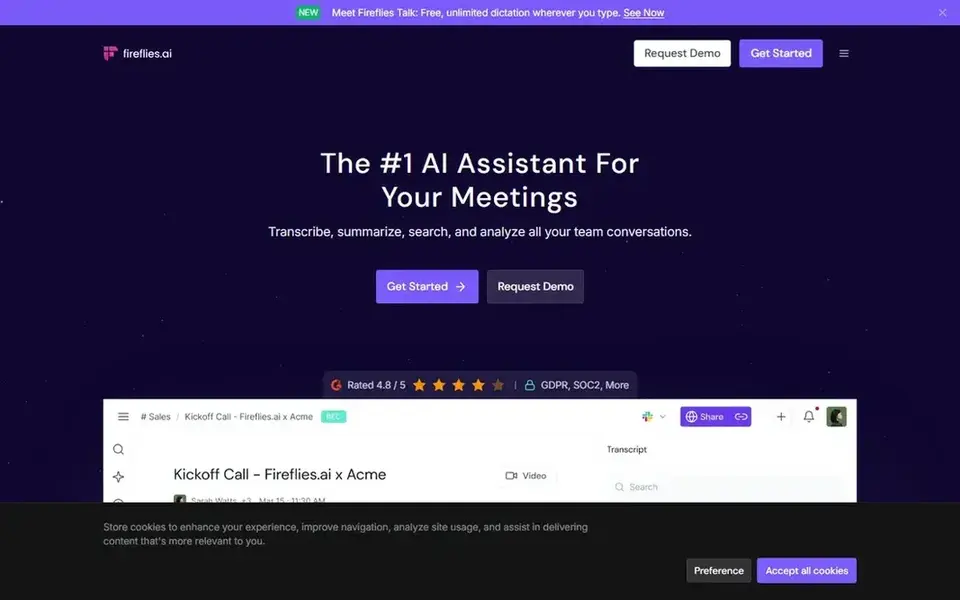
Fireflies.ai is aimed squarely at cross-platform meeting summaries. Fireflies.ai positions itself as an AI teammate that transcribes, summarizes and examines meetings, using generative AI to produce transcripts and smart summaries.
Points against: Summary quality varies by conversation.
It supports Zoom, Google Meet, Microsoft Teams, Webex and multiple other products, which helps consultants who take client calls across different systems. More specifically, setup involves connecting meeting accounts, and the quality of summaries tracks the quality of the transcript. Fireflies.ai cost at the entry level: $10 per seat per month, billed annually. Fireflies.ai has a free plan.
- Works across major meeting systems
- Smart summaries for recorded calls
- Depends on connected meeting accounts
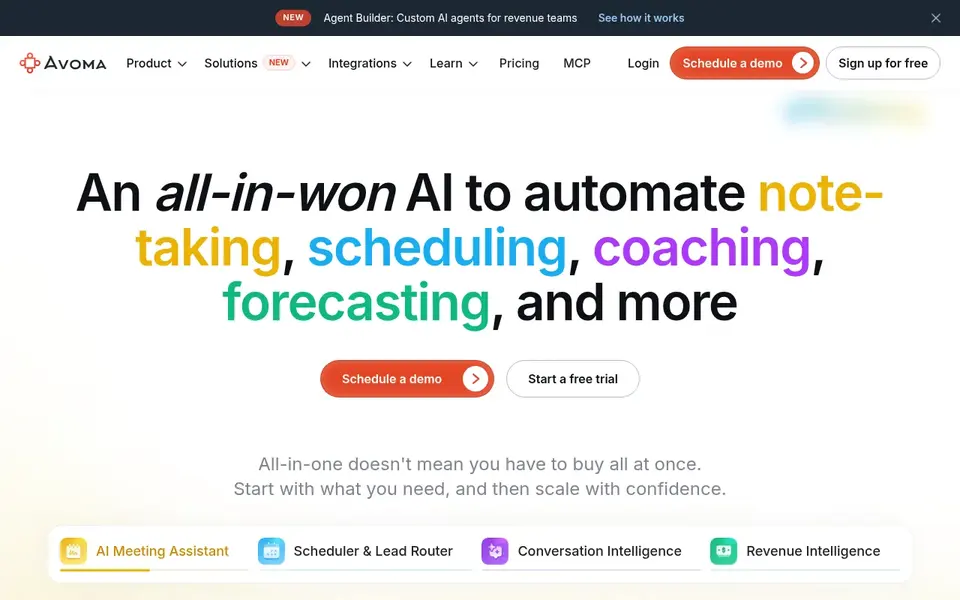
Avoma is a good fit for notes with scheduling and coaching. Solo consultants who only need transcripts and summaries may find a focused notetaker quicker to adopt, whereas bigger teams can justify the broader platform. Avoma describes an all-in-one AI system that automates note-taking, scheduling, call coaching, CRM updates and more.
In daily use, the wider feature set means more configuration before it suits a straightforward consultation workflow. For everyday use, for consultants, the draw is having notes alongside scheduling and coaching in one place, which helps when consultations are part of a longer client relationship. The starting price for Avoma: $19 per recorder seat per month. Trial and free access: Free trial.
What to check first: Pitched at revenue teams.
- Automatic note-taking
- Scheduling built in
- Broader scope means more setup
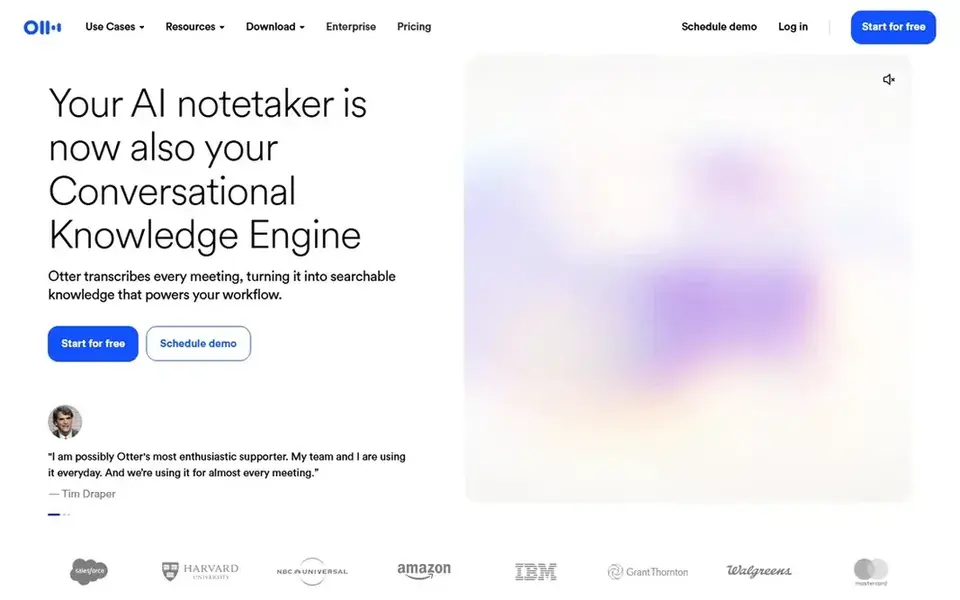
Think of Otter.ai for live transcription with summaries. Consultants who prefer no bot in the meeting may want a notepad-style tool instead, and those needing deep CRM automation should compare dedicated revenue products.
Points against: Advanced features target teams.
For everyday use, for client consultations, that means a running transcript you can scan afterward and a summary that records decisions and next steps. For everyday use, since output relies on clear audio and decent microphones, noisy rooms or heavy accents can cut transcript quality. Otter.ai pricing: $8.33 per user per month. Otter.ai offers a free plan.
- Automatic summaries and action items
- Live transcription during calls
- Accuracy relies on audio quality
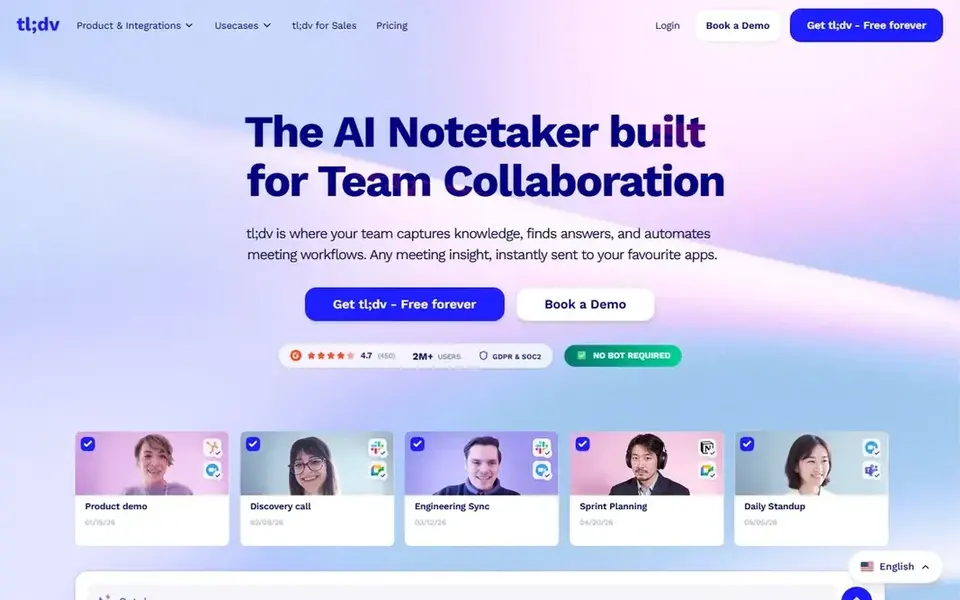
tl;dv was built for transcripts and CRM updates from calls. tl;dv presents itself as an AI notetaker and meeting assistant for Zoom, Google Meet and Teams, producing transcripts, summaries and CRM updates from every call.
What users get: Supports Zoom.
Trade-offs to know: Feature depth varies by setup.
In practice, if you need scheduling or call coaching alongside notes, a broader product for example Avoma may include more of the workflow. Pricing for tl;dv is not stated here, so ask the vendor for current figures. On free options: Not stated.
- Meet and Teams
- Transcripts and summaries per call
- Core value tied to video calls
Selection criteria
Selection started from tools commonly considered for AI Note-Taking software for client consultations, then narrowed to 5 that have clear pricing information or a clear quote process. Seat minimums, billing terms and add-ons can move the real cost, so the starting prices here are a guide and not a quote. Position on the page reflects fit for a typical buyer first, with price clarity and free access breaking ties. Treat it as a guide, not a ruling.
What to check before you buy
- Get a written quote from tl;dv; the list shows no starting price for them.
- Read the fine print on the free plans from Granola, Fireflies.ai and Otter.ai; seat, project and feature caps differ.
- Take the trial from Avoma and push a live task through it before you pay.
- Before choosing Granola, weigh its main limit: fewer integrations described on homepage.
- Before rolling out Avoma, verify the integrations your workflow depends on.
- A short pilot of Granola with your real workflow tells you more than a feature table.
Frequently asked questions
Do these tools publish their prices?
Not all of them. tl;dv publishes no starting price, so expect a quote request for it. The rest, Granola included, show a starting price, though seats and billing terms still change the final cost.
What is the cheapest option for AI Note-Taking software for client consultations in this list?
On published monthly entry prices, Otter.ai is the lowest here at $8.33 per user per month. Entry price is only part of the cost, because seats, add-ons and billing terms can change the total. Prices, free plan details and limits for all 5 tools in this AI Note-Taking software for client Consultations roundup sit on the individual cards above.
How are the tools for AI Note-Taking software for client consultations ordered?
The order follows typical fit for AI Note-Taking software for client consultations, with Granola first and tl;dv last, then price clarity and free access. It is editorial judgement, not a score, so another team could rank the tools differently.
Which options for AI Note-Taking software for client consultations have a free plan?
Granola, Fireflies.ai and Otter.ai offer a free plan in this list. Free plans usually cap users, projects or features, so check the limits on the vendor page. One other tool offers a trial instead.
Sources
See where you really rank - block by block
ProMapRanker scans Google Maps across a grid of your service area. Simple monthly plans from $19, white-label on every plan.
Start freeBrowse all guides
← 6 Best AI Workflow Tools for Enterprises in 20265 Best AI Remote Desktop Software for 2026 →
 best ai visual collaboration platforms
AI Visual Collaboration Platforms in 2026: Top 5 Compared
Searching for the best AI visual collaboration platforms? Here are 5 options with prices and free plans. Read the caveats before you buy. Refreshed for 2026.
Read → best ai team collaboration software
6 Best AI Team Collaboration Software for 2026
Compare 6 picks for the best AI team collaboration software, with prices, free plans and who each fits. Concise write-ups of every option. Quick to scan.
Read → best ai software to download
AI Software to Download in 2026: Top 5 Compared
5 products for the best AI software to download, ranked by fit, with starting costs and free tiers. Every entry states what it lacks. Current for November 2026.
Read → best resource management software
Best Resource Management Software in 2026
We compared the best resource management software for scheduling, capacity and utilization, with current pricing and free trials, to help teams choose well.
Read → best alternatives to bynder
Best Alternatives to Bynder in 2026
Compare the best alternatives to Bynder in 2026 for digital asset management, with pricing, portals, AI search, and fit for each team before you migrate.
Read → best eam software
Best EAM Software in 2026
Find the best EAM software for your team in 2026. We compare 9 asset and maintenance platforms on pricing, fit, and honest trade-offs for buyers today.
Read →More in Project Management & Productivity · All guides A to Z by date · Latest guides