 ProMapRanker
6 Best AI Team Collaboration Software for 2026
Direct answer
Start with Asana if you need human-agent project workflows. Listed starting prices: Asana from $10.99 per user a month, ClickUp from $9 per user per month and monday.com from $9 per seat per month. For a different need, ClickUp covers everything app for work and monday.com covers AI workspace for people and agents. The full list of 6 tools follows, with prices and free plan facts.
Short on time? The summary and table above give the quick view of 6 tools for AI team collaboration software, and the profiles that follow give the detail behind each entry.
Key takeaways
- Top of the list is Asana, which targets human-agent project workflows.
- The lowest published monthly entry price here is $4.38 per user per month, from Slack.
- Before buying monday.com, weigh this: pricing scales with team size.
- Only 5 of the 6 tools have a free plan (Asana, ClickUp, monday.com, Slack, Notion), so check the caps.
- For all-in-one AI workspace and docs, Notion is worth a look.
Quick comparison
| Pick | Great for | Pricing starts at | Free tier | |
|---|---|---|---|---|
 Asana | Human-agent project workflows | $10.99 per user a month | Yes | Visit |
 ClickUp | Everything app for work | $9 per user per month | Yes | Visit |
 monday.com | AI workspace for people and agents | $9 per seat per month | Yes | Visit |
 Microsoft Teams | Integrated meetings and chat | See website | Not stated | Visit |
 Slack | AI-powered team messaging | $4.38 per user per month | Yes | Visit |
 Notion | All-in-one AI workspace and docs | $10 per member a month | Yes | Visit |
Every option for AI team collaboration software explained
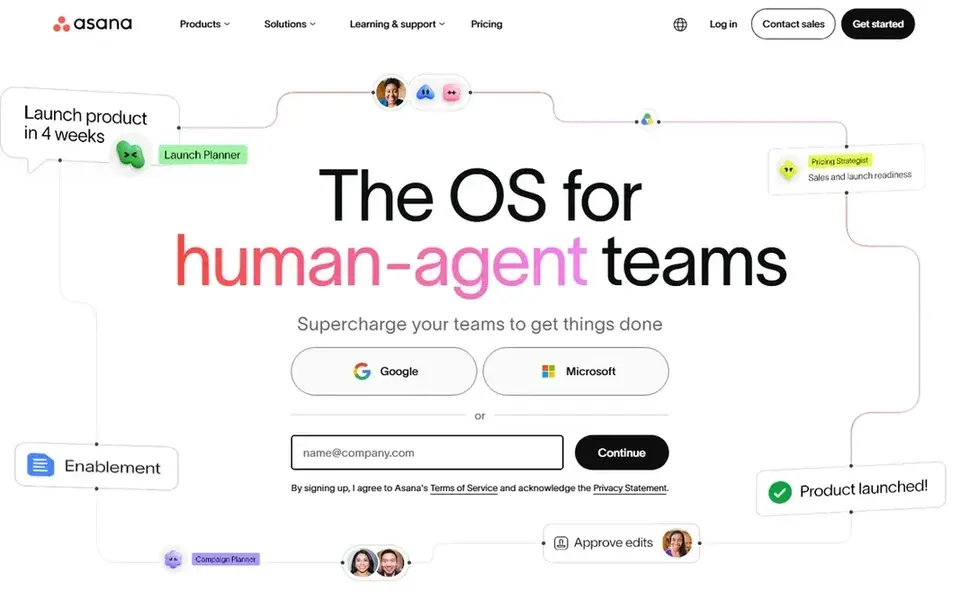
Asana targets human-agent project workflows. It offers a structured way to assign tasks, track progress, and integrate AI into project execution.
From a buyer's view, if your primary need is messaging, Slack or Microsoft Teams could be a better fit. Asana starts at: $10.99 per user per month. Asana offers a free plan.
Drawbacks to consider: AI features are still evolving.
- Supports AI agents
- Plan and automate workflows
- May be overkill for straightforward tasks
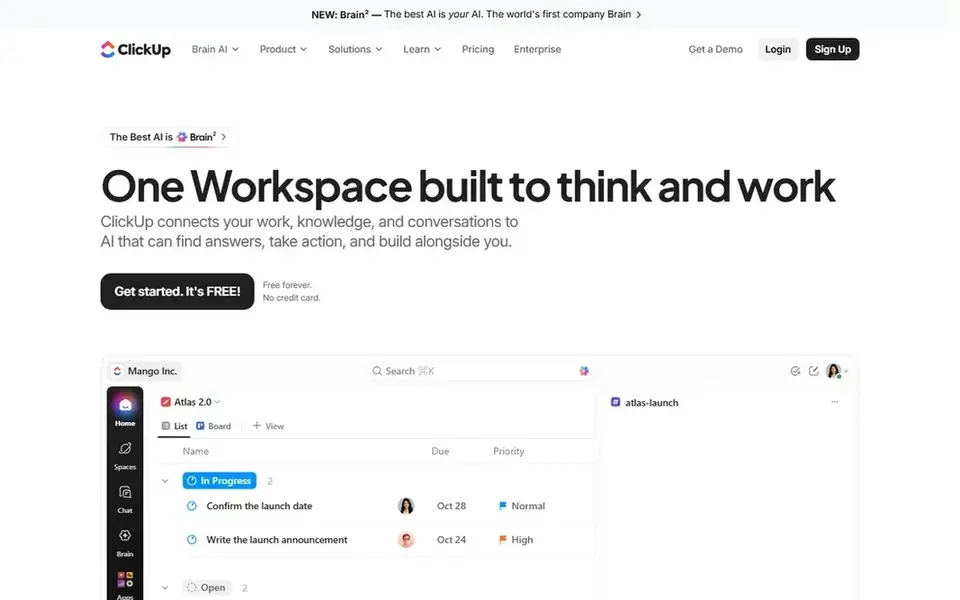
For everything app for work, ClickUp is a natural candidate. Its mission is to maximize productivity by converging software, AI, and humans.
What works well: Tasks, docs, goals, chat.
For everyday use, the breadth of features in ClickUp can be overwhelming for smaller teams or those seeking simplicity. ClickUp cost at the entry level: $9 per user per month. ClickUp includes a free tier. Honest limits: Can be overwhelming at first.
- AI-enhanced productivity
- Highly customizable
- Feature depth may slow adoption
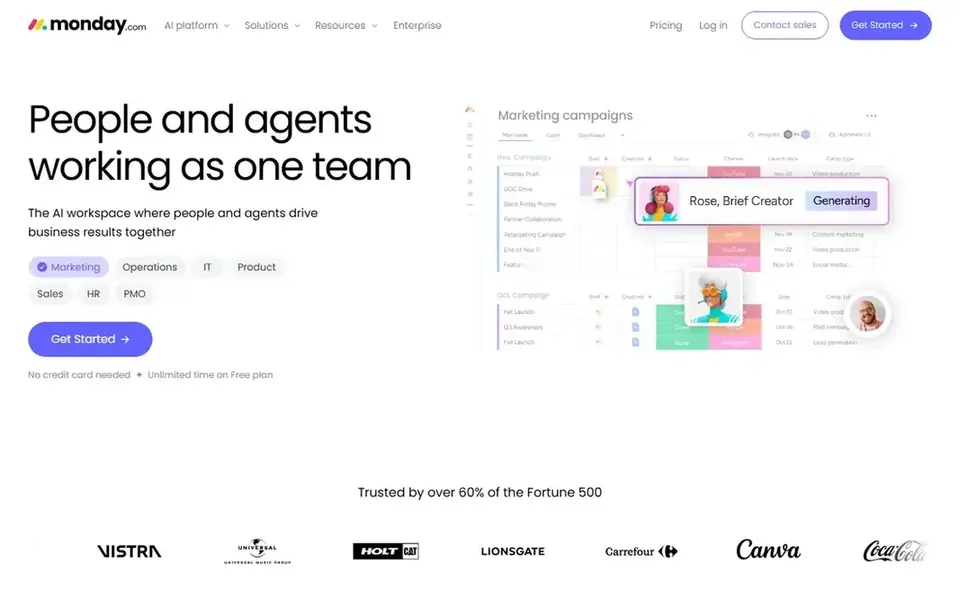
monday.com is designed for AI workspace for people and agents. monday.com may be more than needed for teams focused solely on chat or document collaboration.
Where it falls short: Pricing scales with team size.
This tool fits teams looking to blend AI assistance with human collaboration in a structured environment. Entry price for monday.com: $9 per seat per month. monday.com includes a free tier.
- AI agents work alongside people
- Visual project management
- AI capabilities vary by plan
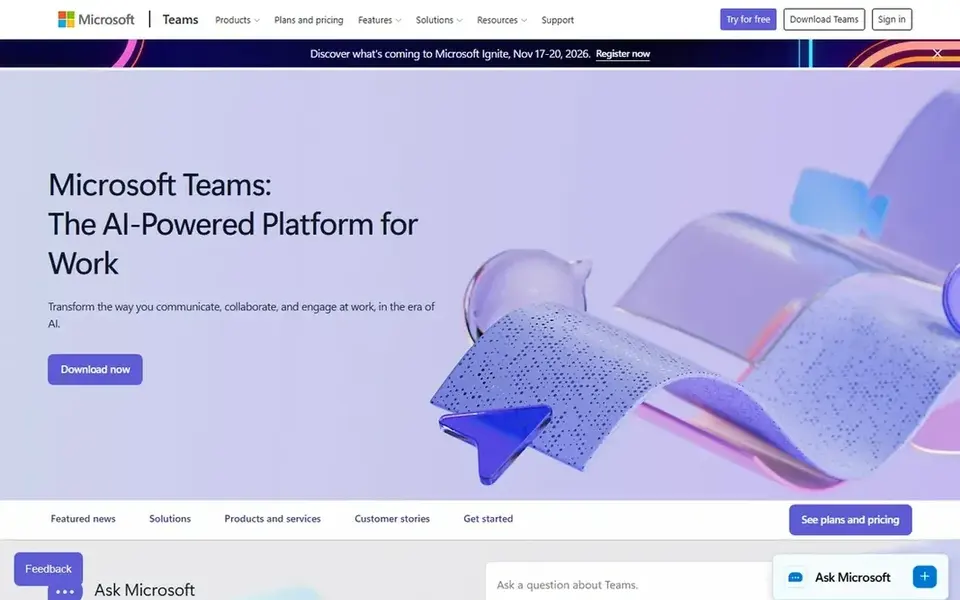
Microsoft Teams is designed for integrated meetings and chat. It is meant to help teams link naturally, stay organized, and bring ideas to life.
More specifically, if you prefer a more focused messaging experience, Slack could be a better fit. Teams may be heavier than needed for teams seeking a light chat tool. Check the vendor site for Microsoft Teams pricing; none is listed in this comparison. Free options: Not stated.
Downsides: Interface may feel complicated.
- Deep Microsoft integration
- Video conferencing and calling
- Can be resource-intensive
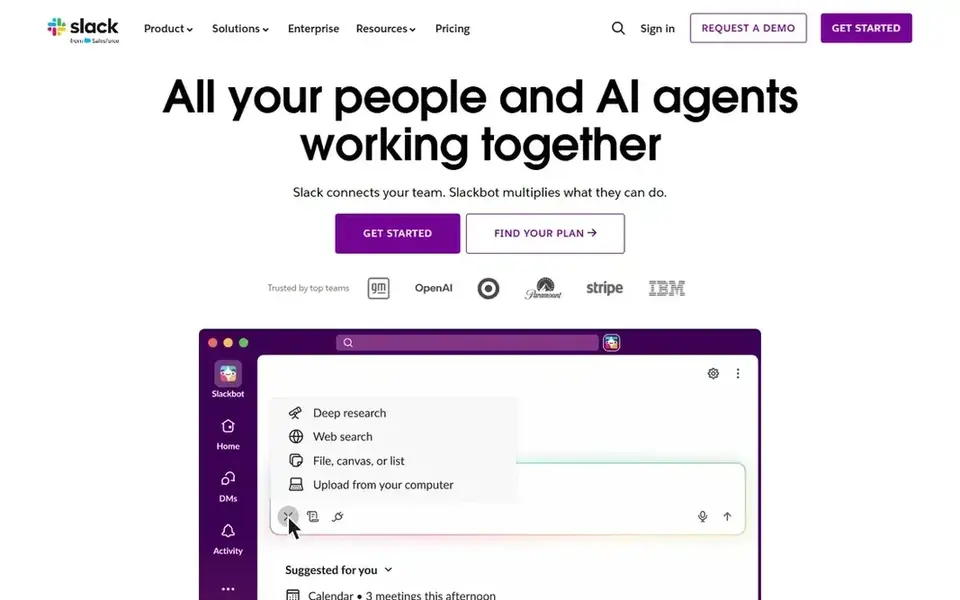
Slack was built for AI-powered team messaging. Slack excels at messaging but may not replace a full project management suite for complicated workflows.
Watch-outs: AI features may need configuration.
For everyday use, Slack is ideal when quick, AI-enhanced communication is the core of your teamwork. Price to start with Slack: $4.38 per user per month. Free access exists with Slack.
- Secure team connection
- AI work product
- Can become noisy with plenty of channels
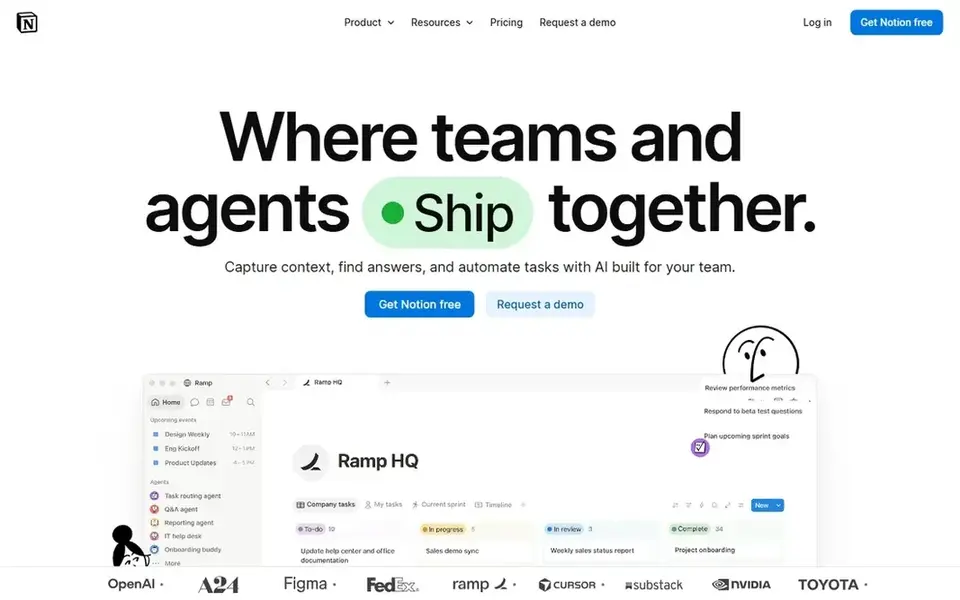
Notion works best for all-in-one AI workspace and docs. Notion is an AI workspace that combines documents, databases, and custom agents. It lets teams search across connected apps and automate repetitive tasks.
Honest limits: Can feel complicated for straightforward needs.
If you prefer a dedicated messaging tool, consider Slack or Microsoft Teams instead. Whereas Notion is versatile, its adaptability can mean a steeper ramp-up time for teams needing only entry-level chat. Notion starts at: $10 per member per month. Notion has a free plan.
- Automate busywork
- Custom AI agents
- AI features may need setup
How we built this list
We compared the tools on published pricing, free plan or trial availability, feature coverage for AI team collaboration software, and the limits each vendor documents. Plan names, prices and limits change often. Treat the figures here as a starting point and verify them with the vendor. Tools are placed by general fit for AI team collaboration software, with price clarity and free access as tie-breakers. A different team can reasonably rank them differently.
Pre-purchase checklist
- Confirm the entry price on the vendor page. For Microsoft Teams that means a quote rather than a fixed price.
- Check what the free option really includes: Asana, ClickUp, monday.com and others offer a free plan, and usage caps differ.
- Read the limits listed for Asana first: may be overkill for straightforward tasks.
- Look at the renewal terms for ClickUp: auto-renewal, notice periods and price changes can matter more than the first-year price.
- Confirm you can export your data from monday.com, so leaving later does not mean losing records.
Frequently asked questions
Is Asana the right pick for everyone comparing AI team collaboration software?
No single tool suits every team. Asana comes first because it fits human-agent project workflows, while ClickUp suits everything app for work and monday.com suits AI workspace for people and agents. Match the tool to your own size, budget and workflow before deciding.
How are the tools for AI team collaboration software ordered?
Asana sits first and Notion last because the order follows typical fit for AI team collaboration software, then price clarity and free access. It is a judgement call, so read each profile for fit and limits.
Can I try these options before paying?
Often, yes. Asana, ClickUp, monday.com and others have a free plan. Use your own data and a real task during the test, and check what the free tier or trial limits before you rely on it.
Do these tools publish their prices?
Not all of them. Microsoft Teams publishes no starting price, so expect a quote request for it. The rest, Asana included, show a starting price, though seats and billing terms still change the final cost.
Can these tools replace several apps?
That said, dedicated tools may still be better for specific functions like video conferencing or live messaging. Evaluate whether a single tool can handle your core needs without compromising on key features.
Are AI features secure for sensitive team data?
Security varies by vendor and configuration. Most enterprise tools offer admin controls, encryption, and compliance certifications. Always review the vendor's security documentation and ensure AI features meet your organization's data protection requirements.
Sources
See where you really rank - block by block
ProMapRanker scans Google Maps across a grid of your service area. Simple monthly plans from $19, white-label on every plan.
Start freeBrowse all guides
← AI Software to Download in 2026: Top 5 ComparedAI Visual Collaboration Platforms in 2026: Top 5 Compared →
 best ai presentation tools for remote teams
Best AI Presentation Tools for Remote Teams (2026)
Weighing the best AI presentation tools for remote teams? We lined up 5 products by cost, free access and fit. Verdicts stay brief and factual. Quick to scan.
Read → best ai meeting assistants for remote engineering teams
5 Best AI Meeting Assistants for Remote Engineering Teams for 2026
Best AI meeting assistants for remote engineering teams: 5 contenders ranked by fit, with entry costs and free tiers. Real limits included. Numbers first.
Read → best ai google workspace project management software
Best AI Google Workspace Project Management Software in 2026
Best AI google workspace project management software in 2026: 5 tools with starting prices, free plans and limits. Short verdicts, no fluff. Updated for 2026.
Read → best note taking app for meetings
Best Note Taking App for Meetings in 2026
Find the best note taking app for meetings, from Otter and Fireflies to Fathom and Fellow, on price, transcription, summaries, privacy, and team fit now.
Read → best group chat app
Best Group Chat App in 2026: 9 Apps Compared
Searching for the best group chat app? We compare nine free and paid group messaging apps for friends, families, communities, and work teams, updated for 2026.
Read → best fundraising platforms for individuals
5 Fundraising Platforms for Individuals Ranked for 2026
Need the best fundraising platforms for individuals? We compare 5 tools on cost, free access and who each suits. With pricing notes and limits. Facts only.
Read →More in Project Management & Productivity · All guides A to Z by date · Latest guides