 ProMapRanker
Best EAM Software in 2026


Small and mid-size maintenance teams · Pricing starts at: $45 per user per month
Key takeaways
- MaintainX and Fiix offer the lowest-cost starting points, with free plans that cover real work orders.
- Per-user pricing dominates this category, so count every technician seat before comparing headline prices.
- IBM Maximo and SAP EAM suit large, complex estates, while smaller tools win on speed and adoption.
- Quote-only tools need a written, all-in quote before you can compare them fairly with published prices.
Quick comparison
| Pick | Great for | Pricing starts at | Free tier | |
|---|---|---|---|---|
| Fiix | Small and mid-size maintenance teams | $45 per user per month | Yes | Visit |
 UpKeep | Mobile-first maintenance teams | $24 per user per month | Free trial | Visit |
 Limble | Teams that need fast technician adoption | See website | Free trial | Visit |
 MaintainX | Small teams moving off paper | Free | Yes | Visit |
 eMaint | Regulated and multi-site operations | $69 per user per month | No | Visit |
 Fracttal | Latin American and European maintenance teams | See website | Free trial | Visit |
 IBM Maximo | Large asset-heavy enterprises | See website | No | Visit |
 SAP EAM | Companies already running SAP | See website | No | Visit |
 Asset Panda | Teams tracking many physical assets | See website | Free trial | Visit |
The best EAM software
We compared official pricing pages, feature lists, and public documentation for each option below, then sorted them by fit for different team sizes and budgets. Use the table above for a fast scan, then read the full write-up for the option that matches your work.
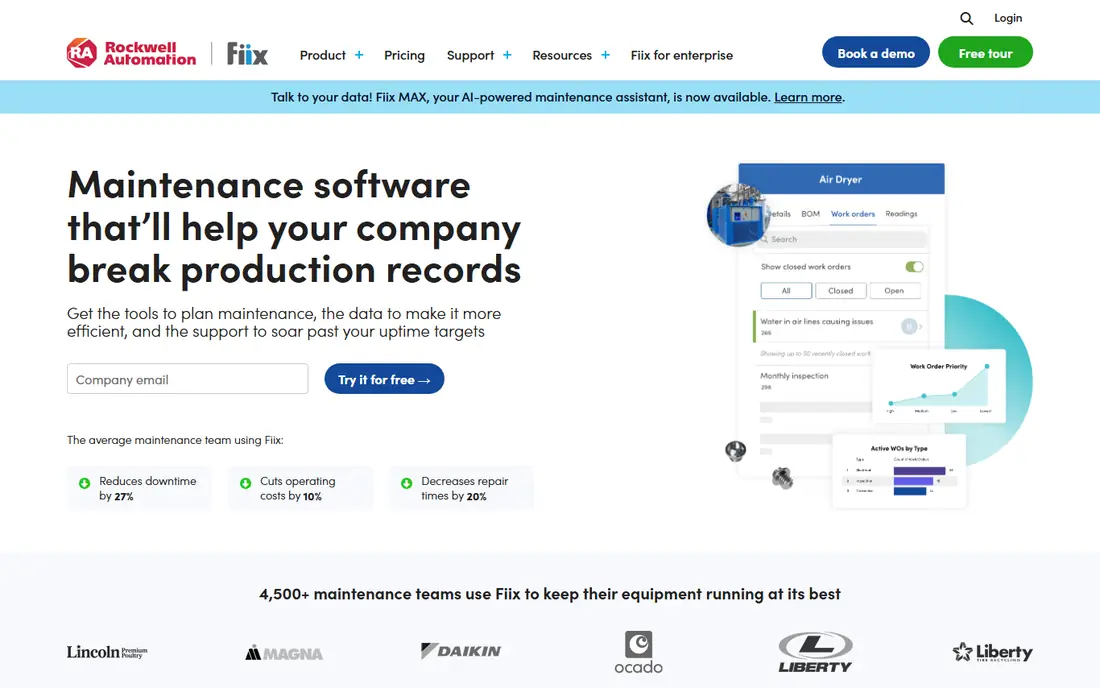
Fiix gives a small maintenance team a clear place to start, because the free plan covers work orders, asset records, and basic preventive maintenance without a sales call first. Technicians can open jobs on a phone, add photos, and close work from the floor, which keeps records closer to the work itself.
Basic at $45 per user per month adds purchasing and deeper inventory controls, while Professional at $75 per user per month adds multi-site management and more advanced analytics. The honest trade is that condition-based triggers and some integrations sit on the quoted Enterprise tier, so larger plants should price that tier before they commit.
- Free plan available
- Clear published pricing
- Mobile app for technicians
- Advanced features sit on higher tiers
- Per-user cost grows with large teams
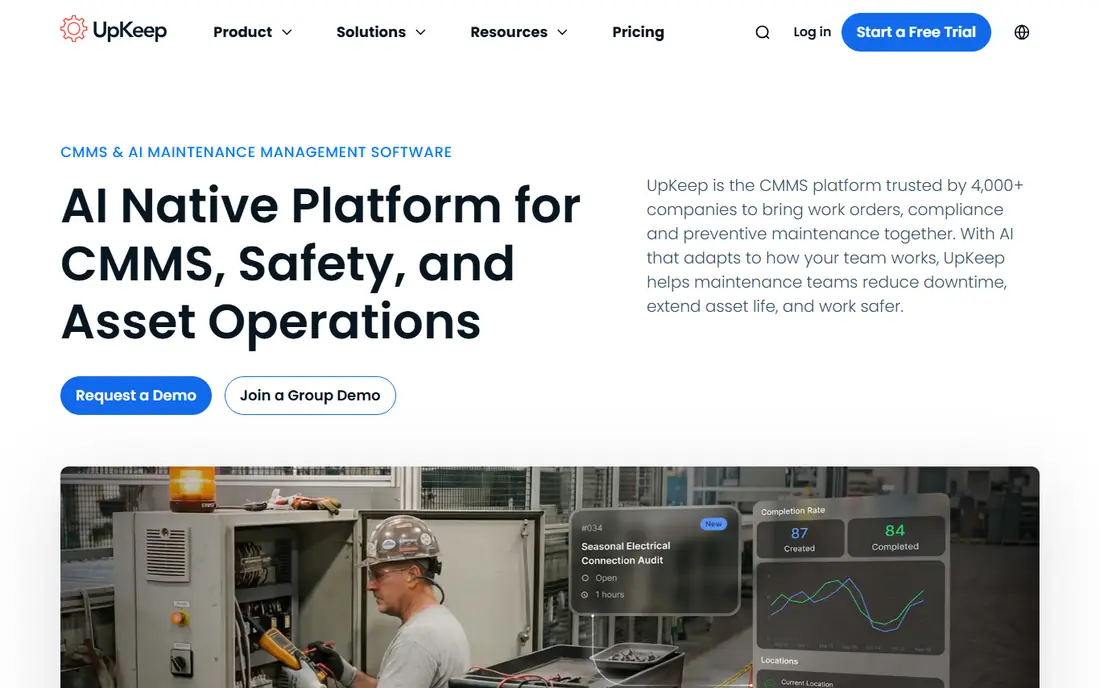
UpKeep is built around the phone first, and that shows in how fast a technician can create a work order, scan a barcode, and attach a photo. For teams that rarely sit at a desk, that mobile focus matters more than a long feature list on a desktop screen.
Essential starts at $24 per user per month, and Premium at $55 per user per month adds preventive maintenance scheduling, inventory costing, and time tracking. Requester and view-only users are free, which helps keep the wider business in the loop without paying for every seat.
- Published entry price
- Requesters are free
- Mobile app is central to the design
- No permanent free plan
- Offline mode and automation sit on higher tiers
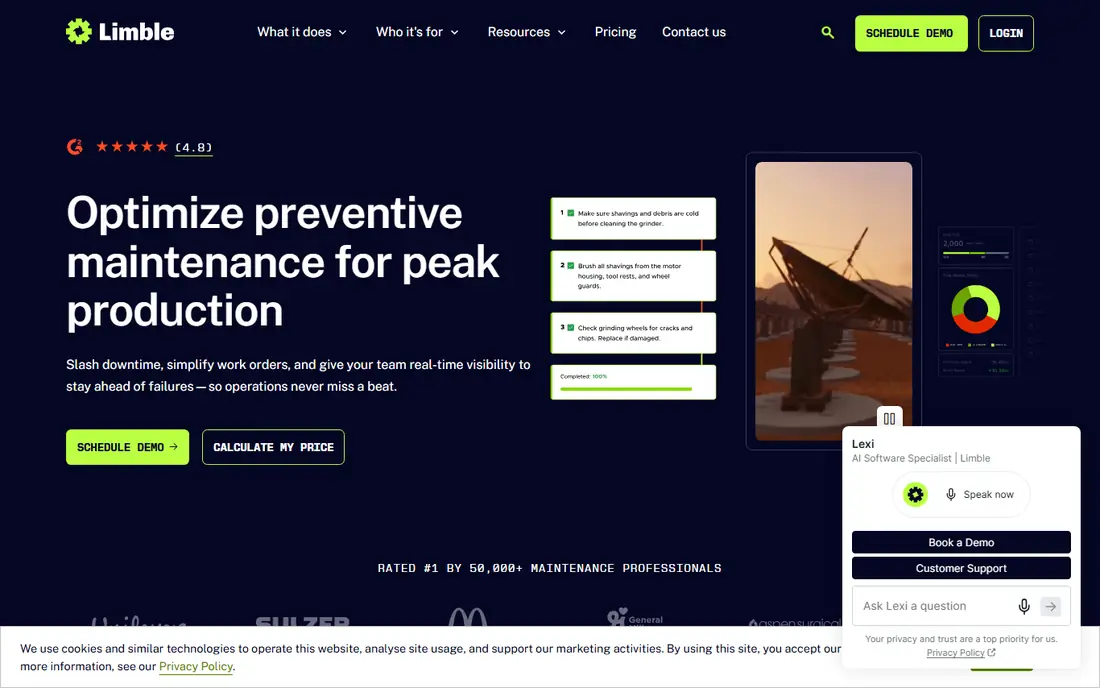
Limble earns its place here through adoption. The interface is plain, the preventive maintenance calendar is easy to read, and technicians can learn the core workflow with little training. That matters when a previous system failed because staff simply did not use it.
Pricing is set through a quote calculator rather than a single published list price, so budget planning takes an extra step. In return, teams get asset hierarchies, custom fields, downtime reporting, and a mobile app that works offline on open tasks. Ask for the tier that includes the reporting depth you need.
- Easy to learn interface
- Flexible preventive maintenance scheduling
- Offline mobile work
- Pricing is quote-based
- Advanced reporting sits on higher tiers
MaintainX is the lowest-risk first step for a team still using paper or shared spreadsheets. The free Basic plan covers unlimited work orders and unlimited requester users, so a small facility can test the workflow with real jobs before paying anything.
Essential costs $20 per user per month when billed annually and adds repeating work orders and asset management. Premium at $65 per user per month adds parts inventory, purchase orders, meter-based maintenance, and API access. Price the tier you will need in year two, not only the tier you start on.
- Free Basic plan
- Unlimited work orders on Basic
- Chat on work orders
- Parts inventory and API access sit on Premium
- Per-user pricing adds up at scale
eMaint suits operations where compliance records and consistent processes matter as much as speed. The system can be shaped around custom workflows, forms, and approval steps, and it connects with Fluke condition-monitoring tools for sensor-driven work.
Team starts at $69 per user per month, Professional at $85, and Enterprise at $120, with minimum user counts on the lower tiers. That pricing puts it above the simplest tools, but multi-site controls, audit trails, and a large integration library are the reason larger buyers stay with it.
- Configurable workflows
- Calibration and compliance features
- Fluke sensor links
- Three-user minimum on Team
- Enterprise features are quoted
- Older interface feel
Fracttal brings a full asset and maintenance platform with work orders, preventive plans, inventory, and business intelligence in one account. Its language coverage and regional presence make it a natural shortlist pick for teams operating across Latin America or Europe.
Paid plans are commonly quoted by scope, user count, and modules, so get a written quote for your asset volume before comparing it with per-user tools. The strength to test in a trial is condition-based monitoring, which can turn sensor readings into planned work rather than emergency repairs.
- Broad language support
- IoT and condition monitoring options
- Unlimited assets on paid plans
- Pricing varies by quote in many cases
- Smaller US support footprint than US-first rivals
IBM Maximo Application Suite is the enterprise end of this list, built for utilities, energy, transport, and manufacturing operations with very large asset estates. It covers the full asset lifecycle, from acquisition and maintenance through performance monitoring and retirement.
Pricing uses an AppPoints model rather than a simple per-user rate, and published entry figures have been reported around $3,150 per month for a basic SaaS tier, with implementation adding far more. Only shortlist Maximo when asset complexity, scale, or regulatory depth clearly justify that effort.
- Deep asset lifecycle coverage
- IoT and predictive maintenance options
- Linear asset support
- Complex licensing through AppPoints
- Long implementation
- High total cost
SAP Enterprise Asset Management makes most sense for a company that already runs SAP for finance, procurement, and supply chain. Maintenance, spare parts, and asset costs then sit in the same system as the purchase orders and budgets they affect.
The trade is scope and effort. Implementation is a project, not a signup, and pricing is quoted by modules and users. If your company does not already use SAP, a dedicated maintenance tool will usually be faster and cheaper. Inside a SAP estate, the shared data is hard to match.
- Tight link to SAP finance and procurement
- Plant maintenance depth
- Global support
- Quote-only pricing
- Heavy implementation
- Best only inside a SAP estate
Asset Panda starts from asset tracking rather than work orders, which fits teams whose main problem is knowing what they own, where it is, and who has it. Barcodes, QR codes, custom fields, and check-in and check-out records keep that register current.
Pricing is based on the number of assets tracked, so count your estate before requesting a quote. It pairs well with a maintenance tool when tracking is the priority, and it can stand alone for IT, facilities, or tool inventories where deep maintenance scheduling is less central.
- Asset tracking by barcode and QR code
- Custom fields
- Audit history
- Pricing is quote-based
- Maintenance depth is lighter than a full CMMS
How we picked these
We compared official pricing pages, product documentation, and public reviews for enterprise asset management and maintenance tools. We kept only tools that exist and work today, that cover asset records, work orders, and preventive maintenance in some form, and that publish enough detail to judge fit. Where a vendor does not publish a price, we wrote See website rather than guessing. We did not claim hands-on testing, and we weighted adoption, maintenance depth, and total cost over feature-count claims.
Choosing the right EAM platform for your operation
Start with the job, not the feature list. A single-site team with ten technicians needs work orders, a clear asset register, and preventive maintenance dates. A multi-site utility needs approvals, audit trails, and integration with finance and procurement. Write down your asset count, technician count, and the reports your managers actually read each month, then test each shortlisted tool against that list.
Check pricing on your real headcount
Per-user pricing looks small until you multiply it by every technician, supervisor, and planner. Ask whether requesters are free, whether offline mobile access needs a higher tier, and whether implementation, training, and integrations are billed separately. For quote-only platforms, ask for the same scope from every vendor, including the tier that holds the reporting and API access you will need in year two.
Run a trial with real jobs
A trial should use your assets, your preventive maintenance intervals, and your parts, not demo data. Give technicians the mobile app on the floor, test barcode scanning, and check whether a completed job updates the asset history without manual retyping. If staff avoid the tool during the trial, that is useful evidence, even if the desktop version looks strong.
Frequently asked questions
What is the difference between EAM and CMMS?
EAM covers the full asset lifecycle, including acquisition, performance, and retirement, while a CMMS focuses more narrowly on maintenance work orders and preventive tasks. Many modern tools cover both, so judge the product by the jobs it does well rather than by the label alone.
Which is the best EAM software for a small business?
MaintainX and Fiix are the easiest starting points because they offer free plans and published prices. UpKeep is also strong for mobile-first teams. Start free or on a trial, then move up only when inventory, multi-site, or reporting needs force the change.
What are the best EAM software platforms for large enterprises?
IBM Maximo and SAP EAM lead for very large, regulated, or SAP-based estates. They cost more and take longer to implement, so they suit buyers who need depth, integration, and governance at scale rather than fast setup.
How much does EAM software cost?
Entry prices in this list range from free to $69 per user per month, while enterprise platforms are quoted and can run far higher once implementation is included. Always price your full technician headcount and ask what sits on higher tiers.
Do I need an EAM platform or just a maintenance tool?
If your main need is work orders and preventive maintenance, a maintenance tool is enough. Choose a full EAM platform when asset costs, lifecycle planning, procurement, and long-term performance analysis drive decisions across departments.
Sources
See where you really rank - block by block
ProMapRanker scans Google Maps across a grid of your service area. Simple monthly plans from $19, white-label on every plan.
Start freeKeep reading
 zscaler alternatives
Best Zscaler Alternatives in 2026
Looking for zscaler alternatives? We compare 9 SASE and zero trust platforms on architecture, data protection, pricing, and fit for your network and team.
Read → zapier alternatives free
Best Zapier Alternatives Free in 2026
Nine automation tools for zapier alternatives free in 2026, all with genuinely free tiers, plus free plan limits, starting prices and upgrade paths explained.
Read → which platform is best for online reputation
Which Platform Is Best for Online Reputation in 2026
Wondering which platform is best for online reputation? We compare 8 review, listing, and response tools for small and multi-location businesses and agencies.
Read →