 ProMapRanker
Best AI Desktop Database Software (2026)

Enterprise work execution with governance · Pricing starts at: $12 per Member/month
Direct answer
If you need enterprise work execution with governance, Smartsheet is the first tool to look at here. Listed starting prices: Smartsheet from $12 per Member/month, Notion from $10 per member a month and FileMaker from $22 per user per month. Notion is the stronger choice for all-in-one workspace with AI agents, while FileMaker suits low-code custom app development. Prices, free plans and limits for all 5 tools follow.
This ProMapRanker guide covers 5 options for AI desktop database software. Each profile lists a starting price, free plan details, strengths and drawbacks, so you can drop poor fits quickly.
Key takeaways
- Number one here is Smartsheet, a fit for enterprise work execution with governance.
- Starting prices begin at $10 per member per month with Notion.
- Airtable suits teams needing AI workflows and automation.
- Free plans exist at 2 of 5 tools (Notion, Airtable).
- Smartsheet comes with a trade-off: may be overkill for small teams.
Quick comparison
| Pick | Great for | Pricing starts at | Free tier | |
|---|---|---|---|---|
| Smartsheet | Enterprise work execution with governance | $12 per Member/month | Not stated | Visit |
 Notion | All-in-one workspace with AI agents | $10 per member a month | Yes | Visit |
 FileMaker | Low-code custom app development | $22 per user per month | No | Visit |
 Microsoft Access | Traditional desktop database creation | $18.00 per user per month | Free trial | Visit |
 Airtable | Teams needing AI workflows and automation | $20 per user per month | Yes | Visit |
AI Desktop Database Software, one by one
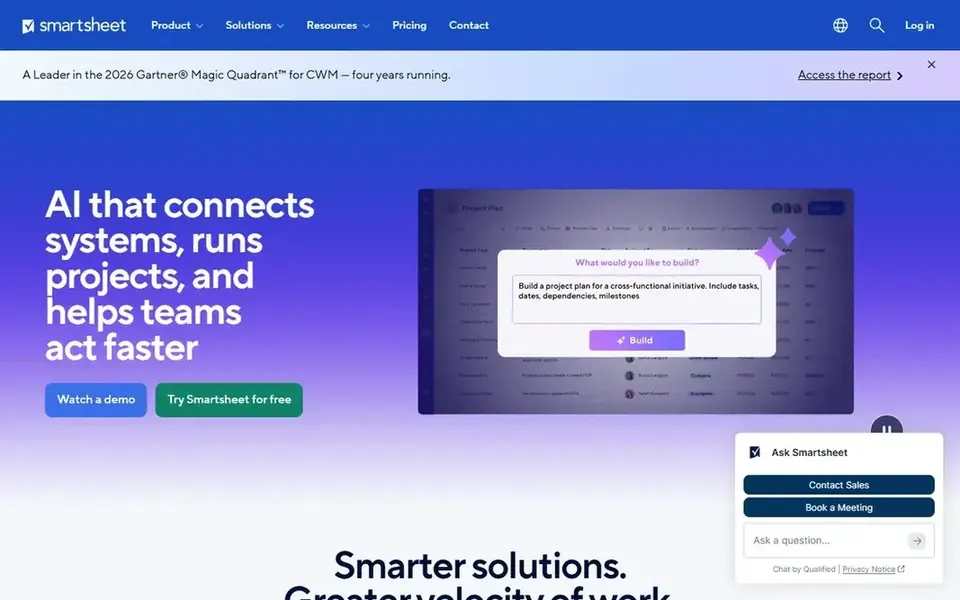
For enterprise work execution with governance, Smartsheet is a natural candidate. Smartsheet is an execution hub for enterprise work, where people and AI collaborate with the governance and visibility that large organizations need. It merges project management with database-like features, making it a good match for enterprises that require to track and automate work at scale.
Where it is weaker: Less concentrated on pure database features.
Small teams or those seeking a straightforward desktop database might find it complex. On top of that, for dedicated desktop databases, consider Microsoft Access or FileMaker. Smartsheet is geared toward enterprise work management instead of pure database creation. Smartsheet cost at the entry level: $12 per Member/month. Free options: Not stated. Reasons to shortlist it: Scalable for enterprises.
- Solid governance and visibility
- AI-assisted work management
- May be overkill for small teams
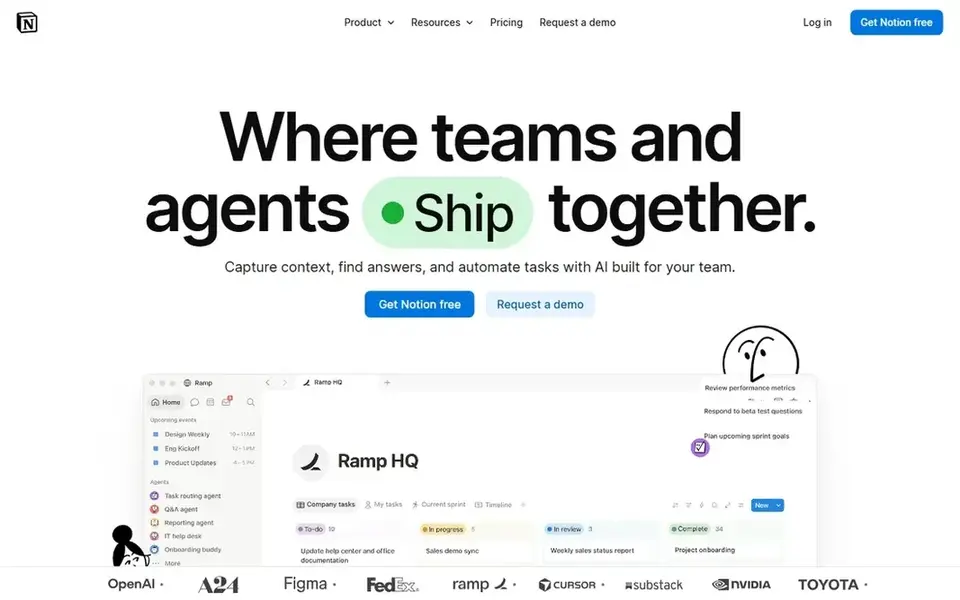
Notion is aimed squarely at all-in-one workspace with AI agents. It lets teams to build custom agents, search across connected apps, and automate busywork.
It suits teams looking for a unified workspace where data and collaboration converge. What you pay to start with Notion: $10 per member per month. Notion offers a free plan.
Watch-outs: Can become complicated for large datasets.
- Merges notes, databases, tasks
- Adaptable and configurable
- Offline access is restricted
FileMaker is aimed squarely at low-code custom app development. FileMaker may need some development effort to completely use its features, and it can be more costly than more straightforward tools.
Points against: Can be expensive for small teams.
Price to start with FileMaker: $22 per user per month. There is no free plan with FileMaker.
- Works across desktop and mobile
- Builds custom apps
- Needs some development knowledge
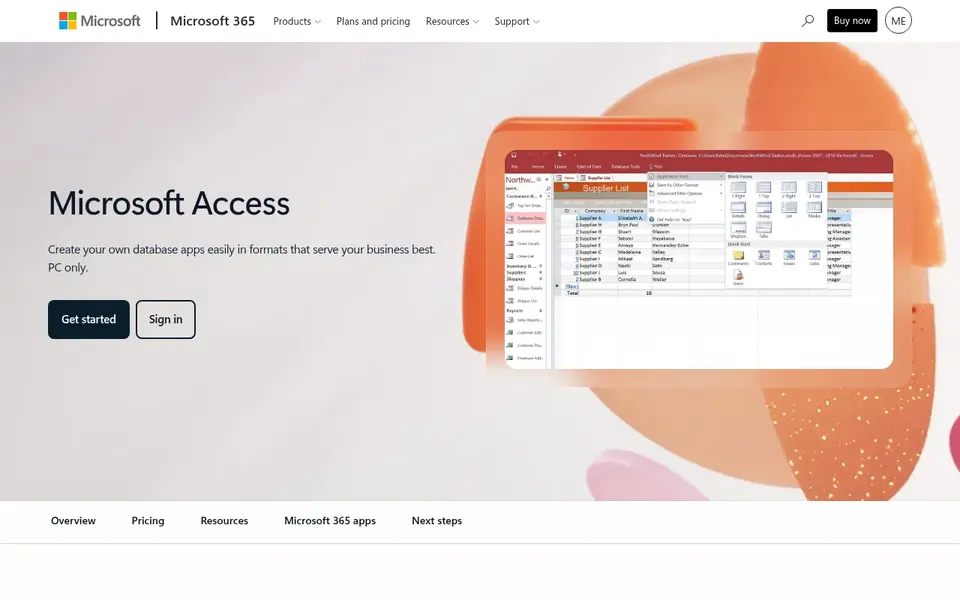
Microsoft Access was built for traditional desktop database creation. Microsoft Access is a desktop database software that lets you rapidly build databases and configurable database apps. It is well-suited for users who require a local, offline database option and are already familiar with the Microsoft Office ecosystem.
Access has restricted AI capabilities compared with newer cloud-based tools. If you need AI-driven automation, consider Airtable or Notion. The starting price for Microsoft Access: $18.00 per user per month. Trial and free access: Free trial.
What to check first: Needs Microsoft 365 subscription.
- Builds desktop databases rapidly
- Familiar Microsoft ecosystem
- Restricted AI features
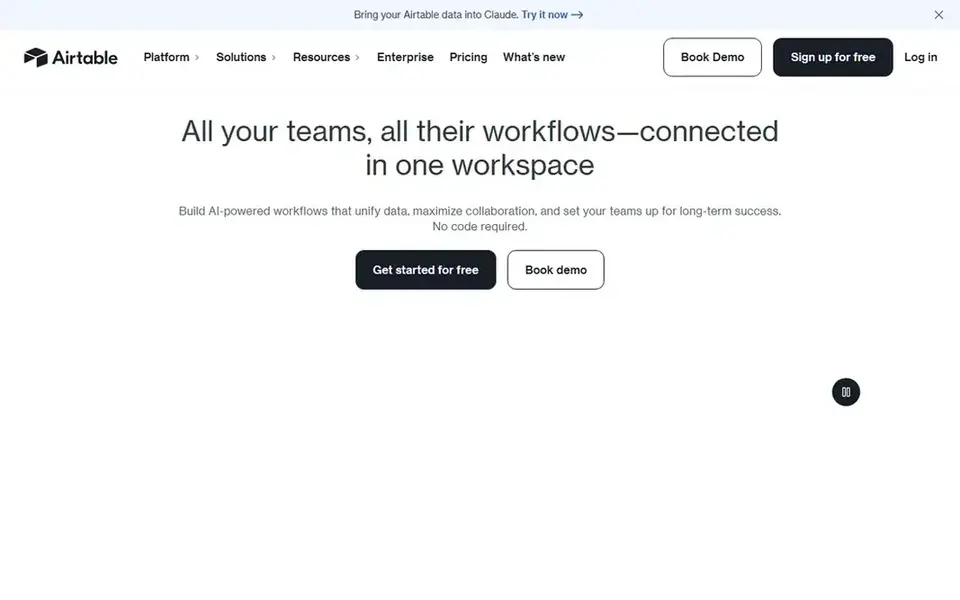
In short, Airtable is for teams needing AI workflows and automation. It supports AI workflows, apps, and agents, making it a good match for teams that want to automate repetitive tasks and simplify business processes.
Starting cost for Airtable: $20 per user per month. A free plan is available with Airtable.
The main drawbacks: May need learning for advanced features.
- Supports AI-powered automation
- Merges database and spreadsheet views
- Restricted offline capabilities
How we chose
For each of the 5 tools we noted price, free plan or trial, fit for AI desktop database software and the main limit, using vendor pages and documentation. Figures are shown as the vendors publish them. Billing terms, seat minimums and add-ons can change the real cost. Tools are placed by general fit for AI desktop database software, with price clarity and free access as tie-breakers. A different team can reasonably rank them differently.
Before you commit
- Prices are a starting point; Notion shows $10 per member per month to start, so verify what your seat count would cost.
- Look at free plan limits closely: Notion and Airtable have one, and the caps decide whether it is usable for real work.
- Take the trial from Microsoft Access and push a live task through it before you pay.
- Read the limits listed for Smartsheet first: may be overkill for small teams.
- Price Microsoft Access for your actual team size; headline prices rarely include add-ons or overage.
- Ask Smartsheet how an export works before you move any records in; an easy exit lowers the risk.
Frequently asked questions
Can I use these tools offline?
Microsoft Access and FileMaker are primarily desktop-based and can work offline, whereas most others are cloud-based and need an internet connection. Check each tool's documentation for specific offline capabilities.
What is AI desktop database software?
AI desktop database software merges traditional database management with artificial intelligence features to automate tasks, create insights, and simplify workflows. It can be installed locally or accessed via the cloud, based on the tool.
Do these tools publish their prices?
Yes. Every tool from Smartsheet to Airtable shows a starting price, though seats, add-ons and billing terms still change the final cost.
How do I choose between Microsoft Access and FileMaker?
Microsoft Access is a strong match for users who need a straightforward desktop database within the Microsoft ecosystem. FileMaker supplies more advanced custom app development with low-code and AI features, making it right for firms with specific application needs.
What is the cheapest option for AI desktop database software in this list?
On published monthly entry prices, Notion is the lowest here at $10 per member per month. Entry price is only part of the cost, because seats, add-ons and billing terms can change the total. Each of the 5 options in this AI desktop database software guide has its own card above with the price, free plan and limits.
Which options for AI desktop database software have a free plan?
On this list, Notion and Airtable include a free plan. Caps on seats, usage or features are common, so test the free plan against your real workload. One other tool offers a trial instead.
Sources
See where you really rank - block by block
ProMapRanker scans Google Maps across a grid of your service area. Simple monthly plans from $19, white-label on every plan.
Start freeBrowse all guides
← Best AI Coding Tools for Developers: 2026 Prices and PicksBest AI Php Developers Software in 2026 →
 best ai chat testing platforms
Best AI Chat Testing Platforms in 2026
5 best AI chat testing platforms, with entry costs, free tiers and the buyer each one serves. The weak spots sit next to the strengths. See which fits.
Read → best cloud database platform for ai agents
Best Cloud Database Platform for AI Agents (2026)
6 best cloud database platform for AI agents, with entry costs, free tiers and the buyer each one serves. Short, factual notes on every option. Start here.
Read → best ai node.js developers software
2026 Guide to the Best AI Node.js Developers Software
Comparing the best AI node.js developers software? 5 contenders, each with entry cost, free tier and best-fit buyer. Short verdicts, no fluff. Prices checked.
Read → alternatives to ahrefs api
Alternatives to Ahrefs API in 2026
Compare alternatives to Ahrefs API for backlinks, keywords, SERP data, and rank tracking, with pricing models for developers in 2026 today. See details.
Read → best data scraping tools for web automation
Best Data Scraping Tools for Web Automation in 2026
We compared the best data scraping tools for web automation in 2026, covering code, no-code, APIs, and lawful collection for data teams in full detail.
Read → best ai coding tools
Best AI Coding Tools in 2026
Compare the best AI coding tools in 2026, from GitHub Copilot and Cursor to Claude Code, with current pricing, free plans and honest trade-offs for developers.
Read →More in Developer Tools · All guides A to Z by date · Latest guides